APK Editor (RE-Build APKs and More) #138

Description

Describe the feature
Basically an option to edit each part (manifest, files, data, etc.) of an app or apk/apks file, etc.
Describe the solution you'd like
It would be great if this were similar to what is seen in the APK Editor PRO app. This app has several useful features.
Describe alternatives you've considered
It would be great if this were divided into three options:
- Common Edit
- Full Edit
- Edit Data
All these options would be the same as what is seen in the APK Editor PRO. (See the "Additional context" section to learn what these options look like)
Related issues
#6, #14, #36, #116, #165, #176, #141 and #222 (There are probably more issues but I have not found them).
Additional context
APK Editor PRO features
| Feature | Description | Example 1 | Example 2 |
|---|---|---|---|
| XML File Edit | Basically the xml files of the apk can be edited (This is included in Full Edit mode) |
 |
 |
| Common Edit | Basic parts of AndroidManifest.xml can be edited (This is included in Full Edit mode but still worth having a separate tab for this) |
 |
|
| Simple Edit | Just an option to replace the apk files (This is included in Full Edit mode) |
 |
|
| Full Edit (Resource RE-Build) | In this option everything can be changed, from AndroidManifest.xml to .smali files. It is possible to edit the file codes, replace them, delete them, edit permissions, etc. |
Full Edit home 1  |
Full Edit home 2  |
| Manifest Editor | Anything from Manifest can be changed here (A piece of Full Edit mode) |
 |
|
| Permissions Editor | This is in the manifest editor tab (A piece of Full Edit mode) |
 |
 |
| Strings Editor | Strings of any language can be edited and other strings can be added (A piece of Full Edit mode) |
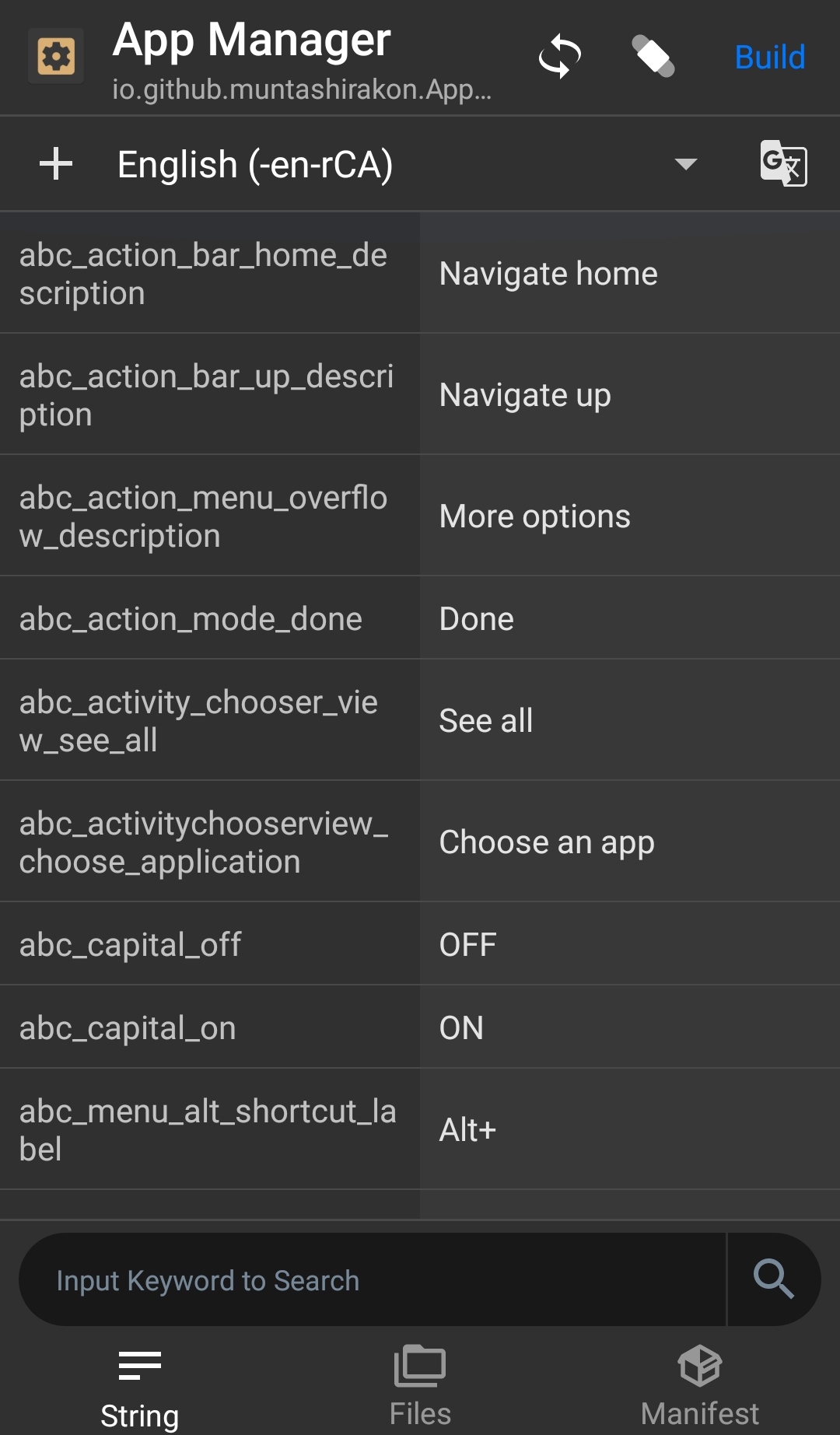 |
|
| Smali Editor | Edit .smali files (A piece of Full Edit mode) |
 |
|
| Edit Data (Root) | Edit database, preferences, etc. of already installed apps |  |
Developement Info
Features (In the order of implementation):
-
1. [Added via a6a21a0]
Signing apk: For edited apks, signing with a key is mandatory. But many people wants to sign existing apks as well (there will be an option in settings for that). AM will allow user to use their own signing keys instead of just the test keys. -
2. Explore apk: Basically see and explore through the apk files.
-
3. Decompile apk: An option to decompress the resources and the dex files and save them in a specified location. There will be a meta file along with the files which can be used to recompile the project again.
-
4. Recompile apk: After editing the files with the editor of your choice, you can recompile the project by importing it.
-
5. Manifest editing: Option to edit the app manifest.
-
6. Smali editor: A text editor will be added to allow users to edit the smali files.
-
7. Resource editor: A slightly advanced editor to edit resource files.
Tools (There will be some one-click special tools):
-
1. App cloning: Changing package name in one click. Unfortunately, this will not work for apps that doesn't use unique names for
authority. -
2. Remove tracker components: Removing the tracking signature from the App Manifest. This may result the app to crash.
-
3. Remove app permissions: Since normal permissions can't be removed, this is the only way to remove these permissions.
Future Plans (May never see daylight!):
- 1. Support for patches: Apart from the patch schema developed by the author of APK Editor, AM can store patches for the apk files (using version control system such as git) to allow users to apply them again in future. This could be helpful (but not always reliable) for the modified apps if they need an update, in which case AM will decompile the apps, apply the previously saved patches, compile and sign them before displaying the install screen. This way the user doesn't have to skip updates.