Breakdown Automation into Issues/Stories #16

Description

This document outlines the current manual step process to begin a new climate aware website formerly known as a druid.
The ultimate goal will be to have the Climate Warrior app carry out all this supporting both rollthecloudinc and any other accounts with repo write access. Owners will maintain their own orgs repositories. One click to a modern hosted website free from scope 1,2,3 emissions is the long term goal.
Repository
Initialization
- Create source code repository from spearhead template repository.
- Create new branch dev
- Create dev objects repository from spearhead-objects template repository.
- Create new dev branch
- Create prod objects repository from spearhead-objects-prod template repository
- Create build repository
- Create new dev branch
The automation process should be capable of supporting other modern, mvvm framework starter kits as well NOT just SPeaRhead.
References:
- Create new repository from template repository using REST API. https://docs.github.com/en/rest/repos/repos#create-a-repository-using-a-template
- Example in Python using REST API to create new branch. https://gist.github.com/auwsome/123ae1f493dfd9b08434
Architecture:
- Site Entity Adaptors
- Spearhead | SpearheadSiteEntityAdaptor
- Other MVVM framework starter kits
- NuxtSiteEntityAdaptor
Do we really need separate adaptors. Could just have one adaptor with a config for the template repo to copy. Each separate starter site would be different repository template.
Site Customization
SPeaRhead
Environment Files
The below environment files need to have "spearhead" replaces with the site name. Also "rollthecloudinc" needs to be replaced with the owners repository name.
- environment.dev.ts
- environment.prod.ts
- environment.ts
It would be better to exclude these files and write them using the Github rest api instead.
The clientSettings redirect_uri and silent_redirect_uri also need to be changed to the proper prod domain.
These files can be added to the zip and used with golang templates to fill in dynamic content. Just like what is done with the elastic search and CQL templates.
App Component
The title needs to be changed or better yet add it to the environment pull from there.
Theming
Favicon
User can provide favicon.
Security
Access Token and Repository Secret
Create owner/org access token and add as secret that will be used for Github actions.
Anything under rollthecloudinc doesn't require this since one has already been created RTC_GITHUB_REGISTRY under the org. However, executing a rtc workflow from outside the rtc org will require one.
- Github app needs permission to create new access token for owner
- Github App needs permission to create owner secret using access token.
Bidirectional Write Access
The SITE repository needs to be able to write to the BUILD repository to deploy the site. The BUILD repository is what contains the static assets that are hosted on the cloud vendor of choice.
Create ssh deploy key.
ssh-keygen -t ed25519 -C "emailaddress"preferred name: id_github_SITE_build
Copy PUBLIC key to clipboard.
pbcopy < id_github_SITE_build.pubAdd copied SSH key to setting inside BUILD repo.
Copy private key.
pbcopy < id_github_SITE_buildUse private key as environment secret for SSH_DEPLOY_KEY variable below.
Once secrets and environment variable below os created keys don't need to be retained since new ones can always be generated.
Resource Permissions
Rows need to be created inside resources2 key spaces table to allow write access to dev and prod objects repositories. The key spaces governance model is an additional safety measure in place to prevent bad actors.
HEDGE Store now implicitly grants owners write permissions to their repos. Rows inside resources2 will only be required for other users that require write access to repos outside their name on Github.
Variables
Site Environment
environments:
- dev
- prod
| Name | Value |
|---|---|
| ENVIRONMENT_NAME | dev or prod |
| OBJECTS_REPO | owner/repo |
| TARGET_BRANCH | master or dev |
Site Repository
Global repository environment variables.
| Name | Value |
|---|---|
| DESTINATION_REPO | repository (no owner) – implicit to rtc at the moment. Will need to make more flexible. |
| DESTINATION_USER | repository user (no owner) – optional defaults to rollthecloudinc when not provided. |
| SSH_DEPLOY_KEY | Private ssh key for write access from main repo to build repo. |
Build Environment
| Name | Value |
|---|---|
| AZURE_STATIC_WEB_APPS_API_TOKEN | Deploy to Azure static web apps |
Github support with pages default. Azure is a bit more complex to automate.
Hosting
Carbonfreed websites run with high availability, low latency, minimal environmental impact across hybrid cloud CDNs and internet computer although hesitant to offer an unsustainable, blockchain option.
Azure
POST /website/azure
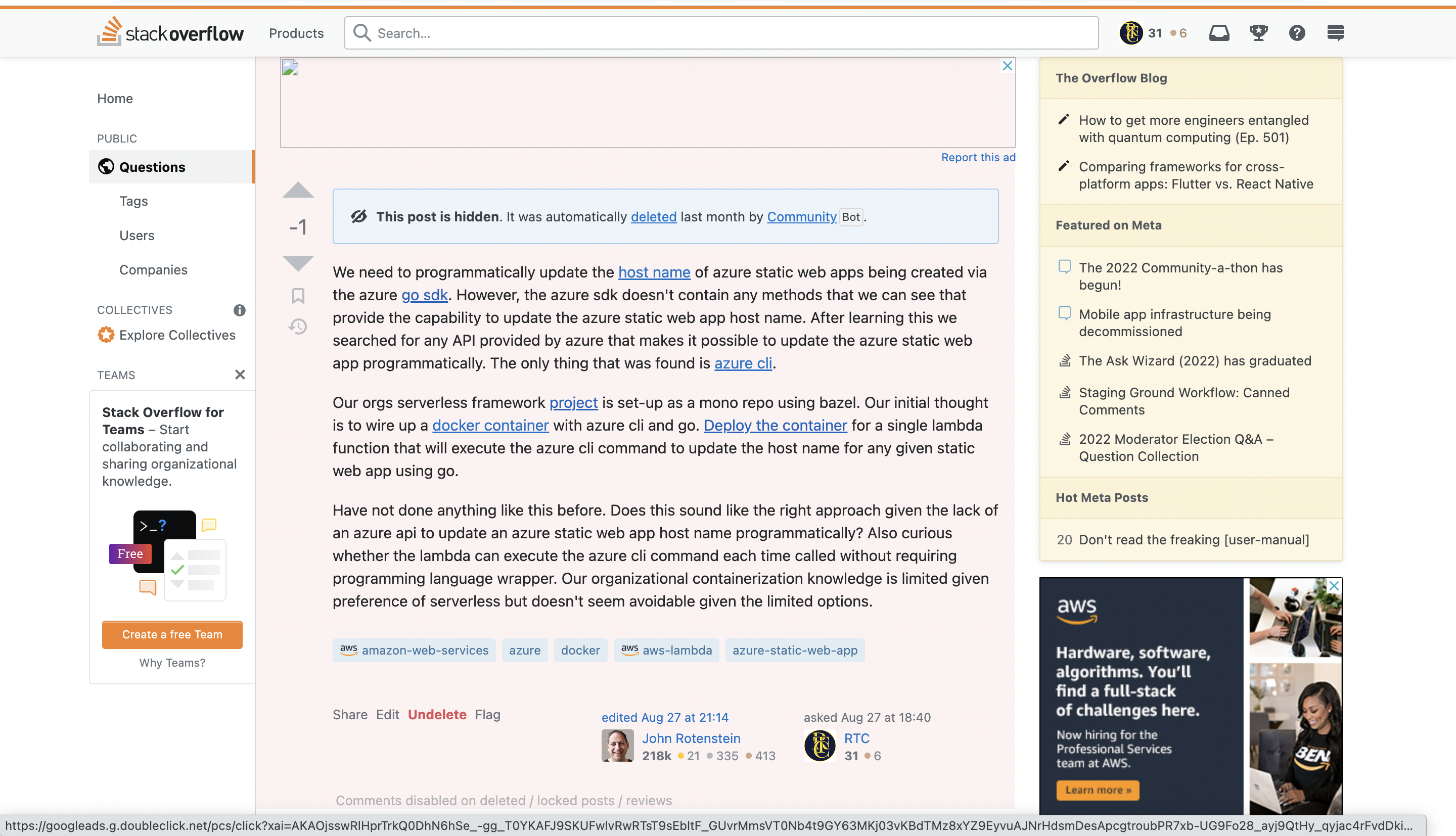
The Azure go SDK can be used to set-up a dev and prod Azure Static Website. The exception is updating the host name. The host name of a Axure Static Web App can only currently be updated via the cli. See blockers section for more details about possible work arounds.
For azure the BUILD also needs two environments set-up: dev and prod. Probably easier to create the build as well from a template repository with the environments already setup and anything else that needs to be configured.
The auto generated workflow file by azure also needs to be removed unless there is a way to create the static app without that file being auto added to the repo.
Github
POST /website/github
We could probably either use Github actions or the rest api. For consistency the rest api might be best.
AWS
POST /website/aws
Cloudfront distribution + s3
Cloudflare
POST /website/cloudflare
?
Internet Computer
POST /website/fleek
?
Blockers
Azure
Static Website Hostname
Azure go SDK nor REST API provides means of easily updating host name.