This is my project of Arch Linux rice installer made using Python, Shell and my config files.
- Easy installation: just run script, select how you like to use your system and wait.
- Compatibility: Works great on any PC or Laptop with Nvidia/Intel/Radeon GPU and any username
- Modular stucture: Everything works in separate files, that makes maintain a lot faster.
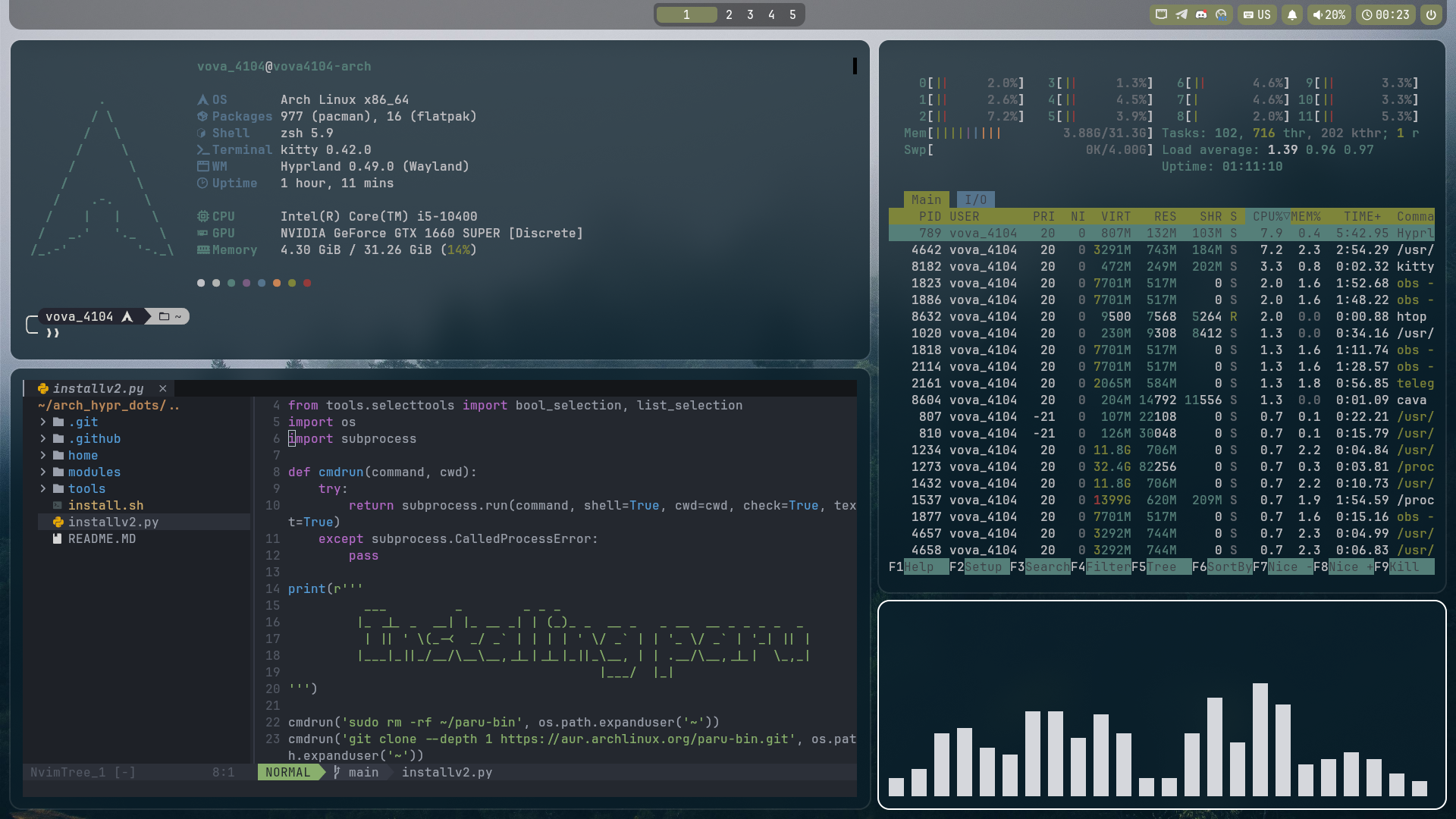
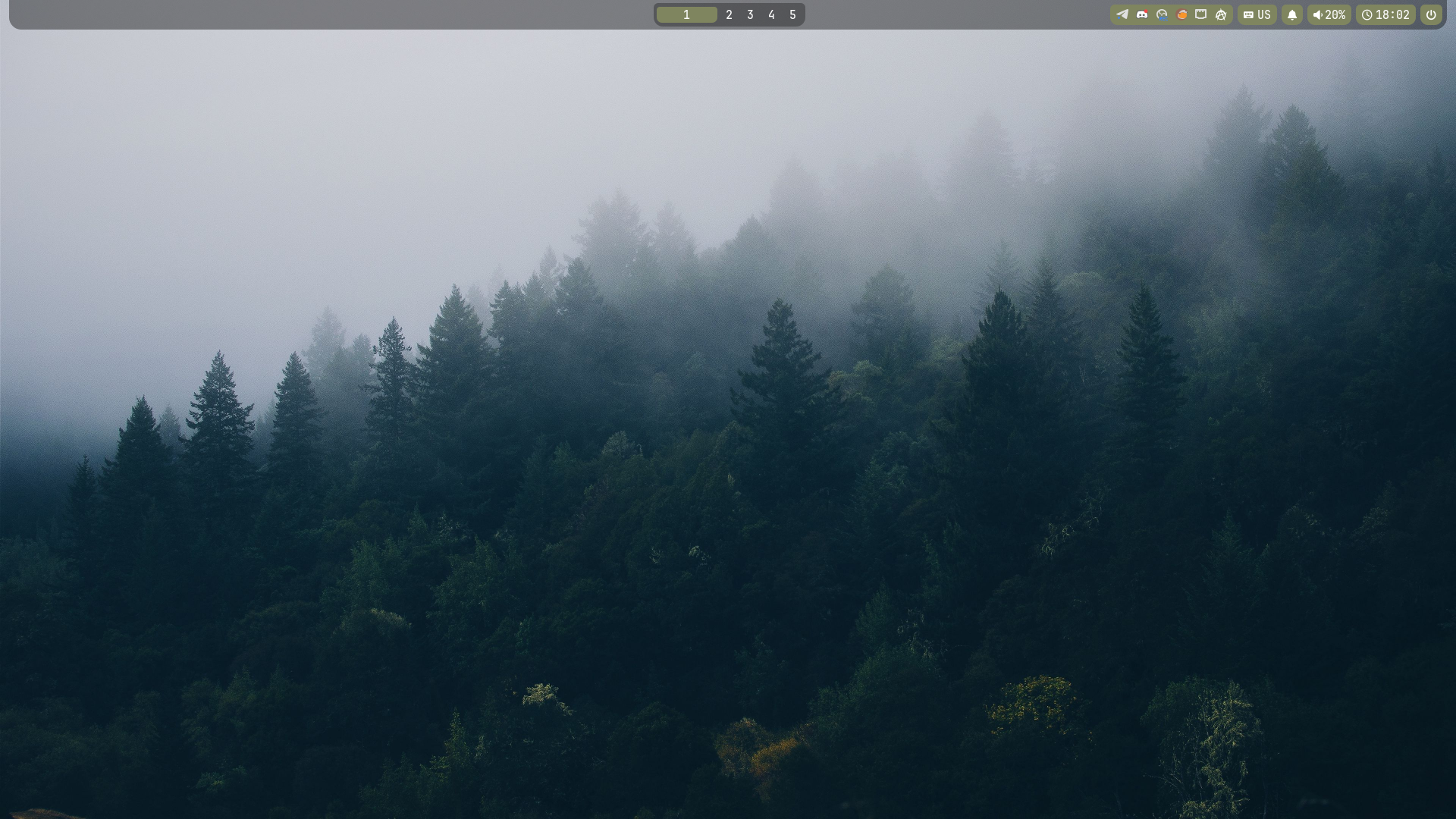
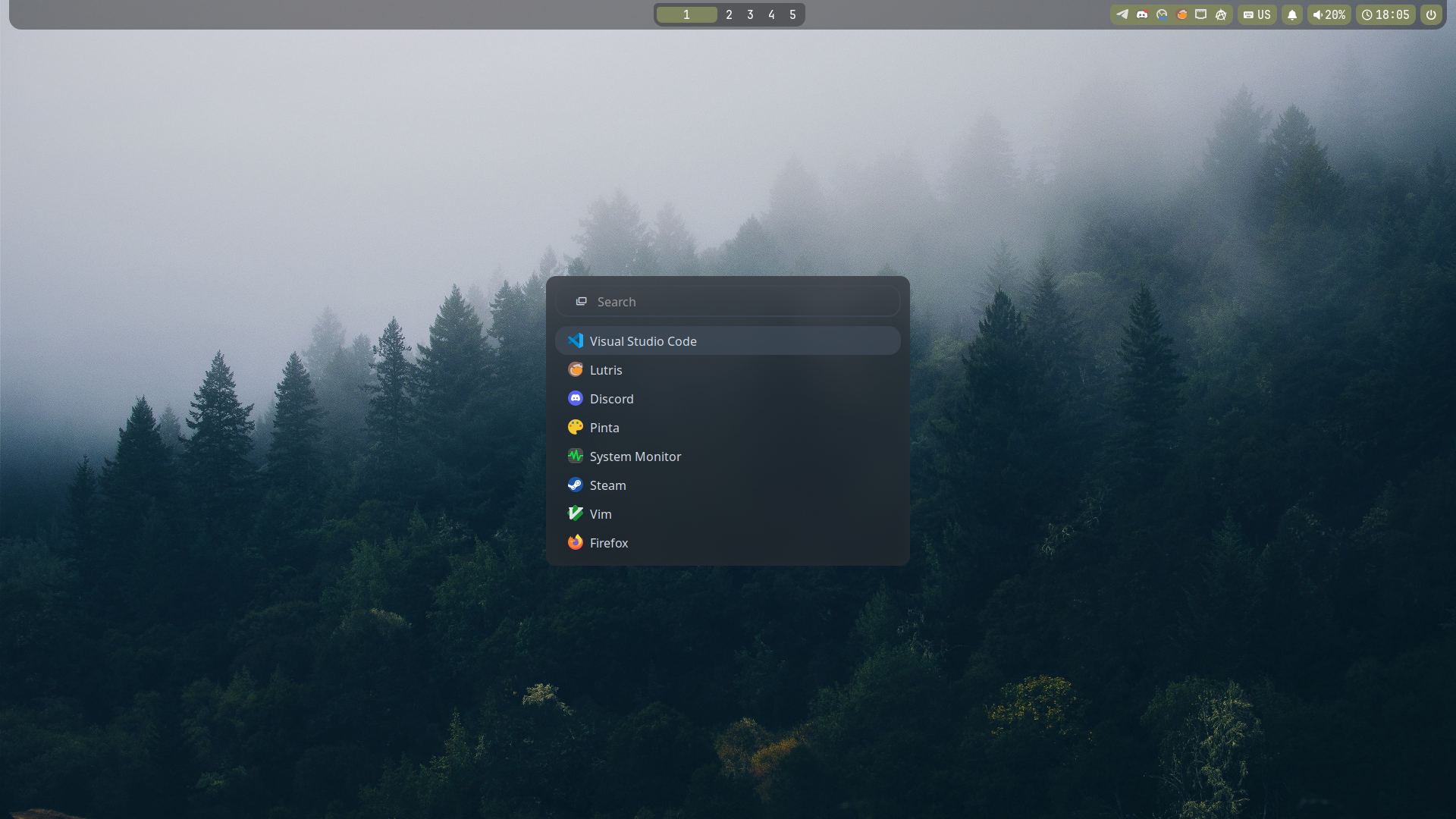
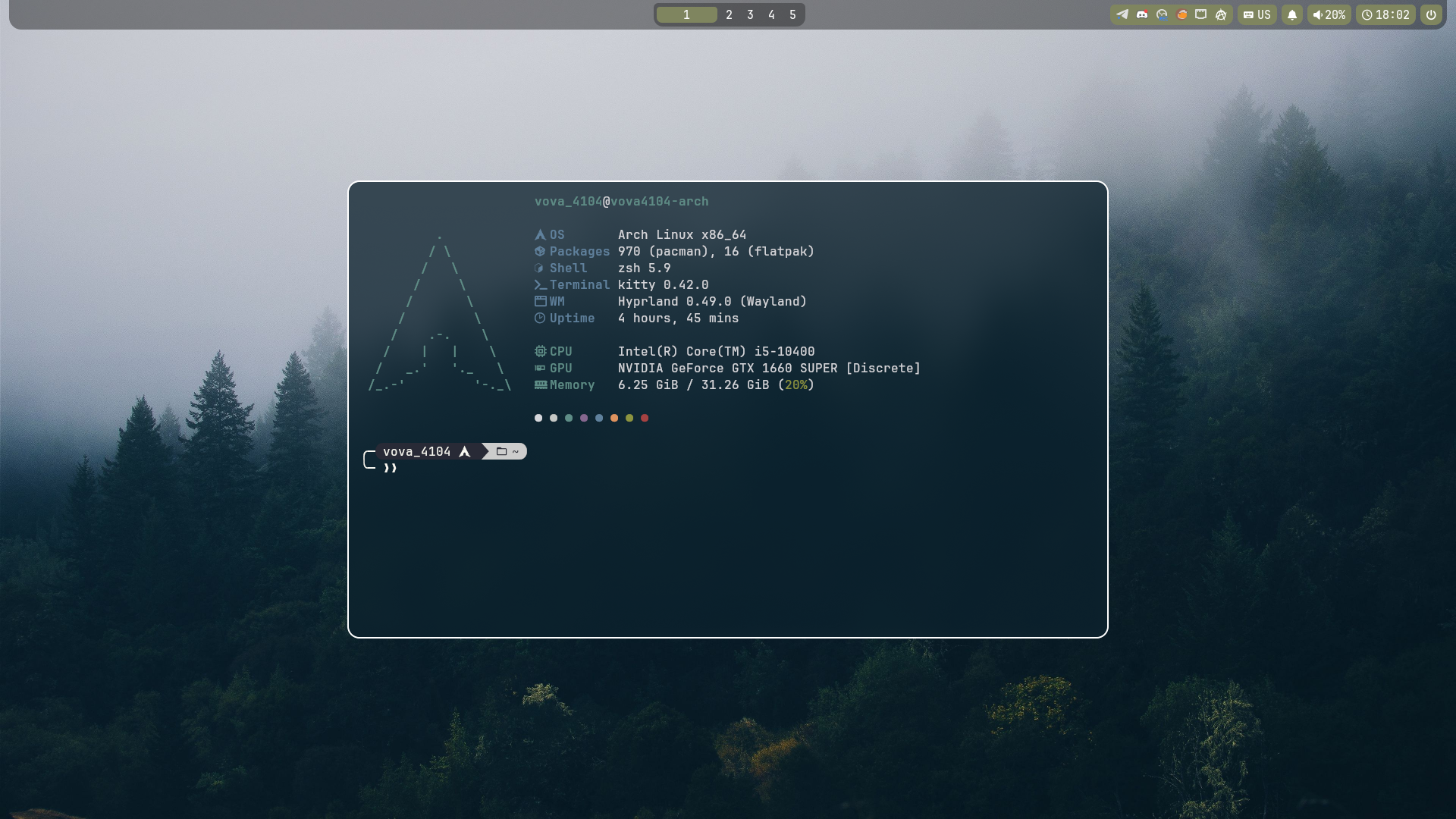

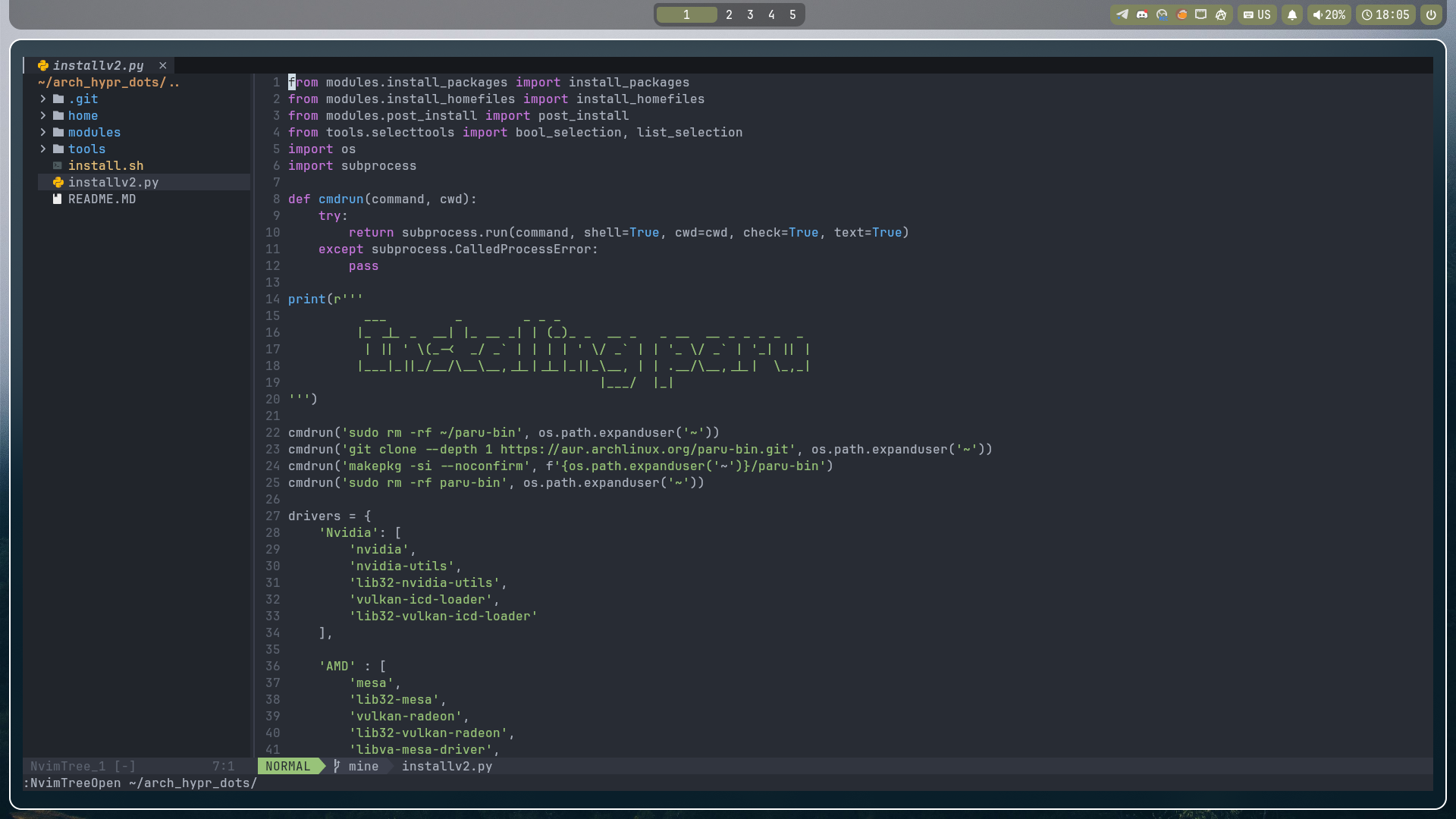
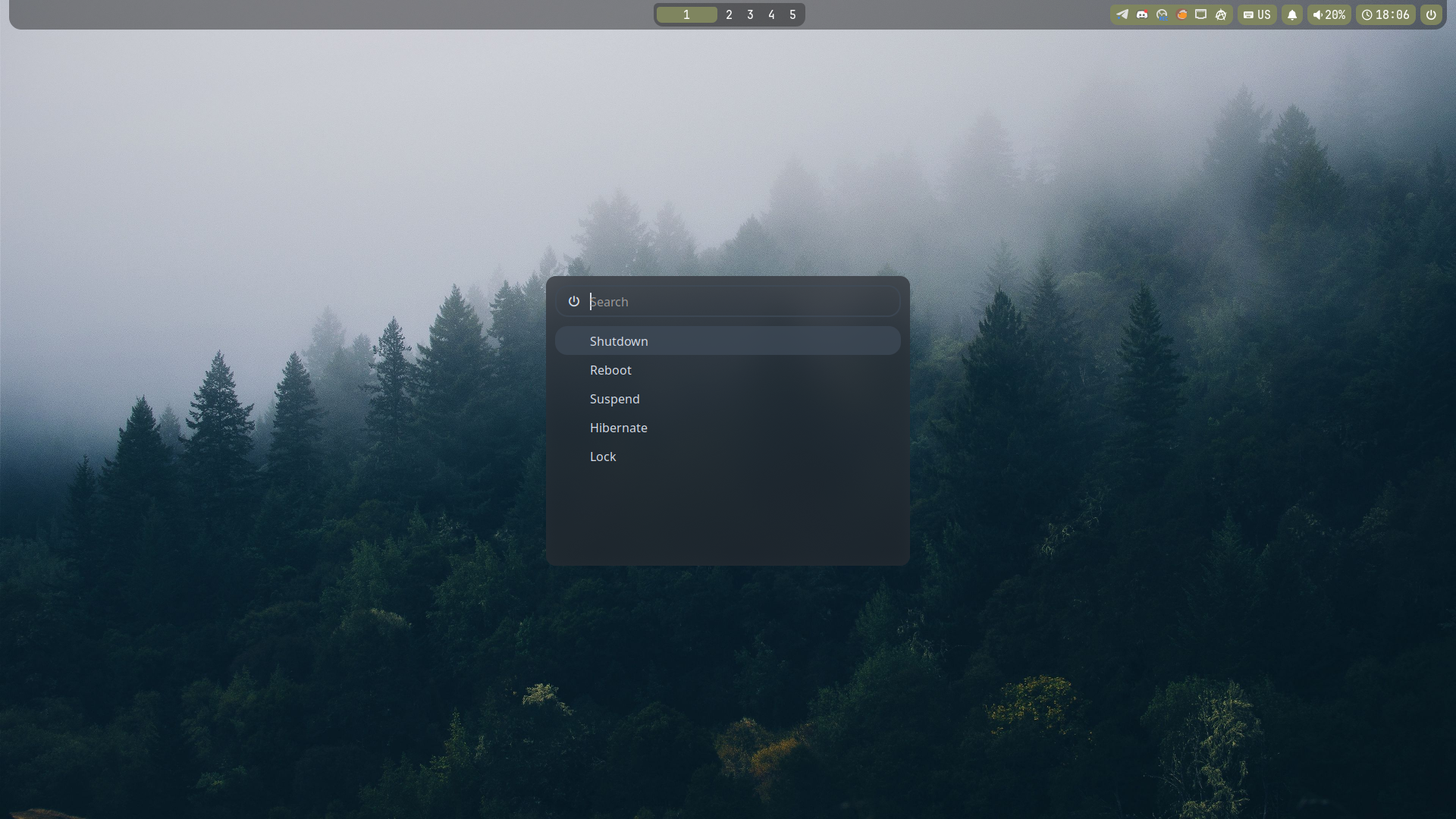
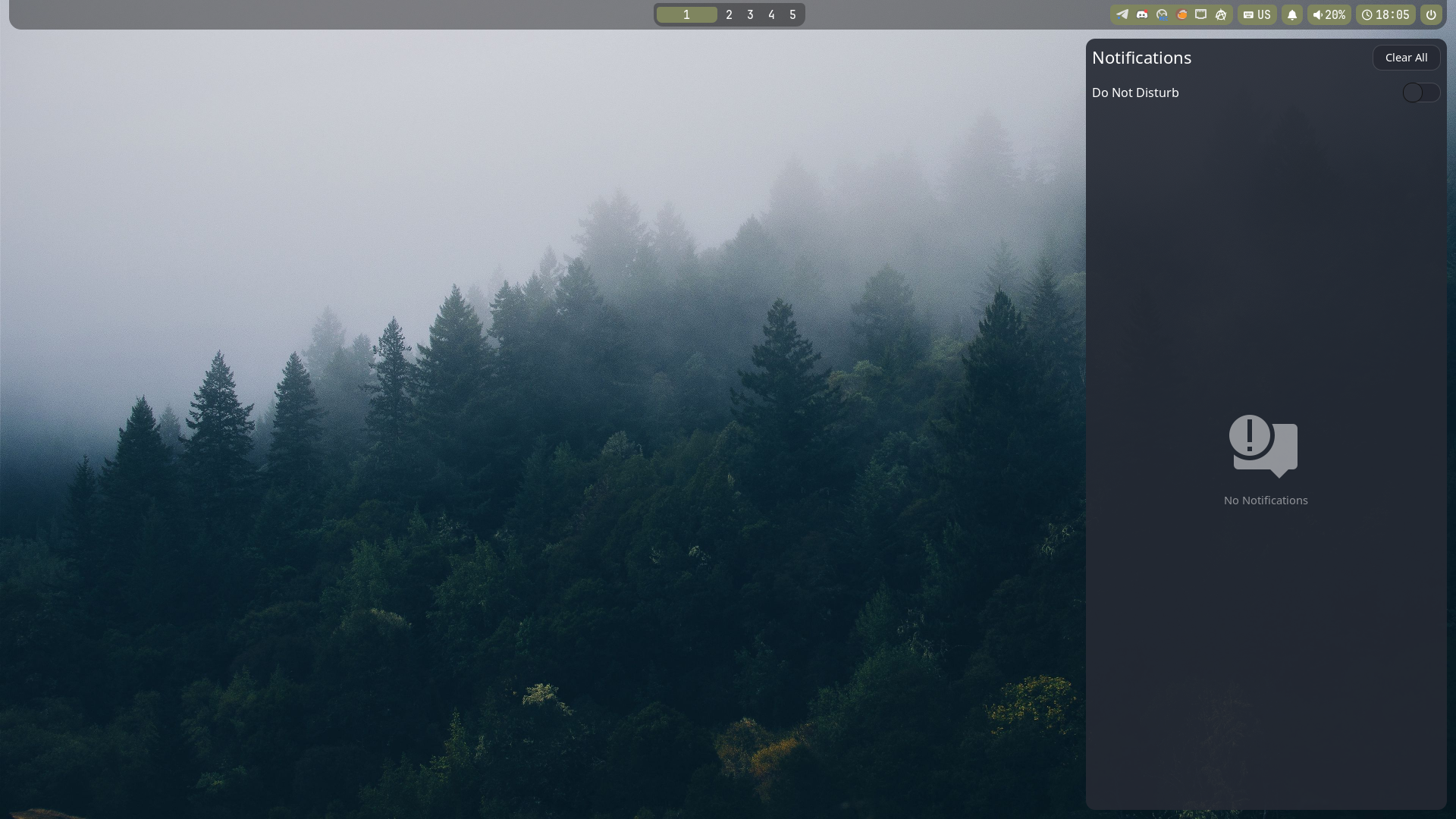
- Window manager: Hyprland
- Display manager: Ly
- Terminal: Kitty
- Shell: Zsh
- Lock screen: Hyprlock
- Walpaper backend: Hyprpaper
- Colorpicker: Hyprpicker
- Screenshot: Grim + Slurp + Swappy
- File manager: Nautilus
- Power menu, app launcher: Rofi
- Taskbar: Waybar
- Notifications: Swaync
- Fetch: Fastfetch
As for now, this installer is only made for Arch and its-based distributions. Support of any other distributions is not planned yet.
- Desktop ✅
- Laptop ✅
- AMD ✅ (not tested)
- Nvidia ✅
- Intel ✅ (not tested)
Installation can take from 10 to 30 minutes with archinstall or 5 to 15 without
sudo pacman -S git
git clone https://github.com/147888sf/arch_hypr_dots.git
Or DEV branch (Very unstable! Usually outddated!)
git clone --branch dev https://github.com/147888sf/arch_hypr_dots.git
sh arch_hypr_dots/install.sh
Then you should enter your password around two times, then select installer preferences and wait.
install.sh script installs python and libs for other scripts. Then it starts installv2.py script which installs Paru-bin aur helper, then asks questions and starts script modules one by one: modules/install_packages.py, modules/install_homefiles.py, modules/post_install.py.
The modules/install_packages.py script install all required packages like hyprland, waybar, gtk and etc. It aslo install GPU drivers.
The modules/install_homefiles.py script copying files from home to ~/
The modules/post_install.py script enables things like DM, fixing user names in config files, enables pipewire and etc
install.sh: python and python libs; initilizng installv2.py.installv2.py: driver list and selection, install parameters, installing paru, initilizing other scripts.tools/selection_tools.py: full screen install parameters selection module.tools/log_tools.py: Logging tools for other scriptsmodules/install_packages.py: list of all packages, installing it.modules/install_homefiles.py: copying files fromhometo~modules/post_install.py: fixing waybar CSS home path, enabling multilib, setting wallapeprs, pipewire & wireplumber services, network manager service, GTK settings, DM enabling, reboot after install
On the main page press Fork button
git clone https://github.com/*username*/*repo_name*
Using any code editor like VSCode or NeoVim change and test everything you want to.
E.G. i want to use Chromium instead of Zen browser. I open modules/install_packages.py file with VSCode, change 'zen-browser' to 'chromium' and save. Also, in `/home/.config/hypr/hyprland.conf i change '$browser = zen-browser' to '$browser = chromium' and save.
Then, to confirm file changes open terminal in your project and exec:
git config --global user.name "Your username for git"
git config --global user.email "Your email for git"

git add . # Add changes to commit
git commit -m "Change log" # commit with description of changes
git push # Push changes to github.
^ This thing will ask for username and passowrd. You should enter your login and github Personal Acces Token
Vova_4104 (AKA 147888sf) - Author, ricer, developer
1nkognit (AKA 1nkognit2) - Co-author, tester