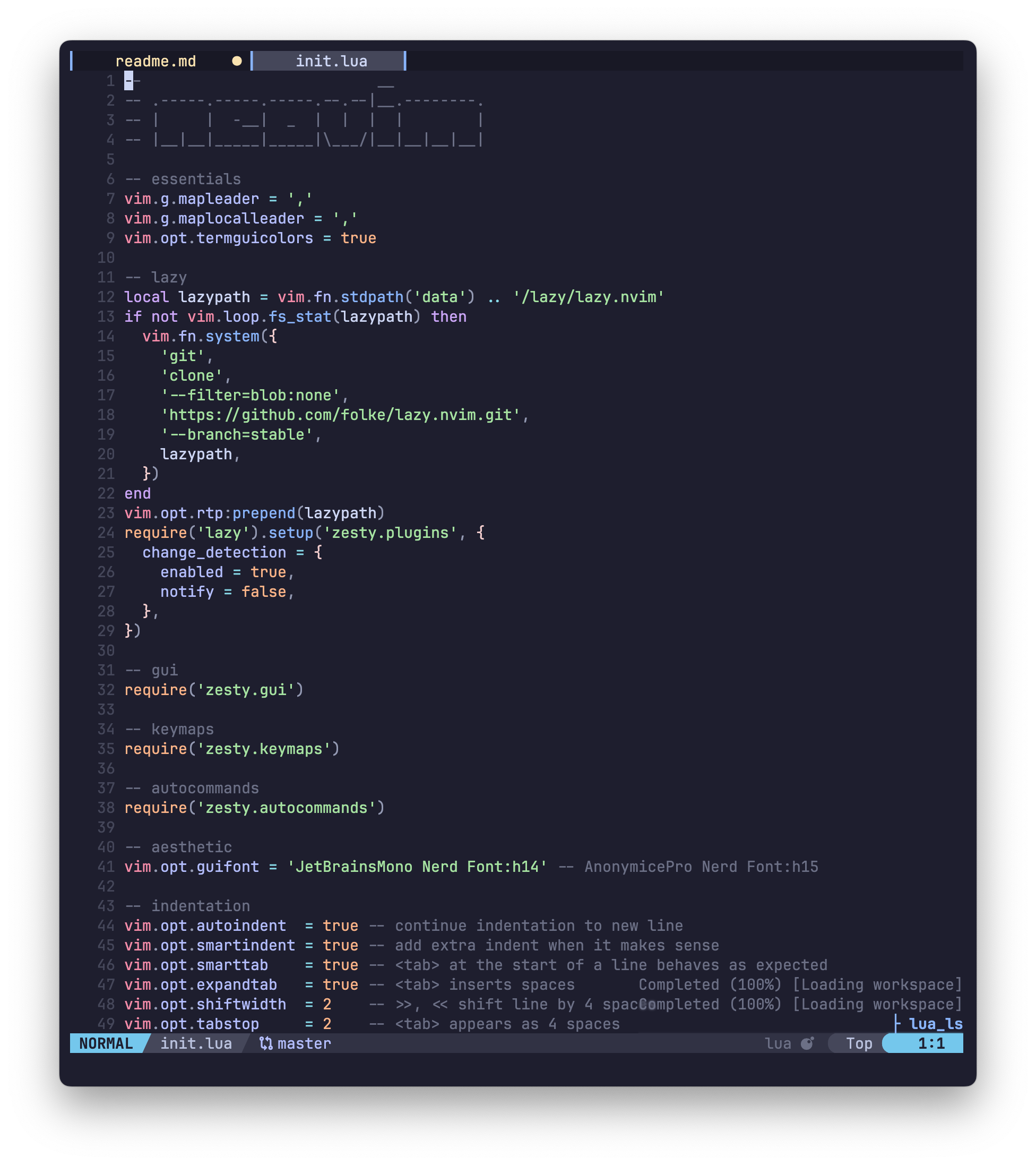
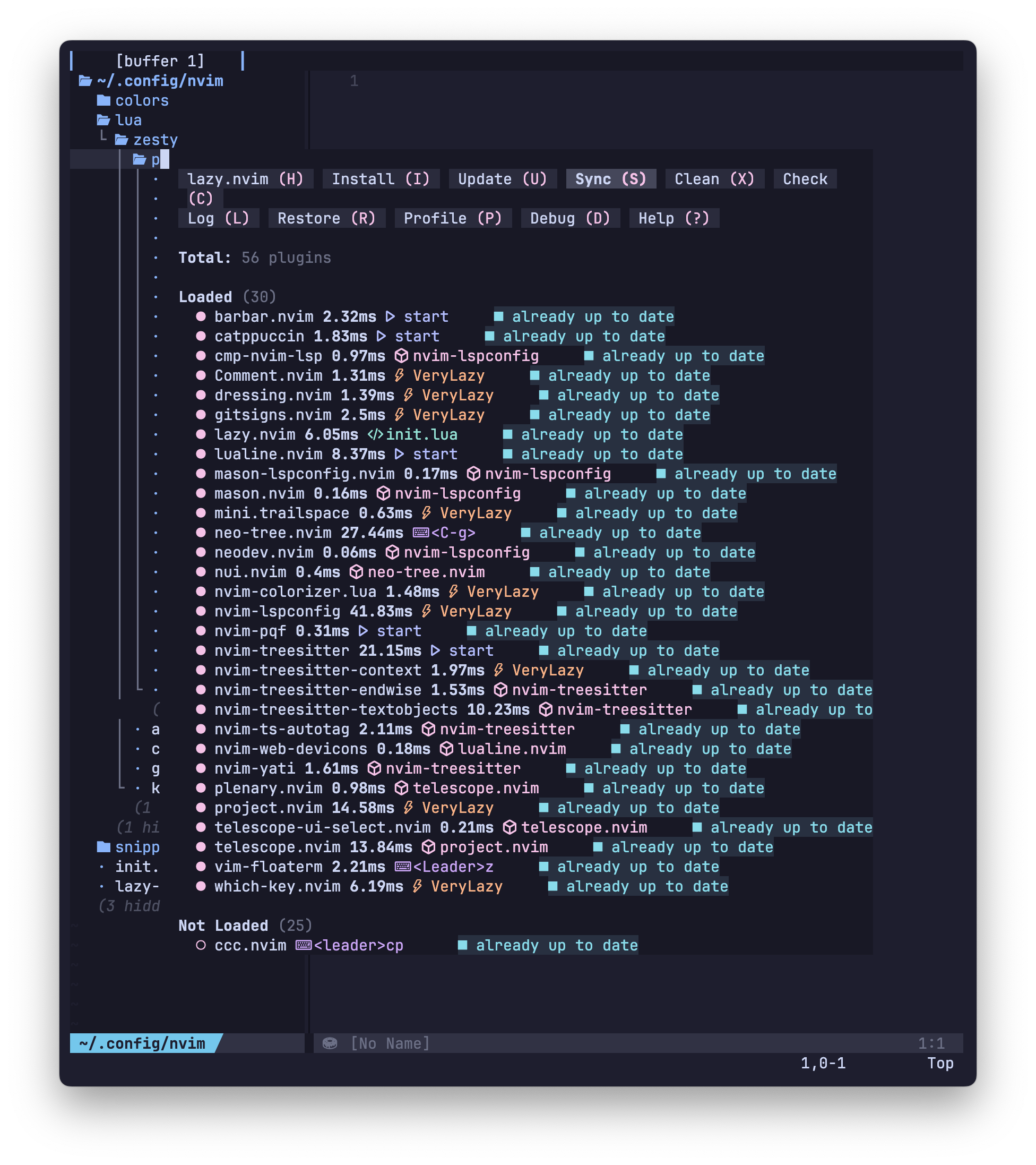
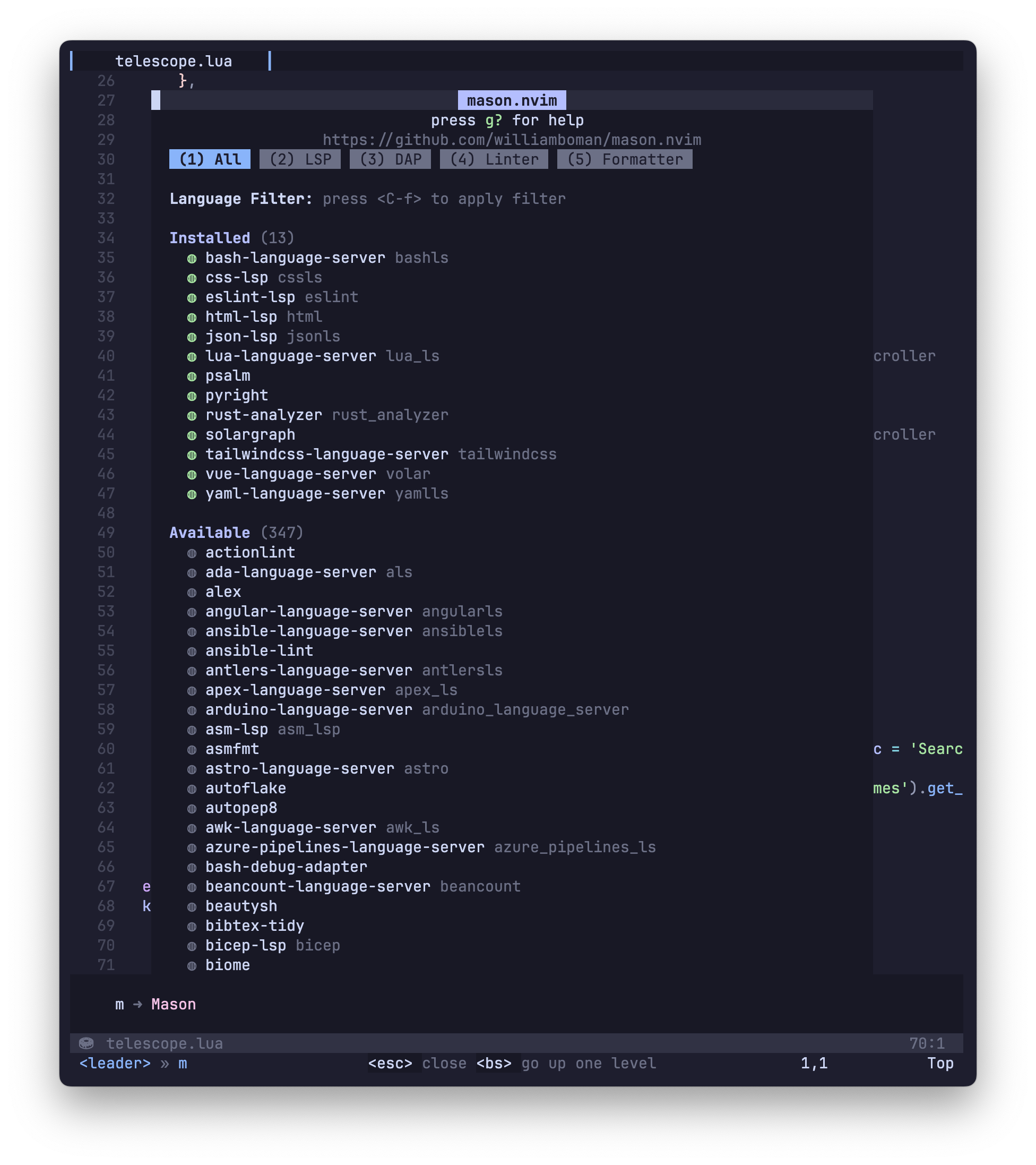
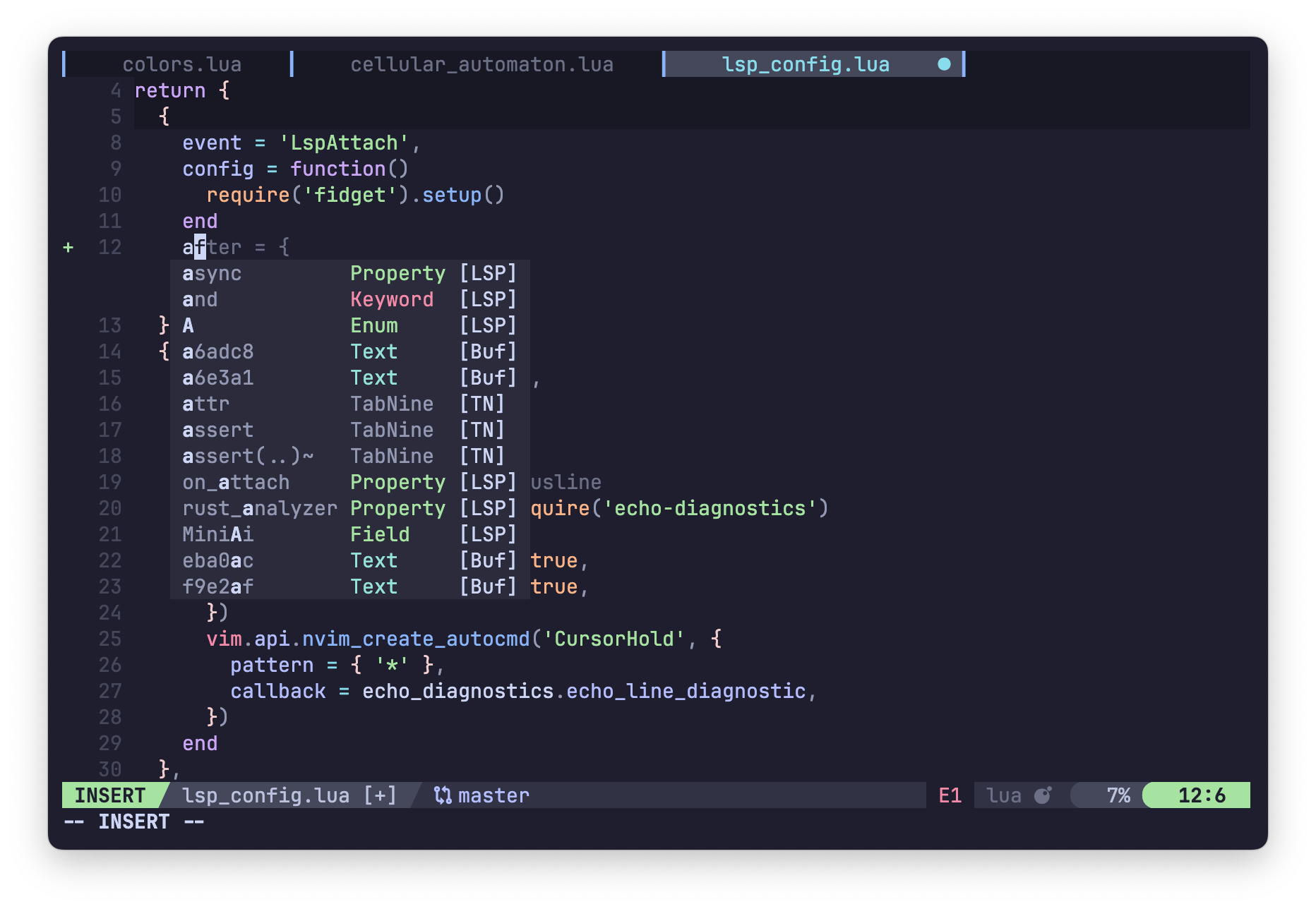
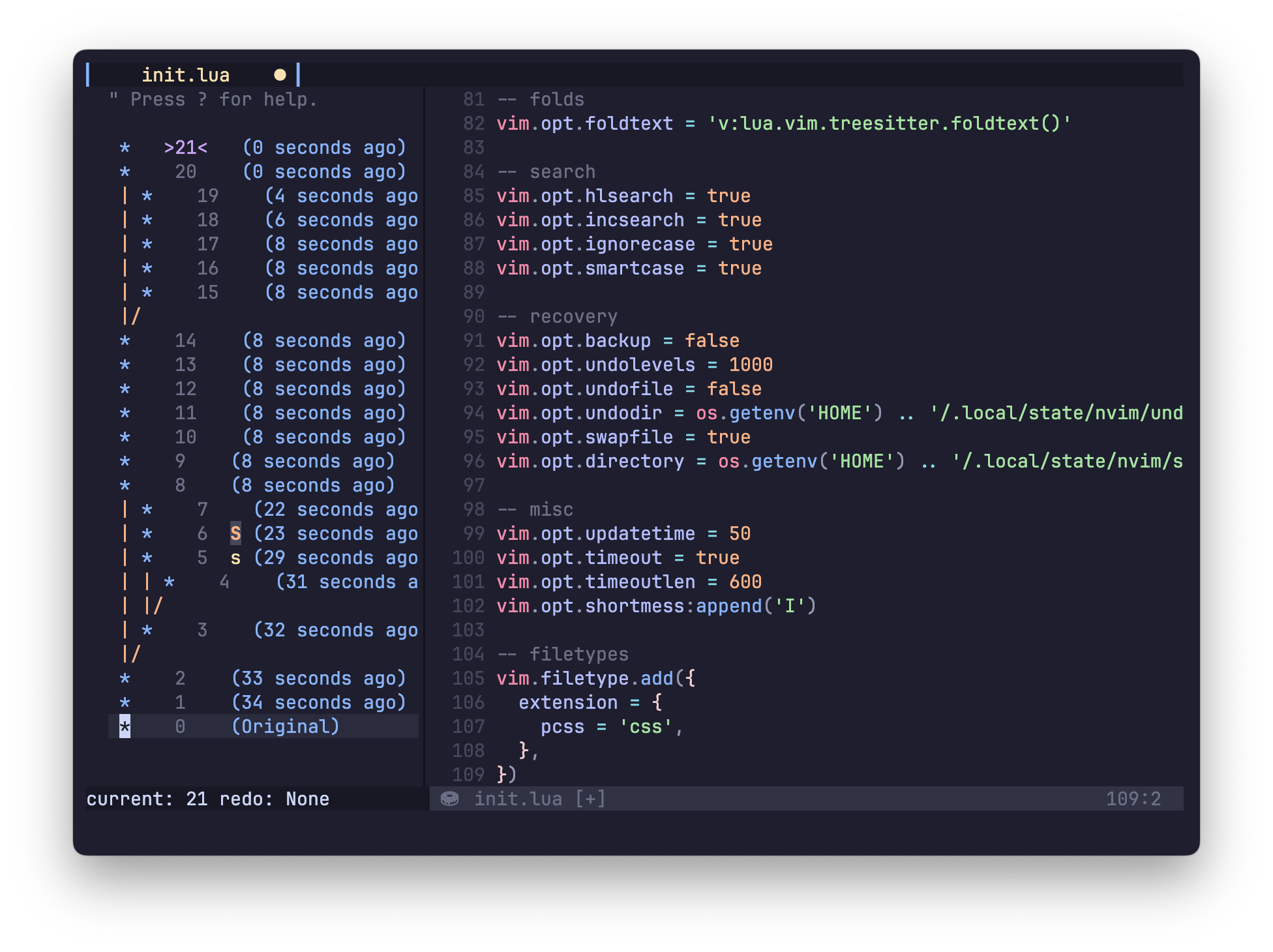
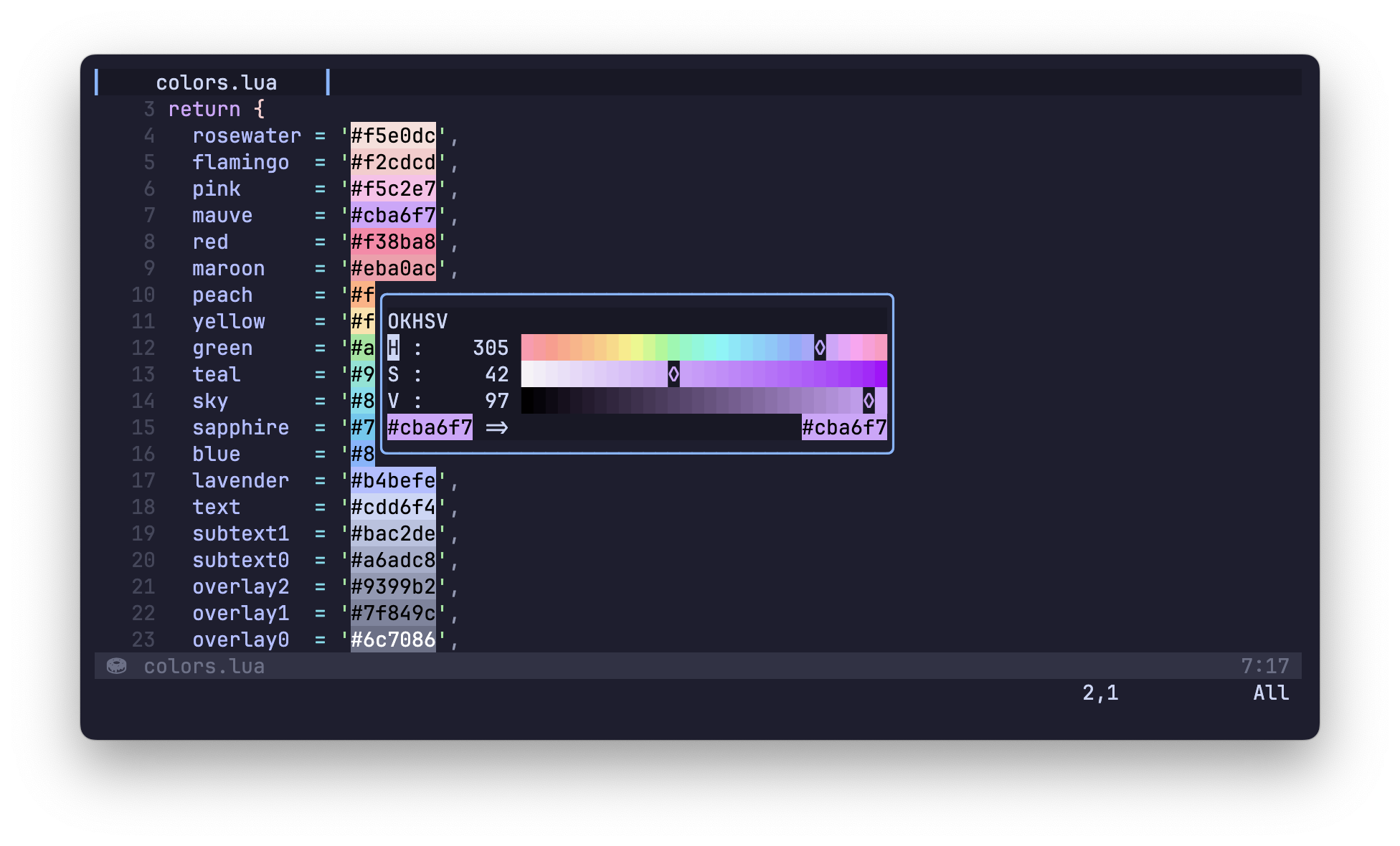
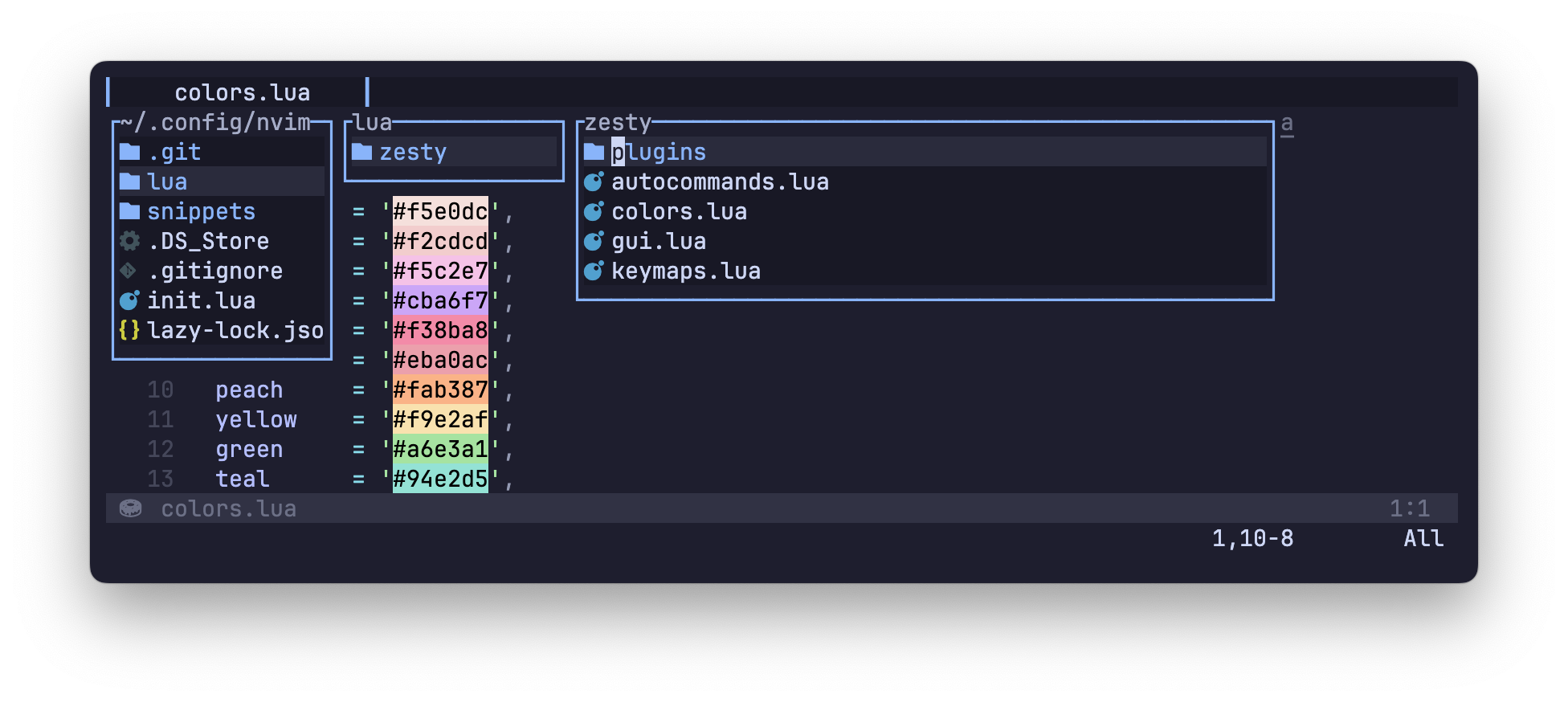
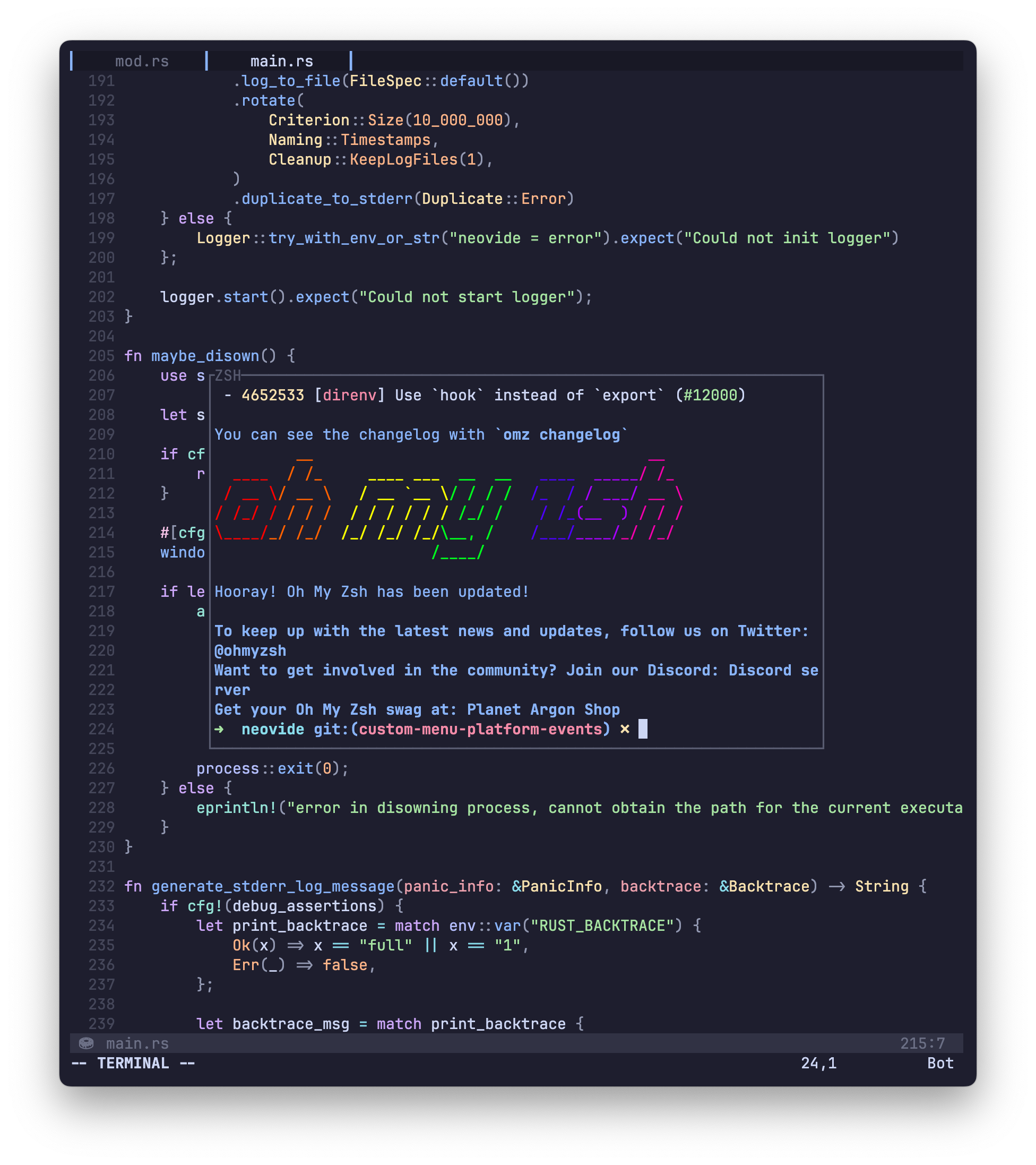
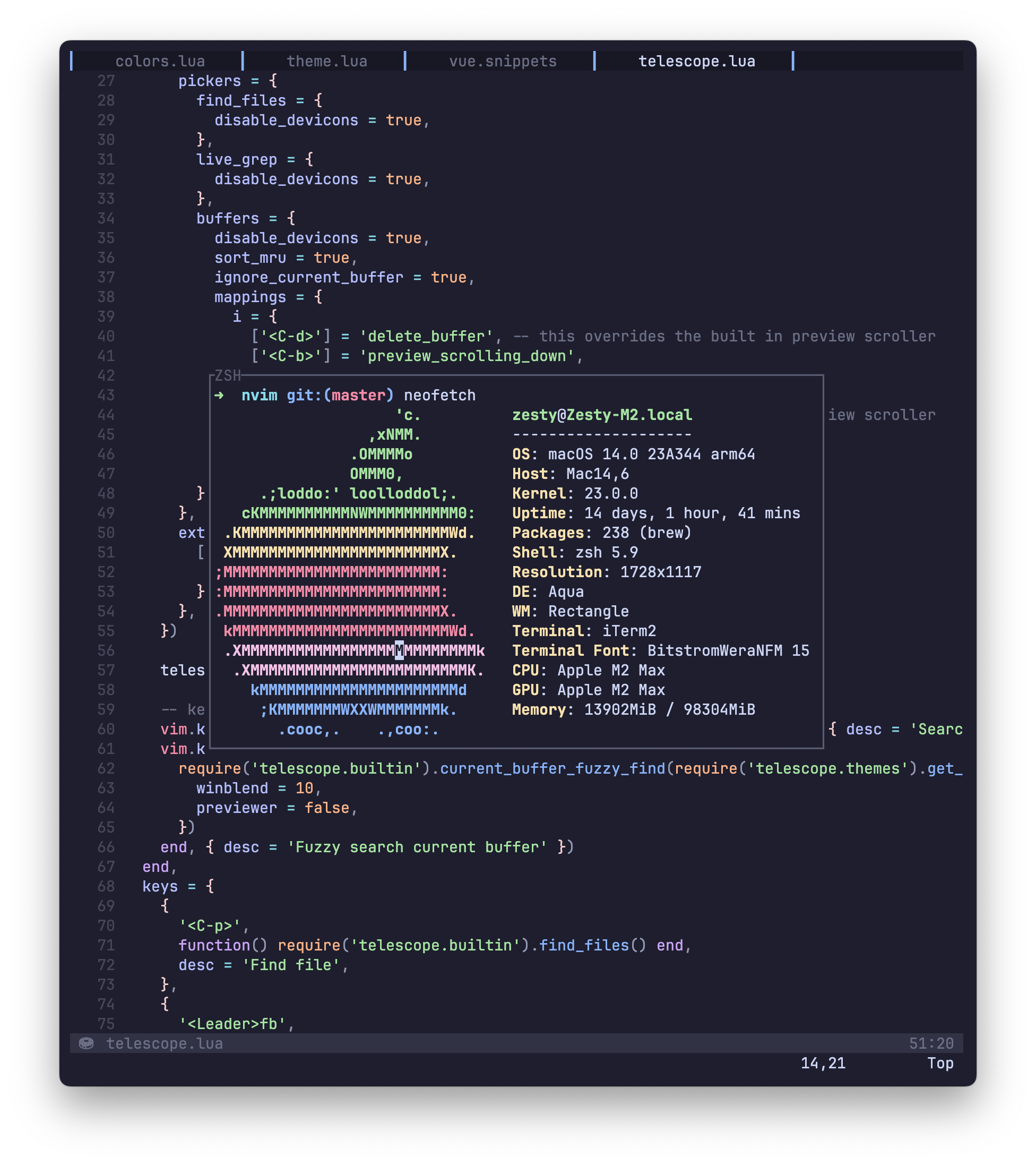
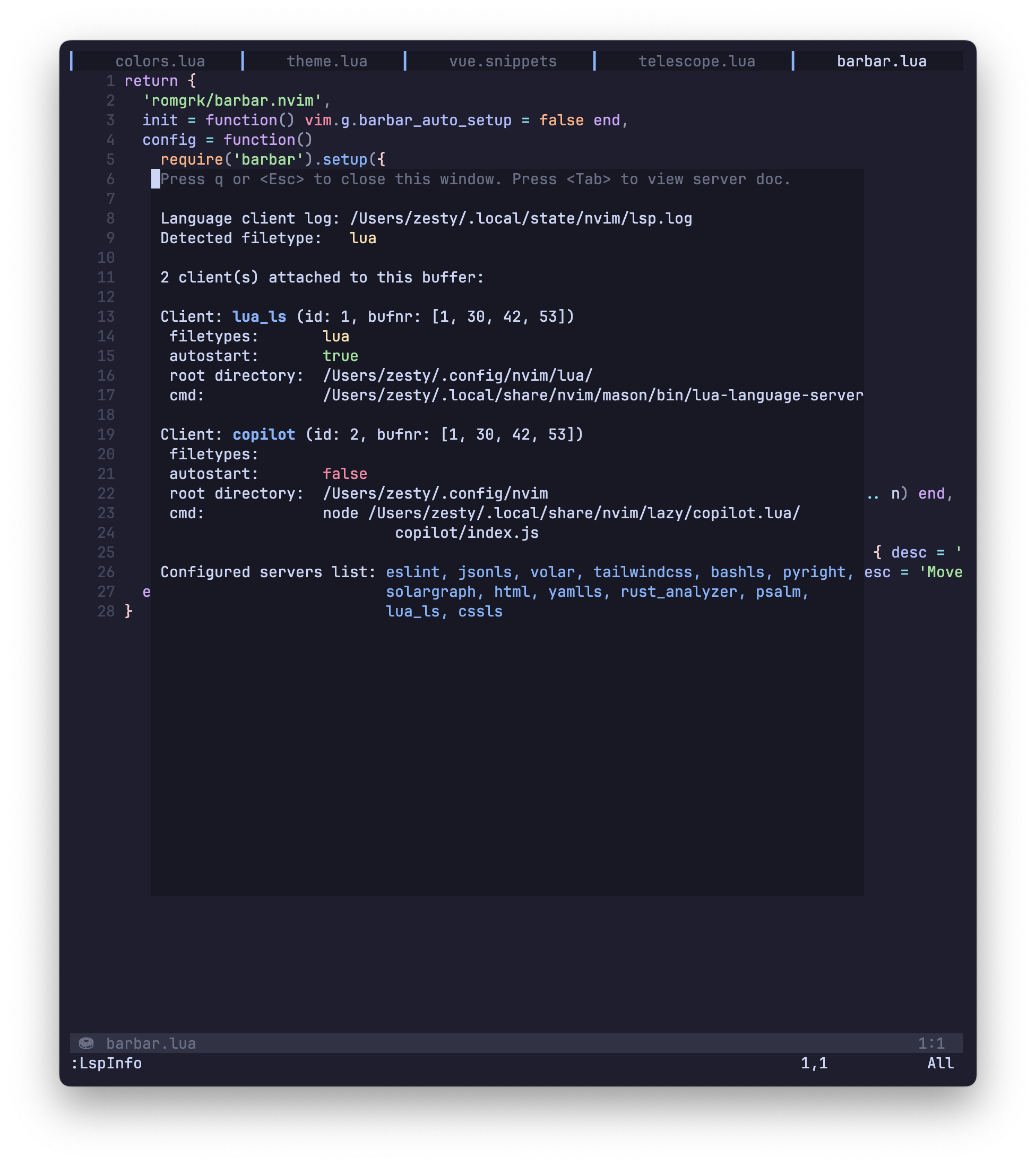
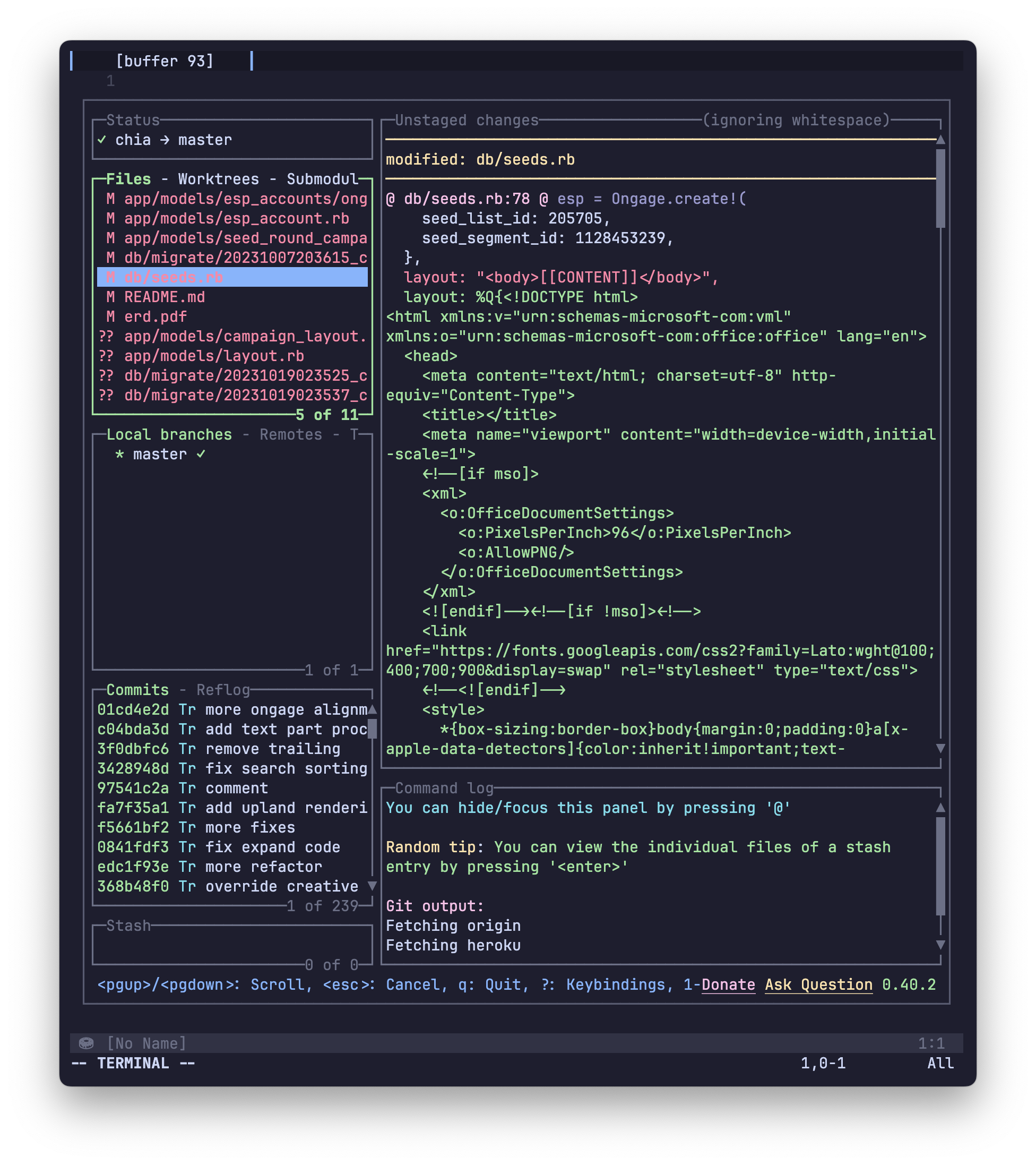
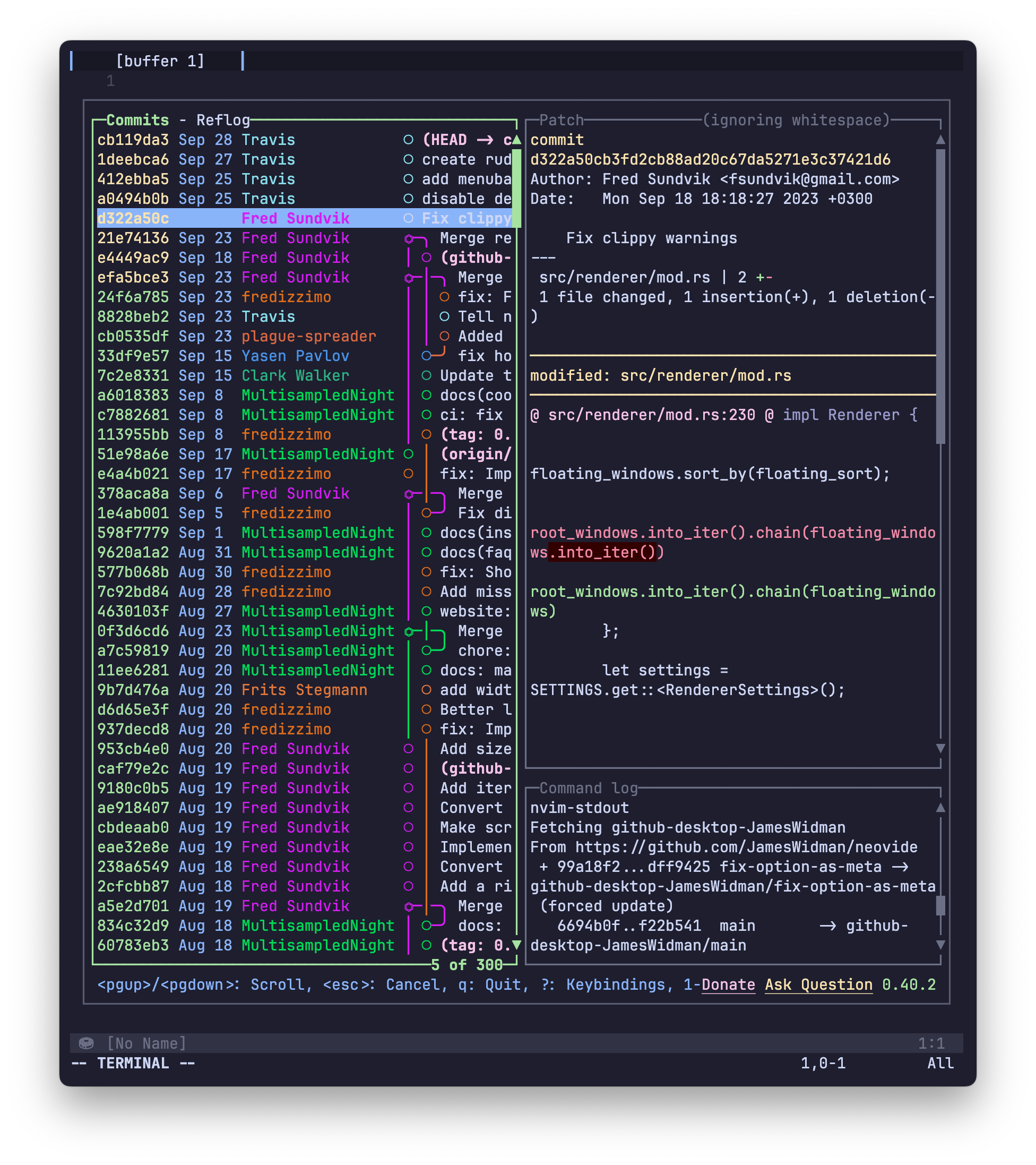
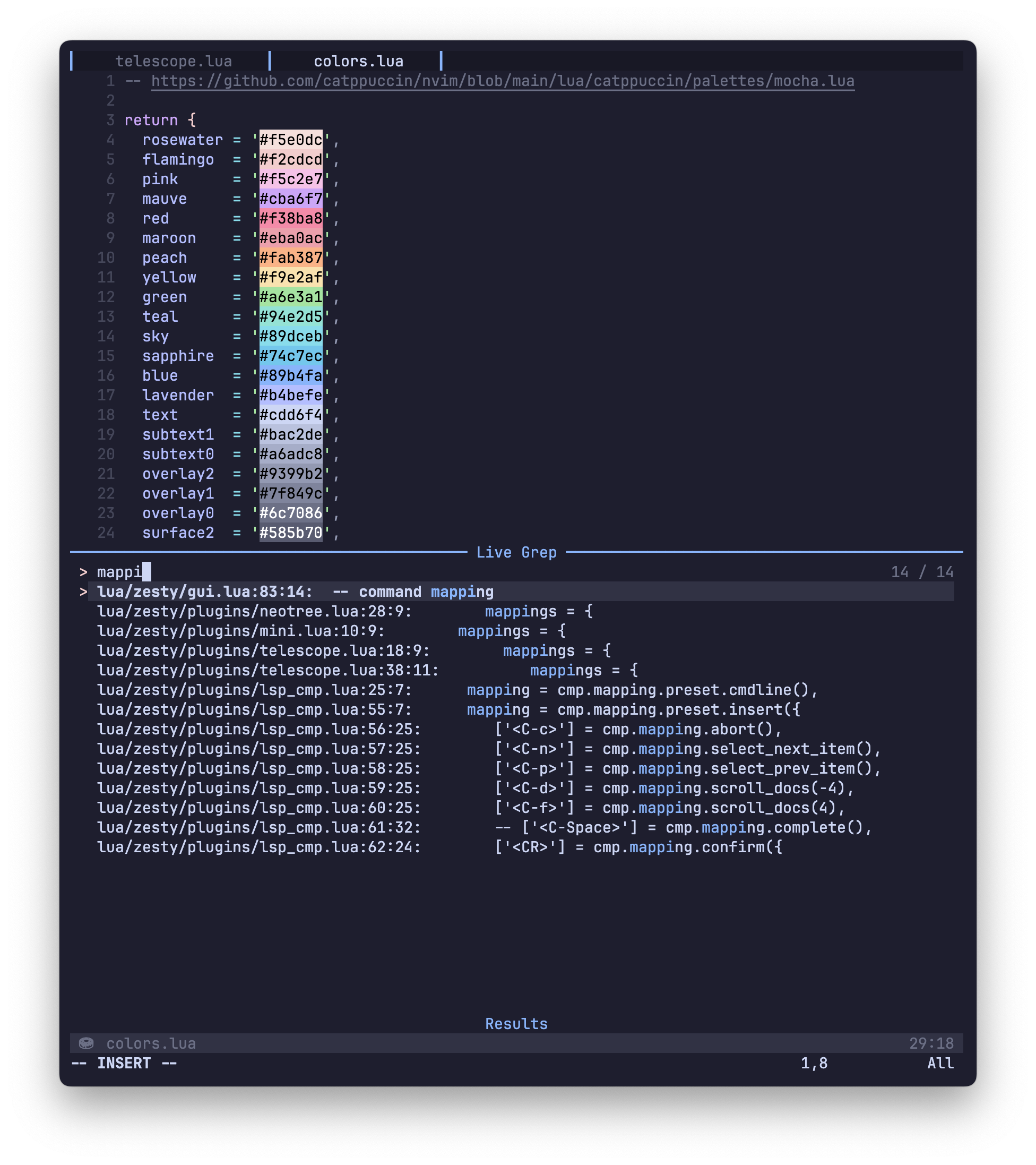
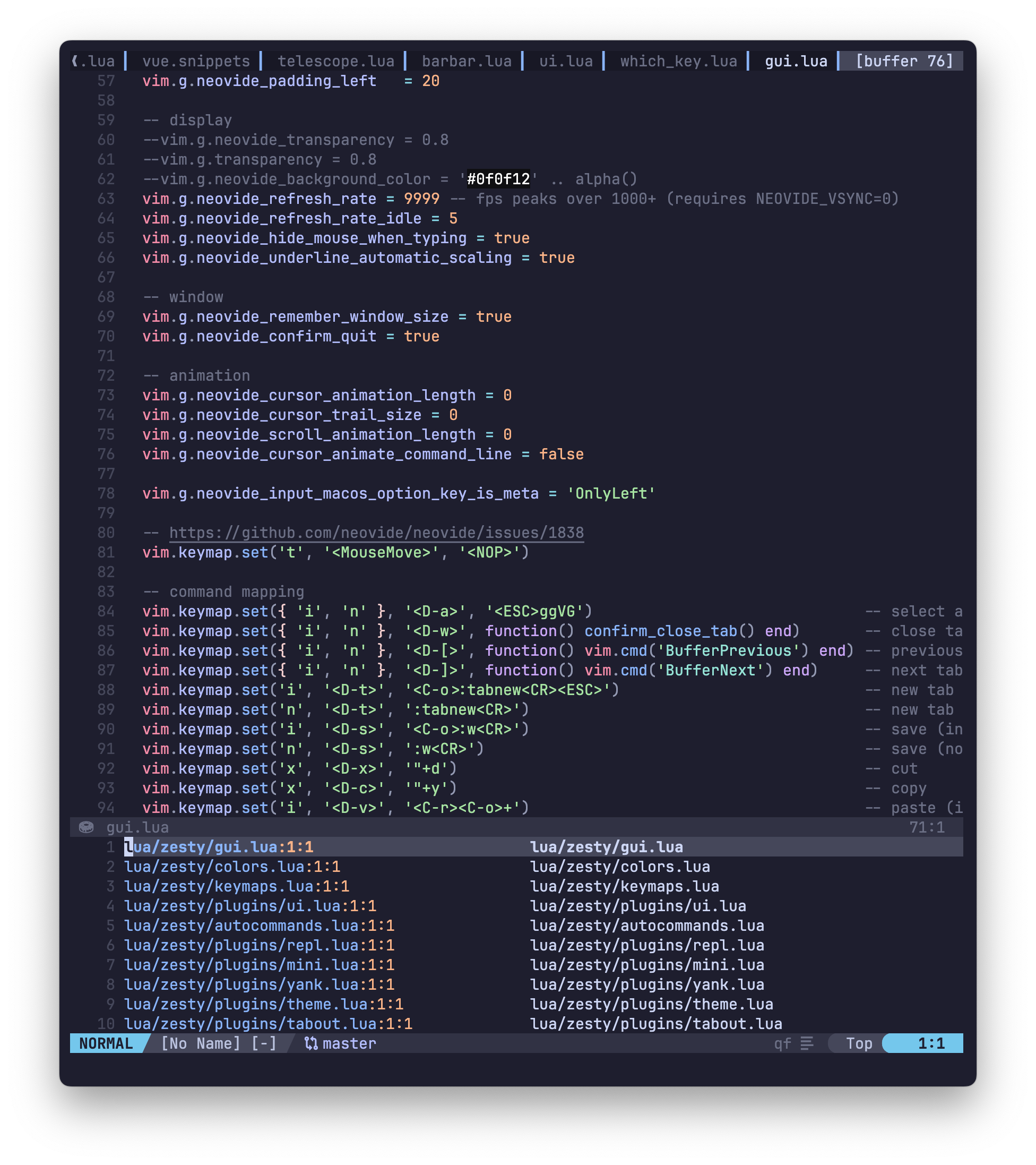
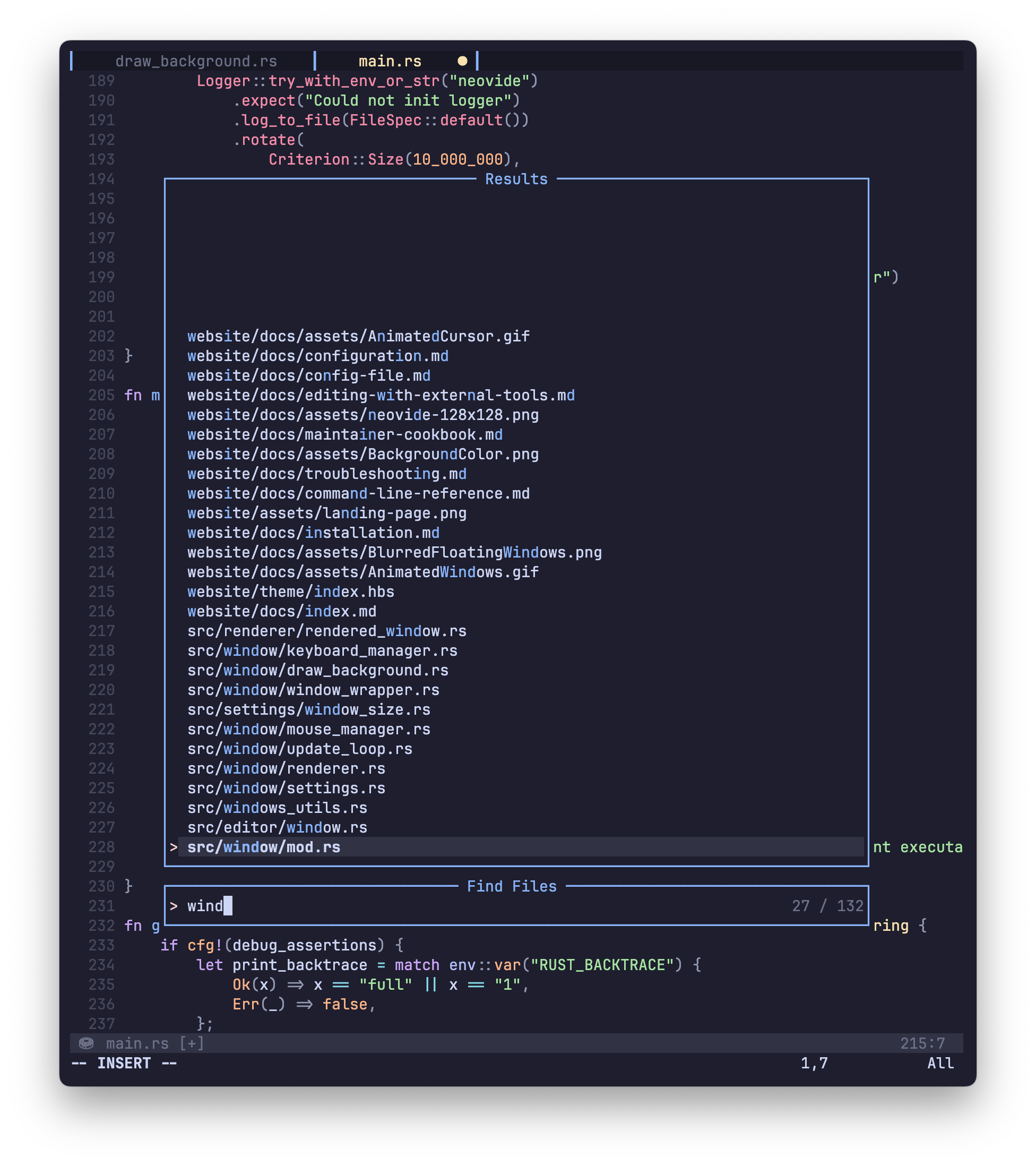
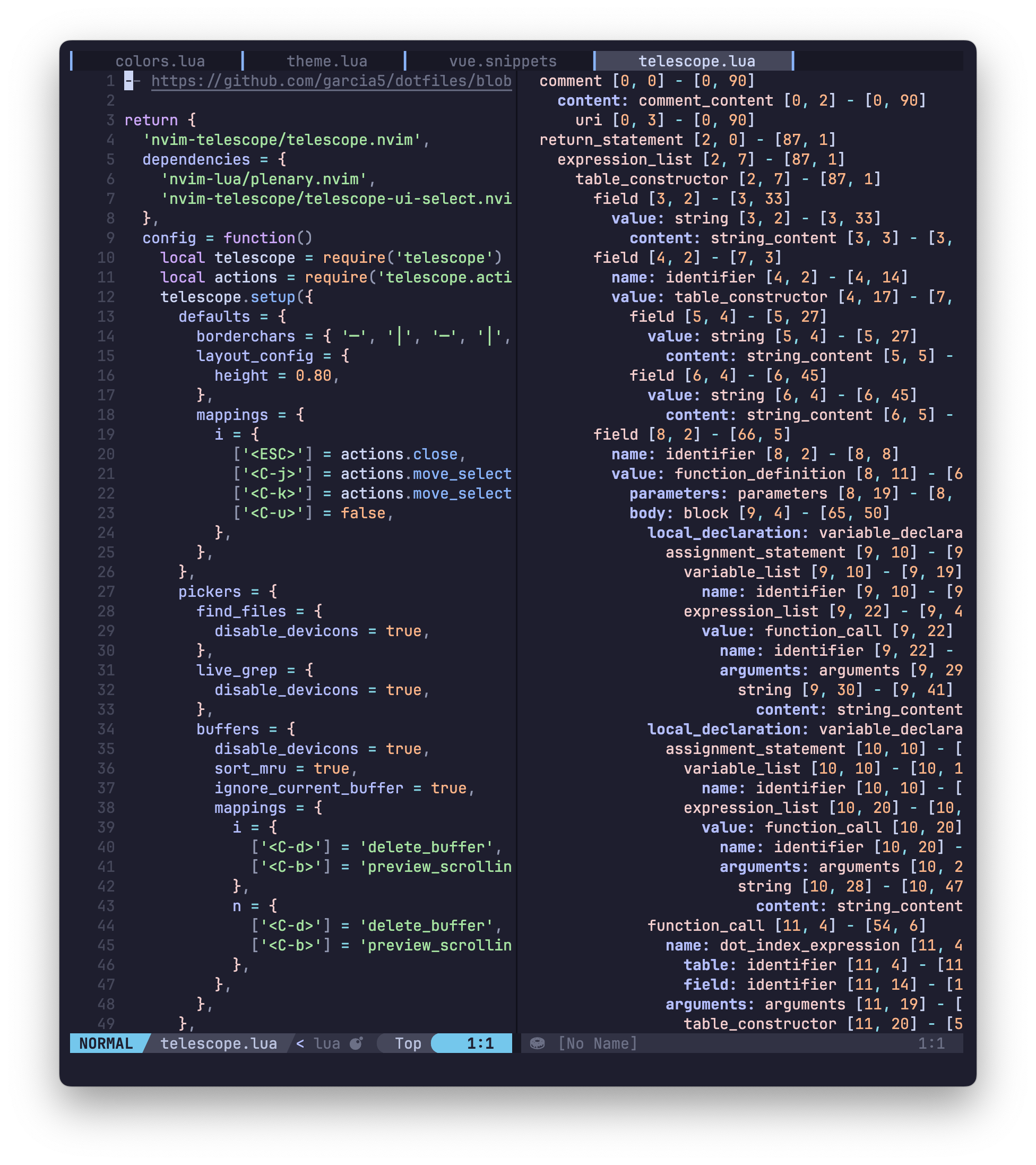
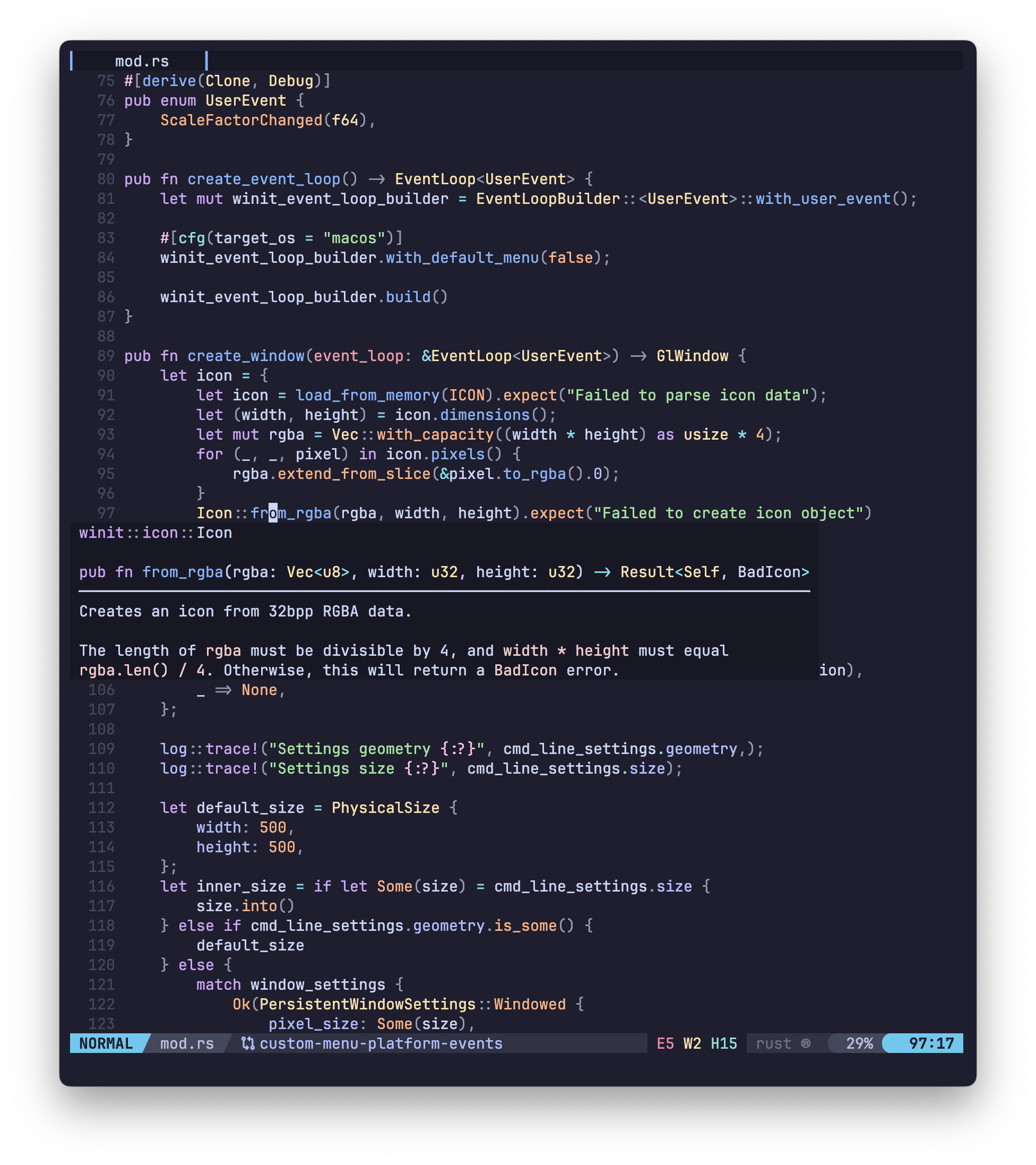
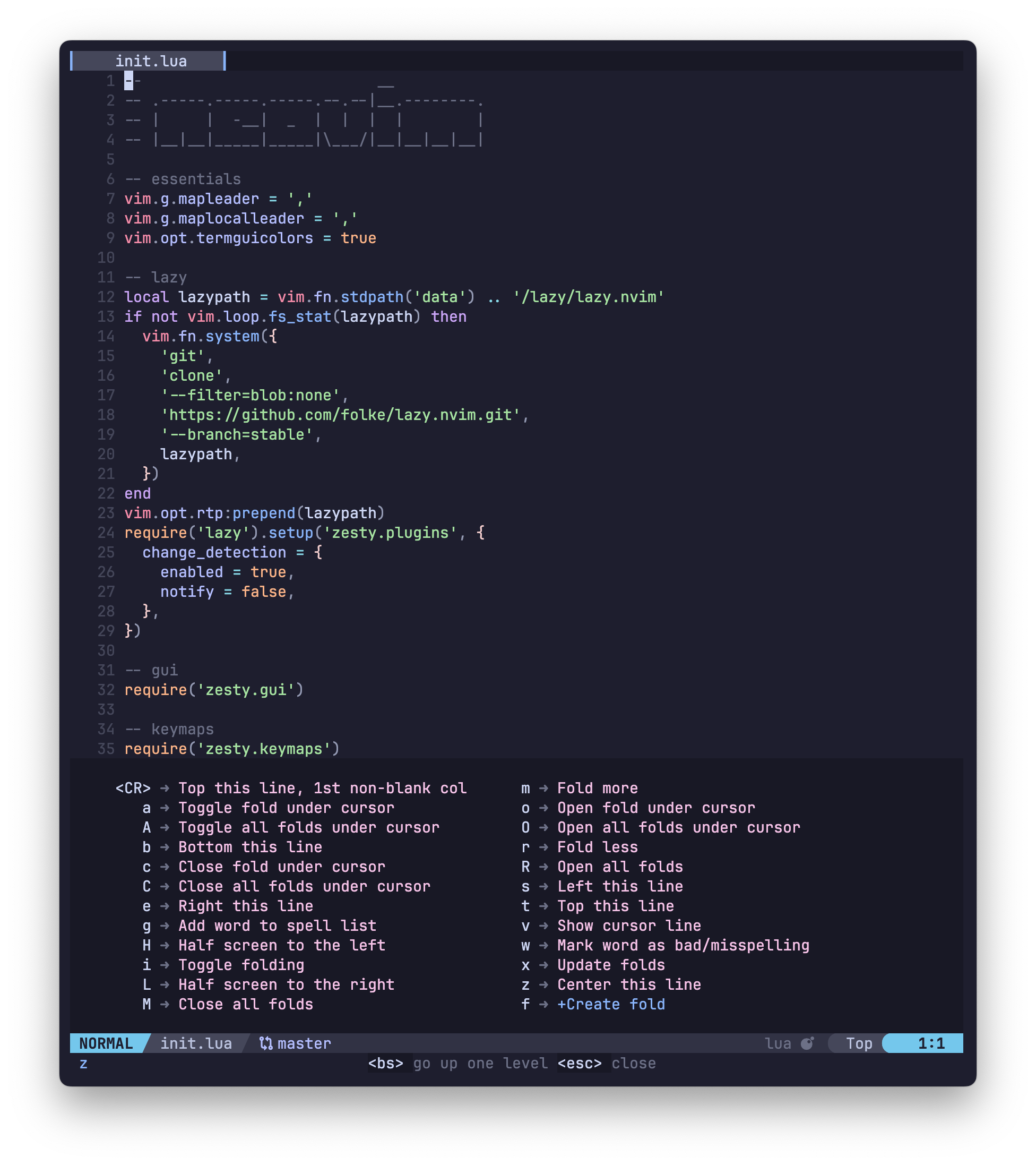
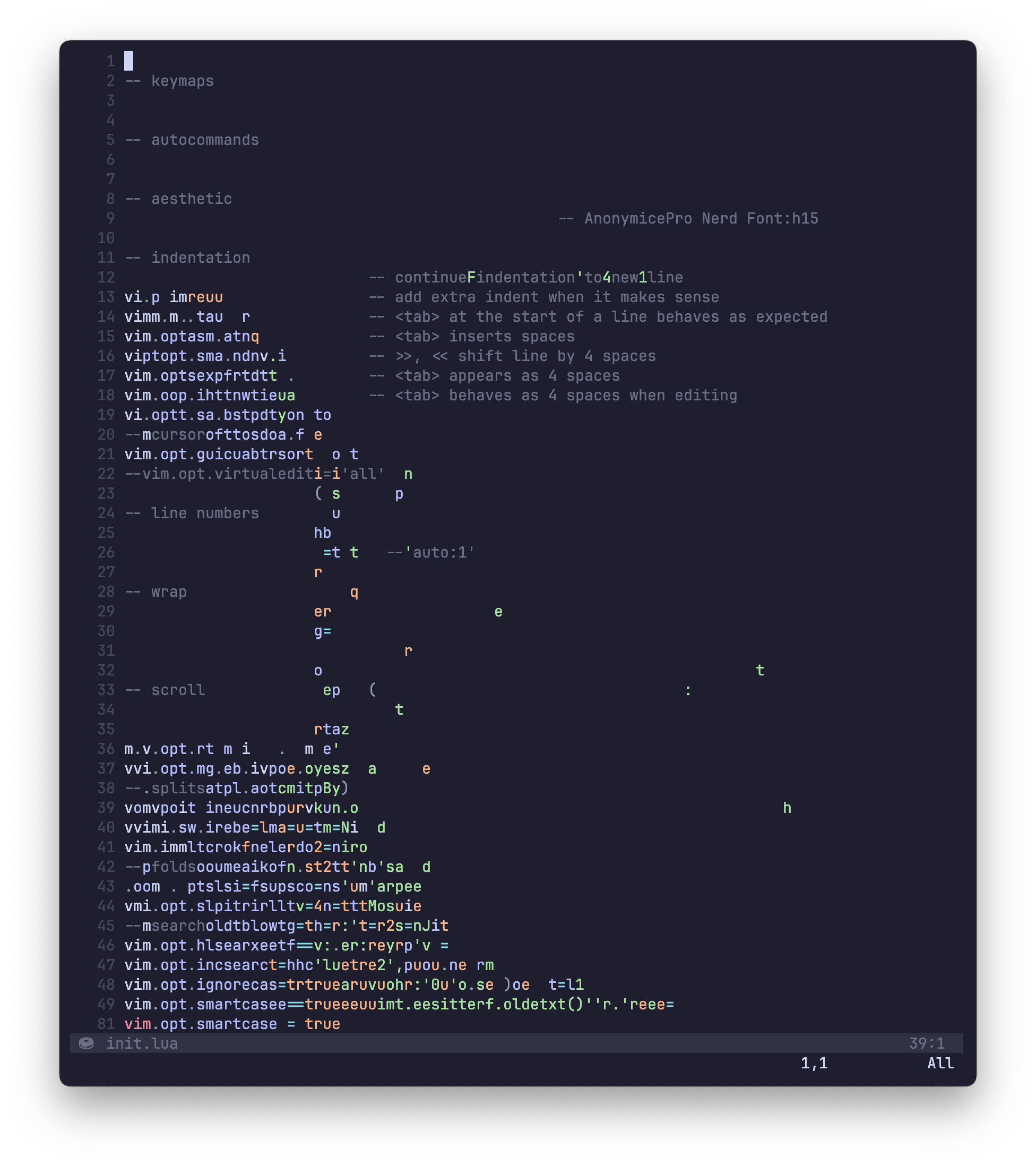
- A Neovim/Vim config with full LSP support that I have refined for 10+ years
- Fullscreen overlay terminal with
<c-i>(use iTerm3plist) - ZSH autocompletion with
<c-e> - Snippet storage via
pet list. Typeprevto store previous command - Zoxide (previously autojump) to common directories with
j <partial name> - Lots of Mac optimizations
Set a blazingly fast keyboard repeat
defaults write NSGlobalDomain KeyRepeat -int 1
defaults write NSGlobalDomain InitialKeyRepeat -int 15
If you're on a Mac, I recommend remapping your Caps Lock key to a Control key in keyboard settings.
Download and install iTerm3
Install the Dracula color scheme and activate it.
Open iTerm preferences, and choose General > Preferences. Check the box for
load preferences from custom folder and choose the iTerm folder which
includes com.googlecode.iterm2.plist. Before loading, you may want to change
zesty to your own home folder via find/replace.
sh -c "$(curl -fsSL https://raw.githubusercontent.com/ohmyzsh/ohmyzsh/master/tools/install.sh)"
git clone https://github.com/zsh-users/zsh-autosuggestions $ZSH_CUSTOM/plugins/zsh-autosuggestions/bin/bash -c "$(curl -fsSL https://raw.githubusercontent.com/Homebrew/install/HEAD/install.sh)"
brew analytics off
brew update
brew install make cmake git python zoxide ripgrep fzf fd curl wget tmux
brew install lazygit tmux jq tldr httpie htop diff-so-fancy
brew install saulpw/vd/visidata
brew install knqyf263/pet/petbrew install fnm pnpm
fnm install 22
fnm default 22
pnpm -g install neovim nuxi@latest wranglerbrew install rbenv
rbenv install x.x.x # latest
rbenv rehash # fixes neovim gem issues after ruby upgrades
gem install neovim
bundle config --global jobs 15 # 1 less than `sysctl -n hw.ncpu`brew install rustup
rustup-init
rustup toolchain install nightly --allow-downgradeTo update:
rustup updatecd ~/.local/share/nvim
python3 -m venv .venv
source .venv/bin/activate
python3 -m pip install neovim pynvimcargo install --path .To create a Neovide.app icon that will always link to the current version, create an "Application" in Automator with the following:
Make sure to pass input as arguments, and for shell use /bin/zsh
# only pass the first argument (file) to neovide launcher if multiple files are dragged
/bin/zsh -l -c "~/.zsh/bin/n \"$1\""Install the fonts in Library/Fonts
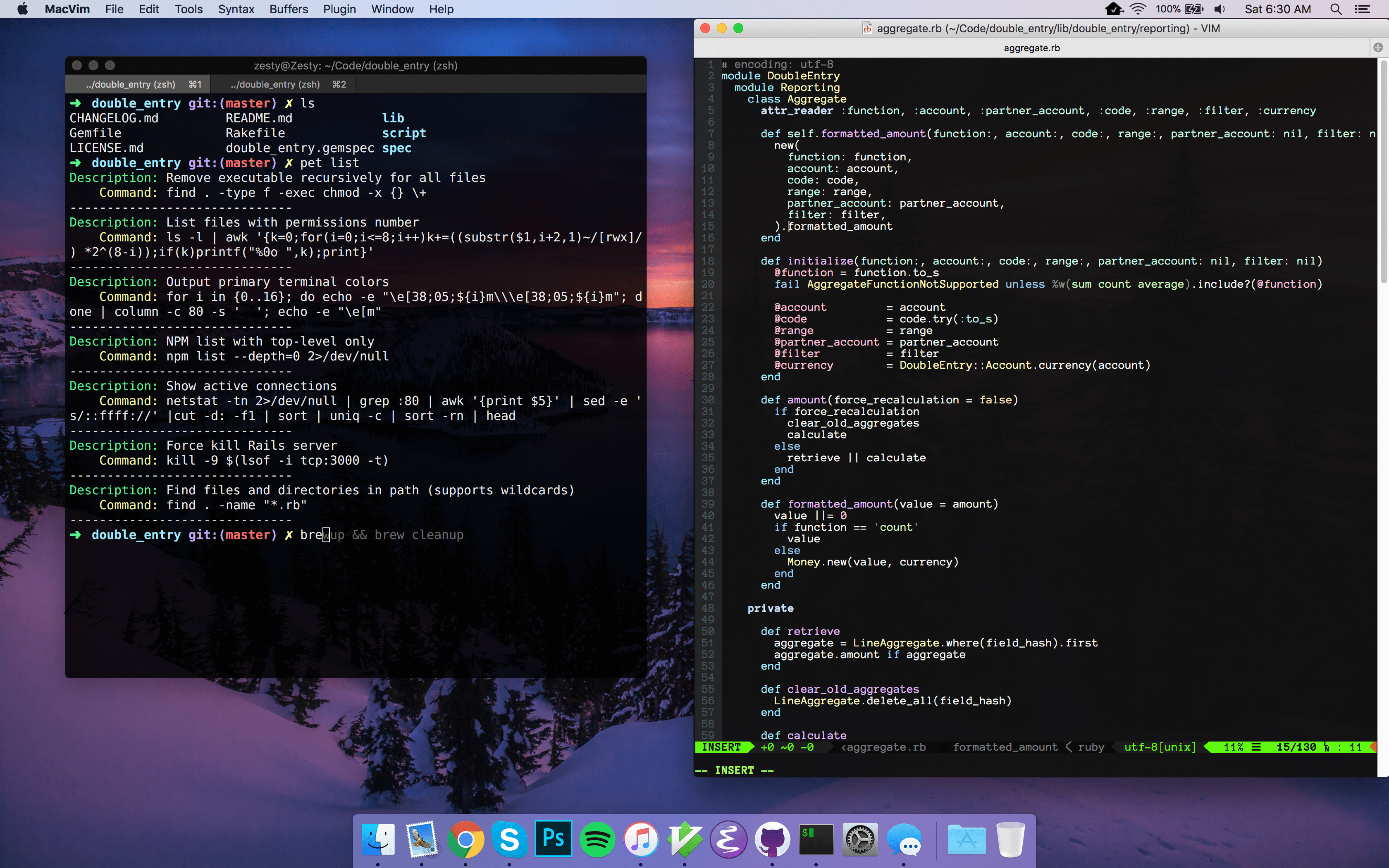

Once you install MacVim, start it and install/update plugins
:PlugInstall
:PlugUpdate
:PlugUgrade
To create a MacVim.app icon that will always link to the current version, create an "Application" in Automator with the following:
Make sure to pass input as arguments, and for shell use /bin/zsh
open -a /opt/homebrew/opt/macvim/MacVim.app "$@"Now save that in /Applications to have a version for the Applications folder that you can link other apps to.
brew tap d12frosted/emacs-plus
brew install emacs-plus --with-24bit-color --with-natural-title-bar --without-spacemacs-icon
yarn global add tern # for the javascript layer
Helpful tips in here