Transform your ComfyUI workspace into a winter wonderland






Dynamic backgrounds • Animated snowfall • Festive node connections • Interactive mouse effects
Features • Installation • Settings • Technical Details • Contributing • Changelog
TypeScript Migration & Animation Fixes
- TypeScript Core: Completely rewrote the codebase in TypeScript for improved stability and maintenance.
- Robust Testing: Added comprehensive Unit (Vitest) and End-to-End (Playwright) standard testing suites.
- Smoother Animations: Fixed issue where background animations would pause when idle; added continuous render loop.
- New Year's Countdown: A festive countdown to 2027!
- Custom Snowflakes: Upload your own snowflake images (logos, emojis, or photos) to create unique snowfall effects.
- Mix Mode: Blend custom images with standard vector snowflakes for a varied, festive look.
- Performance Mode: Automatically detects low-fps situations and reduces particle count.
- Modular Design: Streamlined UI and optimized CSS for a smoother, faster experience.
📄 See CHANGELOG.md for the complete version history.
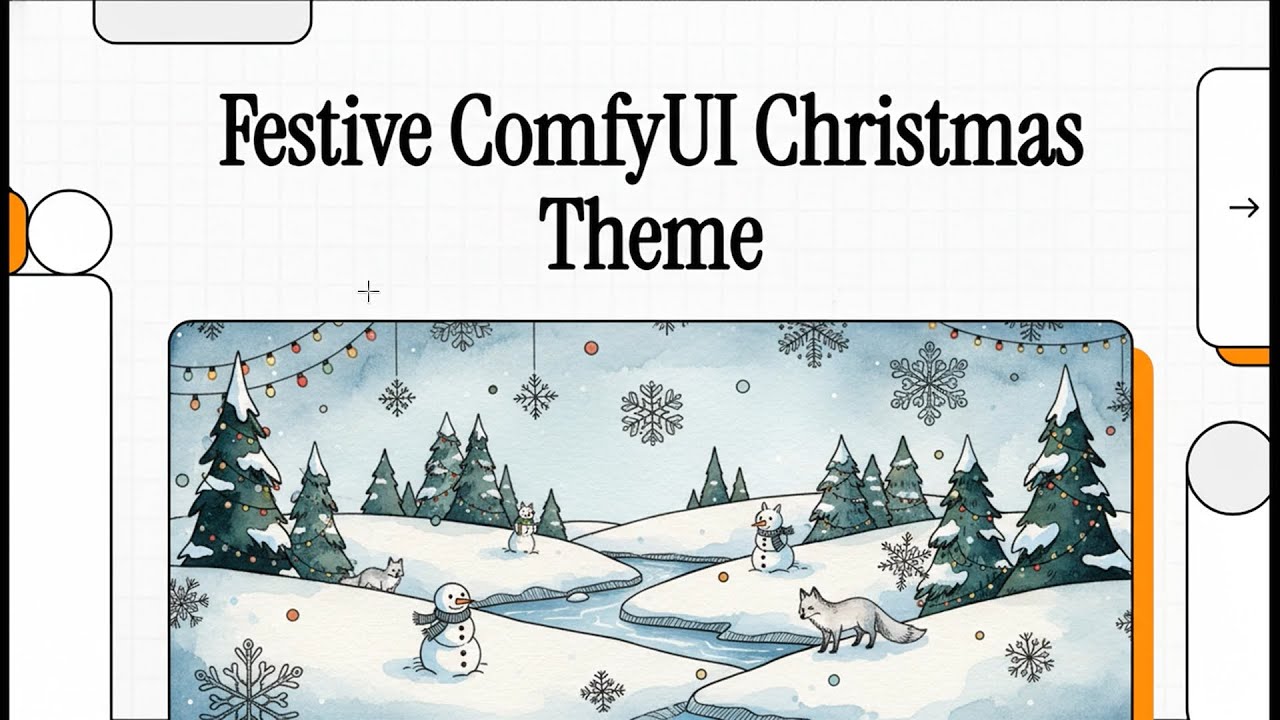
NotebookLM Overview: Exploring the features and updates of the Christmas Theme extension.
|
|
|
|
|
|
|
|


Search for "Christmas Theme" in ComfyUI Manager and click Install.
cd ComfyUI/custom_nodes
git clone https://github.com/AEmotionStudio/ComfyUI-ChristmasThemeAll settings are accessible via ComfyUI Settings → Christmas Theme
🎄 Christmas Effects
| Setting | Options | Default |
|---|---|---|
| Christmas Lights | On / Off | On |
| Color Scheme | Traditional, Warm White, Cool White, Multicolor, Pastel, New Year's Eve | Traditional |
| Light Effect | Steady, Gentle Twinkle, Sparkle, Candy Cane, Frost Trail, Aurora Flow | Gentle Twinkle |
| Bulb Shape | Classic Round, Icicle Point | Classic Round |
| Light Size | 1 - 10 | 3 |
| Glow Intensity | 0 - 30 | 20 |
| Flow Direction | Forward / Reverse | Forward |
| Link Style | Spline, Straight, Linear, Hidden | Spline |
🌌 Background Theme
| Setting | Options | Default |
|---|---|---|
| Background Effect | On / Off | On |
| Color Theme | Classic Night, Christmas Forest, Candy Cane Red, Frost Night, Gingerbread, Dark Night | Classic |
| Shooting Stars | On / Off | On |
| Background Stars | On / Off | On |
| Party Mode | On / Off (Rave Stars) | Off |
| Fireworks | On / Off | Off |
| Mouse Trail Effect | None, Sparkler, Snowflake, Confetti, Stardust, Comet, Aurora, Ribbon, Crystal, Petals, Gifts, Candy, Magic Orb, Magic Wand, Nova, Bubbles, Embers, Lightning, Leaves, Wishes, Notes, Hearts | None |
| New Year Countdown | On / Off | Off |
❄️ Snow Effect
| Setting | Options | Default |
|---|---|---|
| Snow Effect | On / Off | On |
| Snowflake Color | Classic White, Ice Blue, Rainbow, Match Lights, New Year's Eve | Classic White |
| Snowflake Shape | Random Mix, Classic, Simple, Bold, Custom Image, Mix Custom + Standard | Random Mix |
| Snowflake Glow | 0 - 20 | 10 |
⚡ Performance
| Setting | Options | Default |
|---|---|---|
| Pause During Render | Enabled / Disabled | Enabled |
| Component | Technology |
|---|---|
| Snowflakes | Pure DOM + JS-driven CSS Transforms (GPU-accelerated) |
| Background | Canvas 2D with gradient caching |
| Node Links | Canvas override with adaptive rendering |
| Settings | Centralized cache with onChange callbacks |
Performance optimizations include:
- O(1) frame time averaging
- Pre-allocated object pools
- Sin lookup tables for animations
- Page Visibility API integration
- Device capability detection
Contributions are welcome! Please see the CONTRIBUTING.md for guidelines on how to get started. Whether it's bug reports, feature suggestions, or pull requests, your help is appreciated.
- Fork the Project
- Create your Feature Branch (
git checkout -b feature/AmazingFeature) - Commit your Changes (
git commit -m 'Add some AmazingFeature') - Push to the Branch (
git push origin feature/AmazingFeature) - Open a Pull Request
This project is licensed under the GPL-3.0 License - see the LICENSE file for details.
Developed by Æmotion Studio



Happy Holidays and a Happy New Year! 🎄