
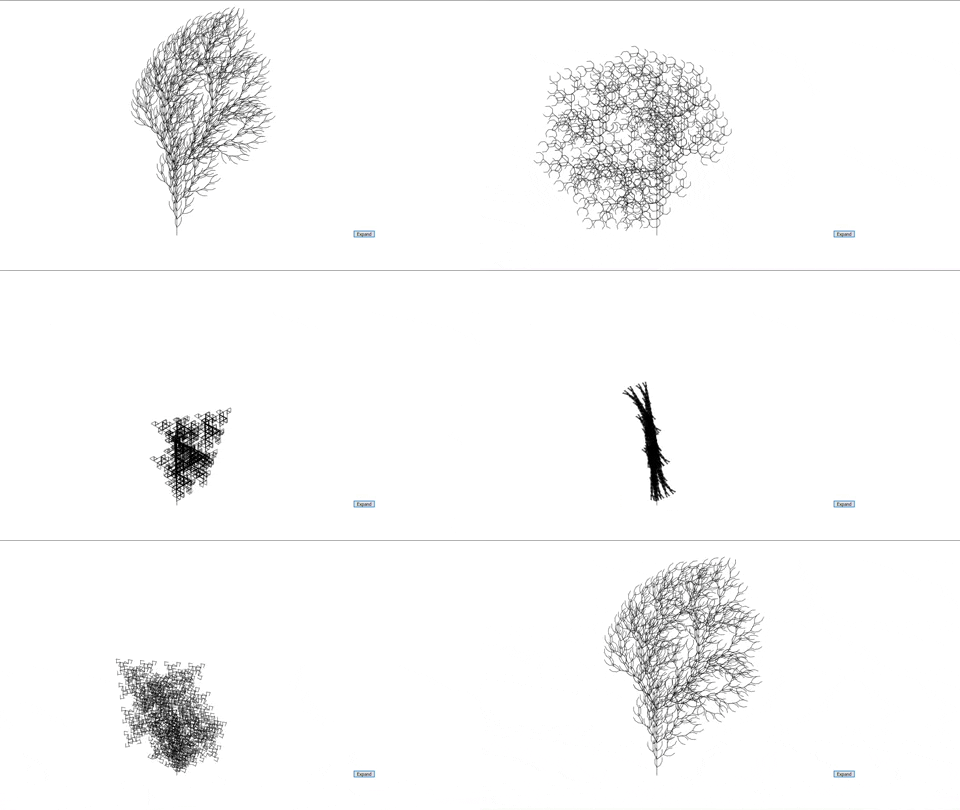
This project uses p5.js to implement L-Systems. L-Systems is a method that used to procedurally generate plants through recursive grammars.
Input grammar file format for the program:
<Angle in degrees>
<Length>
<Reduction Factor>
<Initial Sentence/Axiom>
<Expansion Rules>
To illistrate the above format, here is "Dragon Curve.txt":
90 <- Angle
200 <- Length
.73 <- Reduction Factor
FX <- Initial Sentence/Axiom
X=X+YF+ <- Expansion Rule
Y=-FX-Y <- Expansion Rule
From the file, the program is able to extract all information specified in order to properly store, expand, and draw the l-system.
Here are all the possible axioms/control characters for defining expansion rules and the initial axiom/sentence:
-
+: Rotate by the specified angle
-
-: Rotate by the negative of the specified angle
-
[: Push current state of the l-system onto the matrix stack
-
]: Pop prior state of the l-system off of the matrix stack
-
f: Move foward without drawing a line
-
X and Y: Do nothing. Usually used for rational/angular control of the l-system
-
Capital letters (expect X and Y): Move forward and draw a line.
Using the above information, the program utilizes turtle graphics rendering when creating the l-system. Examples of grammar input files can be found in the "Assets" folder.
-
Up arrow key: Changes to the next l-system
-
Down arrow key: Changes to the previous l-system
-
Left arrow key: Increases the angle that is used to create the l-system
-
Rightarrow key: Decreases the angle that is used to create the l-system
-
R: Reset l-system to the original sentence and reset canvas viewing parameters
-
Z: Resets the viewing parameters
-
C: Changes the color mode between RGB nad HSB on the selected l-system
-
Mouse wheel: Increases or decreases the zoom of the canvas
-
Left click: Click and drag on the canvas to pan
- Expand button: On click, it will expand the sentence of the l-system and draw it.