Atom has been archived. No new updates will be made to this extension and it has been archived.
An atom package that provides a simple interface to search and view the SyntaxDB database.
For regular user installation, head over to the Atom package page and install it through there, or head over to Preferences -> Install in Atom and search for "syntaxdb-atom-plugin".
You can also install it via the command line by entering:
apm install syntaxdb-atom-plugin
To use the atom package, make sure it's installed, then press Ctrl-Alt-S (Cmd-Alt-Y on macOS) to activate the SyntaxDB search panel. To activate the language filter, which displays all concepts on the SyntaxDB database by language, press Ctrl-Alt-L (Cmd-Alt-L on macOS or Ctrl-Alt-F on Linux).

SyntaxDB plugin search bar
On the search panel, type in a search query (eg. "for loop in Java") and press enter. A list view will then appear, displaying the results it has gathered from the SyntaxDB API. Selecting any of these results will bring up a results view for the entry, displaying its syntax as well as additional information.
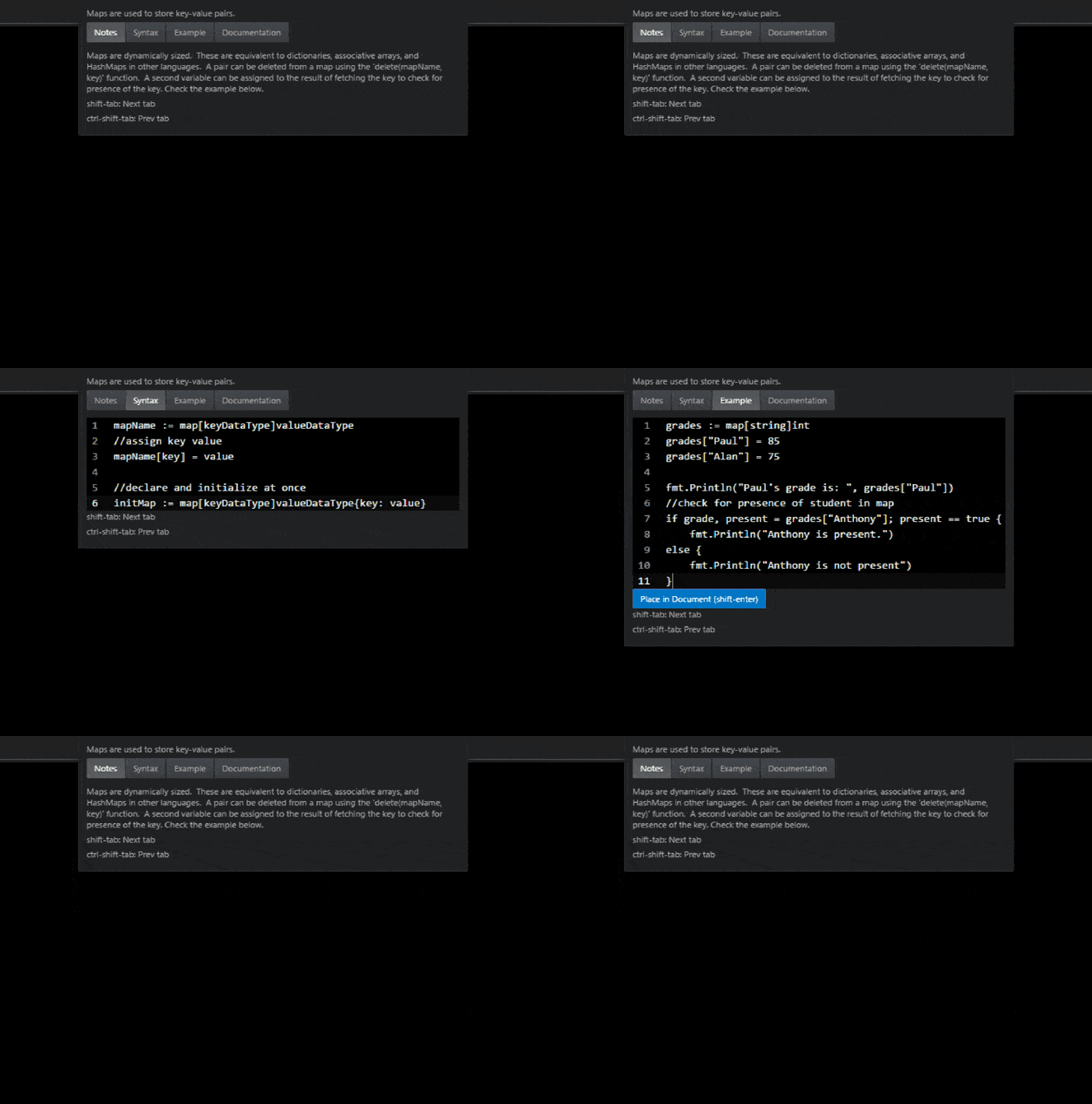
Currently, the results view displays notes, syntax, example(s), and documentation about the specified syntax.
It is also possible to place the syntax example provided by SyntaxDB directly into your document. To do this, make sure the Example tab is currently selected, then press the "Place in Document" button. (or press shift-enter)
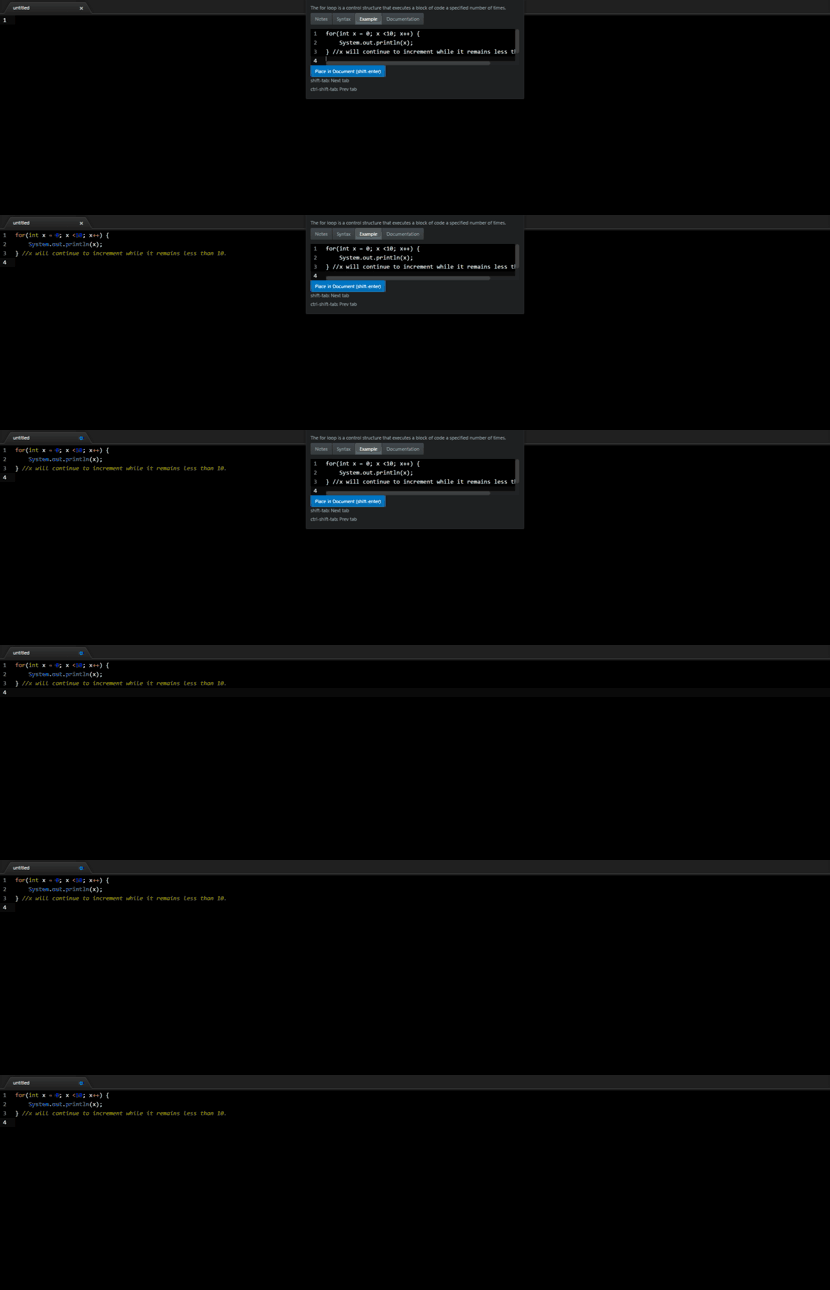
Example of placing an example into a document.
To install the package for development purposes, first clone the repository:
git clone https://github.com/Coteh/syntaxdb-atom-plugin.git
Navigate to root directory of project and install dependencies:
npm install
Then link the package:
apm link
This will create a symlink in your Atom packages folder to your clone of the repository, effectively installing it.
Whenever you make a change to the package, reload Atom window to see the changes.
- Documentation links are not listed in an expected manner #36
- Concept titles do not show up upon first search #43
- View more issues here
- Finish spec tests
- Improve package activation time
- Save common results to cache (via View serialization or some other method)