
Between SQL or NoSQL, there's no one best database, there's the right database for your specific project. Localstore is a JSON file-based storage package (localstorage) provides a persistent repository for simple NoSQL database.
| Localstore (NoSQL) | SQLite (SQL) | |
|---|---|---|
| Data format | File path (collection) | Table |
| Data item | JSON Document (doc) | Record / Row |
| Scalability | Horizontal | Limited vertical |
| Organization | Schema-less | Fixed schema |

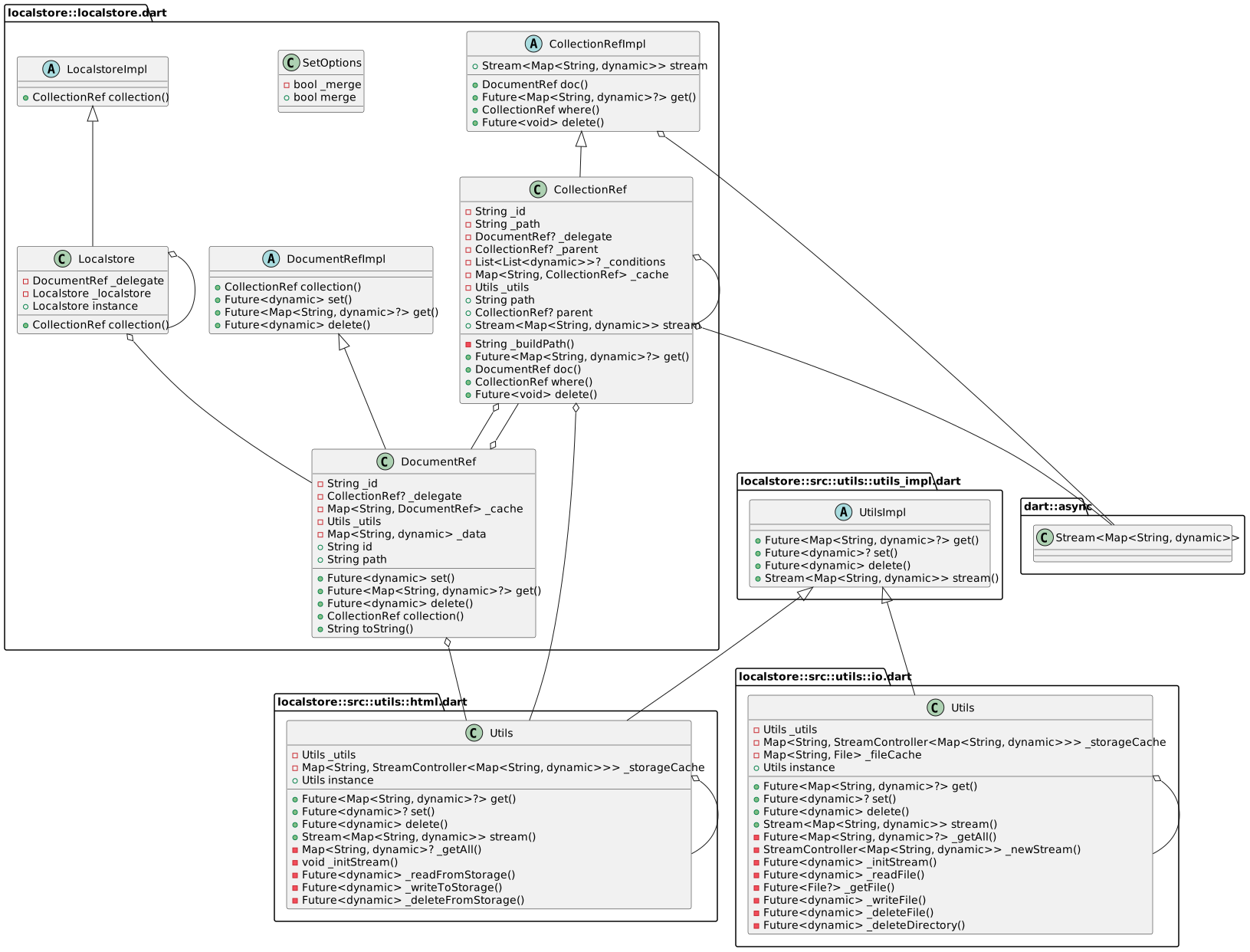
- Calling
WidgetsFlutterBinding.ensureInitialized();in main() before callingrunApp():
void main() {
  WidgetsFlutterBinding.ensureInitialized();
  runApp(MyApp());
}- Import
import 'package:localstore/localstore.dart';
import 'package:flutter/material.dart';
import 'package:localstore/localstore.dart';

void main() {
  WidgetsFlutterBinding.ensureInitialized();
  runApp(MyApp());
}- Creates an instance using the default
Localstore
final db = Localstore.instance;or using anywhere in your project.
- Creates new item
// gets new id
final id = db.collection('todos').doc().id;

// save the item
db.collection('todos').doc(id).set({
  'title': 'Todo title',
  'done': false
});- Gets item by id
final data = await db.collection('todos').doc(id).get();- Delete item by id
db.collection('todos').doc(id).delete();- Fetch the documents for the collection
final items = await db.collection('todos').get();- Using stream
final stream = db.collection('todos').stream;Please file feature requests and bugs at the issue tracker.