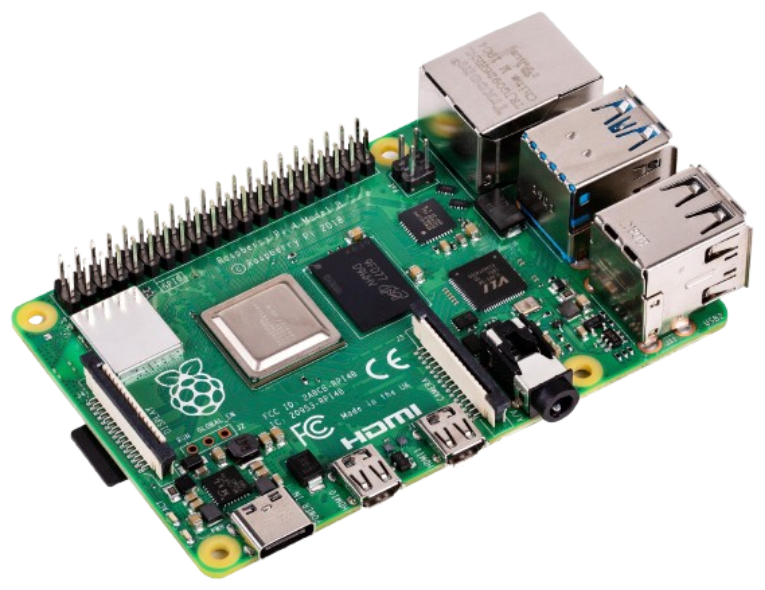
This image is intended to be used on Raspberry Pi 4B with 4G RAM 🍓 to turn this machine into a central node / server that accepts audio from Bluetooth
Yes, you read it, you can connect your phone to it
and streams it via RTP multicast to multiple ESP32-LyraT V4.3 peripheral-nodes in your local network.
You know it well
Verry simple because the only actually required dependancy is
Because everything in this repository (configurations, environments, etc.) is dockerized, making things easily portable.
Running this command within your bash shell:
docker compose upwill build the docker containers that will run it's task to create the *.img file.
There are provided default variable for:
- new default user credentials
- password to
rootuser - Wi-Fi SSID and password to connect to
Navigating to config/vars the default values could be overriden by creating files and variables with the same.
Example configuration:
config/vars/credentials.yml:
user_name: thesis
user_password: thesis

root_password: very_strong_root_password_hereconfig/vars/wifi.yml:
wifi_ssid: My_Router_SSID
wifi_password: My_Router_PasswordYou can use Docker Desktop to watch the logs from the containers to see the process going or you can type
# for the emulator output
docker logs -f central-node-pi-emulator-1

# for the configuration of the image
docker logs -f central-node-ansible-1- 🍓 Raspberry Pi OS Lite
- Release: 2024-07-04 (July 4th 2024)
- Based on: Debian 12 (Bookworm)
- 🅰 Ansible
- 🐋 Docker
- 🎵 PipeWire - Audio/video server (from Debian Bullseye backports)
- 🔊 WirePlumber - Session/policy manager for PipeWire
- 🎬 GStreamer - Multimedia framework for RTP streaming
The freshly created image is located in dist folder and i called distro.img by default:
.
└── dist/
    ├── distro.qcow2
    ├── distro.img    <-- the output bootable image
    └── kernel.img
You are free to use you software of choice (for example balenaEtcher or Pi Imager) or any other way (for example with dd or using Gnome Disk) to flash the distro.img file.