Releases: Jack-R1/SiriRemoteDriver
Releases · Jack-R1/SiriRemoteDriver
SiriRemoteDriver - KMDF Filter Driver (Debug)

Attached is the debug build of the SiriRemote KMDF Filter Driver.
It was built using Visual Studio 2017, Windows SDK 10.0.16299 and WDK 10.0.16299.
Steps:
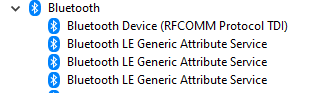
- Before installing this filter driver make sure you can pair your Siri Remote and see remote services enumerated in the Device Manager.
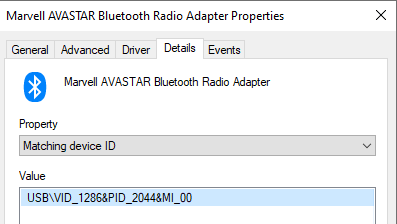
- You may need to update filter.inf and replace "USB\VID_1286&PID_2044" with your Bluetooth adapter device ID
- Install against your Bluetooth adapter in Device Manager by clicking Update Driver -> Browse my computer for drivers
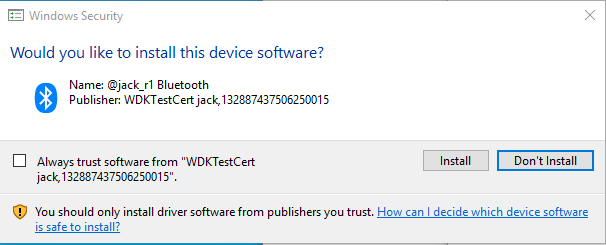
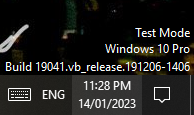
- If the driver fails to install you may need to put your machine in test signing mode and reboot
-
If you were able to install the driver, you should see your Bluetooth adapter name in device manager replaced with 'SiriRemote Filter'.
-
To uninstall the filter driver you can Roll Back Driver in Device Manager.
-
To see the notifications from the remote button presses you need to build the ConsoleApp and run it.
The ConsoleApp registers the remote for notifications and the filter driver intercepts these registrations and notifications.
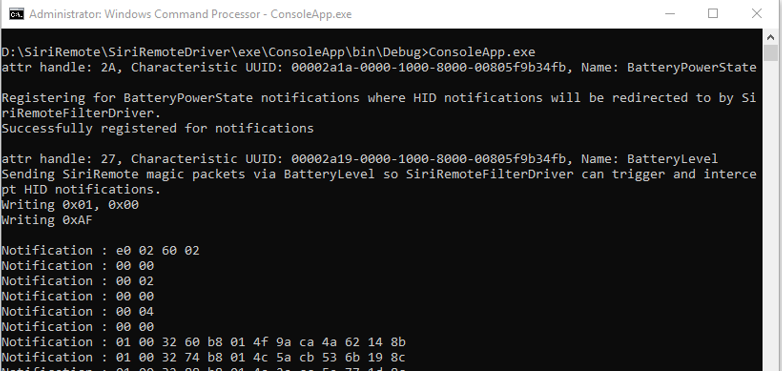
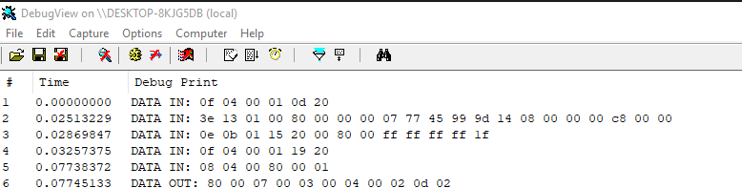
- After running the ConsoleApp you can also see the notifications using Sysinternals Debug View.