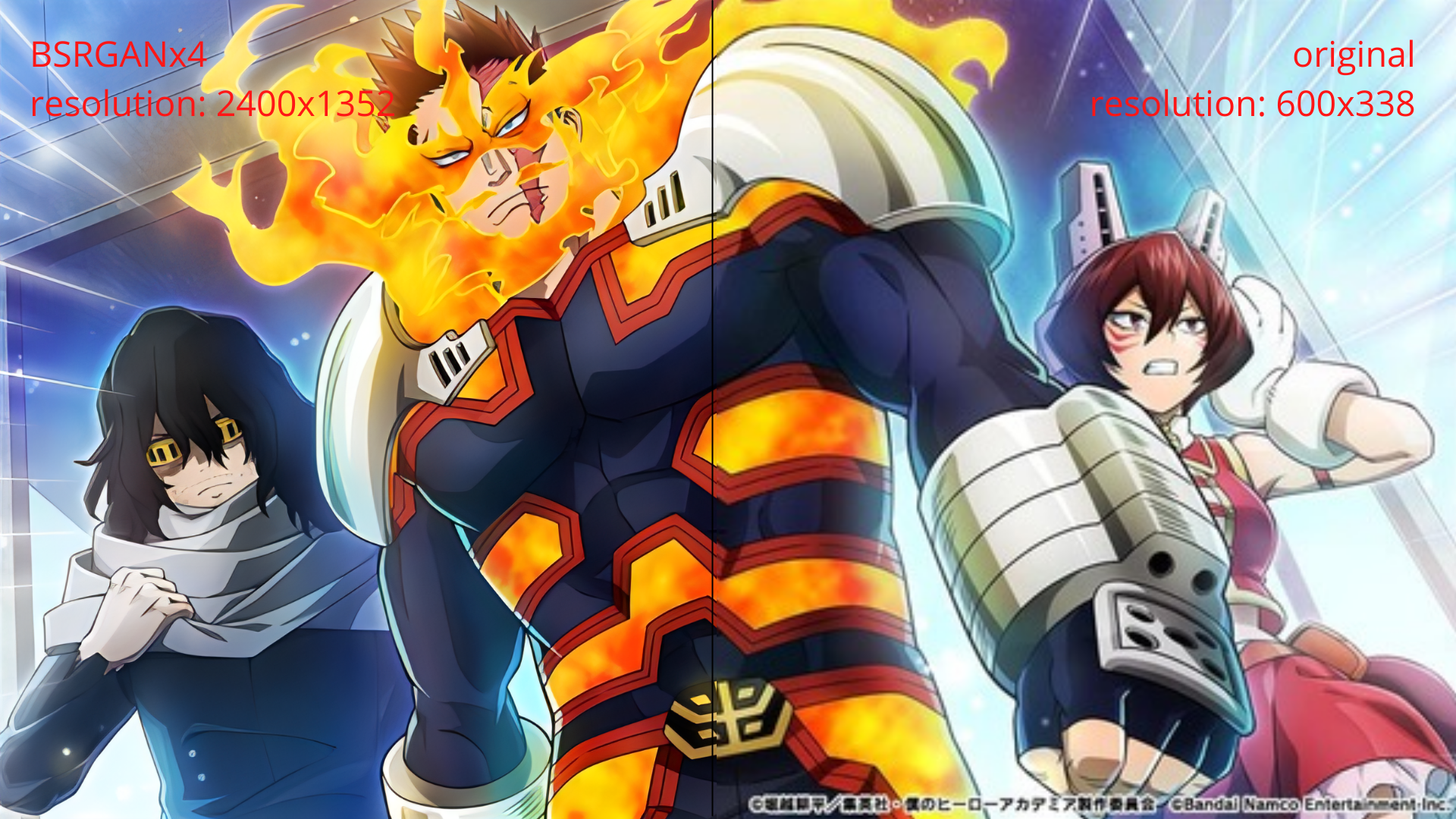
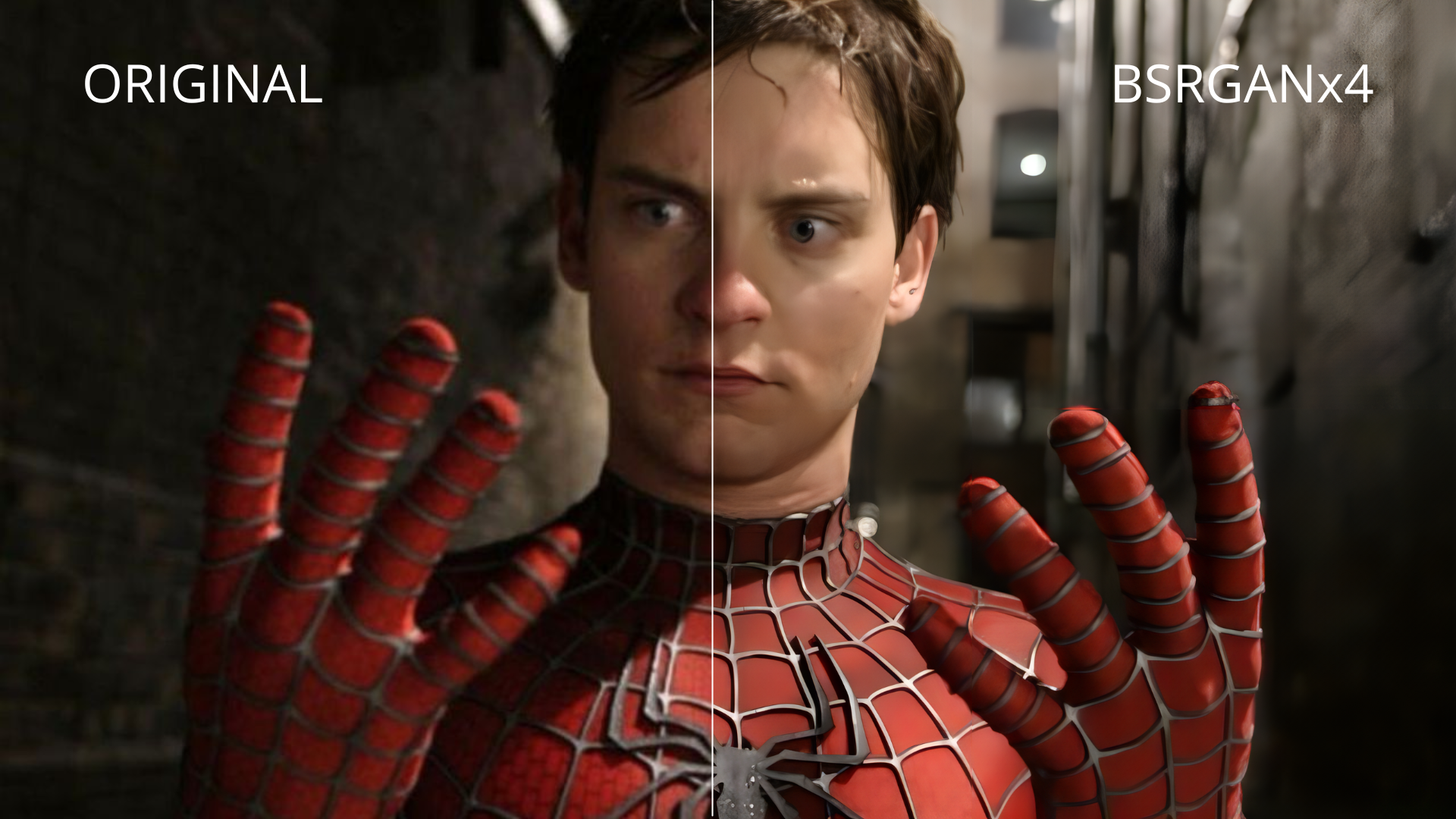
QualityScaler - image/video AI upscaler app (BSRGAN)

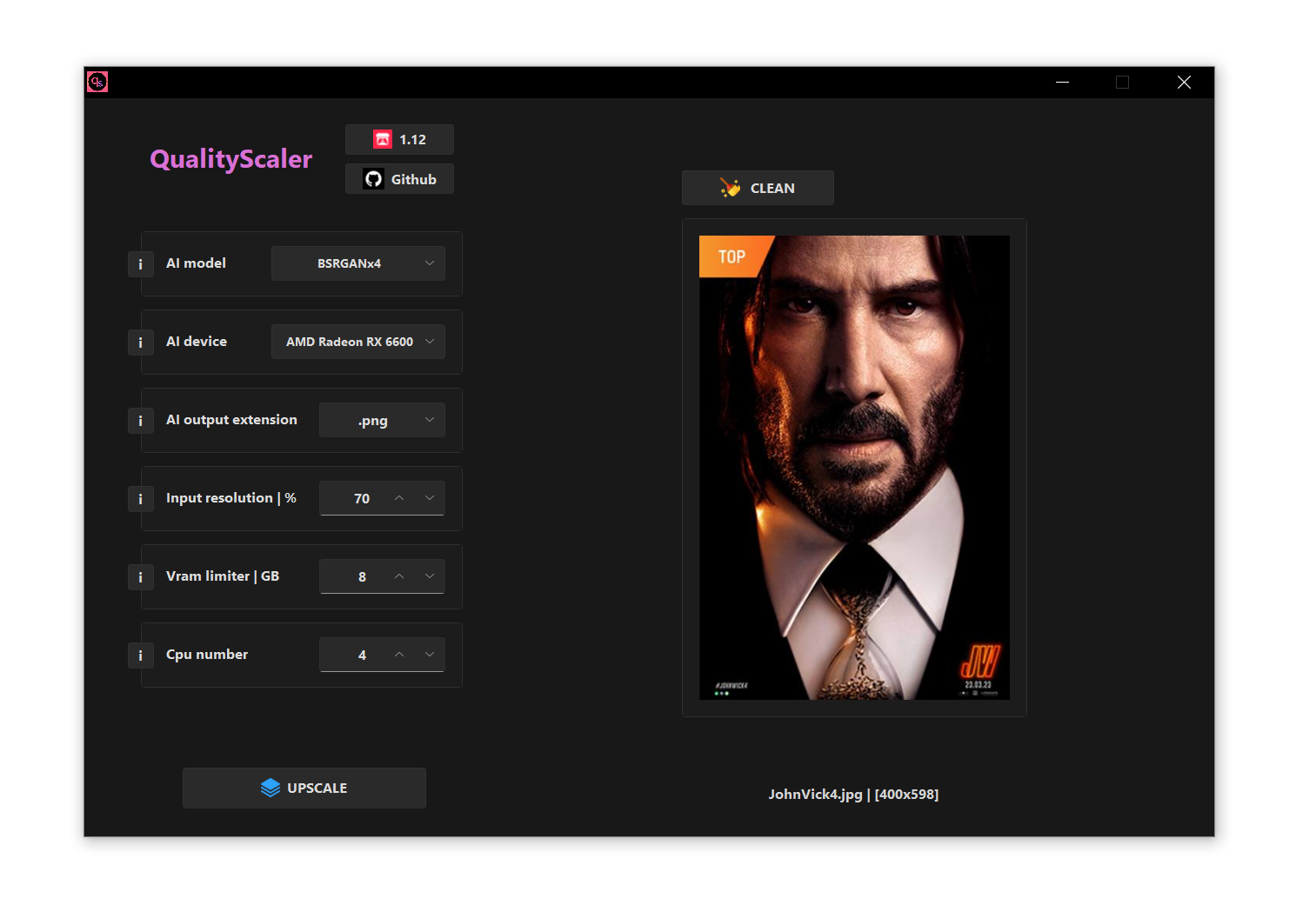
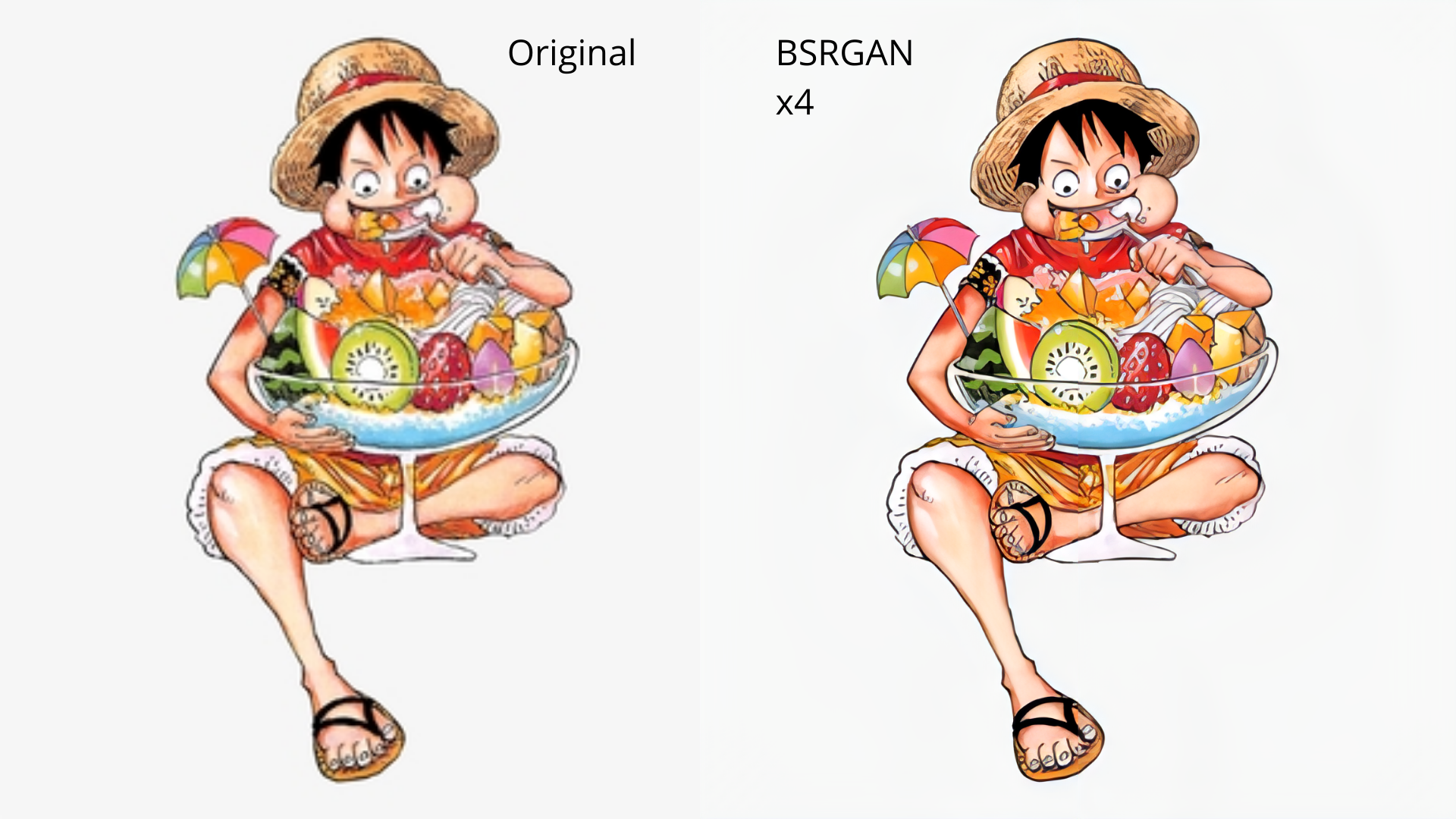
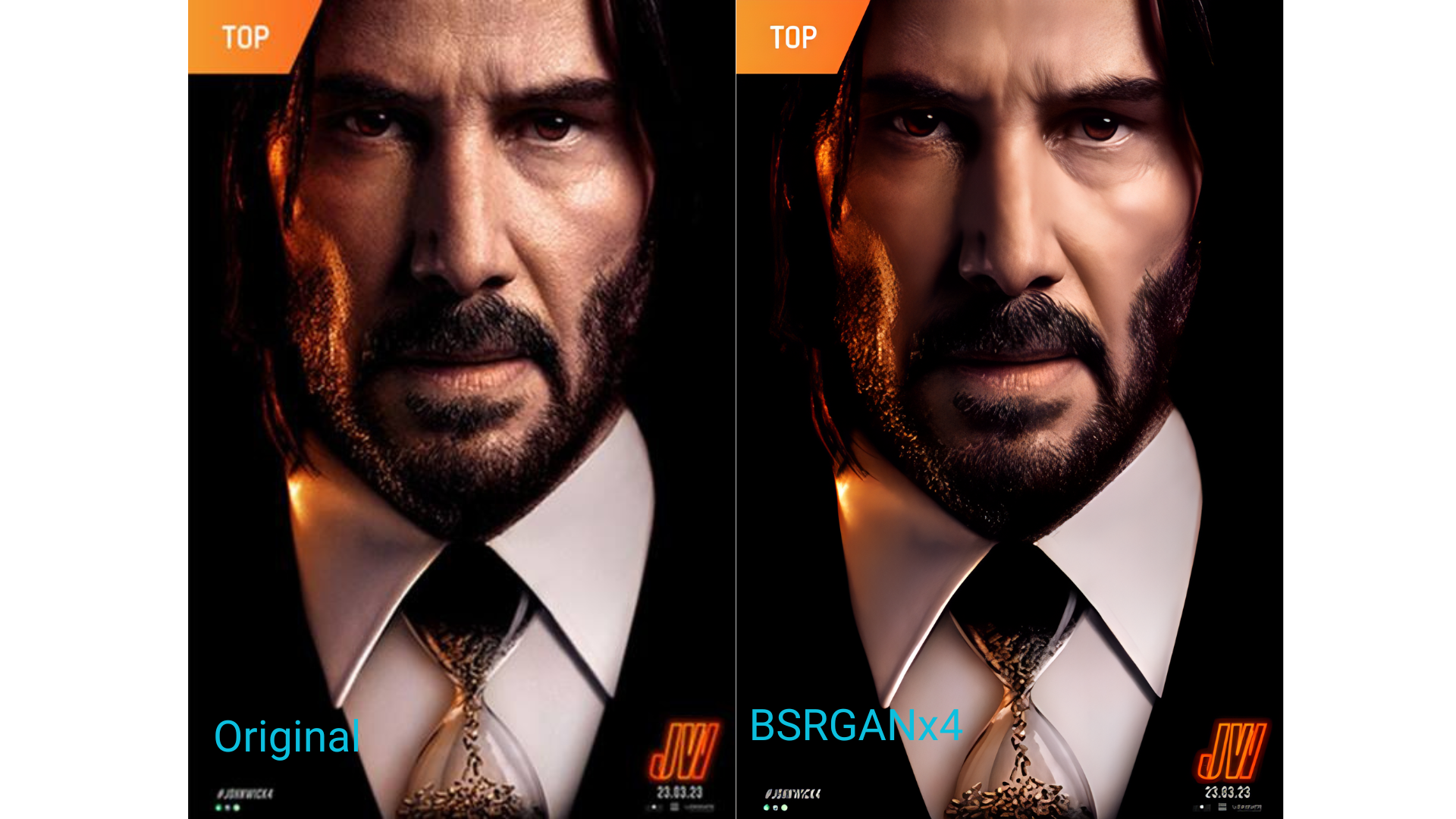
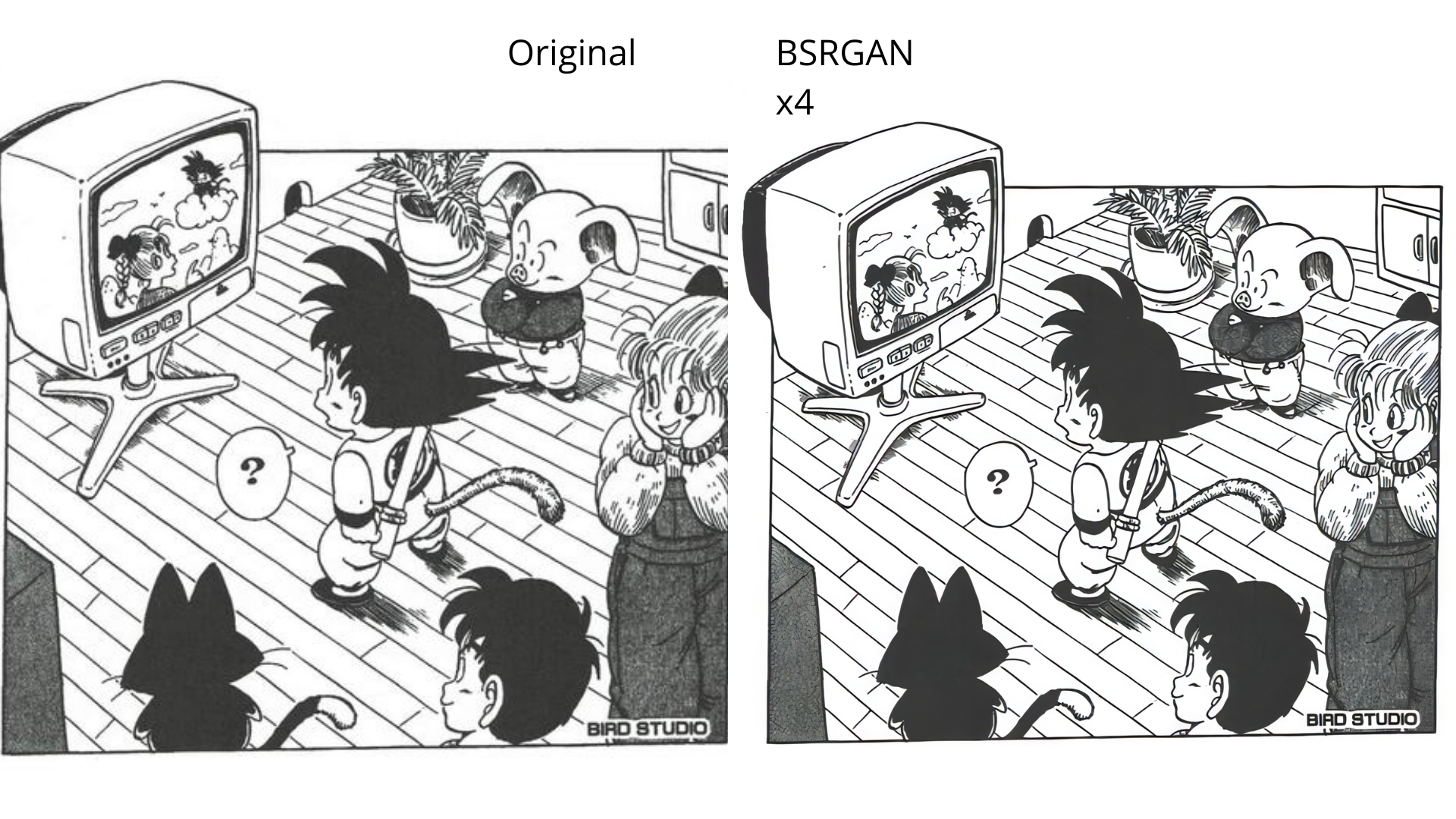
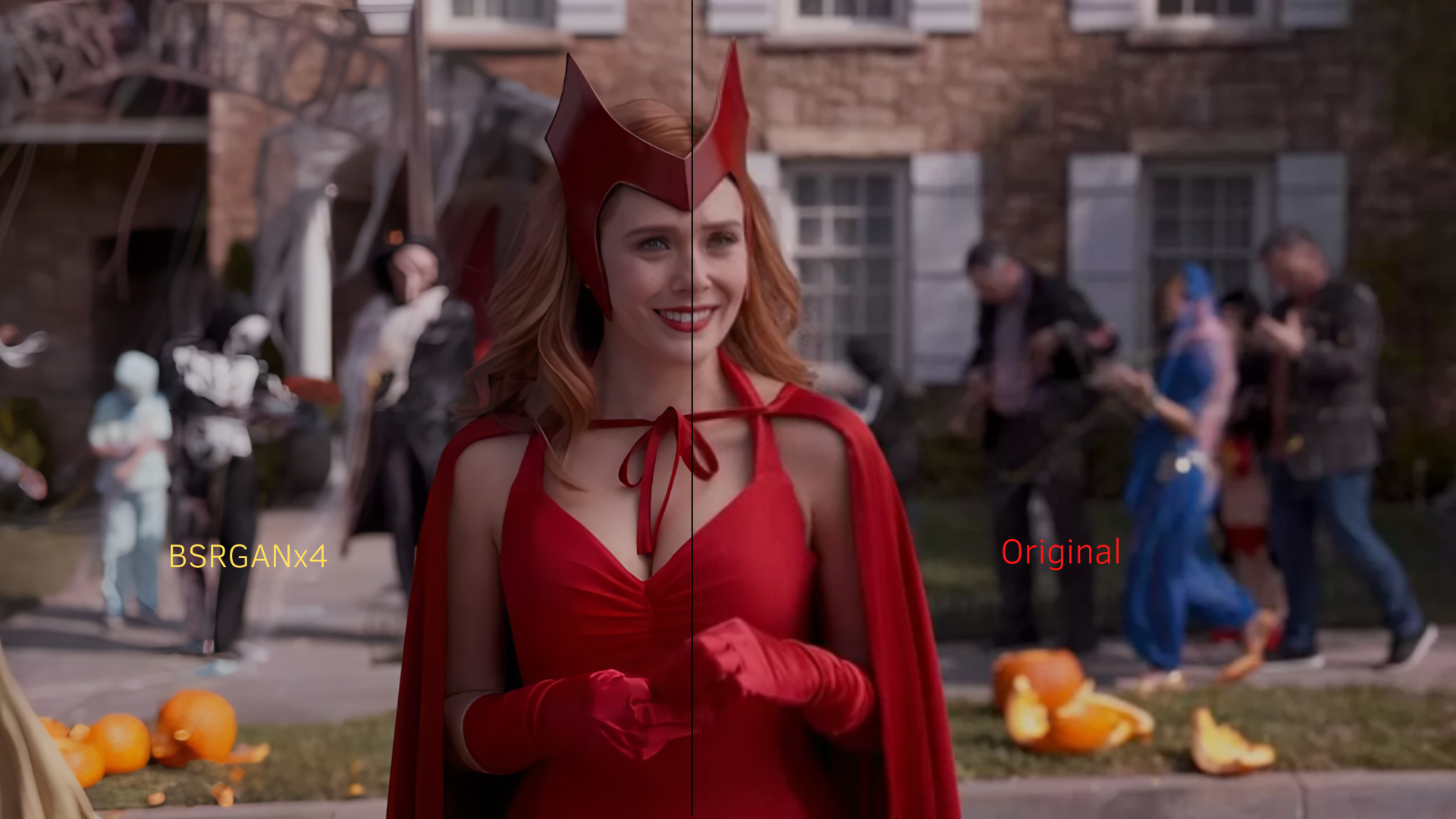
Qualityscaler is a Windows app that uses BSRGAN Artificial Intelligence to enhance, enlarge and reduce noise in photographs and videos.
https://github.com/Djdefrag/RealESRScaler / RealESRScaler - image/video AI upscaler app (Real-ESRGAN)
https://github.com/Djdefrag/FluidFrames.RIFE / FluidFrames.RIFE - video AI interpolation app (RIFE-HDv3)
https://80.lv/articles/80-level-digest-great-ai-powered-tools-for-upscaling-images/
https://timesavervfx.com/ai-upscale/
BSRGAN - https://github.com/cszn/BSRGAN | https://arxiv.org/abs/2103.14006
QualityScaler is completely written in Python, from backend to frontend. External packages are:
- AI -> torch / torch-directml
- GUI -> tkinter / tkdnd / sv_ttk / win32mica
- Image/video -> openCV / moviepy
- Packaging -> pyinstaller / upx
- Windows 11 / Windows 10
- RAM >= 8Gb
- Directx12 compatible GPU:
- any AMD >= Radeon HD 7000 series
- any Intel HD Integrated >= 4th-gen core
- any NVIDIA >= GTX 600 series
- Easy to use GUI
- Image/list of images upscale
- Video upscale
- Drag&drop files [image / multiple images / video]
- Automatic image tiling and merging to avoid gpu VRAM limitation
- Resize image/video before upscaling
- Multiple Gpu support
- Compatible images - png, jpeg, bmp, webp, tif
- Compatible video - mp4, wemb, gif, mkv, flv, avi, mov, qt
- Update 2.0 (now under development)
- Python 3.11 (expecting ~30% more performance)
- torch/torch-directml 2.0 (expecting ~30% more performance)
- a new completely redesigned graphical interface, with many more options for the user
- upscaling images and videos at once (currently it is possible to upscale a single image, a list of images or a single video)
- upscale multiple videos at once
- Switch to Pytorch-directml to support all Directx12 compatible gpu (AMD, Intel, Nvidia)
- New GUI with Windows 11 style
- Include audio for upscaled video
- Optimizing video frame resize and extraction speed
- Multi GPU support (for pc with double GPU, integrated + dedicated)
- Python 3.10 (expecting ~10% more performance)
- When running QualityScaler as Administrator, drag&drop is not working
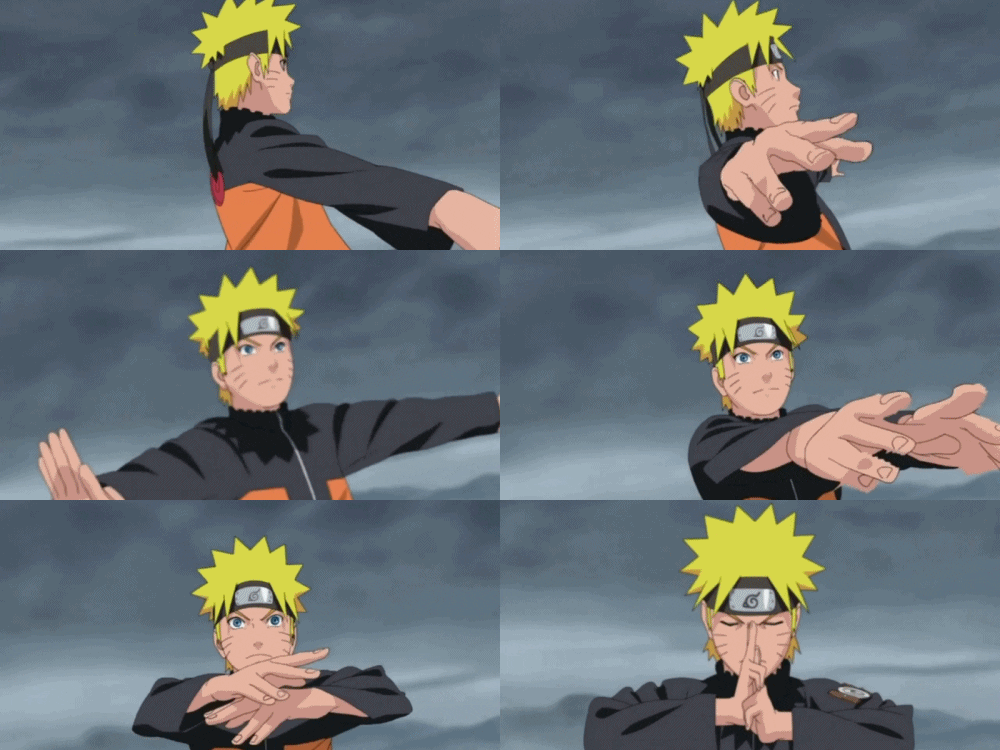
BSRGANx4.mp4