


Warning
This repository has been archived and is no longer maintained
It's simple, this is a site where you can ask questions and answer them. The project has an authorization and registration system, the ability to create questions and comments, like them, there is a user balance system (points are issued for writing questions and comments.) and its history, and also it is possible to administer the site through the built-in django admin panel. The project uses postgresql and ajax.
python >= 3.9
python packages: requirements.txt (How install in "How to start the project?")
git (For project installation)
git clone https://github.com/LaGGgggg/Ask-and-answer.git
cd Ask-and-answerWith pipenv:
pip install --user pipenv
pipenv shell # create and activatepython -m venv .venv # create
.venv\Scripts\activate.bat # activatepip install -r requirements.txtYou can create another database but my project is configured to work with postgresql and in this case you had to edit the database settings. To install your postgresql database you need:
- Install this
- Open pgadmin
- Create a new one or use the default database
Create file .env in ask_and_answer, such it ask_and_answer/.env. Next, paste it in .env:
SECRET_KEY=

# If empty => return False, else => return True.
DEBUG=True

ALLOWED_HOSTS=127.0.0.1

DB_NAME=postgres
DB_USER=postgres
DB_PASSWORD=
DB_HOST=localhost
DB_PORT=5432

INTERNAL_IPS=127.0.0.1
You need to add SECRET_KEY (It can be random, this is a good site.) and database settings. (DB_NAME, DB_USER and DB_PASSWORD.) All another is default, and you don't need to change it.
python manage.py migratepython manage.py runserver --settings=ask_and_answer.settings.dev3. Sign up for a heroku account if you don't have one: heroku.com
4. Install Heroku CLI
heroku loginheroku create <your app name>
heroku git:remote -a <your app name>heroku config:set DJANGO_SETTINGS_MODULE=ask_and_answer.settings.prod
heroku config:set DEBUG= # Should be empty for production deploy
heroku config:set SECRET_KEY= <your secret_key> # It can be random, this is a good site: https://djecrety.ir/git push heroku production:masterheroku ps:scale web=1heroku open- Main page
- Latest questions
- Find the question by name
- User is not authenticated
- Sidebar buttons
- Registration
- Authorization
- Sidebar buttons
- User is authenticated
- Sidebar buttons
- User profile
- Create question
- Sidebar buttons
- User profile page
- User balance
- History of balance changes
- Sidebar buttons
- To main page
- Create question
- Log out
- Sidebar buttons
- Create question page
- Fields
- Title input
- Content input
- Sidebar buttons
- To main page
- Fields
- View question page
- Question
- Question data
- Title
- Text
- Creation date
- Author name
- Number of likes
- Like/dislike button
- Question data
- Question comments
- Data is similar to the question data
- Like/dislike buttons
- Field to create a comment
- Text input
- Question
- Superuser function
- "To admin panel" button on each page
- Footer functional
- Current time
- Technical support email
- User is authenticated
- "Authenticated: " + username
- User is not authenticated
- "Not authenticated"
If the user is not authenticated, he will see the registration and authorization buttons in the right sidebar, linking him to the corresponding pages.
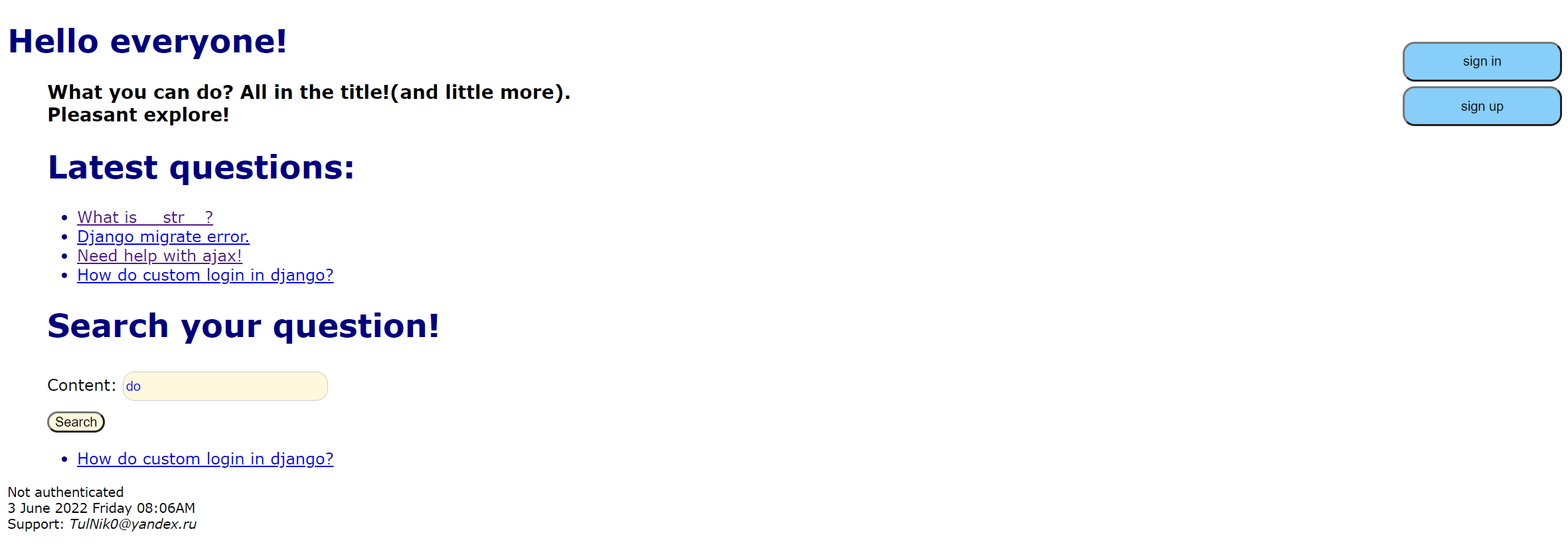

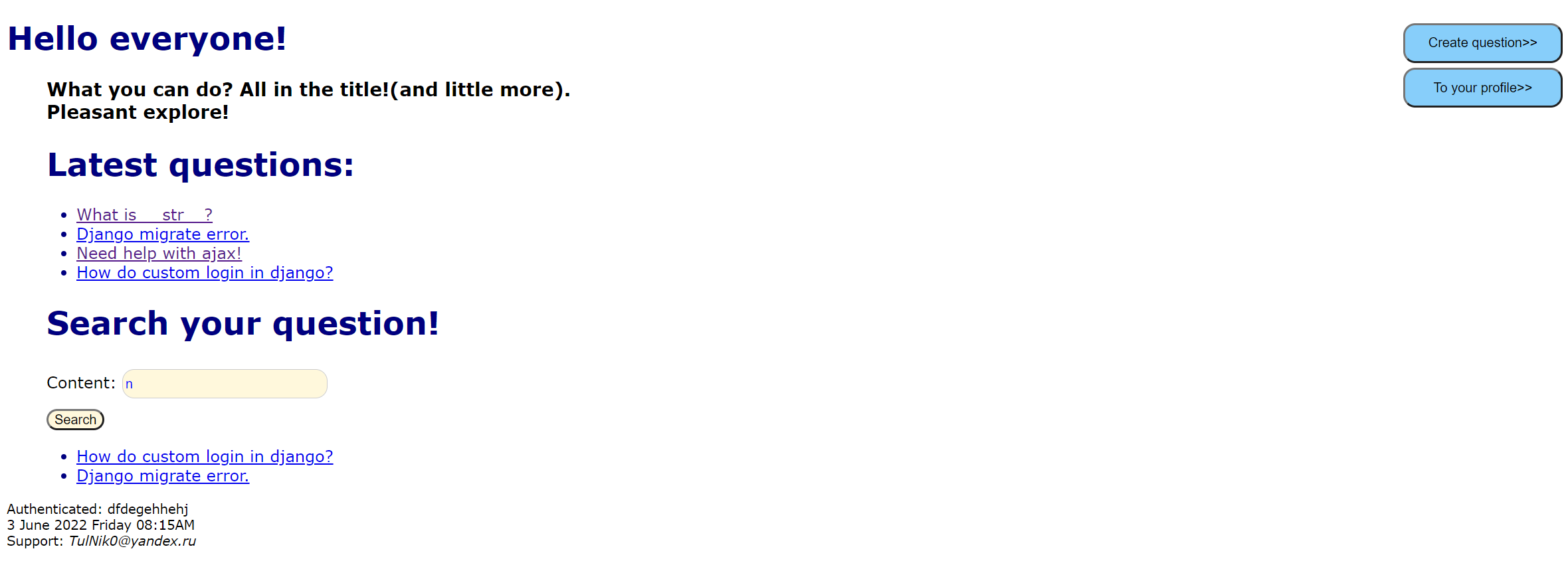
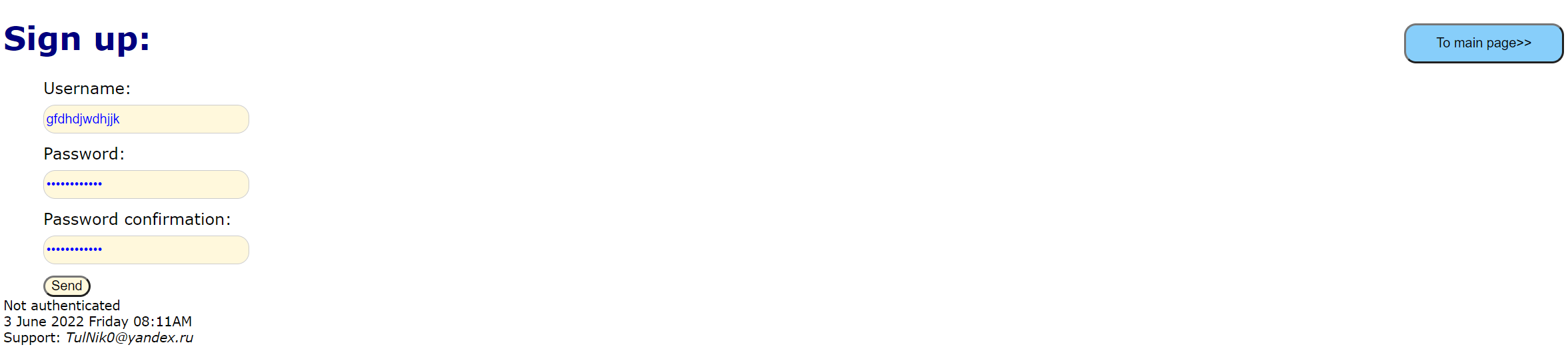 Also on the page you can see the latest questions and find the question by name.
If you need to see the text of the question, then just click on it to go.
(About this page a little further.)
Also on the page you can see the latest questions and find the question by name.
If you need to see the text of the question, then just click on it to go.
(About this page a little further.)
If the user is authenticated, then instead of the authorization and registration buttons, he will see the buttons for going to the profile and creating a question.(More on that later.)
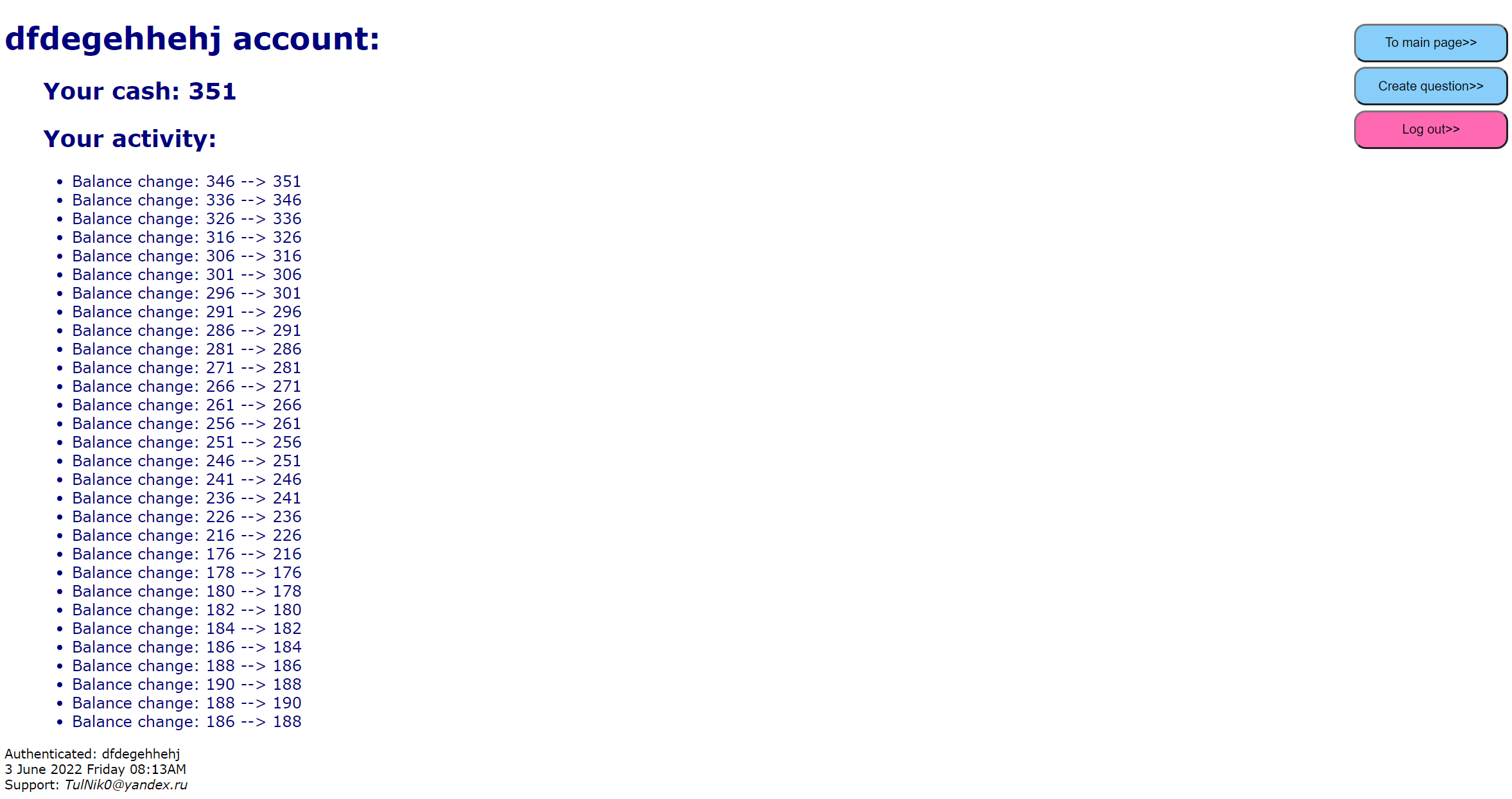
On the profile page, the user can see his balance (cash) and the history of its changes (up to the last 30 transactions). The sidebar contains buttons for going to the main page, creating a question (more on that later) and logging out of the account.
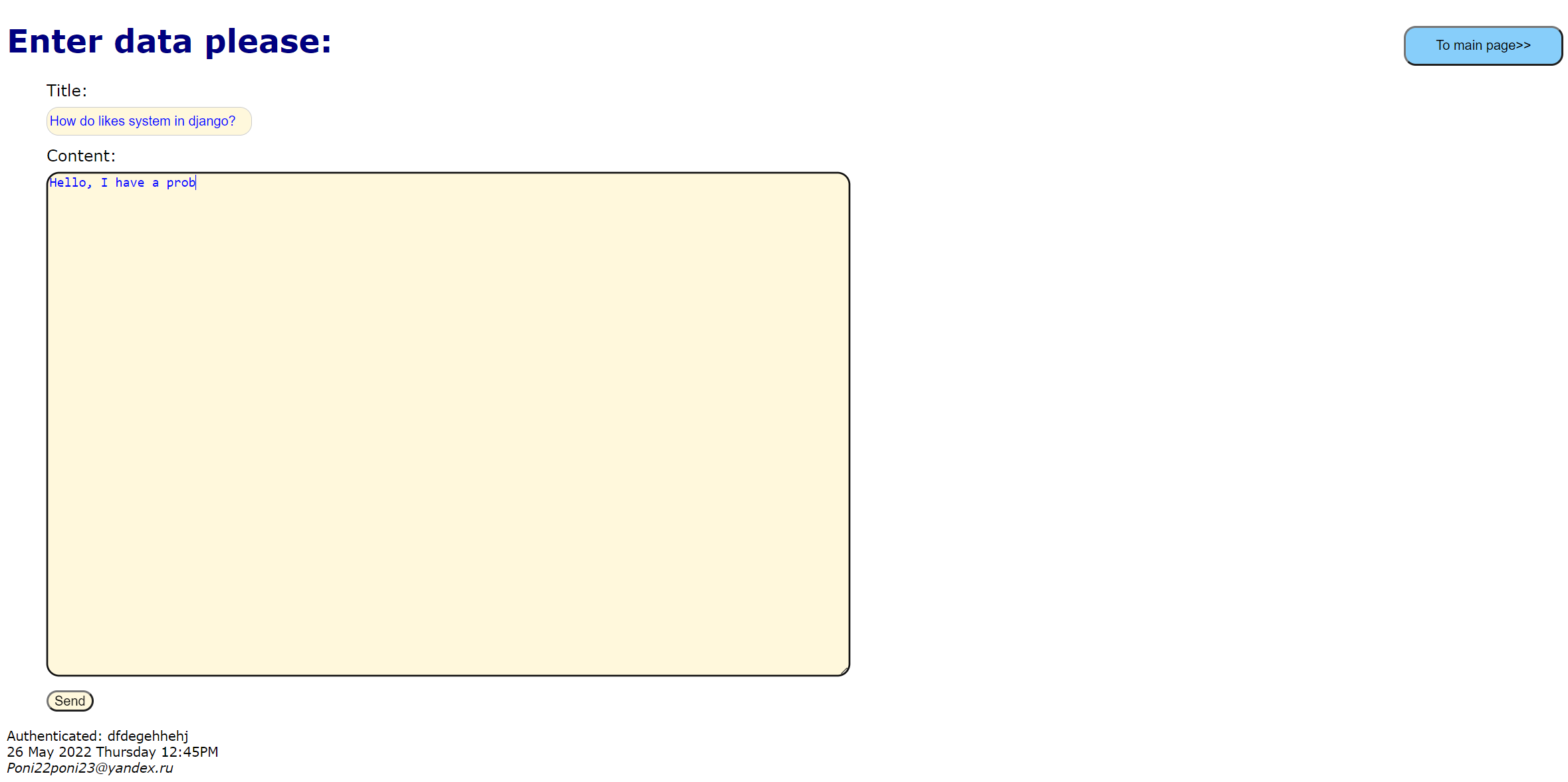
On the question creation page, you can see the exit button to the menu and fields for entering the title and content of the question (there is a check for the uniqueness of the question and the length of the title (9<X<31) and content (X>80)). For creating a question, the user is awarded points.
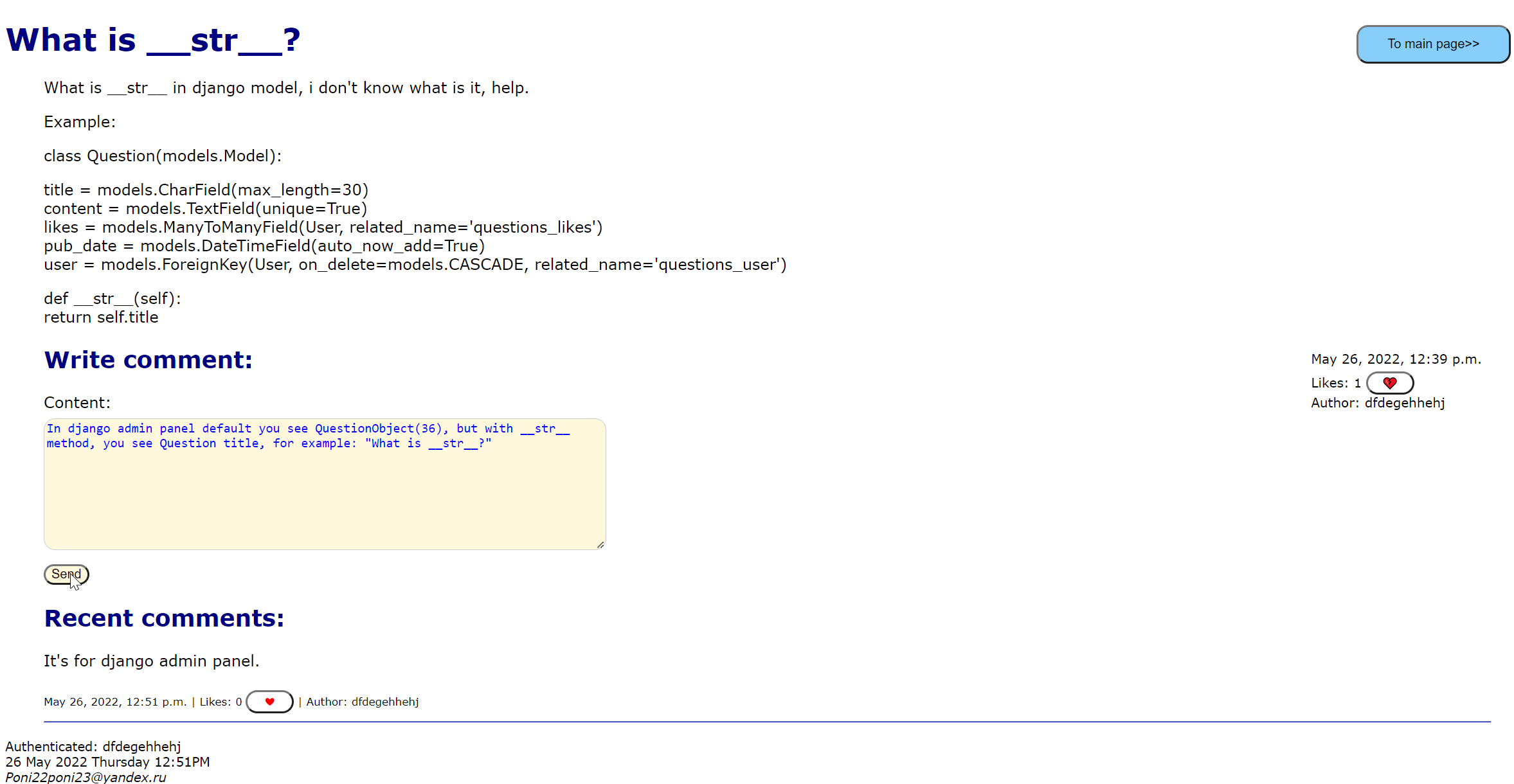
On the view question page, you can see the question data (Title, text, creation date, author name and number of likes.), comments (Their data is similar to the question data.), as well as a field for creating them (There is a uniqueness check, points are awarded for creating a comment.). You can like the question and comments (you can remove the like by pressing the button again.), this is done with ajax. (The Like button can only be seen by authorized users.)
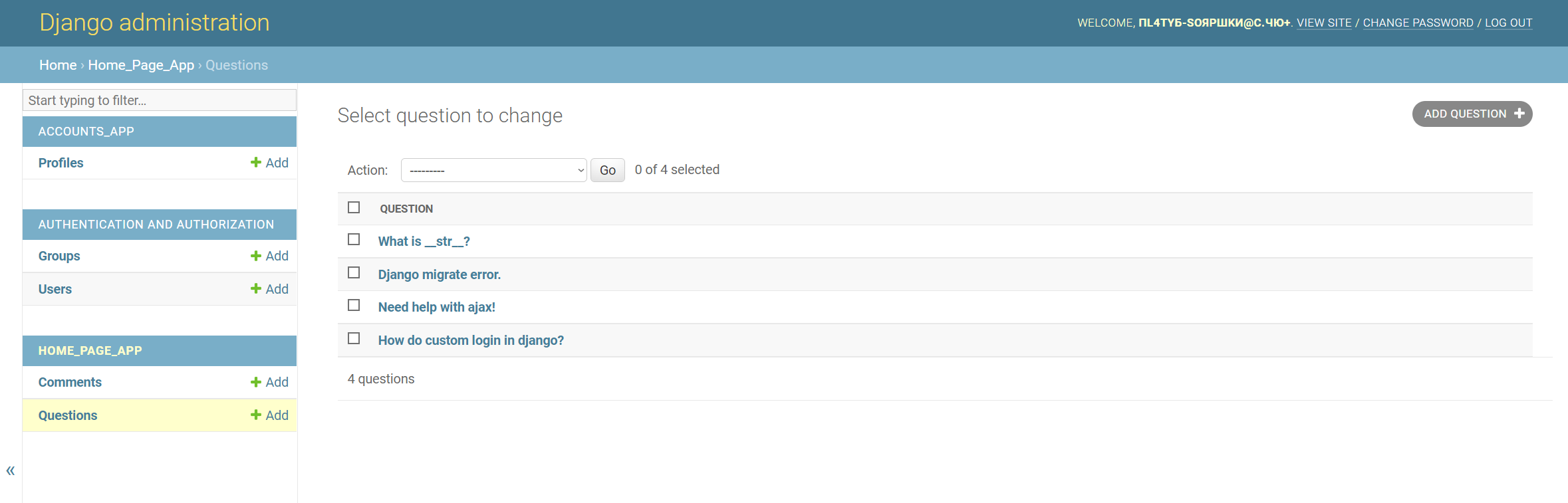
If you are logged in as a superuser, then on each page of the site there will be a button
that will take you to the admin panel.
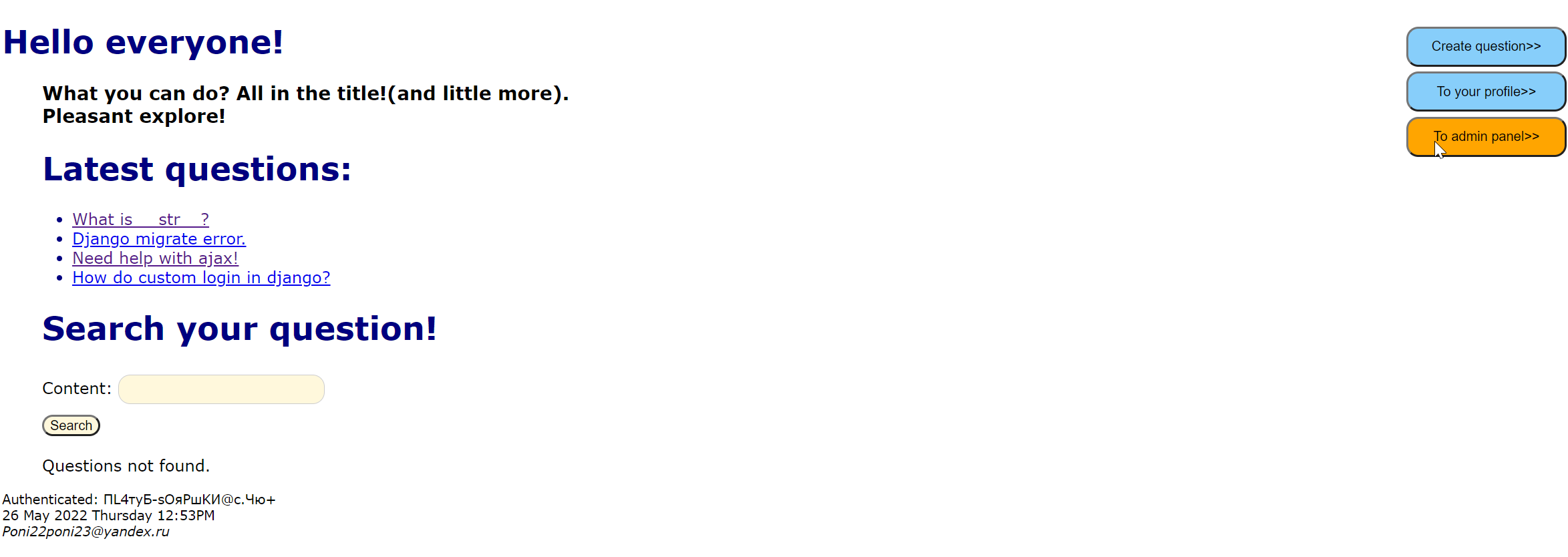
In the footer, which is present on all pages of the site, you can see the current time, the address for contacting technical support and whether the user is authenticated. (If yes, then his login will be written there.)
P.S. Sorry for the long loading, unfortunately after an hour of inactivity the project "falls asleep" and it needs more time for the first load :(.This is due to the specifics of the free Heroku that hosts the site.
This project was done only by me, no one else helped in its creation.
I want to separately thank the great community, it was thanks to them that I started and still program, thank you so much!
For any questions:
TulNik0@yandex.ru