

Convert your images to net-ready WEBPs (and back)!
No tweaking needed, vector and raster files supported.
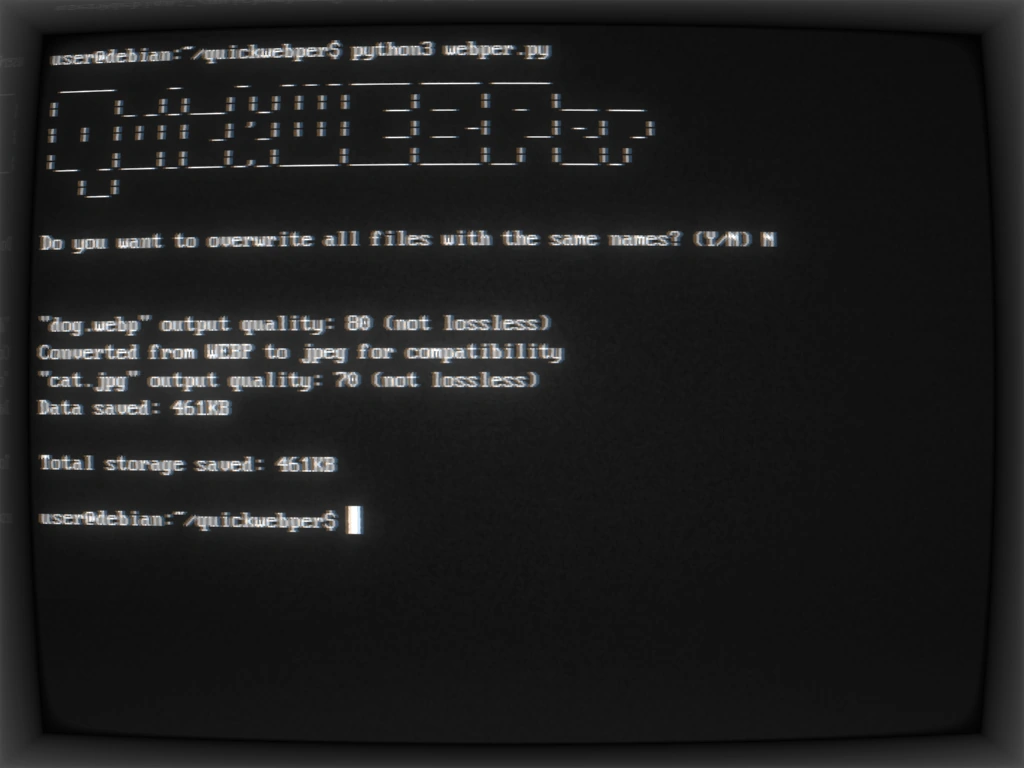
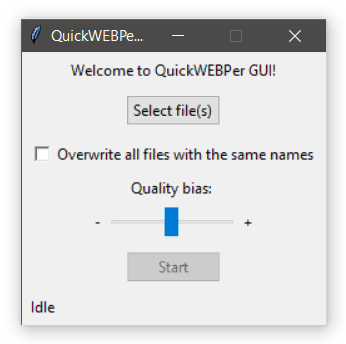
Requires Python 3 or Docker.
Windows:
git clone https://github.com/MariaWasNotAvailable/QuickWEBPer.git
cd QuickWEBPer
python -m venv venv
venv\Scripts\Activate
python -m pip install -r requirements.txt
(or just run the .exe release)
Linux:
git clone https://github.com/MariaWasNotAvailable/QuickWEBPer.git
cd QuickWEBPer
python3 -m venv .venv
source .venv/bin/activate
python3 -m pip install -r requirements.txt
Docker:
git clone https://github.com/MariaWasNotAvailable/QuickWEBPer.git
cd QuickWEBPer
docker build --tag 'quickwebper' .
docker run 'quickwebper'
python webper filename.png
or
python webper C:\filename.webp
or
python webper entire\folder\path
or
import webper
webper.run_module([file.jpg], False) # array of filenames, boolean switch to allow/disallow overwriting
or
python webper invalid_file.tmp  # either of these...
python webper                   #
webper.exe                      # ...will open the GUI
also
python test -v # to test
QuickWEBPer was conceived as a "no-config" batch converter, i. e. with a web-ready, input-aware compression profile. It deliberately silently skips non-image files so you don't have to be too careful about multiple file input.
But couldn't you do that with a shell one-liner?
You definitely could! The entire point, though, is to enable users who might not be comfortable with the terminal or installing packages to do this quick.