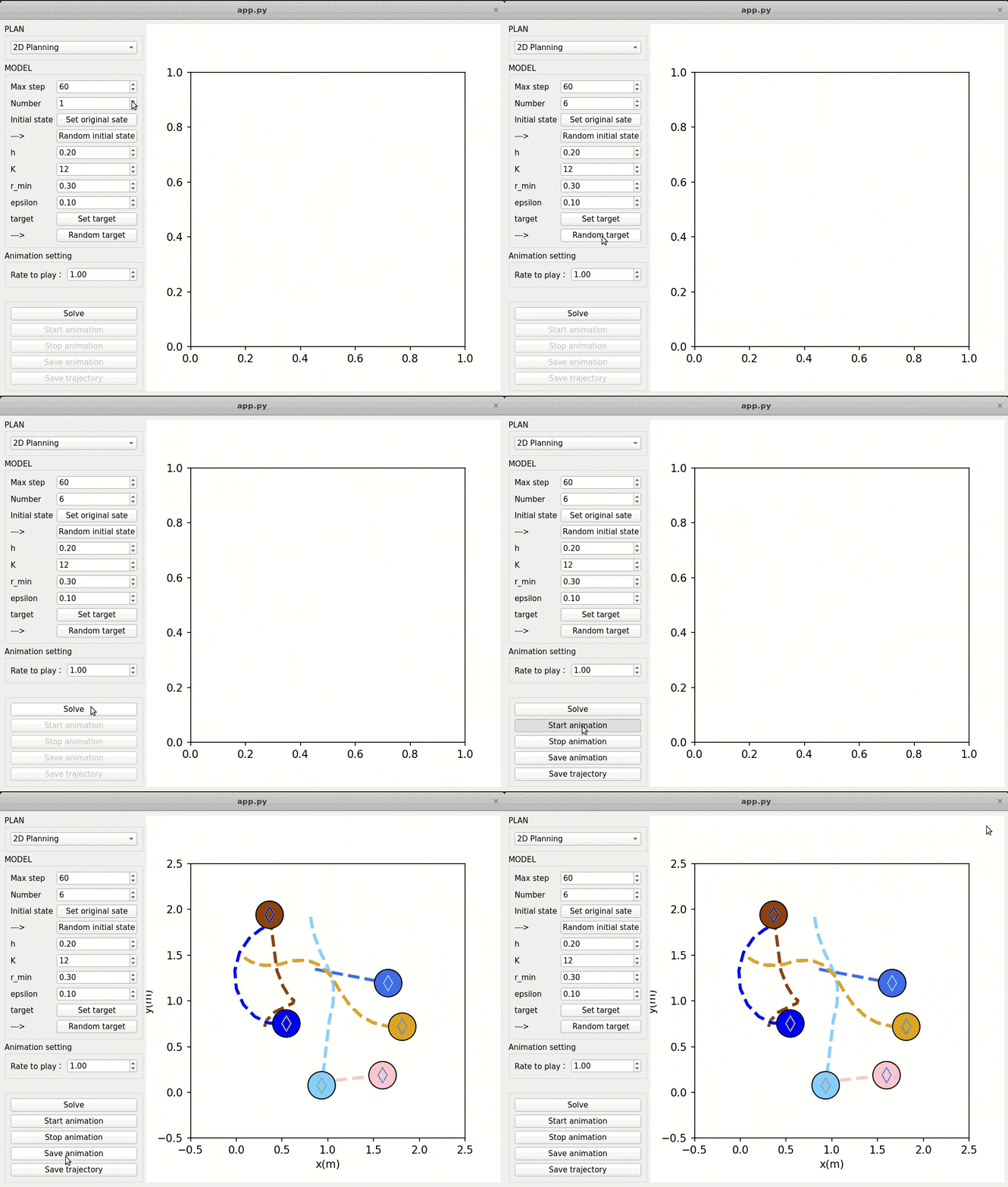
code for article: Recursive Feasibility and Deadlock Resolution in MPC-based Multi-robot Trajectory Generation
IMPC-DR is a online replanning method for multi-robot which can achieve the recursive feasibility when solving optimization problems during replanning in addition to its capibility that resolving deadlock problem in cluttered enviroment.
Here we provide a python3-based app which can simulate the trasition for multi-robot in free space in 2D and 3D. Since the we can gurantee the feasibility of convex programming in replanning, the high reliability can be expressed by this APP.
We have tested our code with:
ubuntu 18.0.4/20.0.4
in python3
This APP need following dependencies:
PyQt5          5.15.1
opencv-python  4.1.2.30
numpy          1.19.2
mosek          9.4.20
cvxpy          1.1.6
scipy          1.5.3
matplotlib     3.4.3
Beiseds, you need to install libxcb-xinerama0 as follows:
sudo apt-get install libxcb-xinerama0
For mosek, you need a license to use it. How to get an offical license can refer to mosek
In 2D or 3D file:
python3 app.py
You can get following interface:
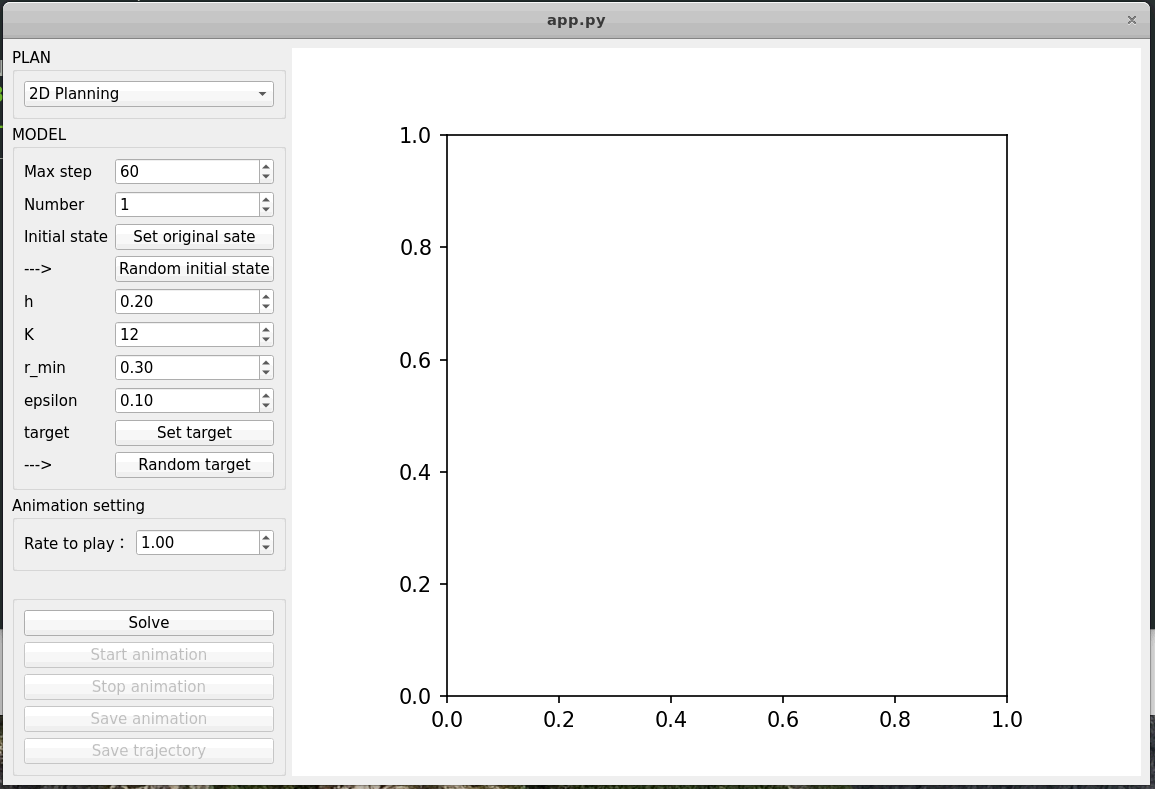
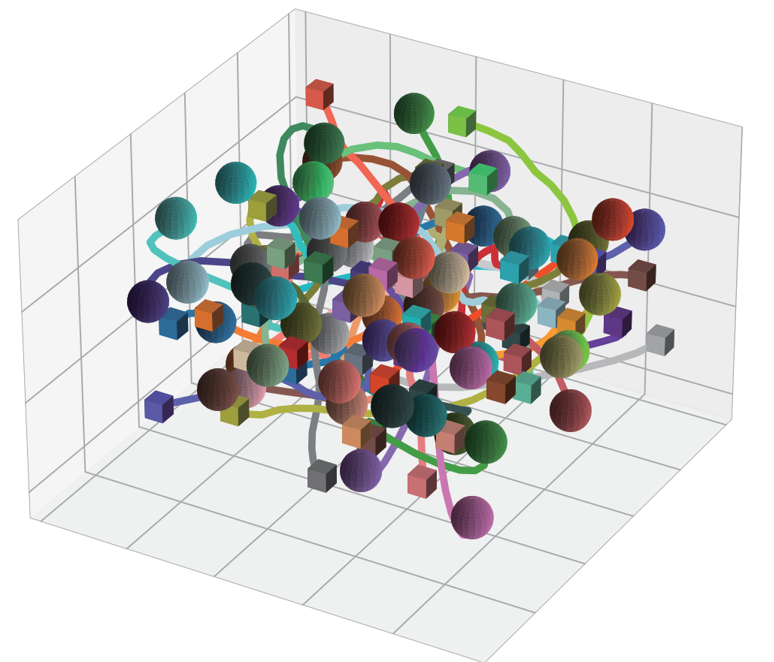
First, you need to set the number of robots. Then, you can either input the initial position by yourself or get them randomly by press the button 'random initial state'. It is worth noting that if you input the initial state please gurantee that the initial position is collision free and you'd better choose a zero initial velocity. In addition, there has some other efficients which includes time step h, length of horizon K and minimum radius r_min and width of warnning band episilon. After seting all above, press Solve to calculate the trajectories and, wait for a moment, can obtain it and press start annimation to show it. You can also press Save annimation to save this annimation and the video will be stored in this file named as 'result01.avi'. Then, press save trajectory, you can obtain the following figure as 'trajectory.svg'. For an example, the following picture in our article:
At last, we provide a gif to show how to manipulat this APP: