Contents
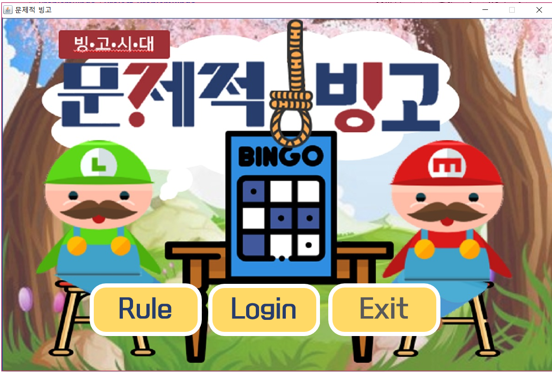
* Click the Login button and enter your name.
* You are ready to start the game.
* Click the Start button.
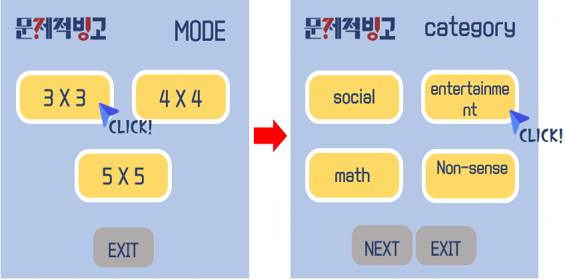
* After the start button, you can select the mode.
* Then, select the category.
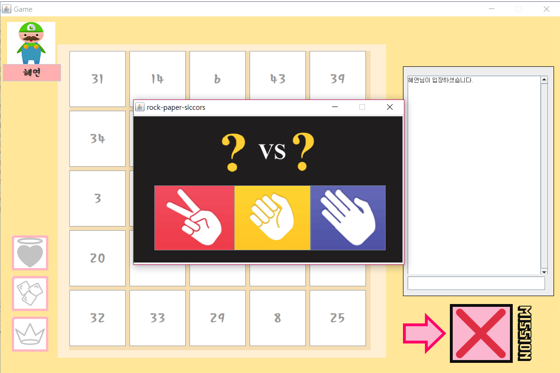
* First, do rock-paper-scissors to decide order.
* Choose a number you want
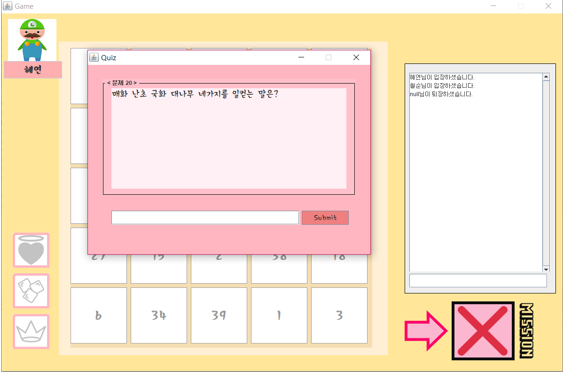
* Solve a problem according to category you chose
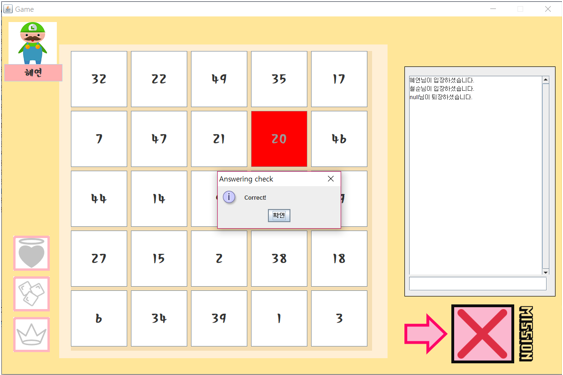
* If you get the right answer you can delete the number
* also you receive one more chance to pick a number
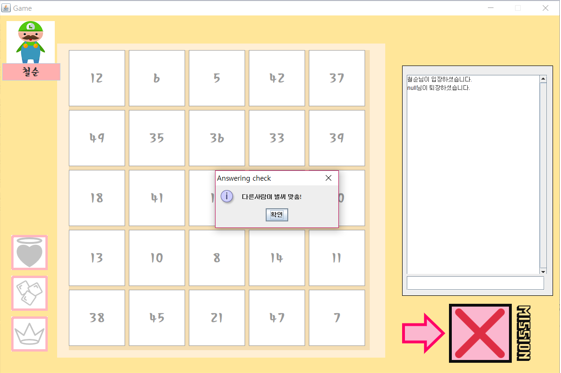
* If you wrong answer, your turn goes to opponent then
  opponent have a chance to solve that problem.
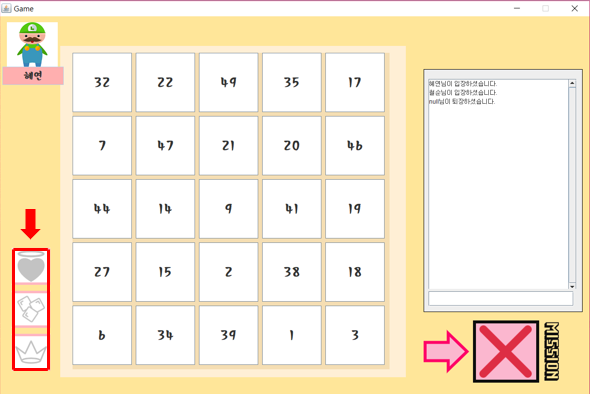
There are three item functions
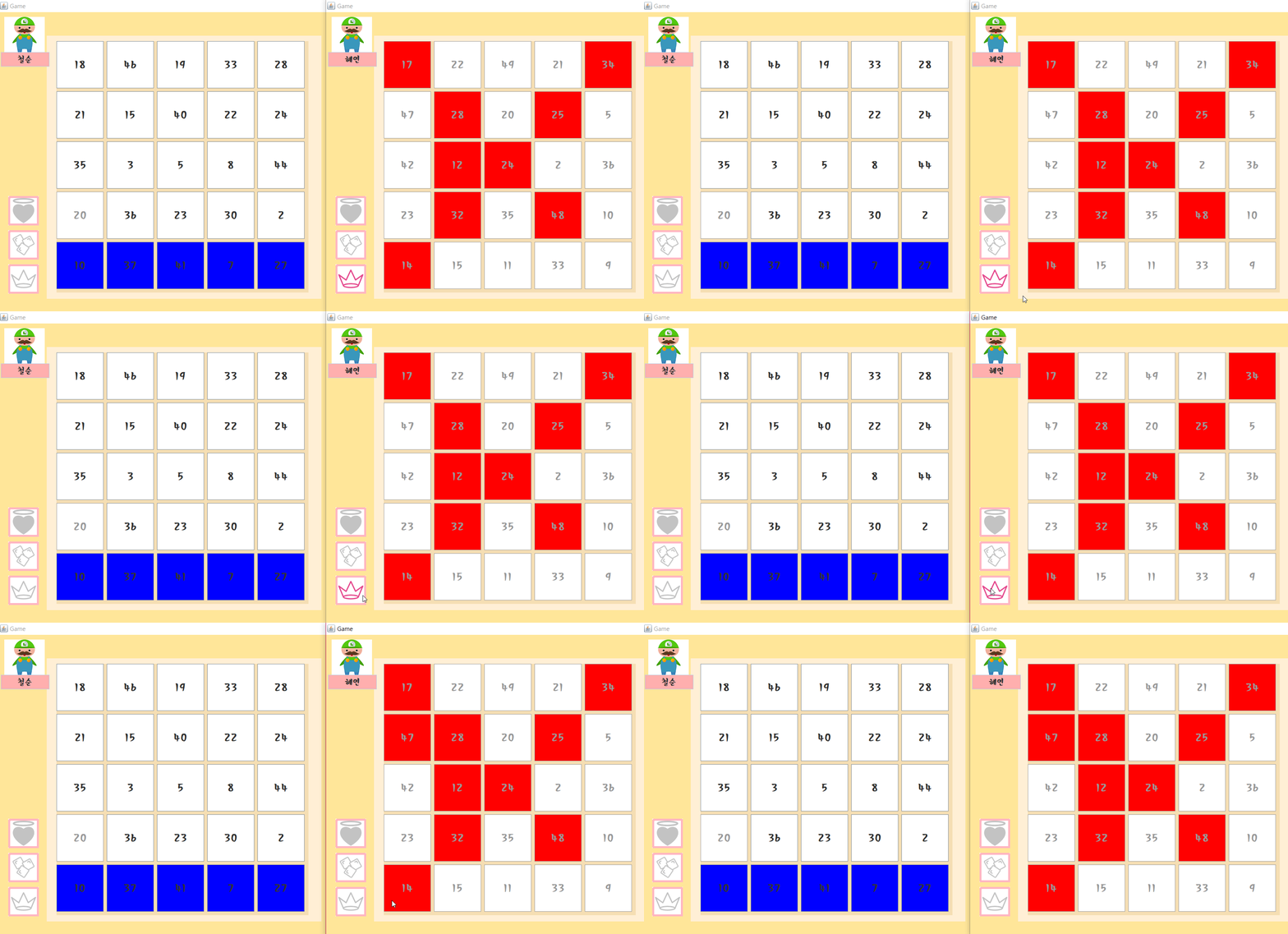
* Freeze the opponent's bottom line
* Erase the cell randomly in your bingo
* Randomly revive the cell that the opponent cleared
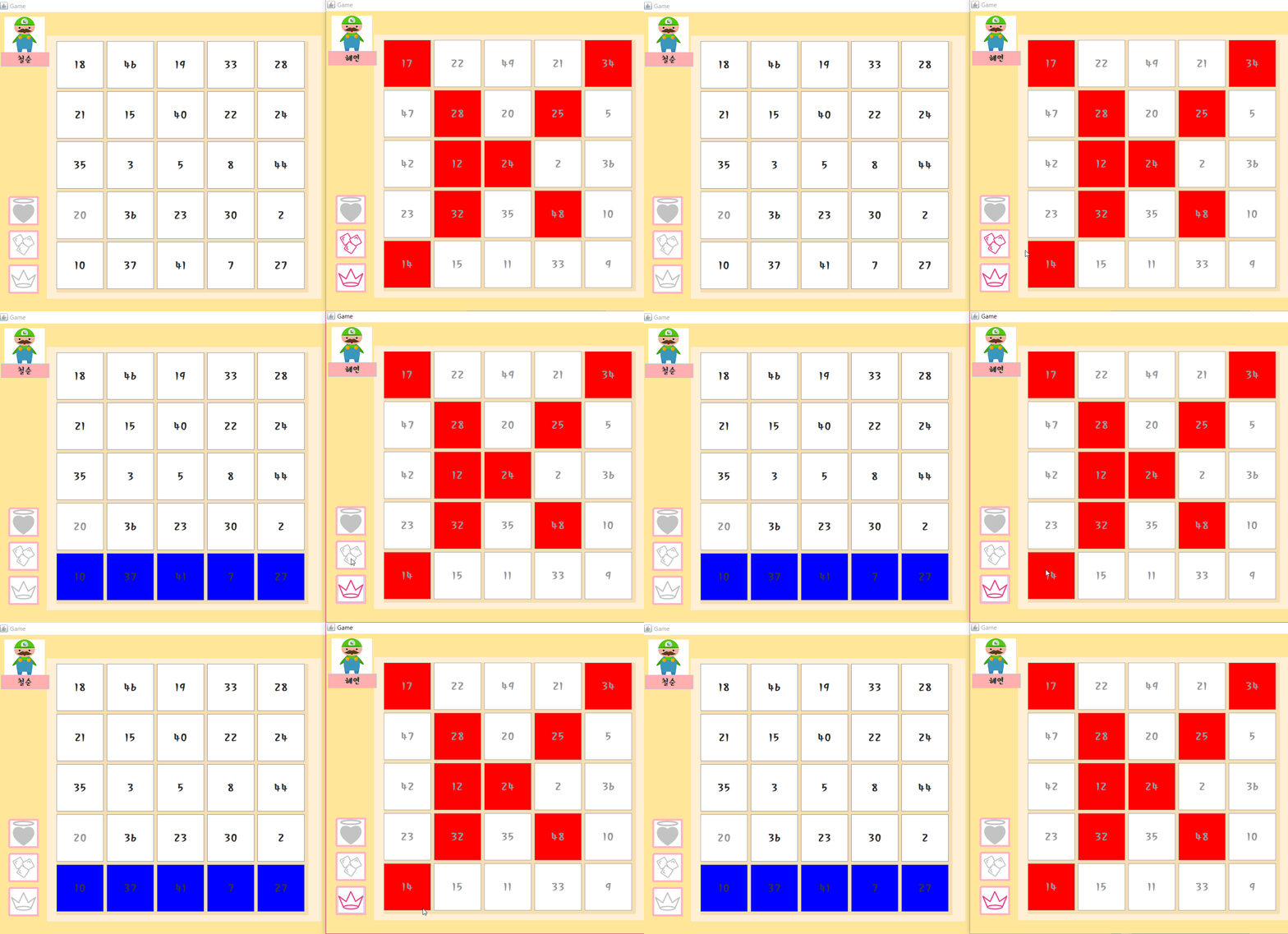
* Item 1) Freeze the opponent's bottom line
* Item 2) Erase the cell randomly in your bingo
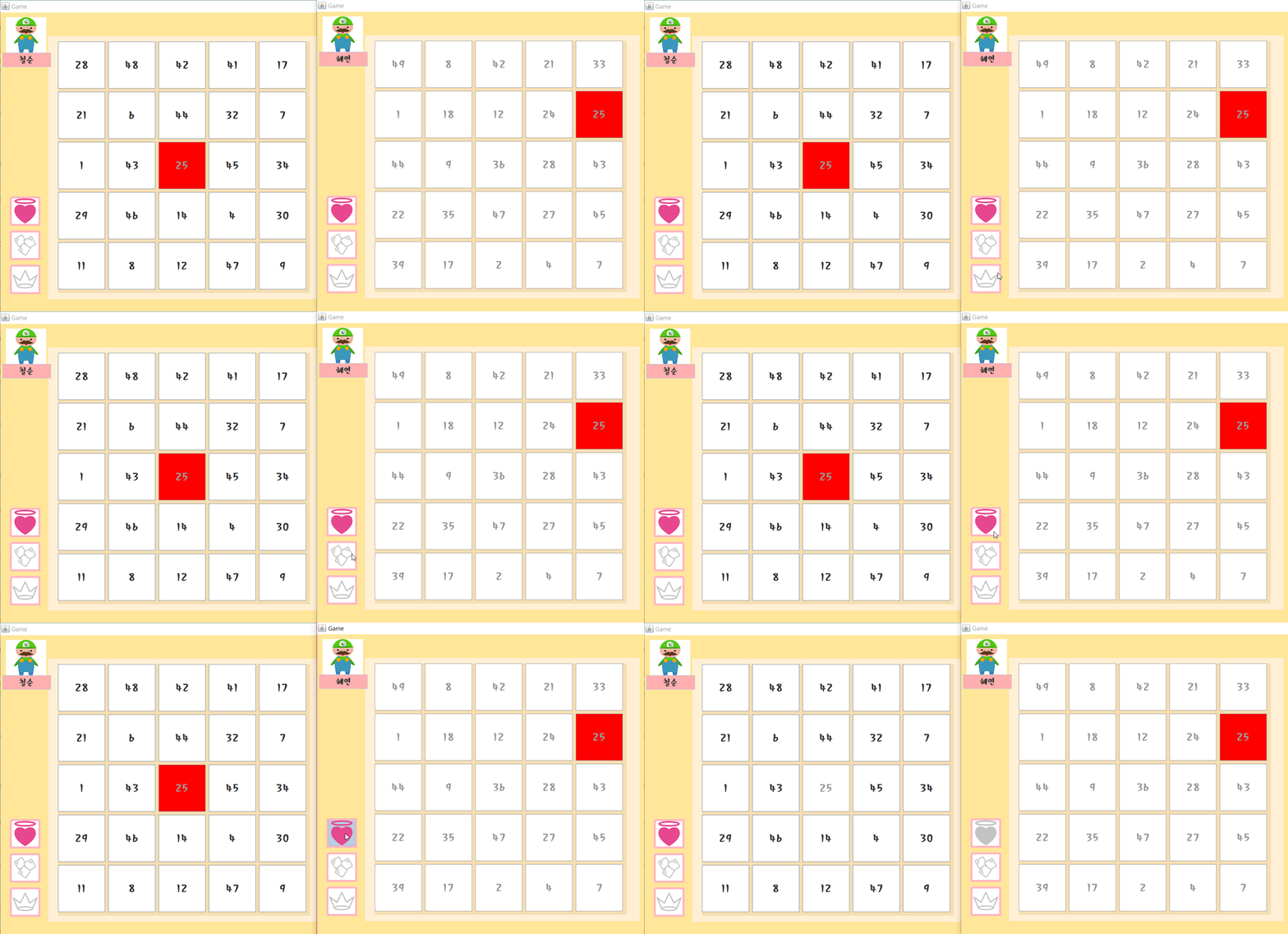
* Item 3) Randomly revive the cell that the opponent cleared
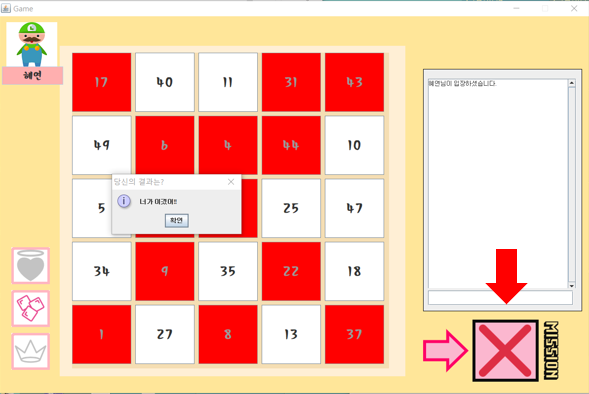
There is a mission function
* To win game, you have to erase the cell to match the mission