
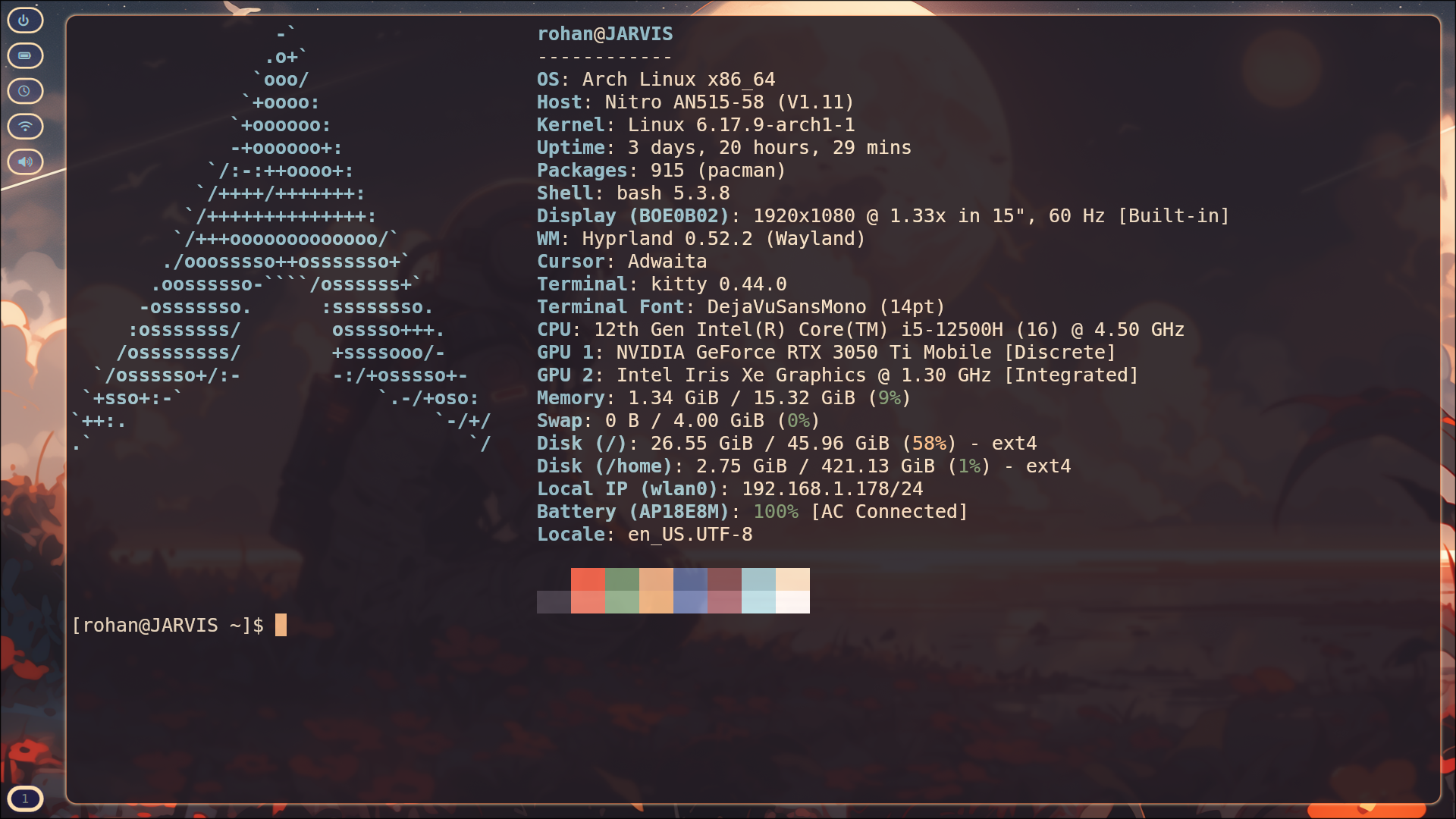
Configuration files for my Arch Linux setup
gcchyprlandhyprpaperhyprlockhypridlehyprshothyprsunsetkittywofinemobtoppipewireplayerctlgtk3pavucontrolrclonespotify-launcherpythontorwireguard-toolsopenresolvfzfnvimttf-dejavufastfetchdunstquickshellnerd-fontsbluemanzen-browser-binhblockollamawpilib-2025.3.2
-
Clone the git repository and travel to the specified directory (
~/Arch-Dots/). -
Run the
install_deps.shfile to install or update all the listed dependencies.
Note
Run the install script with the --install-wpilib tag to install all linux compatible FRC 2025 WPILib tools
-
Run the
copy_dotfiles.shfile to run the dotfiles from the repository directory to the~/.config/directory. -
Enjoy! :)
Warning
You may need to reboot your system to see many changes made in step 2