Install docker-compose using these instructions. If you are using Windows/Mac, the easiest way to do this is to install Docker Desktop.
Install make for your shell of choice. If you are using Powershell, run winget install GnuWin32.Make and add C:\Program Files (x86)\GnuWin32\bin to your PATH variable (Stack Overflow on the subject)
- Clone safety-vision-ui, safety-vision-platform, and this repo. When cloning these repos, make them siblings in your directory structure as shown:
your-parent-directory
├── safety-vision-infra
├── safety-vision-platform
+── safety-vision-ui
- Build the Docker containers for the platform and the UI using an administrator PowerShell (or use
sudoon Mac/Linux):
cdtosafety-vision-platformand runmake buildcdtosafety-vision-uiand runmake setup
-
cdto this repository's directory and set yourAWS_ACCESS_KEY_IDandAWS_SECRECT_ACCESS_KEYenvironment variables. -
Build and run the docker images:
make build
make up
- Run the database migrations (if you have issues running this just try again in a few seconds):
make migrate
-
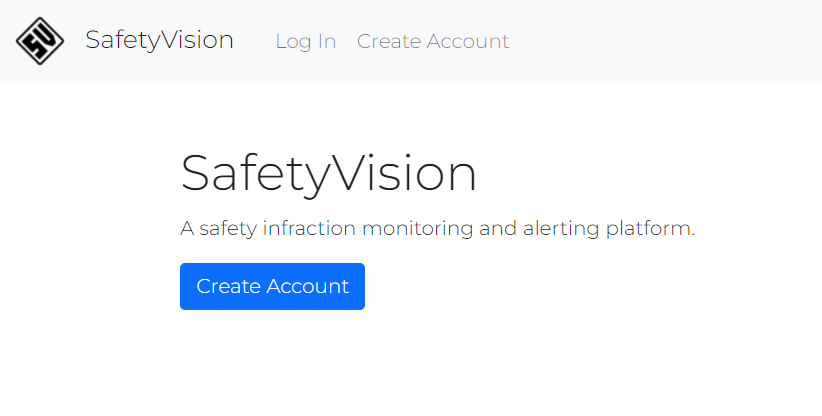
Visit http://localhost to verify the UI is running.
-
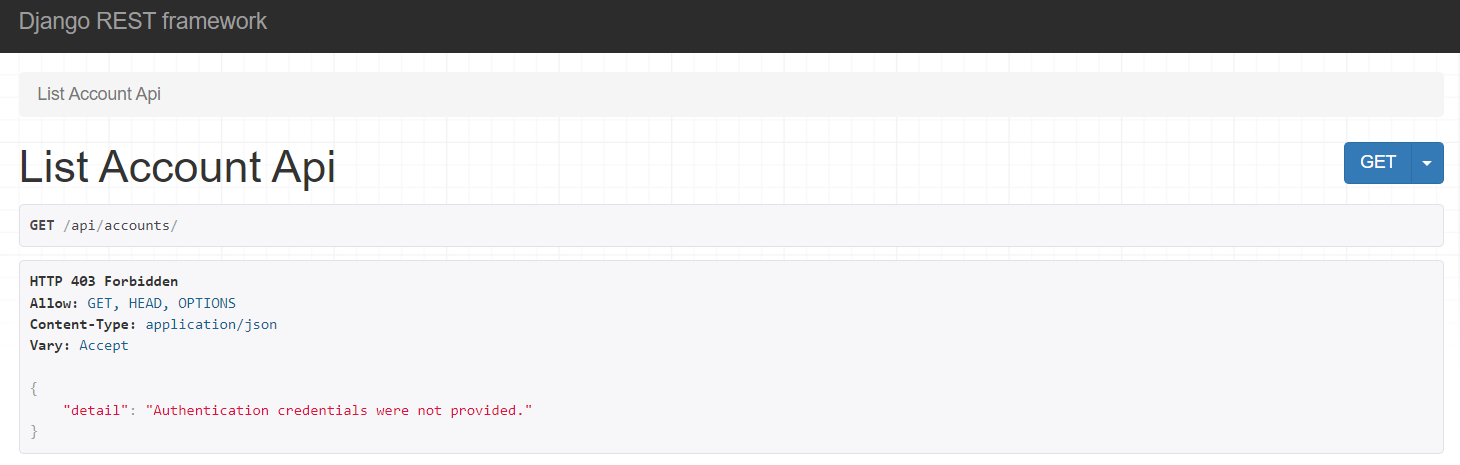
Visit http://localhost/api/accounts to verify the backend is running.
-
Shut the application down:
make down