We have deployed the web service using Render.com. You can visit us at testudo2-0.onrender.com.
You are able to run this server locally on your computer using NodeJS. Start by extracting the contents of this file and run the following commmand within the directory.
npm installThis will install all the modules required for Testudo-Revamp to run properly. The next step is to simply start the server locally by running
node index.jsThe server can be accessed at localhost:3000.
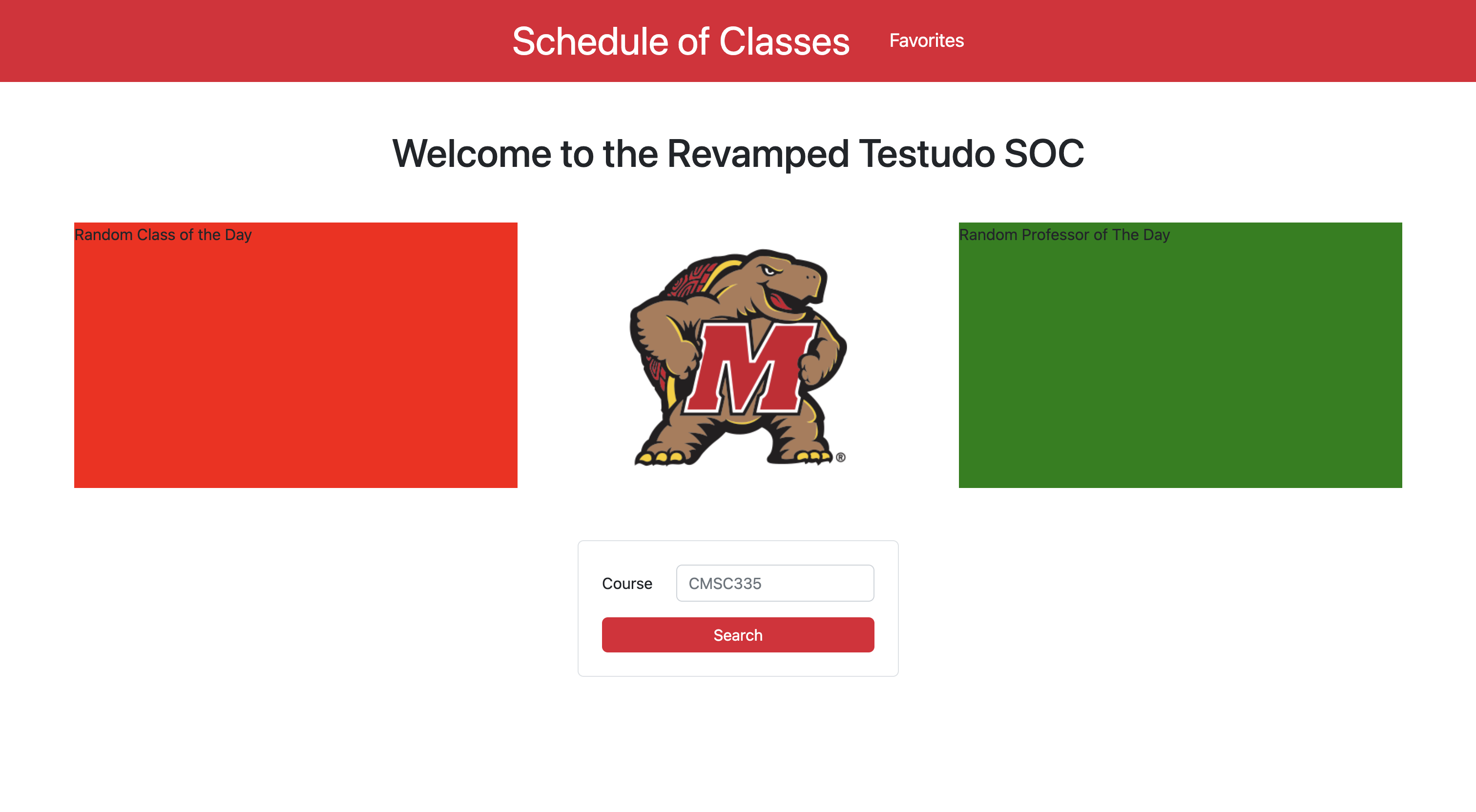
To view a live demo of our project, check out this YouTube Video.
The goal of this project is to make viewing class schedules a lot easier, with a new minimalistic design and additional tools to help make faster decisions for course registrations. As a reference, this is what the current Schedule of Classes service that we students use looks like:
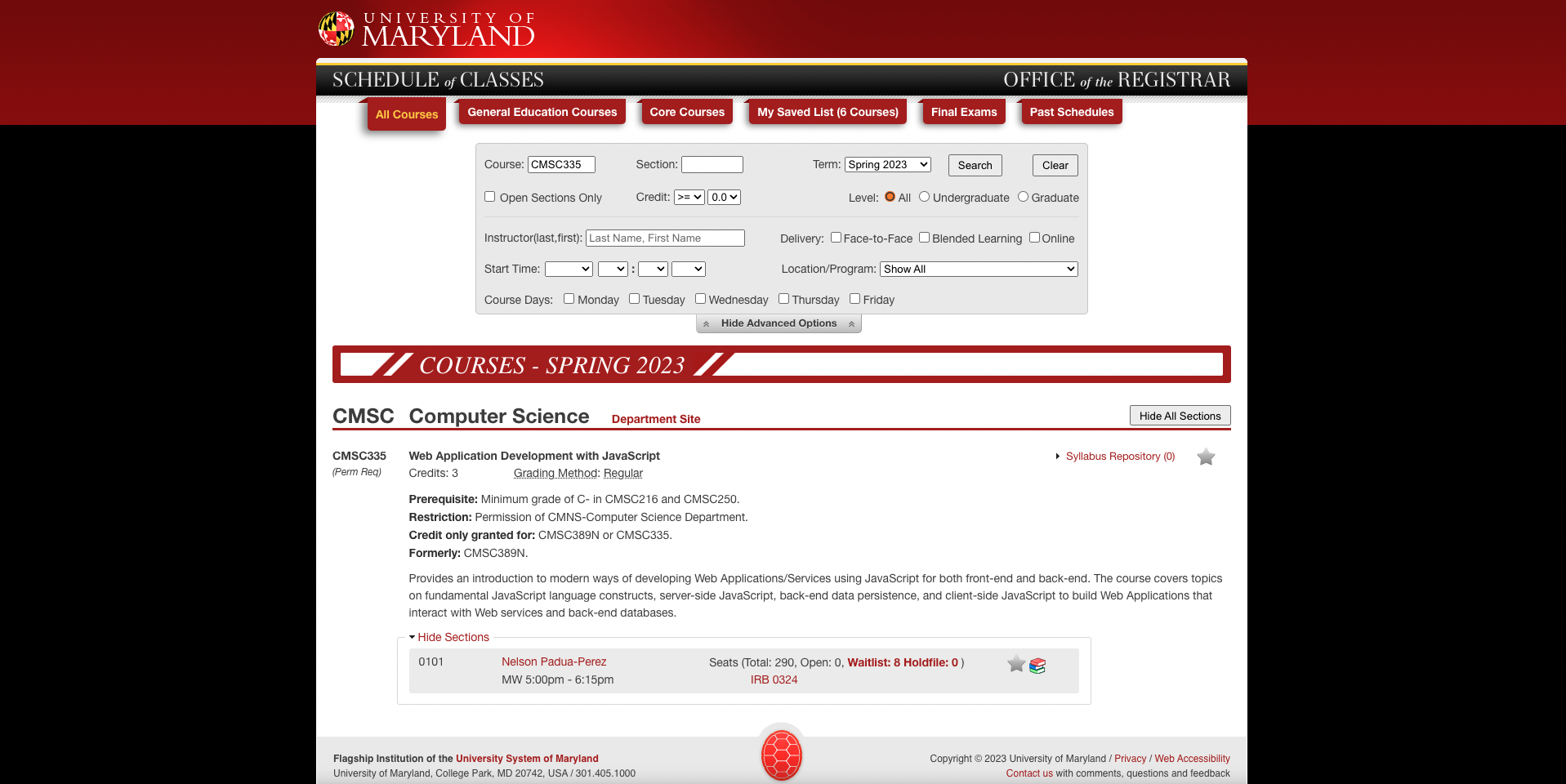
The project aims to improve this interface such that it is able to reflect the great quality of education that students of the University of Maryland receives. This is a WIP, but so far, we've implemented some of the core functionalities, as described below:

The website retrieves results based on the user's search query. This must be a keyword related to the full course name. For example, typing in CMSC will show all the courses provided by the UMD Computer Science department, and typing in engineering will show all courses that has the keyword 'engineering' in its name.
The user will then be redirected to another page where they are able to see more information about each specific course, from the course description, credits, and restrictions that students should know about; to the sections available, seating availability, and meeting locations.


Users can also minimize their search results through a Sort/Filter off-canvas page on the right. Sort them by credits, or filter them by gen-ed type.

Need to make another search? Access the search bar through the little arrow button on the left.

More features will be integrated in the future.
You can also add your favorite courses for later access, by clicking on the cute little star button on the right side of each section.
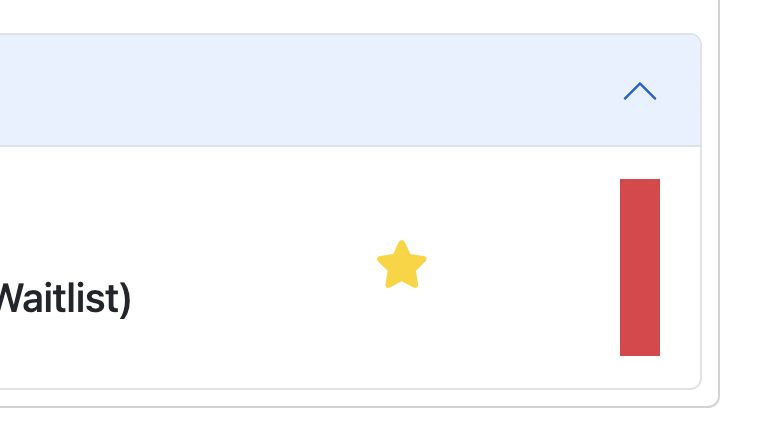
Your favorite courses can then be accessed through the Favorites page accessed at the top navbar.

This project would not be possible without UMD.IO's wonderful API, and our beloved instructor Nelson Padua-Perez.
And of course, to the people that collaborated into this project:
- Samuel A. Kosasih (samadrn)
- Nathan Bezualem (nathanb9)
Bootstrap v5.2 was used to create this design, and MongoDB as a back-end database.
-
Home page is very icky right now. There is a lot to do about the design to make it even more beautiful.
-
Course search results may be out of sync with Testudo. This might be an issue with UMD.IO's scraper github.com/umdio/umdio/issues/241.
Written [12/14/2022]