
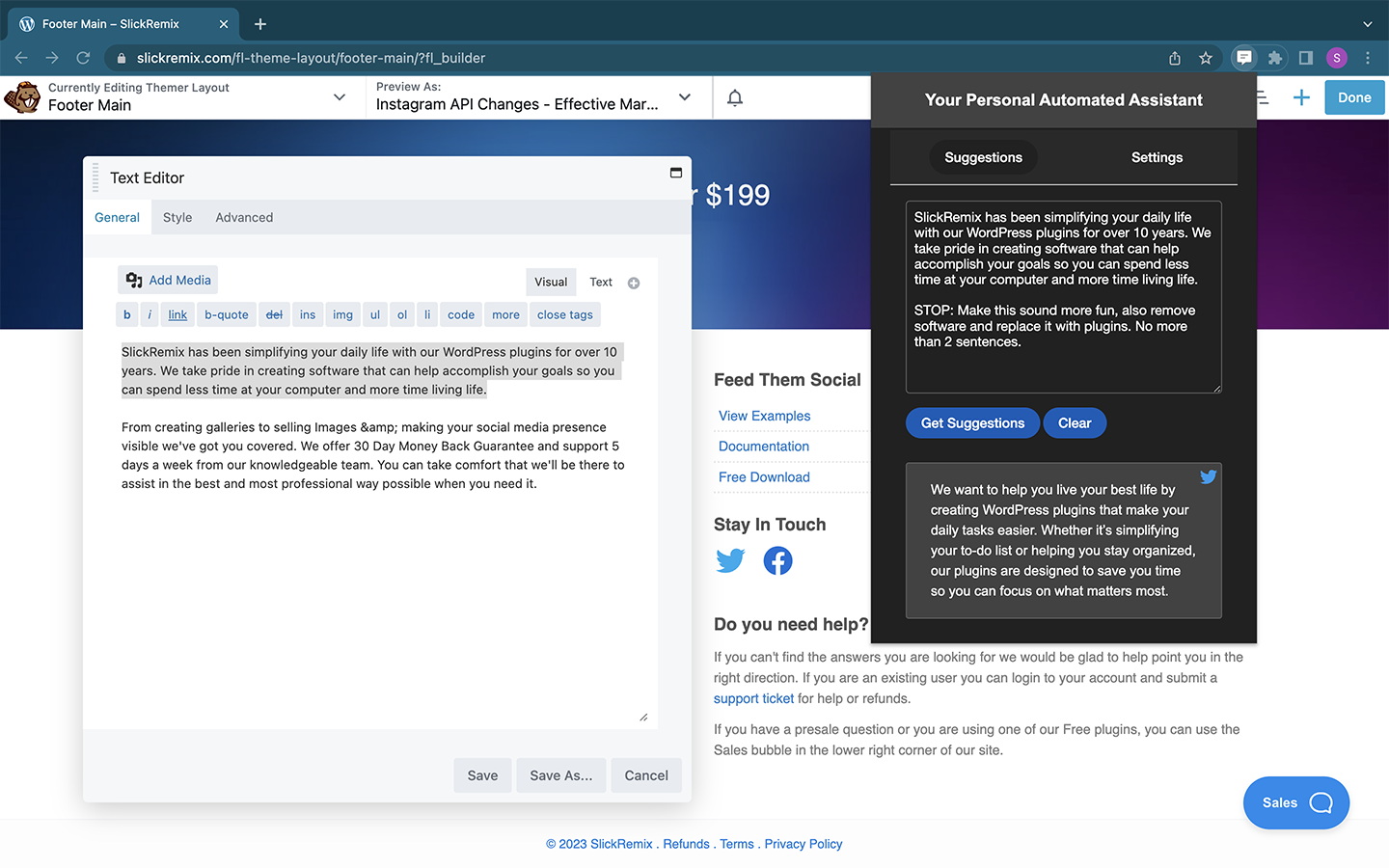
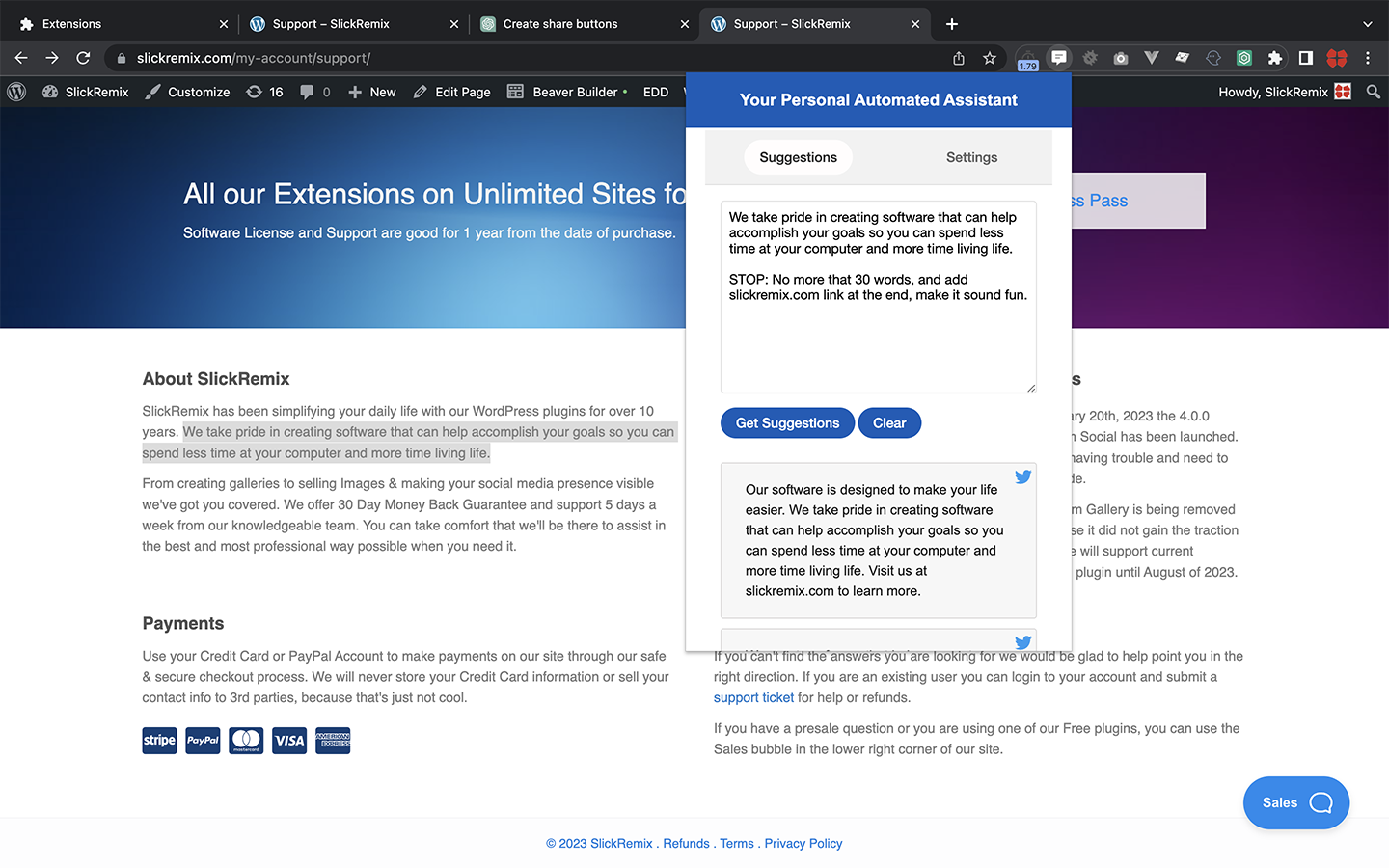
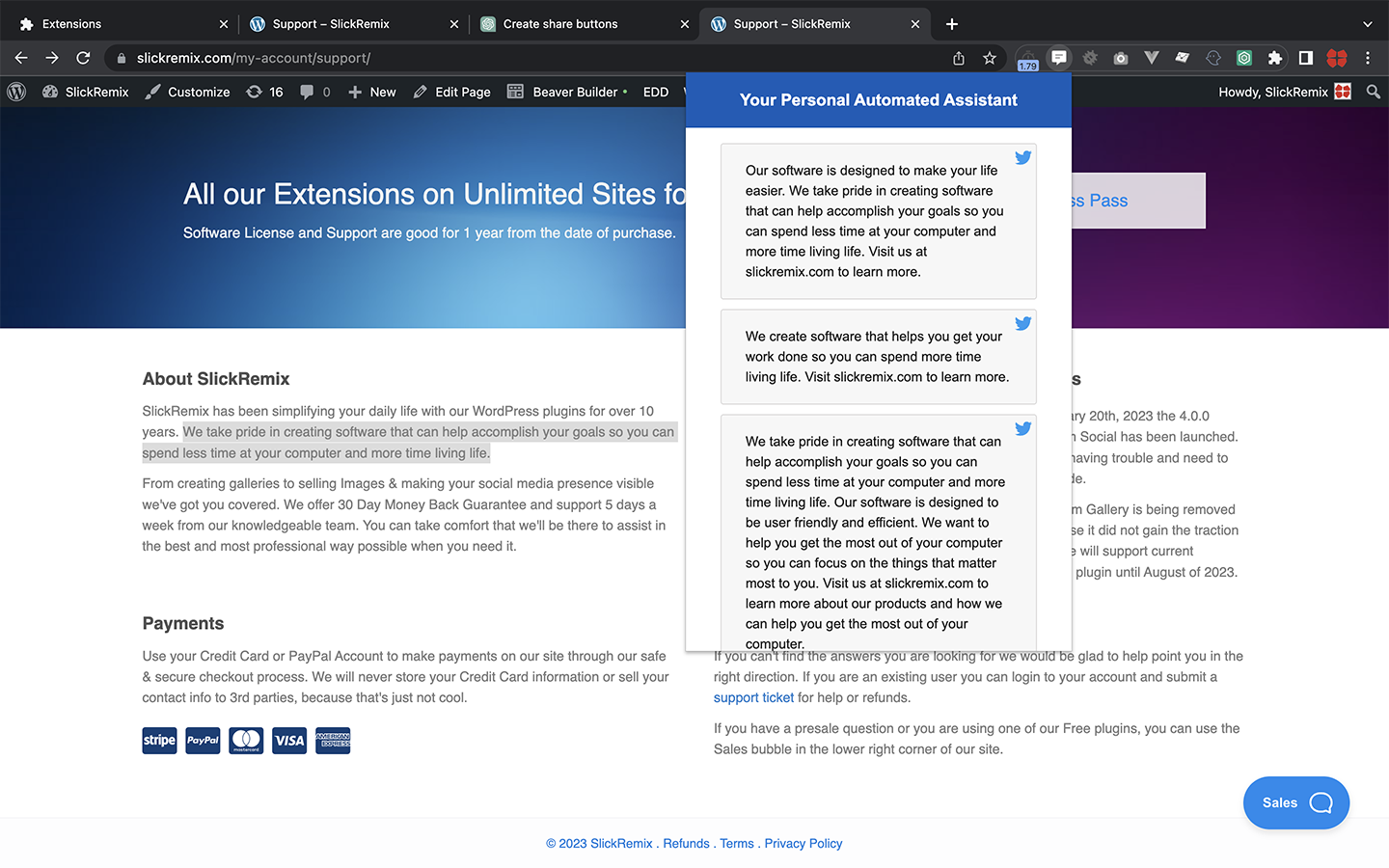
A Chrome extension that adds a customized version of ChatGPT to your browser. It can assist in creating content or code for any website based on your suggestions.
Pin it to your browser so you can easily use it on any website. No need to switch between tabs.
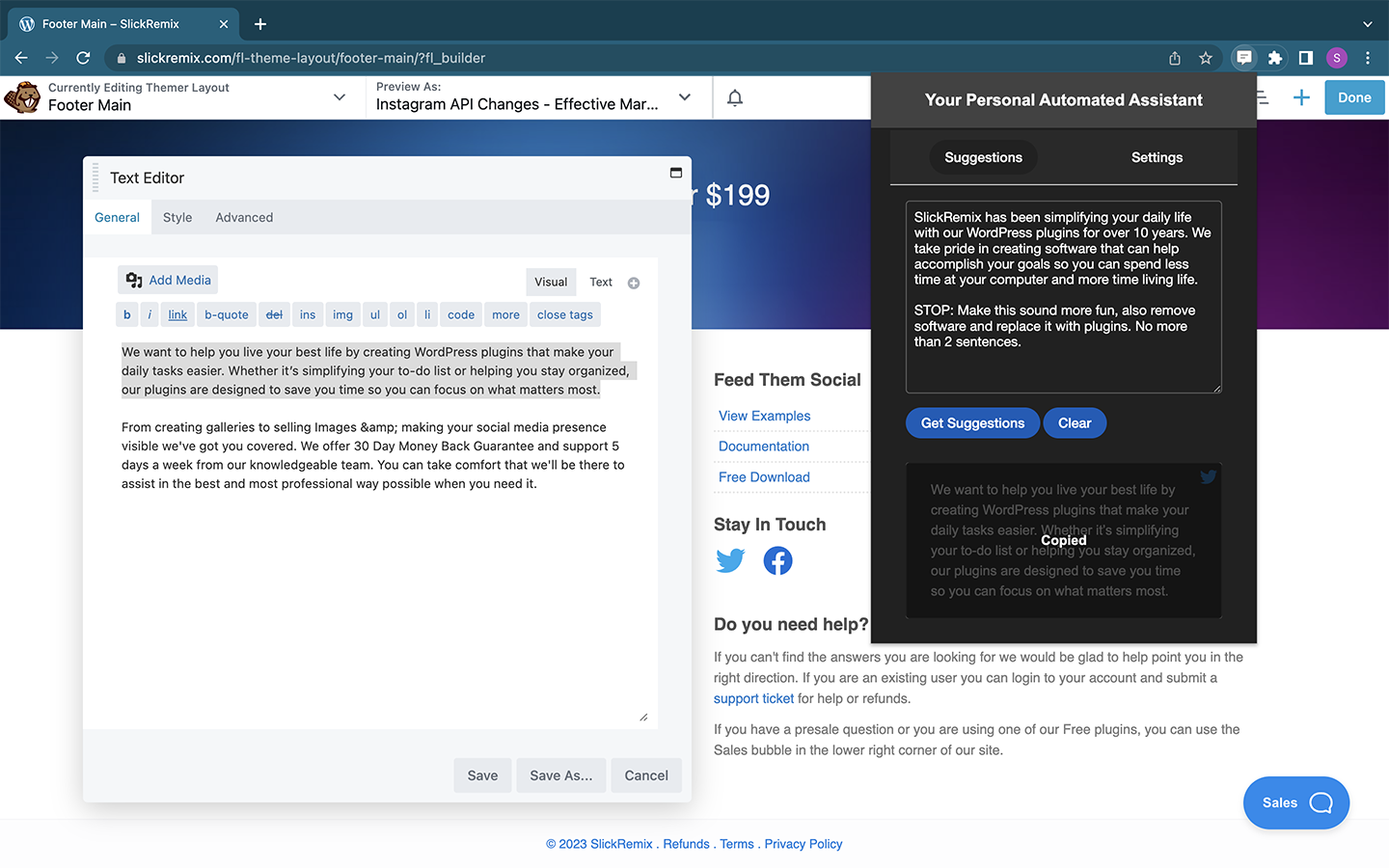
Choose between GPT-3 or GPT-4, the Number of Tokens, Alternative Completions, Temperature, and Light and Dark Mode. An easy click to copy content and paste where ever you need it.
You will need to add your own API Key. Setup is really simple, and if you don't already have an account with OpenAI, you will receive a free credit of $18 US dollars.
More options coming very soon.
Simply click green CODE button on this repo and download the ZIP file and unpack it wherever you want on your computer.
Add the extension
- Go to chrome://extensions in your Google Chrome browser
- Check the Developer mode checkbox in the top right-hand corner
- Click "Load Unpacked" to see a file-selection dialog
- Select the location where the slickGPT folder is.
- Click the Google Extensions icon in your browser tab, looks like a puzzle piece.
- Pin the slickGPT extension to your browser.
- Add your own API key by clicking the Settings button.
It's that simple, have fun and enjoy!
MIT © Spencer Labadie (follow me on Twitter)