


A simple little WordPress block that allows you to embed PDF to your website using official Adobe Pdf Embed API. This block requires you to create a free api key on Adobe. Download on WordPress.org
PDF Embed API is supported on the latest versions of the following browsers:
- Windows - Microsoft Edge, Google Chrome, Mozilla Firefox.
- macOS - Safari, Google Chrome, Microsoft Edge, Mozilla Firefox.
- Android - Google Chrome.
- iOS - Safari, Google Chrome.
PDF printing is currently not supported in Firefox browser. Clicking on the print PDF button will show a popup asking users to download the file and print using Adobe Acrobat Reader.
Much of what the PDF Embed API delivers is supported in the mobile devices. However, there are some limitations:
- Annotation tools are not supported on phones in Full Window embed mode. These tools are supported on tablets (both Android and iOS).
- Print functionality is unsupported.
- PDF download is unsupported on iOS devices, but it is supported on Android.
| Embed mode | Description | Example |
|---|---|---|
| Full window (default mode) | Renders the PDF viewer into the full height and width of the parent element. Best suited for storage and productivity applications. | 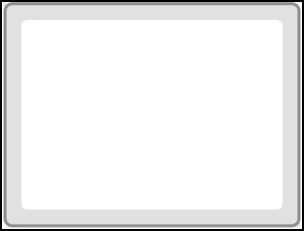 |
| Sized container | The sized container mode displays PDFs in a boxed container with landscape orientation. Best suited for presentations. | 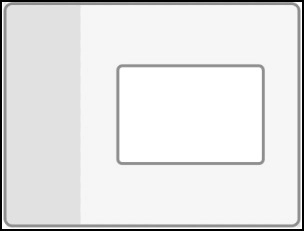 |
| In-Line | All PDF pages rendered in line within a web page. Best suited for reading applications. |  |
| Lightbox | Displays PDFs in a focused view. Best suited for content websites, content portals, and email. | 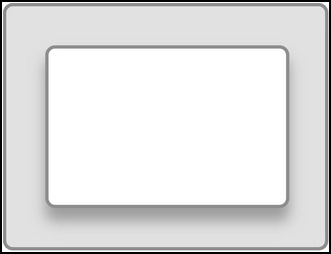 |
- WordPress 6.0+
- PHP 5.6+
- Set up a local WordPress development environment.
- Clone / download this repository into the
wp-content/pluginsfolder. - Navigate to the
wp-content/plugins/pdf-embedfolder in the command line. - Run
npm installto install the plugin's dependencies within a/node_modules/folder. - Run
composer installto install the additional WordPress composer tools within a/vendor/folder. - Run
npm run startto compile and watch source files for changes while developing.
Refer to package.json and composer.json for additional commands.