



Estrocom is a production ready e-commerce template built for responsiveness, SEO, WCAG accessibility, and high-performance. The demo showcases a functioning store for foxnut and roasted gram flour, but it can be adapted for any product.
You don't need to take our word for it.
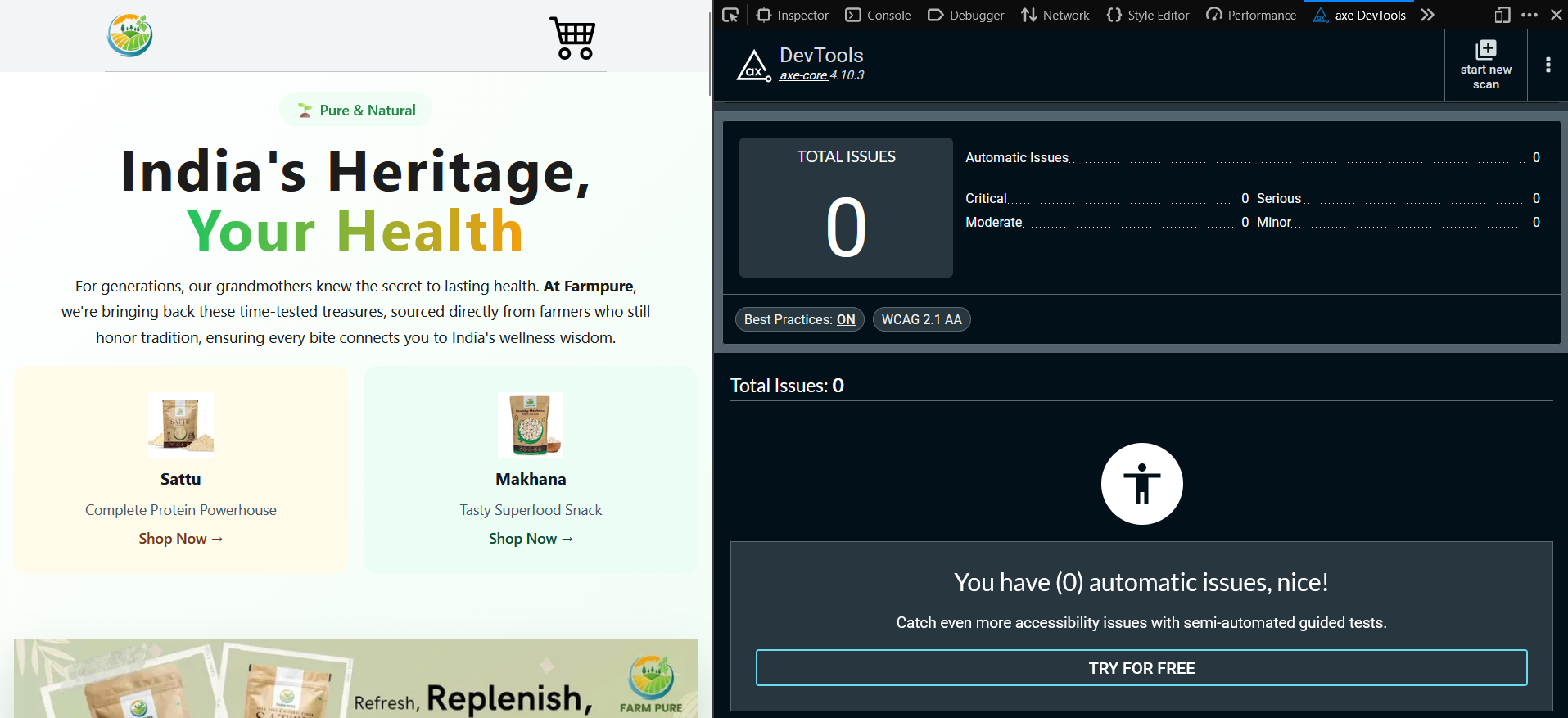
- 0 accessibility issues detected by Axe
- WCAG AA color contrast maintained in each page
- Tested using axe DevTools with best practices enabled
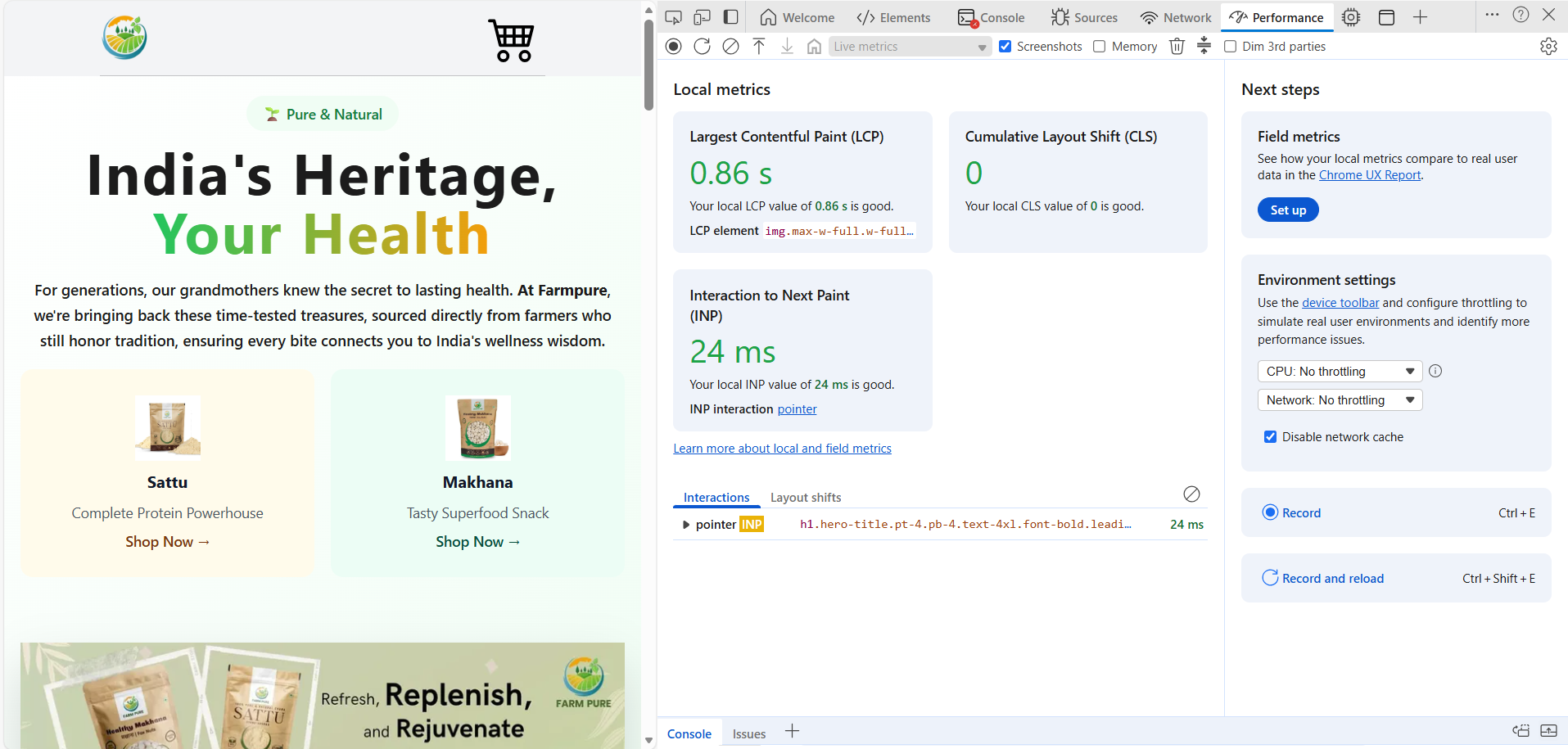
- Sub-1s load time
- Excellent Lighthouse scores across performance metrics
- Designed mobile-first
- Fully responsive across breakpoints

-
JSON-LD Schema and automatic sitemap: Your products get indexed and look great in Google search results.
-
Full Shopping Flow: Integrated cart functionality and product categorization.
-
Mobile-First: Works down to widths of 360px.
-
Atomic Design: Scalable architecture using Atoms, Molecules, and Organisms.
Ensure you have Node and Git installed.
Cloning the repo
git clone https://github.com/VBproDev/estrocom.git
Installing and updating the dependencies-
npm install
npm update
Estrocom is config driven by default.
-
Add your products
Editsrc/utils/productData.jswith your product details. -
Replace images
Swap the placeholders inpublic/assets/with your own images. -
Update categories & product pages
Edit the frontmatter insrc/pages/category/andsrc/pages/products/. -
Customize homepage
Editsrc/pages/index.astroto showcase your story. -
Update theme colors Edit
colors.js,sizing.js,typography.jsfromsrc/design-systemto reflect your branding. -
Add your domain In
astro.config.mjs, modify thedomainvariable to reflect your's site's root.
Want me to build it for you? Email me and I’ll set up your store quickly.
Hi! I’m Viraj Bijpuria, a developer specializing in modern, fast, and accessible e-commerce solutions. I help businesses launch online stores that look great, perform well, and attract customers.
If you want a custom store built, or help setting up this template, I can handle everything from design to deployment, from SEO to a11y, from payment to delivery integrations.
Contact me to get started.
├── public/
│ ├── assets/ # All images used
│ └── favicon.svg
├── src/
│ ├── components/
│ │ ├── atoms
│ │ ├── molecules
│ │ └── organisms
│ ├── design-system/
│ ├── layouts/
│ ├── pages/
│ └── utils/
└── package.json
Learn more about Atomic Design
| Command | Action |
|---|---|
npm install |
Install dependencies |
npm run dev |
Start local server at localhost:4321 |
npm run build |
Build production site in ./dist/ |
npm run preview |
Preview your production build locally |
npm run astro ... |
Run Astro CLI commands like astro add or astro check |
npm run astro -- --help |
Get help using the Astro CLI |