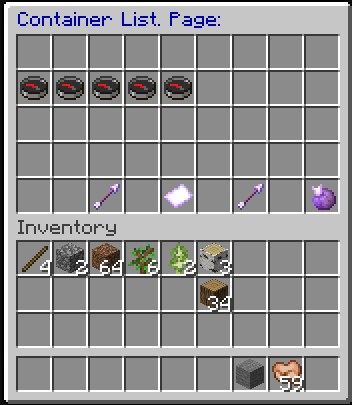
Create Container data
Click on the chest to get list of containers. This menu you link your loot table and set keys to open container and edit keys.
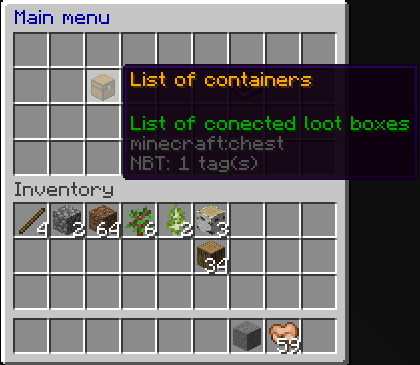
Create new data or edit current one.
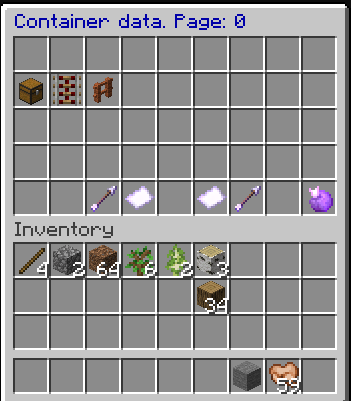
Edit different data, like you can set title on chest some get spawned (display name). See containers linked to this container (only get used if you not set this to to random spawn container with items from the loot table), set effects (some will spawn around the chest), icon some will be showed in container data list.
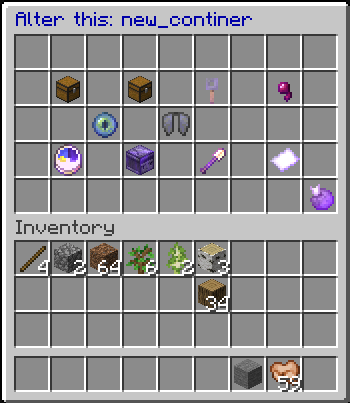
Edit keys to open the container (works with out set any key, but then players can open it without any restrictions). when click on a key you can change lore,display name,mobs drop the key and set new item type for key. You can add new key or keys some can open this container (don´t forget to click on save).
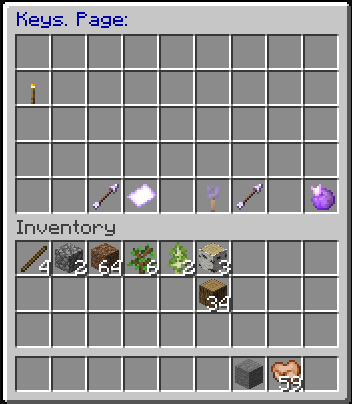
Edit a key for example what mob drop the key and chance to mob drop it and max and min amount,lore,display name, item type.
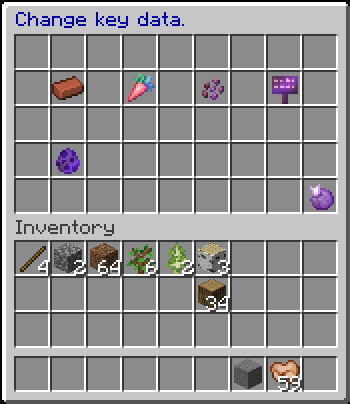
Edit drop data for this key, you can set mobs drop this key and chance, max and min amount. You can also give players the key with commands.
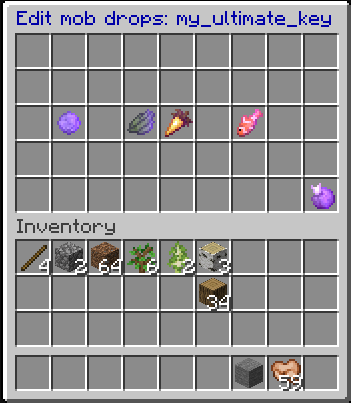
List of containers linked to this container data. you can left-click to teleport to the container or right-click to remove it.