


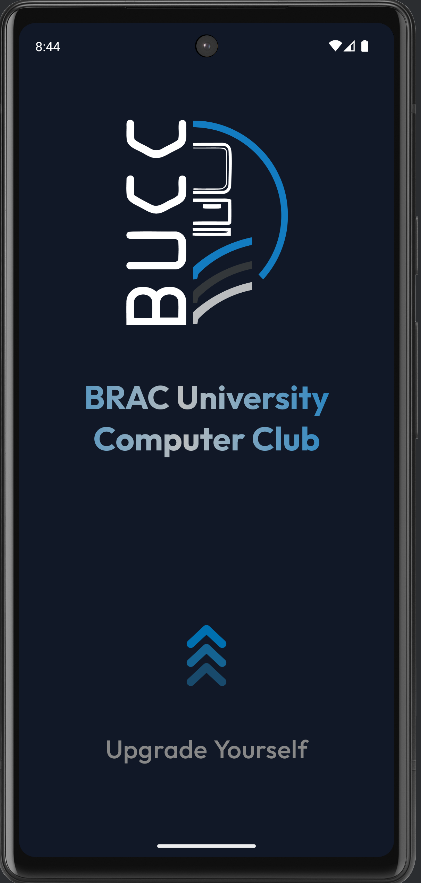
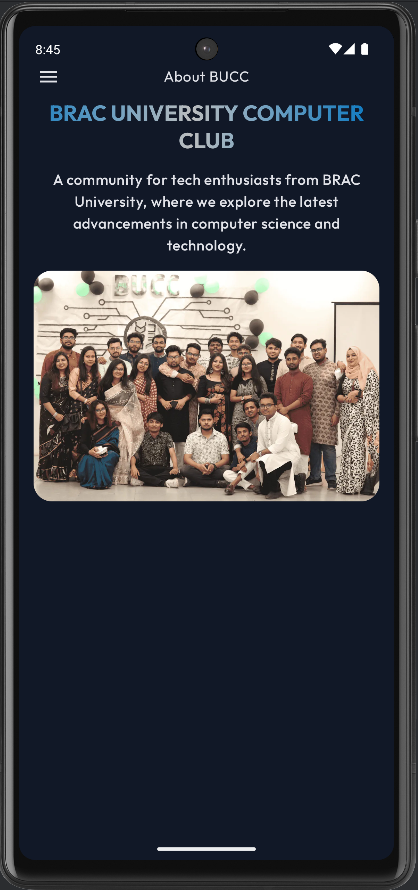
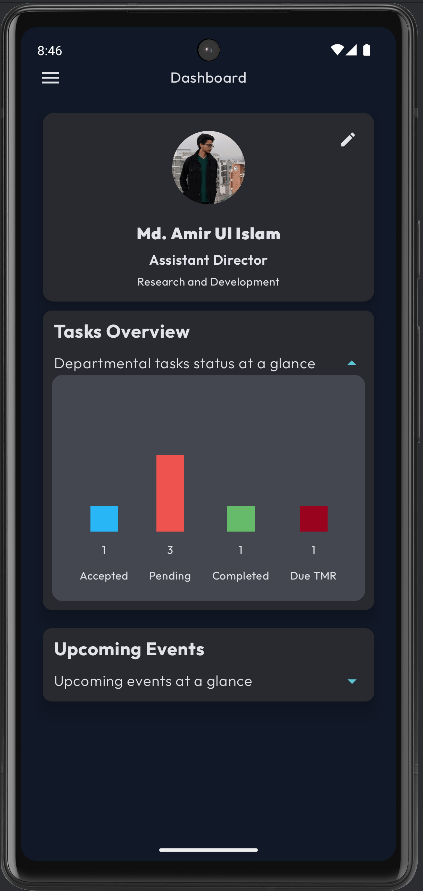
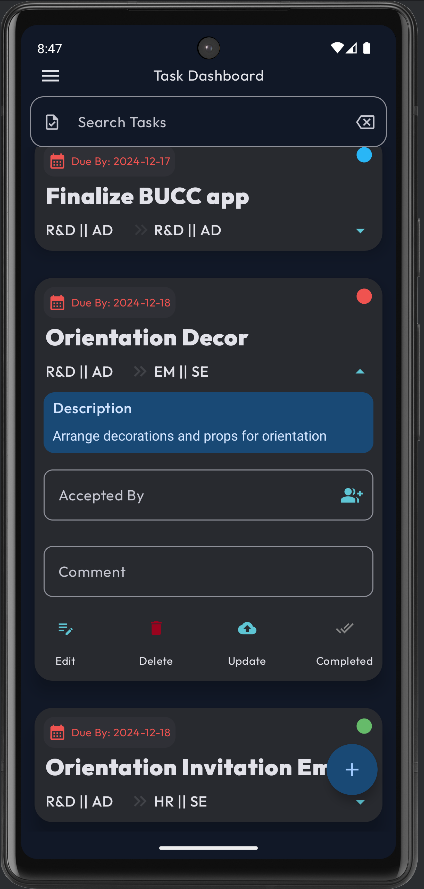
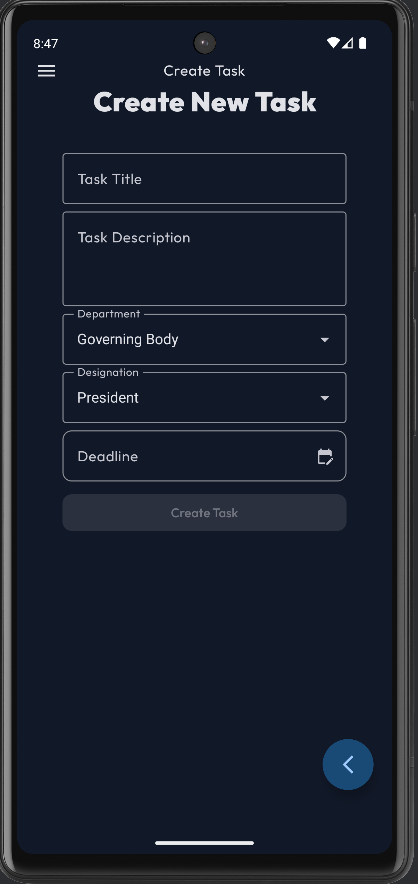
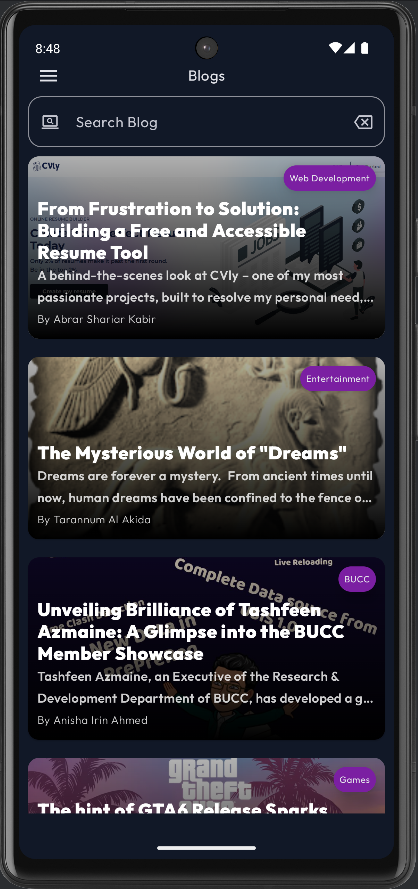
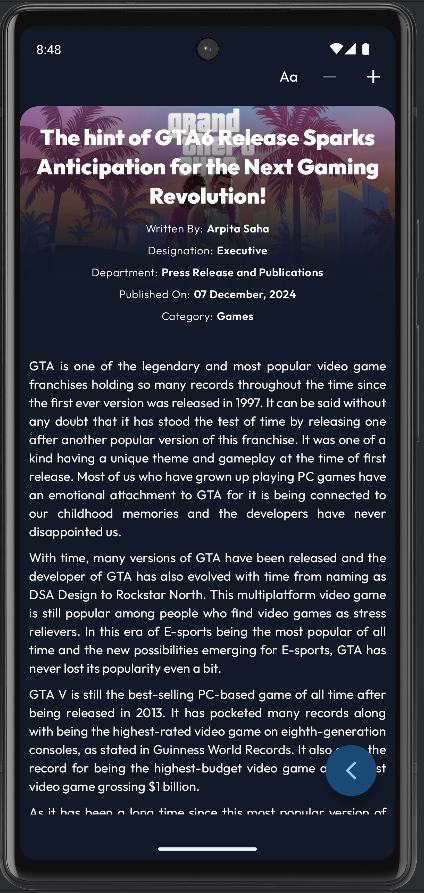
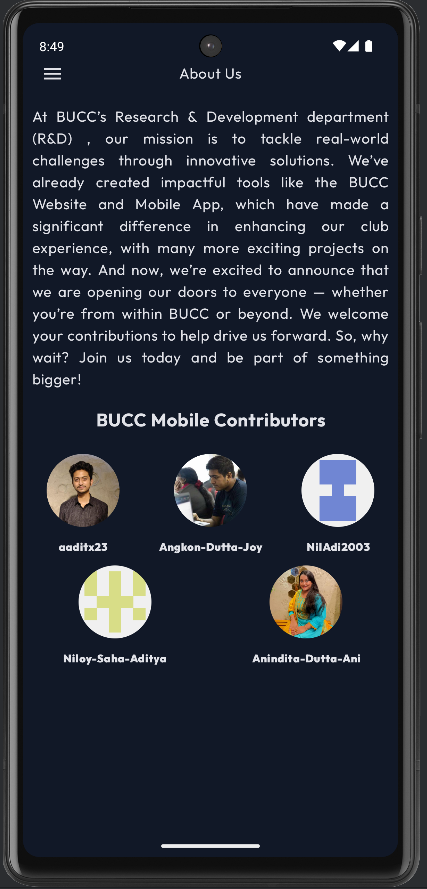
The BUCC Android App is the official mobile application for the BRAC University Computer Club (BUCC). This application is designed to streamline club activities and provide members with a centralized platform for communication and resource management.
It serves as a mobile companion to the BUCC ecosystem, allowing members to stay updated with the latest events, announcements, and club activities directly from their Android devices.
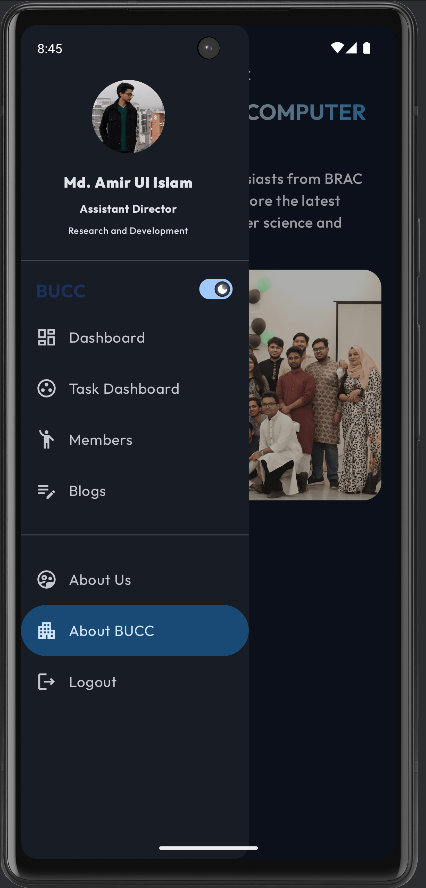
- Event Management: View upcoming workshops, seminars, and contests.
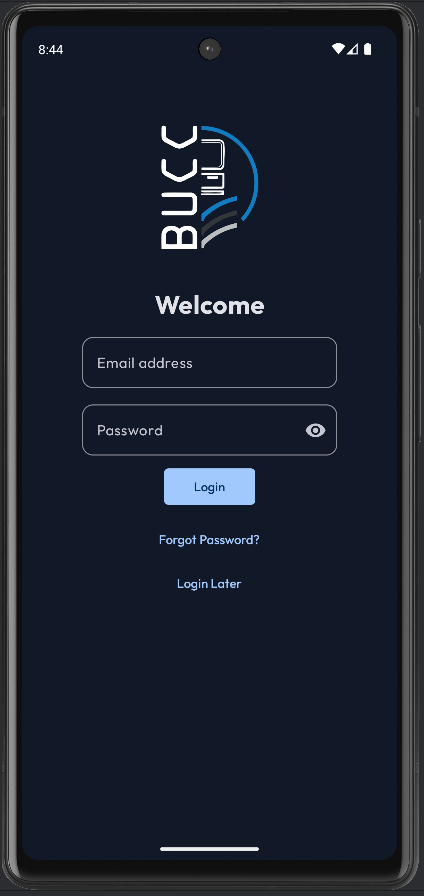
- Member Registration: Seamless sign-up and profile management for club members.
- Announcements: Real-time push notifications for urgent updates.
- Resources: Access to study materials and club documentation.
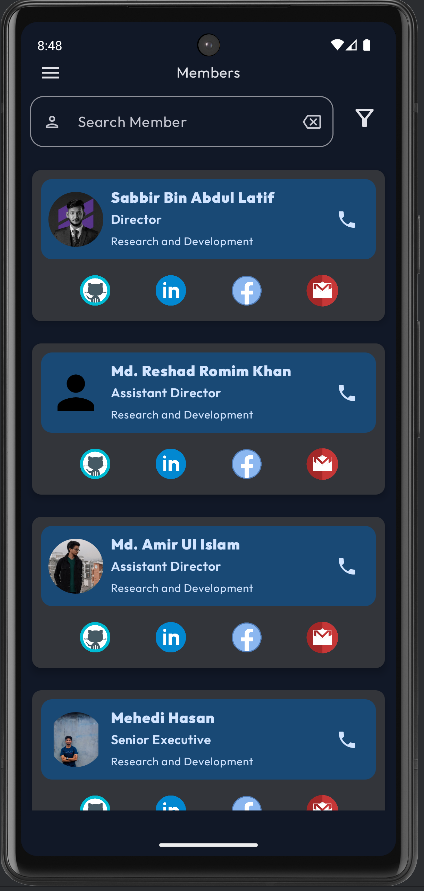
- Club Directory: Contact information for executive panels and faculty advisors.
- Kotlin - The primary programming language used.
- Android SDK - The software development kit.
- Jetpack Compose / XML - UI Toolkit (Update this based on your actual UI implementation).
- Firebase - (Optional: Remove if not used) For authentication and notifications.
Follow these instructions to get a copy of the project up and running on your local machine for development and testing purposes.
- Android Studio (Latest Stable Version recommended)
- JDK 11 or higher
- Git
-
Clone the repository
git clone [https://github.com/buccbracu/buccapp-android.git](https://github.com/buccbracu/buccapp-android.git) cd buccapp-android -
Open in Android Studio
- Open Android Studio.
- Select Open an Existing Project.
- Navigate to the cloned directory and select it.
-
Sync Gradle
- Wait for Android Studio to download dependencies and sync the project.
-
Run the App
- Connect an Android device or start an Emulator.
- Click the Run button (Green Play Icon) or press
Shift + F10.
Contributions are what make the open-source community such an amazing place to learn, inspire, and create. Any contributions you make are greatly appreciated.
- Fork the Project
- Create your Feature Branch (
git checkout -b feature/AmazingFeature) - Commit your Changes (
git commit -m 'Add some AmazingFeature') - Push to the Branch (
git push origin feature/AmazingFeature) - Open a Pull Request
Distributed under the GPL-3.0 License. See LICENSE for more information.
BRAC University Computer Club (BUCC)
- Email: info@bracucc.org
- Website: buccbracu.org (or relevant link)
- GitHub: github.com/buccbracu
Built with ❤️ by the BUCC R&D Team.