Solar Control is photovoltaic controller aimed to help the best possible auto consumption of solar energy. It monitors production and consumption of whole house as well as specific devices and can switch on/off specific devices when enough solar only power is available (offload)
Is supports Hot Water System (HWS) through solar router, Heaters, Coolers, Controlled Mecanical Ventilation (CMV) as well as generic domestic devices.
It can be associated with hygrometer and thermometers to allow intelligent control of these devices
Battery systems are also supported, including intelligent Grid backup when battery is empty.
Solar Control is free software (GPL v3) so you can use it as you want. It's designed to be installed on small devices such as Raspberry PI. It's design in C++ ensures very low resource consumption.
It features a Web front-end that can be used from a computer or phone (it's specifically designed for mobile use).
Solar Control is designed to work with a wide variety of Shelly devices to monitor power and control devices.
It supports Shelly Pro EM (and 3EM), Pro, Plus, H&T (both wifi and bluetooth).
Devices can be auto-detected so configuration is pretty easy.
The controller itself can run on any computer running Linux with at least 1GB of memory. I recommand using Raspberry PI 3 (or higher) to run it as it's proven to work perfectly and ensures low power consumption.
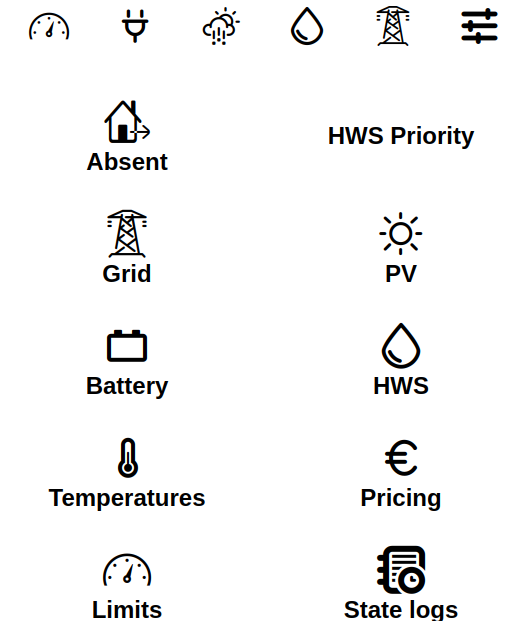
As images are always better than long descriptions, here are some screenshots of the interface :
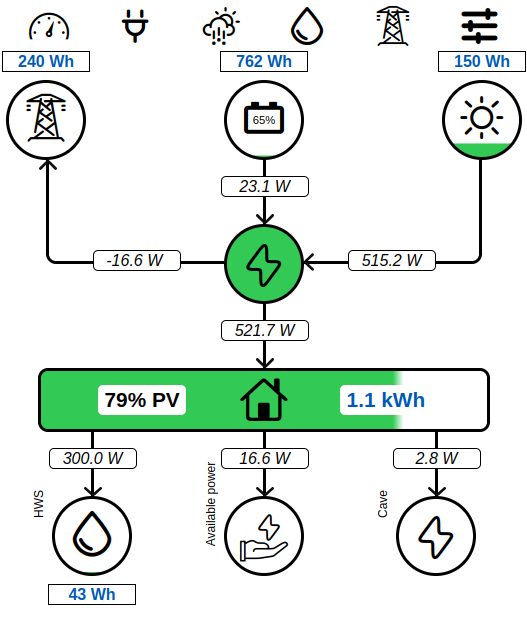
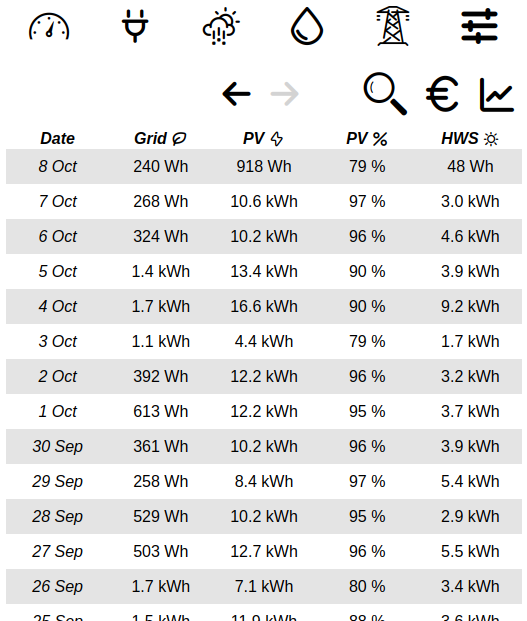
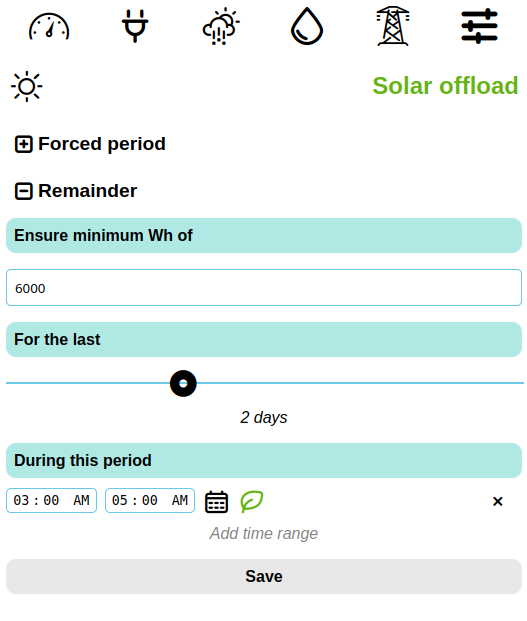
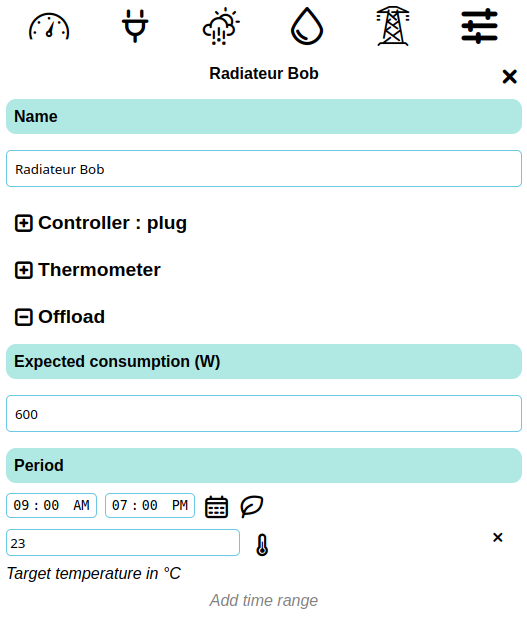
If you intend to use it on a Debian based system, you can use automatic installation script. It will take care of everything for you, simply run install.sh script.
Of course you can also compile it from source, for this you will need CMake and g++ compiler. Front-end requires npm to build.
- Shelly Pro EM
- Shelly Pro 3EM
- Shelly Pro 3
- Shelly Pro 4PM
- Shelly 1PM Gen 3
- Shelly 1PM Mini Gen 3
- Shelly Plug S
- Shelly Plus Uni
- Shelly BLU H&T
- Shelly H&T Gen 3