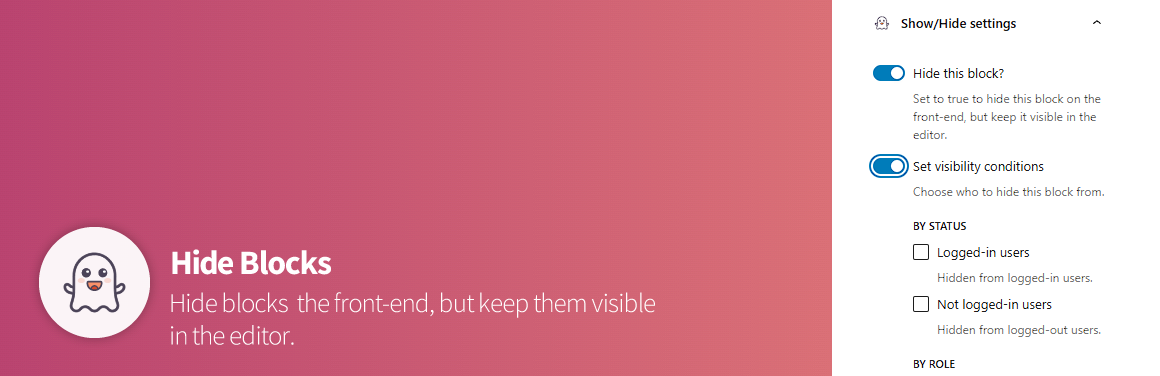
This Wordpress plugin extends Gutenberg core blocks to allow Administrators to hide elements on the front-end but keep them in the post edit screen under certain conditions.
Does this plugin work with any Wordpress installation?
This plugin extends Wordpress core blocks, therefore requires Gutenberg up and running to work.
Does this plugin work for all user roles?
No. Since managing content can sometimes be tricky, the plugin is restricted to Administrators only.
What happens if I uninstall the plugin?
The plugin uses server-side rendering for each of the hidden blocks, so there won't be any issues upon deactivating it.
- Requires at least: 6.7+
- Requires PHP: 7.4+
- Download the ZIP file.
- Log into your Wordpress installation, go to
Plugins > Add New Plugin. - Click on
Upload Pluginand select the ZIP file you downloaded. - Click
Install Now. - Activate it.