



AI-Assisted Image Segmentation for Machine Learning Dataset Preparation
LazyLabel combines Meta's Segment Anything Model (SAM) with comprehensive manual annotation tools to accelerate the creation of pixel-perfect segmentation masks for computer vision applications.
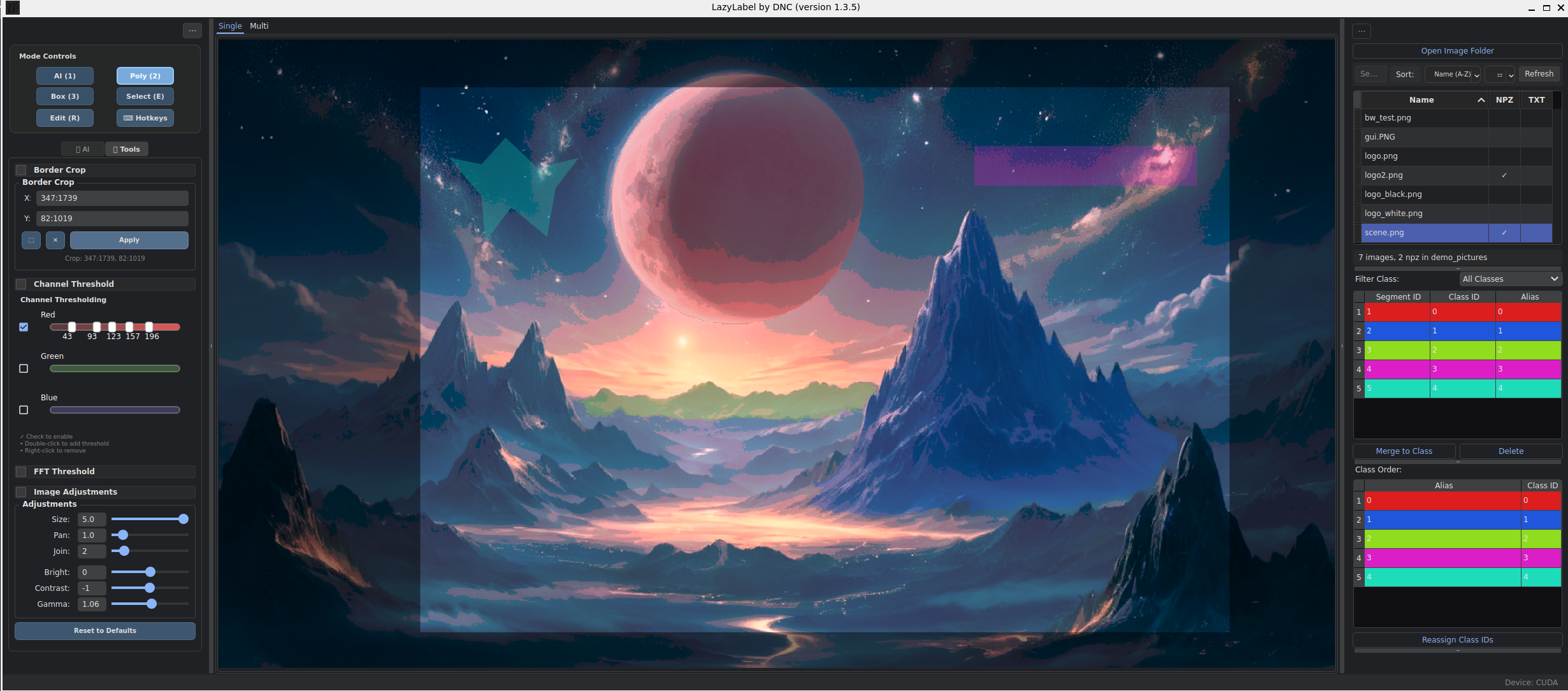
pip install lazylabel-gui
lazylabel-gui
From source:
git clone https://github.com/dnzckn/LazyLabel.git
cd LazyLabel
pip install -e .
lazylabel-gui
Requirements: Python 3.10+, 8GB RAM, ~2.5GB disk space (for model weights)
- AI (SAM): Single-click segmentation with point-based refinement (SAM 1.0 & 2.1, GPU/CPU)
- Polygon: Vertex-level drawing and editing for precise boundaries
- Box: Bounding box annotations for object detection
- Subtract: Remove regions from existing masks
- Single View: Fine-tune individual masks with maximum precision
- Multi View: Annotate up to 4 images simultaneously—ideal for objects in similar positions with slight variations
- Sequence: Propagate a refined mask across thousands of frames using SAM 2's video predictor
- FFT filtering: Remove noise and enhance edges
- Channel thresholding: Isolate objects by color
- Border cropping: Zero out pixels outside defined regions in saved outputs
- View adjustments: Brightness, contrast, gamma correction, color saturation
import numpy as np

data = np.load('image.npz')
mask = data['mask']  # Shape: (height, width, num_classes)

# Each channel represents one class
sky = mask[:, :, 0]
boats = mask[:, :, 1]
cats = mask[:, :, 2]
dogs = mask[:, :, 3]0 0.234 0.456 0.289 0.478 0.301 0.523 ...
1 0.567 0.123 0.598 0.145 0.612 0.189 ...
{
  "0": "background",
  "1": "person",
  "2": "vehicle"
}
SAM 1.0 models are downloaded automatically on first use. For SAM 2.1 (improved accuracy, required for Sequence mode):
- Install SAM 2:
pip install git+https://github.com/facebookresearch/sam2.git - Download a model (e.g.,
sam2.1_hiera_large.pt) from the SAM 2 repository - Place in LazyLabel's models folder:
- Via pip:
~/.local/share/lazylabel/models/ - From source:
src/lazylabel/models/
- Via pip:
- Select the model from the dropdown in settings
Create a standalone Windows executable with bundled models for offline use:
Requirements:
- Windows (native, not WSL)
- Python 3.10+
- PyInstaller:
pip install pyinstaller
Build steps:
git clone https://github.com/dnzckn/LazyLabel.git
cd LazyLabel
python build_system/windows/build_windows.py
The executable will be created in dist/LazyLabel/. The entire folder (~7-8GB) can be moved anywhere and runs offline.
- Usage Manual - Comprehensive feature guide
- Architecture Guide - Technical implementation details
- Changelog - Version history and release notes
- GitHub Issues - Report bugs or request features