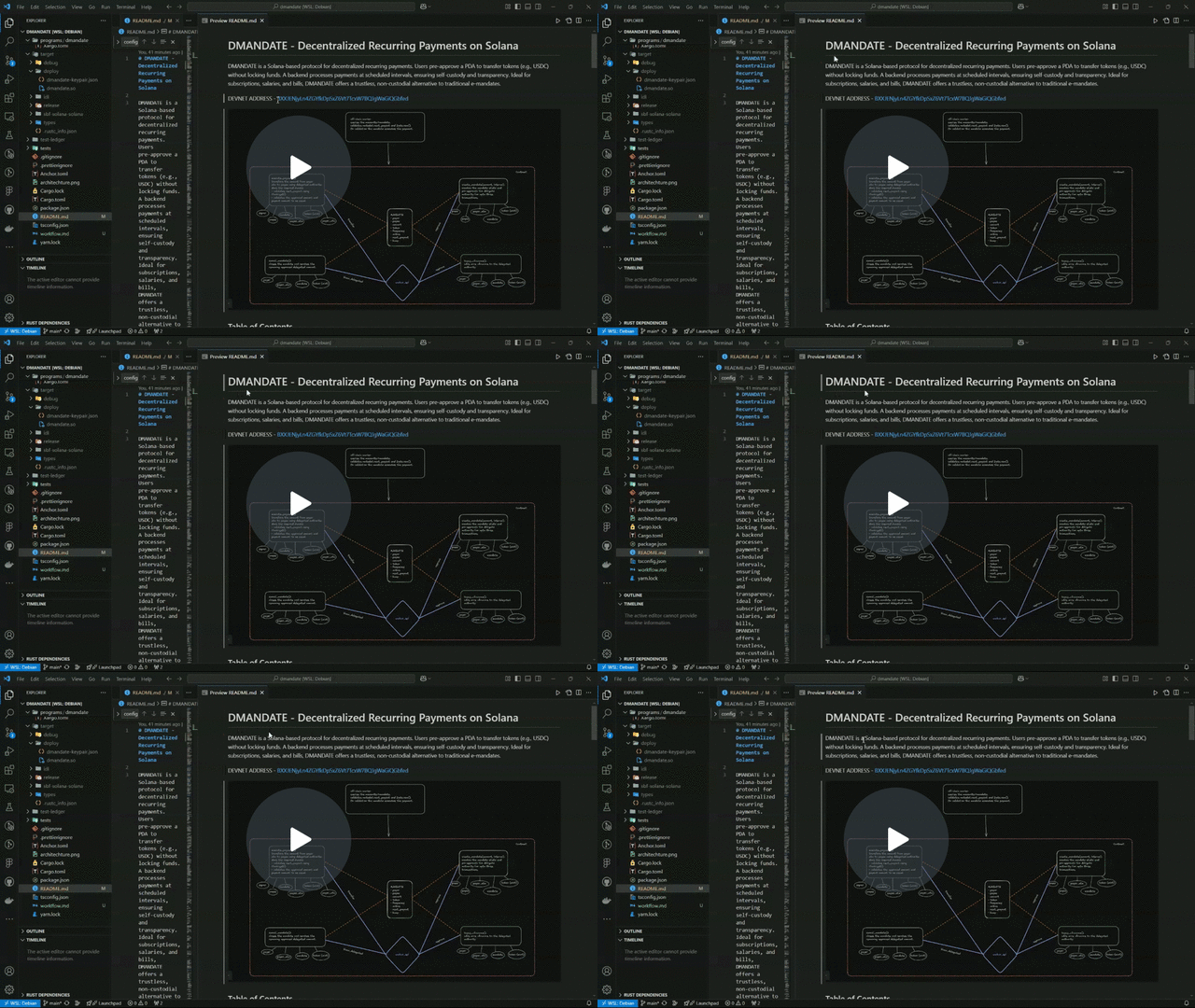
DMANDATE is a Solana-based protocol for decentralized recurring payments. Users pre-approve a PDA to transfer tokens (e.g., USDC) without locking funds. A backend processes payments at scheduled intervals, ensuring self-custody and transparency. Ideal for subscriptions, salaries, and bills, DMANDATE offers a trustless, non-custodial alternative to traditional e-mandates.
DEVNET ADDRESS - BXXJENjyLn4ZGYfkDpSxZ6Vt7TcxW7BQJgWaGiQGbfed

- Features
- Repository Structure
- Smart Contract
- Backend Mandate Processor
- CLI Tool
- Installation & Setup
- Development
- Testing
- Deployment
- Non-custodial recurring payments: Users maintain control of their funds at all times
- Programmable payment schedules: Set custom frequencies for payment execution
- Transparent on-chain history: All payments and mandates are recorded on the Solana blockchain
- Automated payment processing: Backend service checks and executes due payments
- User-friendly CLI: Command-line interface for managing mandates and payments
- Web3 friendly: Built natively for Solana's SPL tokens
dmandate/
├── backend/             # Backend payment processor service
│   ├── idl/             # Anchor IDL for the dmandate program
│   └── src/             # Source code for the mandate processor
├── cli/                 # Command-line interface tool
├── programs/            # Solana smart contracts written in Rust
│   └── dmandate/        # Main dmandate program
└── tests/               # Integration tests for the program
The DMANDATE smart contract is built using the Anchor framework and includes the following key instructions:
register_user: Registers a user in the systemcreate_mandate: Creates a new recurring payment mandateexecute_payment: Executes a payment for an active mandatecancel_mandate: Cancels an active mandatereapprove_mandate: Updates the approval amount for an existing mandateclose_payment_history: Closes a payment history record to reclaim rent
The backend service monitors active mandates on the Solana blockchain and automatically executes payments when they are due.
- Periodic checking of all active mandates
- Automatic payment execution for due mandates
- Error handling for failed payments
- Configurable settings via environment variables or config file
- Logging of all operations
The mandate processor can be configured with the following options:
| Option | Environment Variable | Description | Default |
|---|---|---|---|
| Check Interval | CHECK_INTERVAL |
How often to check for payable mandates (ms) | 60000 (1 min) |
| RPC URL | RPC_URL |
Solana RPC URL | http://localhost:8899 |
| Keypair Path | KEYPAIR_PATH |
Path to keypair JSON file | ~/.config/solana/id.json |
| Program ID | PROGRAM_ID |
DMANDATE program ID | BXXJENjyLn4ZGYfkDpSxZ6Vt7TcxW7BQJgWaGiQGbfed |
| Batch Size | BATCH_SIZE |
Max mandates to process in one batch | 100 |
| Buffer Time | BUFFER_TIME |
Time buffer before scheduled payment (seconds) | 60 |
| Log Level | LOG_LEVEL |
Logging level (debug, info, warn, error) | info |
| Notifications | ENABLE_NOTIFICATIONS |
Enable payment notifications | false |
The DMANDATE CLI tool provides a convenient way to interact with the smart contract.
See the CLI README for detailed usage instructions.
- Node.js v14+ and npm
- Rust and Cargo
- Solana CLI tools
- Anchor Framework
-
Clone the repository:
git clone https://github.com/yourusername/dmandate.git cd dmandate -
Install dependencies:
npm install
-
Build the Solana program:
anchor build
-
Generate the program ID (if needed):
solana-keygen new -o target/deploy/dmandate-keypair.json
anchor keys list
Update the program ID in
Anchor.tomlandlib.rs -
Setup the backend processor:
cd backend npm install -
Setup the CLI:
cd cli
npm install
npm link  # Optional, to use CLI globally
-
Create a
.envfile in the backend directory:RPC_URL=https://api.devnet.solana.com KEYPAIR_PATH=/path/to/your/keypair.json CHECK_INTERVAL=60000 BUFFER_TIME=60 LOG_LEVEL=info
cd backend
npm run build
node dist/index.js
Or use a process manager like PM2:
npm install -g pm2
pm2 start dist/index.js --name mandate-processor-
Start a local Solana validator:
solana-test-validator
-
Deploy the program to the local network:
anchor deploy
-
Run the mandate processor against local network:
cd backend
RPC_URL=http://localhost:8899 npm run start
- Modify code in
programs/dmandate/src/ - Build with
anchor build - Update IDL if needed:
anchor idl parse -f programs/dmandate/src/lib.rs -o target/idl/dmandate.json - Copy the new IDL to the backend:
cp target/idl/dmandate.json backend/idl/ - Deploy:
anchor deploy
Run the test suite:
anchor testcd backend
npm test-
Build the program:
anchor build
-
Deploy to your desired network:
anchor deploy --provider.cluster devnet  # For devnet
# OR
anchor deploy --provider.cluster mainnet  # For mainnet
-
Verify the program ID and update configuration as needed.
-
Build the backend:
cd backend npm run build -
Deploy using your preferred method (PM2, Docker, cloud services).
-
Make sure to set the appropriate environment variables for your deployment.