A command line tool to store frequently used commands.
npm install --global quivernpm link
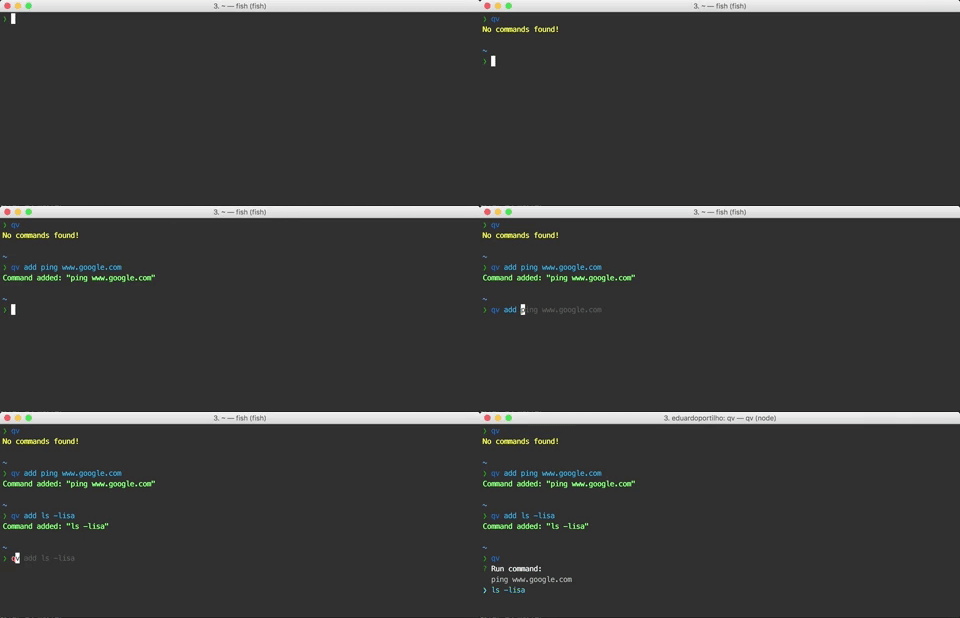
qv add: Prompt you to type the new command.qv add <command>: Add provided the command.qv add -h,qv add --history: Display entries from your command history for you to choose. (Currently working only for Fish shell).
qv: Display the list of commands and prompt you to choose one to run.qv !: Execute the n-th last executed command where n = number of "!" provided. Example:qv !!!: Run the 3rd last executed command.
qv ls: Display the list of stored commands.
qv rm: Display the list of stored commands and prompt you to choose the ones to remove.
If you use different commands in distinct contexts, it might be usefull to store them in groups. In this case the commands will be stored, retrieved and removed from a separated source.
To run any Quiver command in the context of a specific group, you need to inform the group name with the -g <group> option.
qv [<command and options>] -g <group>: Run the quiver command with options in the context of the provided group.