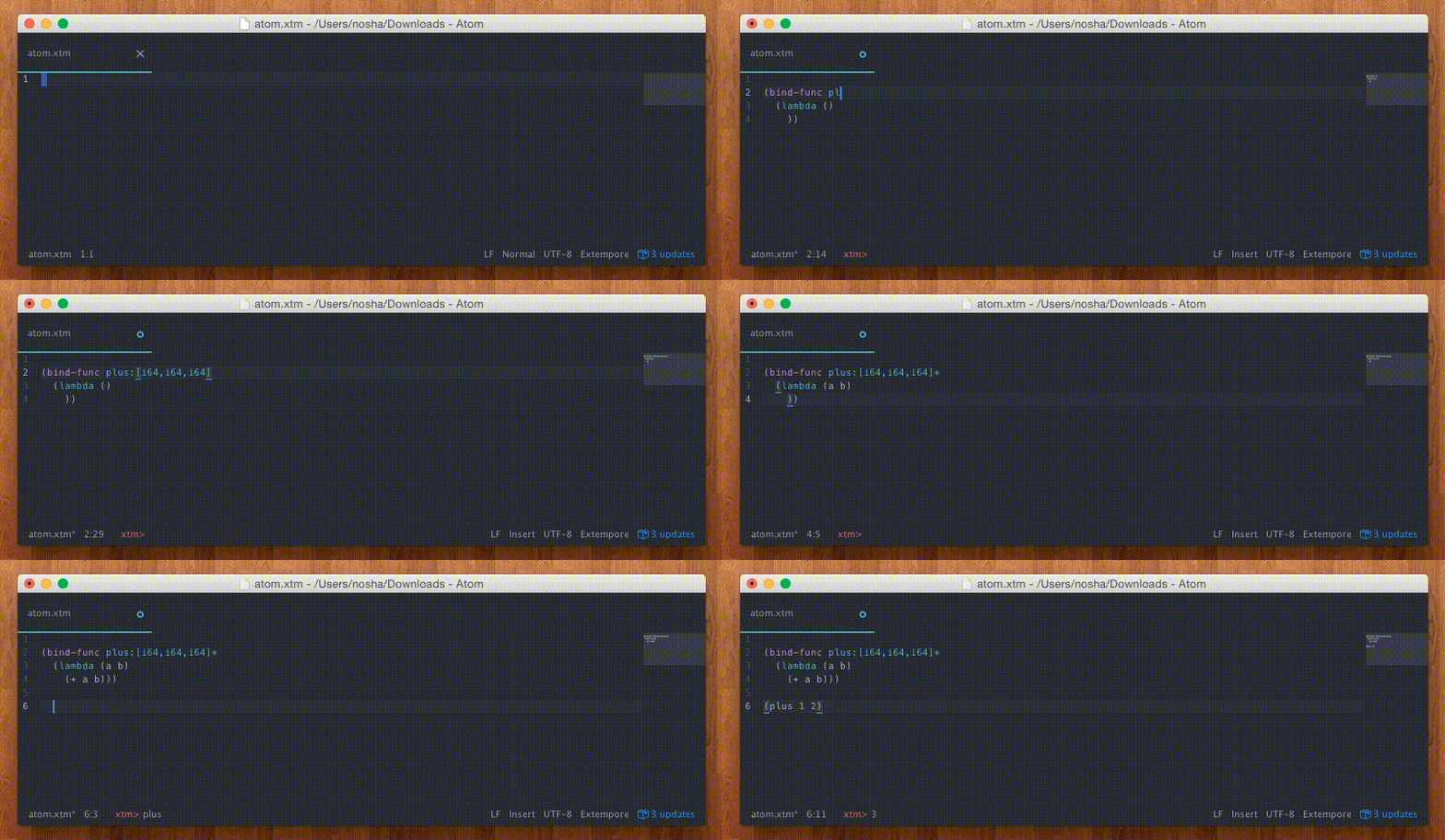
An Atom package for Extempore, providing syntax highlighting, snippets and commands for working with Extempore.
Extempore-Atom can be installed through the Atom settings or by running apm install extempore-atom in a terminal / command prompt.
Installation instructions for Extempore can be found at Extempore's github page.
See Ben Swift's guide for a cheat sheet for using Atom with Extempore.
The plugin provides three commands:
-
Connect[alt-o] will connect to a running Extempore process at the host and port specified in the input box. You have to start the Extempore process yourself (see Extempore docs for how to do this). -
Disconnect[alt-O or alt-x] will disconnect from the connected Extempore process. -
Evaluate[alt-s] will evaluate either the currently highlighted region (if applicable) or the current top-level expression surrounding the cursor. This is how you send code to the Extempore process for evaluation.
You can trigger the commands either through the menu (Packages > Extempore), the command palette (ctrl+shift+P) or through the
shortcut keys (listed above).