Chrome extension to select text in a web page
You can download the project and add to the Browser in the following path: chrome://extensions/
To define a custom shortcut, you can access: chrome://extensions/shortcuts
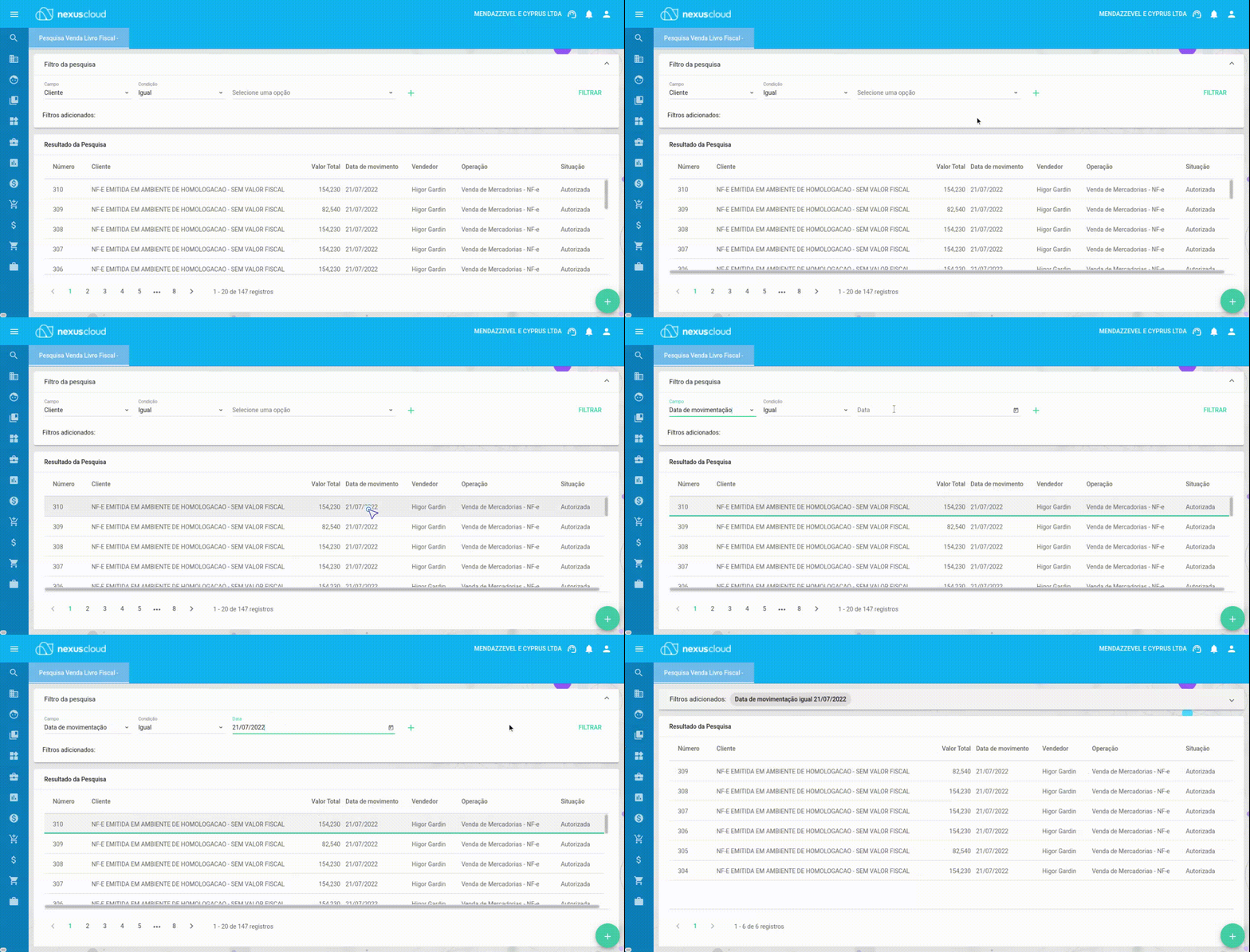
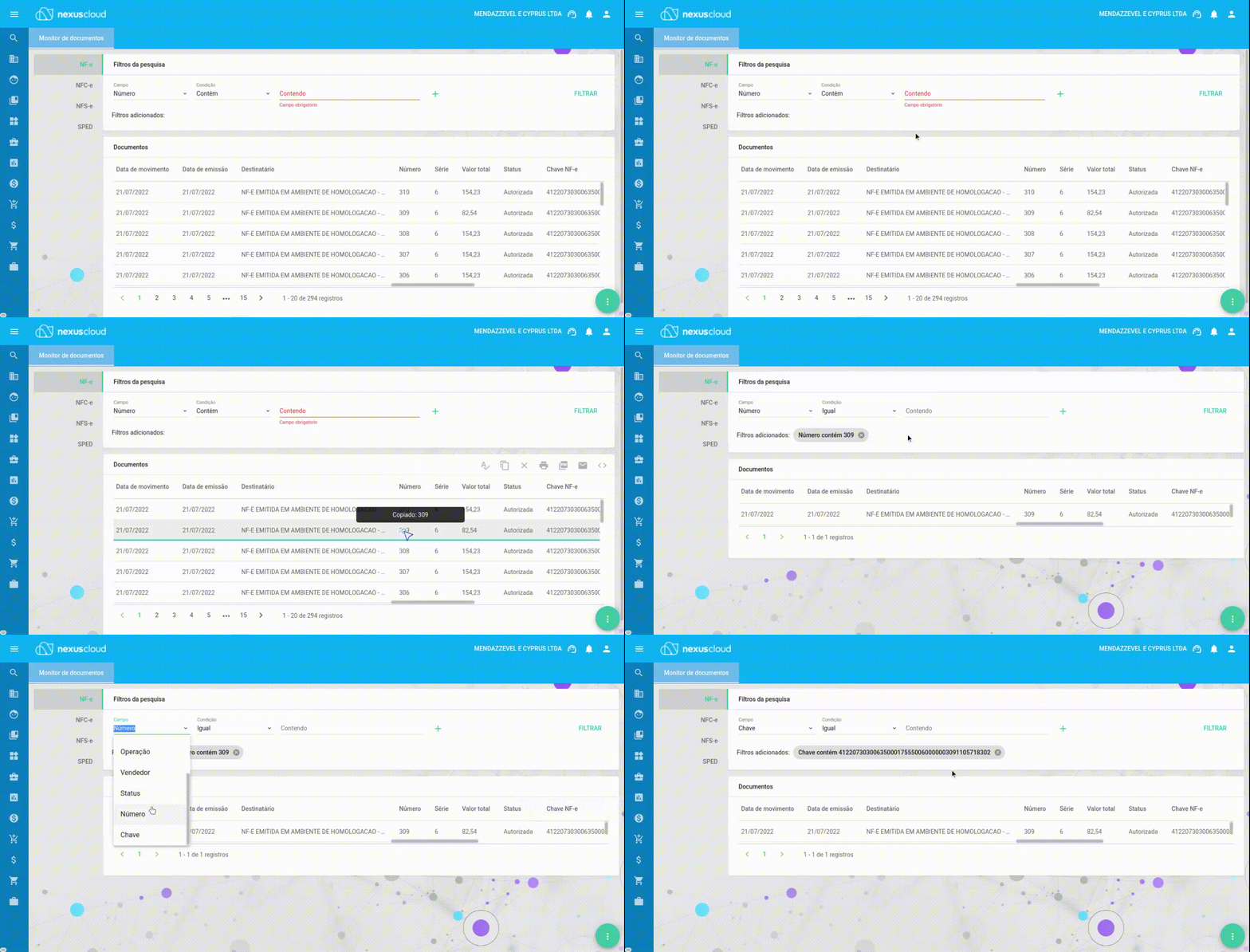
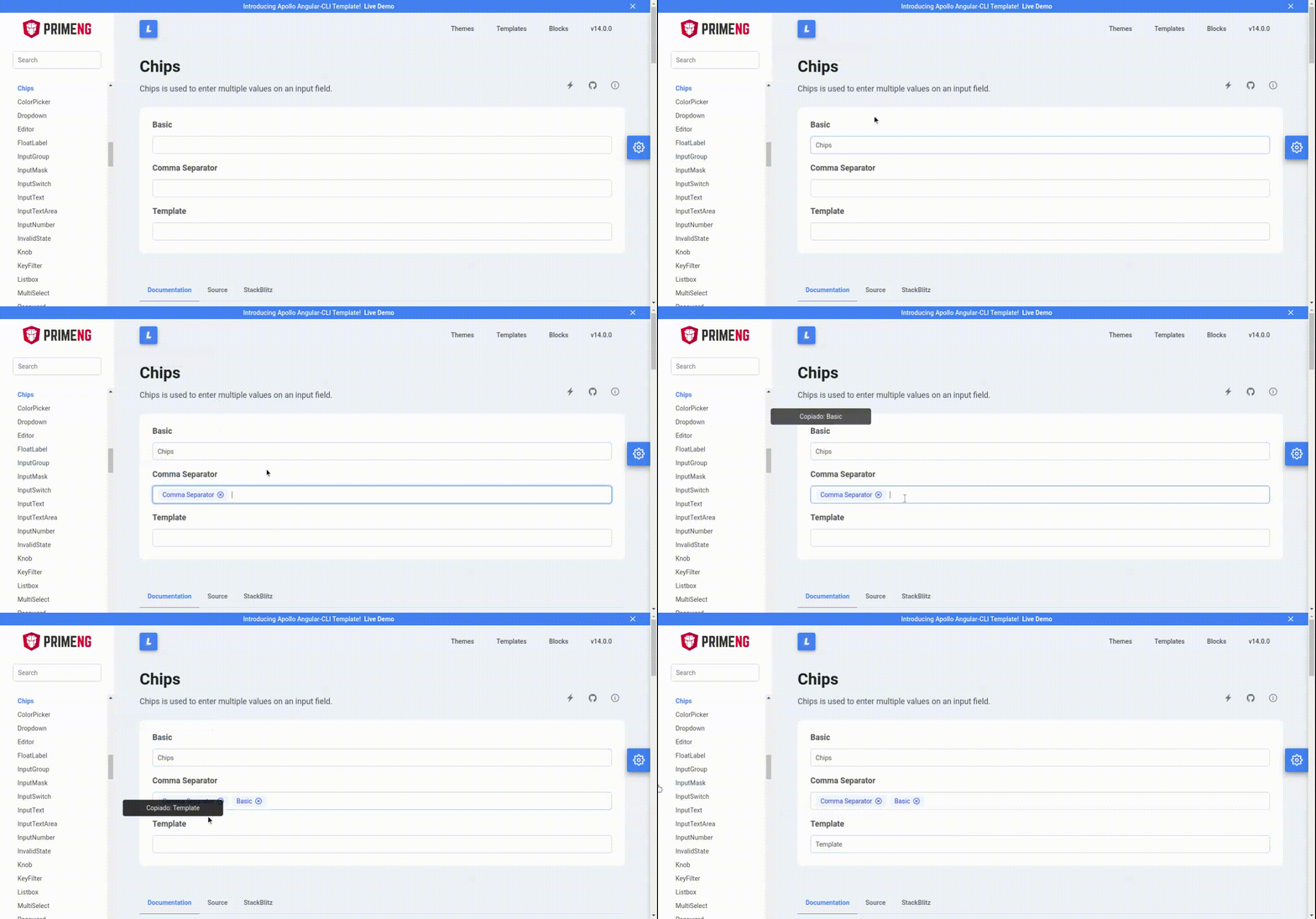
Just press the shortcut keys or active the extension on the chrome menu bar. Then click in an text whick you want to copy it.
Cursor icon by Freepik at FlatIcon