Personal dotfiles for macOS and Linux environments with zsh, nvim, git configurations, and automation scripts.
- Features
- Installation
- Environment Variables
- Directory Structure
- Utility Scripts
- Claude Code Integration
- Screenshots
- Credits
- Shell: zsh with Oh My Zsh configuration
- Editor: Neovim setup with custom configurations
- Git: Custom templates, hooks, and aliases
- Automation: Collection of utility scripts for system maintenance
- Multi-platform: Supports both macOS and Linux
- Claude Code: Pre-configured settings and hooks
-
Clone the repository:
git clone https://github.com/iloire/dotfiles.git ~/dotfiles
cd ~/dotfiles
-
Set up environment variables:
cp shell/local-overrides.template shell/local-overrides # Edit shell/local-overrides with your personal values -
Source the shell configuration:
# Add to your ~/.zshrc:
source ~/dotfiles/shell/zshrc
-
(Optional) Set up Claude Code settings:
# Link Claude Code settings
ln -s ~/dotfiles/claude/settings.json ~/.claude/settings.json
See ENV.md for complete documentation of all environment variables.
Required:
ADMIN_EMAIL- Email address for notifications
Configuration Template:
cp shell/local-overrides.template shell/local-overrides
# Edit with your valuesdotfiles/
├── bin/ # Utility scripts
│ ├── send-ses.sh # Send emails via AWS SES
│ ├── sync-github.sh # Sync repositories to GitHub
│ ├── clean-cookies.py # Clean browser cookies with whitelist
│ ├── low-space-monitor.sh # Monitor disk space and send alerts
│ └── backup-ubuntu-home.sh # Backup home directory
├── shell/ # Shell configuration
│ ├── zshrc # Main zsh configuration
│ ├── config # General shell settings
│ ├── functions # Custom shell functions
│ ├── alias # Shell aliases
│ ├── path # PATH configuration
│ ├── osx/ # macOS-specific settings
│ ├── linux/ # Linux-specific settings
│ └── local-overrides # Personal env vars (gitignored)
├── git/ # Git configuration
│ ├── .gitconfig # Global git settings
│ └── templates/hooks/ # Git hooks
├── claude/ # Claude Code configuration
│ └── settings.json # Claude Code settings
├── nvim/ # Neovim configuration
└── xdg/ # XDG desktop entries (Linux)
- Send emails via AWS SES
- Usage:
send-ses.sh <subject> <message> - Requires:
ADMIN_EMAIL, AWS credentials in~/.aws/credentials
- Monitor disk space and send alerts when threshold exceeded
- Usage:
low-space-monitor.sh [--verbose] [--quiet] - Threshold: 90% disk usage
- Sends email via SES when space is low
- Sync multiple repositories to GitHub
- Usage:
sync-github.sh [--verbose] [--quiet] - Config:
~/github_sync.conf - Supports per-directory
.sync_configfiles
- Update git repository (fetch, rebase, cleanup)
- Clean browser cookies while preserving whitelisted domains
- Usage:
clean-cookies.py [--verbose] [--quiet] - Config:
~/myconfig/cookies-whitelist.txt - Supports Chrome, Brave, Firefox
- Stop flag:
~/stop_cookie_cleaning.txt
- Clean old files from Downloads folder
- Deletes files older than 30 days
- Manage /etc/hosts with domain blacklist
- Config:
~/myconfig/hosts-google-blacklist.txt
- Backup Ubuntu home directory with exclusions
- Usage:
backup-ubuntu-home.sh --backup-dir /path/to/backup [--verbose]
- Display directory sizes with color-coded output
- Quick project directory navigation
- Scaffold new project with template structure
Pre-configured Claude Code settings with:
- Tool call hooks for logging
- Environment variables (
CLAUDE_CODE_VERBOSE,CLAUDE_CODE_ENABLE_TELEMETRY) - Permissions for common operations
- Custom working directories
Configuration: claude/settings.json
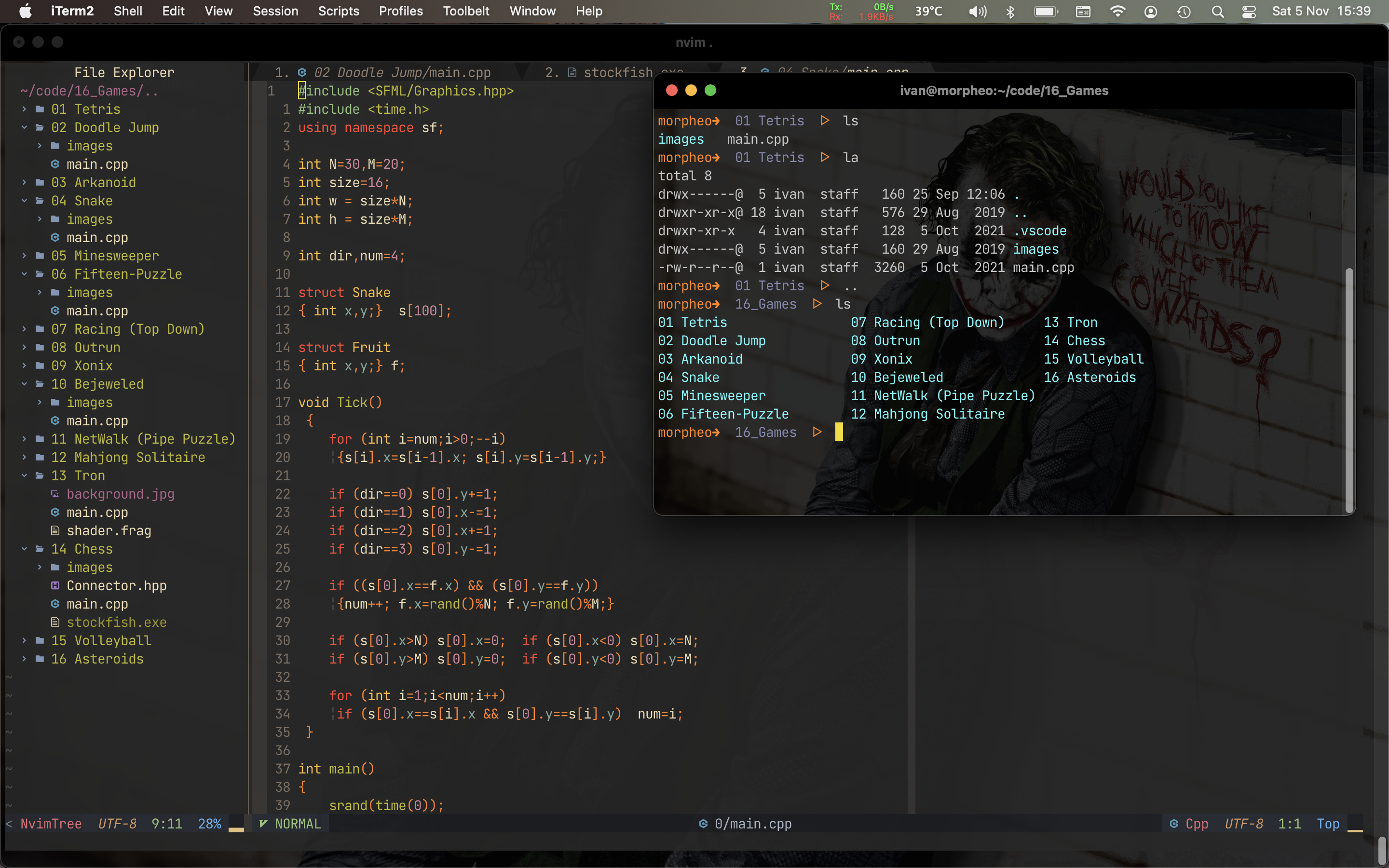
Inspiration from: