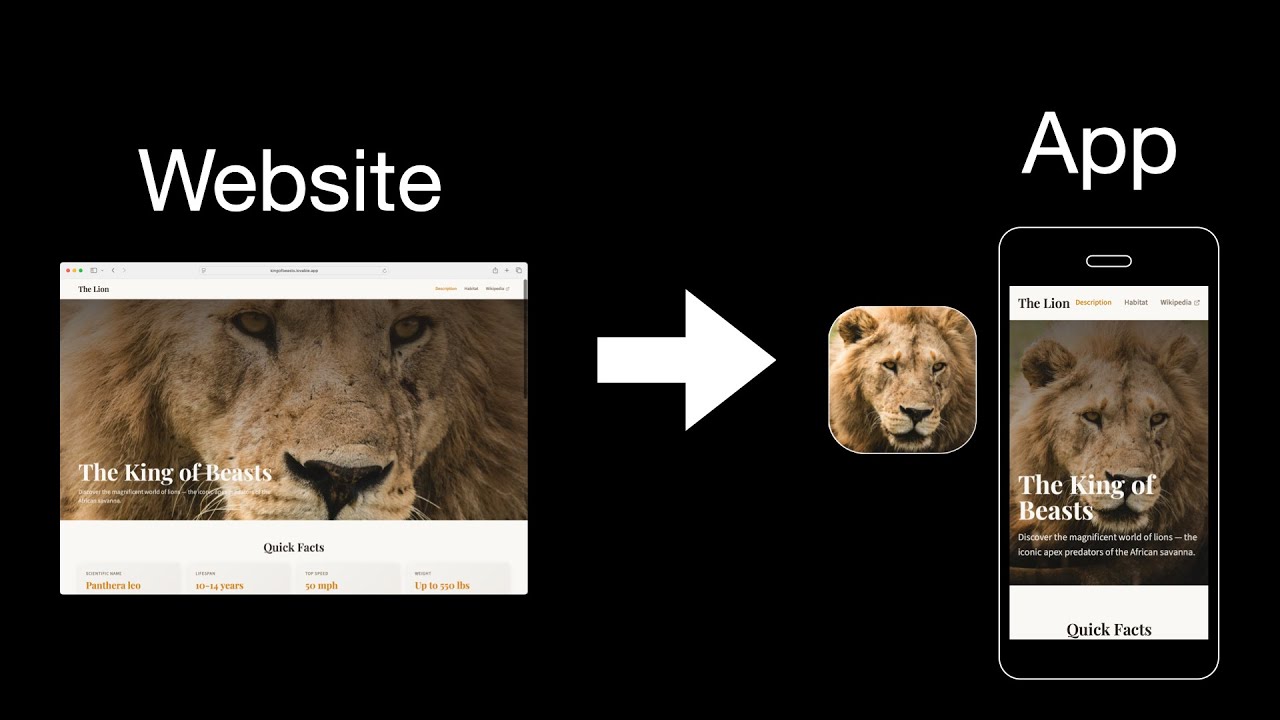
Convert your mobile-friendly website into native iOS and Android apps using this free Ionic template.
- ✅ Convert any mobile-responsive website into an app
- ✅ Works with iOS App Store and Google Play Store
- ✅ Automatic updates when you update your website
- ✅ Native app wrapper with web view
- ✅ Push notifications support (optional)
- ✅ Offline page caching
- ✅ Custom splash screen and app icon
- ✅ Built with Ionic Framework and Capacitor
This template creates a native mobile app wrapper around your existing website. Your website remains the same, but users can:
- Install your app from app stores (once published)
- See your app icon on their home screen
- Access your content through a native app interface
Before you start, make sure you have:
- A mobile-friendly, responsive website
- Node.js installed (v16 or higher)
- Xcode (for iOS development) - Mac only
- Android Studio (for Android development)
git clone https://github.com/jamesonsaunders/Convert-Website-to-App.git
cd Convert-Website-to-App
npm installEdit src/app/home/home.page.html and replace the URL with your website:
href="https://yourwebsite.com"; // Change this to your website URLFind and replace instances of com.botgroupllc.convertwebsitetoapp with your app ID in the project files.
Find and replace The Lion with your desired app name in the project files.
npm run build
npx cap sync ios
npx cap open ios
Then build and deploy from Xcode.
npm run build
npx cap sync android
npx cap open android
Then build and deploy from Android Studio.
Watch the video: How to Convert Your Website to a Mobile App with AI
Basic familiarity with command line is helpful, but the tutorial walks you through everything step-by-step.
Your website should be mobile-friendly and responsive. Backend changes are not typically required.
Since the app loads your website, any changes to your website automatically appear in the app. No app store updates required for content changes.
Yes! This template supports Capacitor plugins for camera access, geolocation, push notifications, and more.
Your website MUST follow these guidelines:
- ✅ Responsive design (adapts to mobile screens)
- ✅ Navigation works on mobile devices
- ✅ No "island" pages (users must be able to navigate back)
- ✅ External links open in new tabs (
target="_blank") - ✅ Fast loading times
Don't want to do this yourself? We offer a done-for-you service:
Website to App Conversion Service
Includes:
- Complete app setup and configuration
- Custom icon and splash screen design
- Testing on both iOS and Android
- App Store and Google Play submission
- Support through the review process
- 1-2 week turnaround time (typically)
- Improved template with caching (e.g. for user session save) and offline detection
Make sure you're using the latest Xcode version and have iOS development certificates configured.
Ensure Android Studio is properly installed with SDK version 33 or higher. Gradle 21.0.7
- Ionic Framework Documentation
- Capacitor Documentation
- Apple App Store Guidelines
- Google Play Store Guidelines
This project is open source and available under the MIT License.
- Website to App Conversion Service | App Store & Google Play Store
- Convert Website to App Video Tutorial (YouTube)
If this template helped you, please:
- ⭐ Star this repository
- 🐦 Share on social media
- 📝 Write about your experience
- 💬 Provide feedback or suggestions
**Made with ❤️ by Jameson Saunders