
This is my quick dot files repo started on a Saturday night to make my new old MacBook Air looks like my old new MacBook. It is based in webpro/dotfiles (you may want to check it out his repo to understand this one if you feel lost).
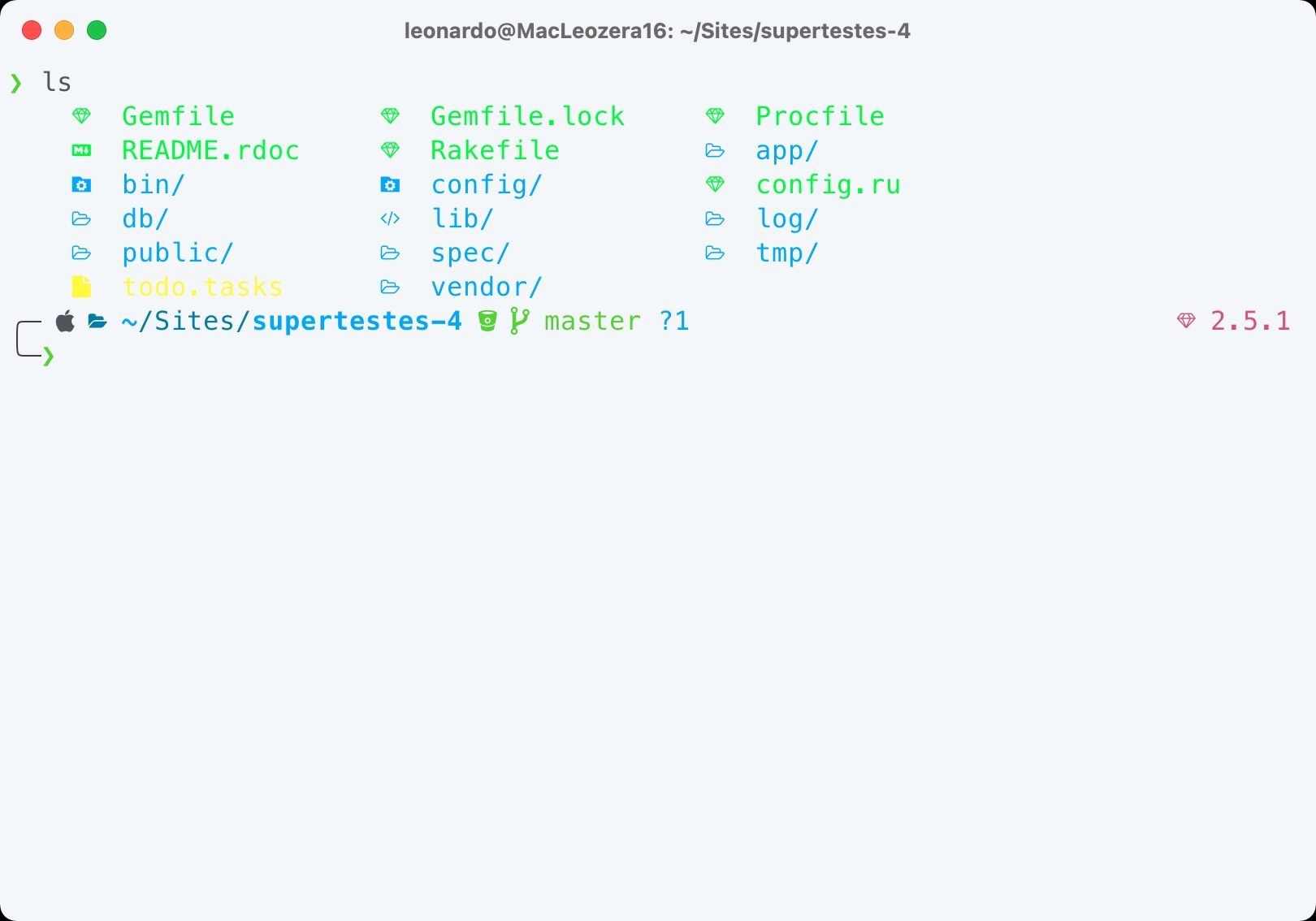
- Make sure that you have an updated macOS and Command Line Tools for Xcode:
sudo softwareupdate -i -a && xcode-select --install - Clone the repo in your home directory:
cd ~ & git clone git@github.com:leonardofaria/dotfiles.git ~/.dotfiles - Run
./install.sh
Check install/Brewfile and install/dev/Brewfile
- betterzip
- qladdict
- qlcolorcode
- qlimagesize
- qlmarkdown
- qlstephen
- qlvideo
- quicklook-csv
- quicklook-json
- suspicious-package
- webpquicklook
- Current Node via
nvm, with a few global packages: - Ruby 3 via
rvm - Oh my zsh, with powerlevel10k theme and git, rails, ruby, npm and osx plugins
There are lots of customizable Mac settings. Check macos/defaults.sh for all details.
You can update your dock running: dotfiles dock.
Note: this will remove all your current dock items.
Add your extra information environment variables in system/.custom.
Use the Sync Settings feature to restore settings from a different computer.
Log in with a Google account to restore bookmarks, extensions, etc.
Run ssh-keygen -t ed25519 -C "your_email@example.com" - More instructions