
An open source music player for windows. With user friendly interface and a lot of other features
- Download the latest version from the Releases
- Run the installer:
Moadify.Setup.X.X.X.exe - Launch the app and you're good to go 🚀
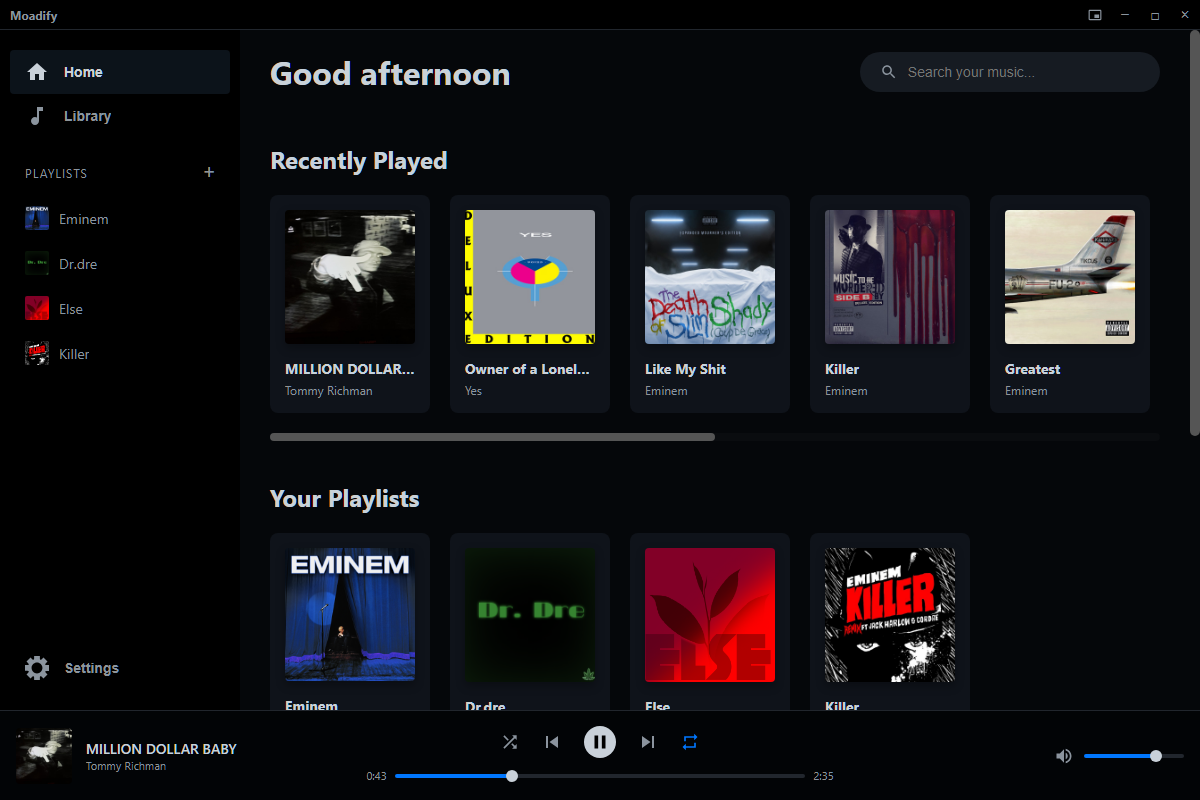
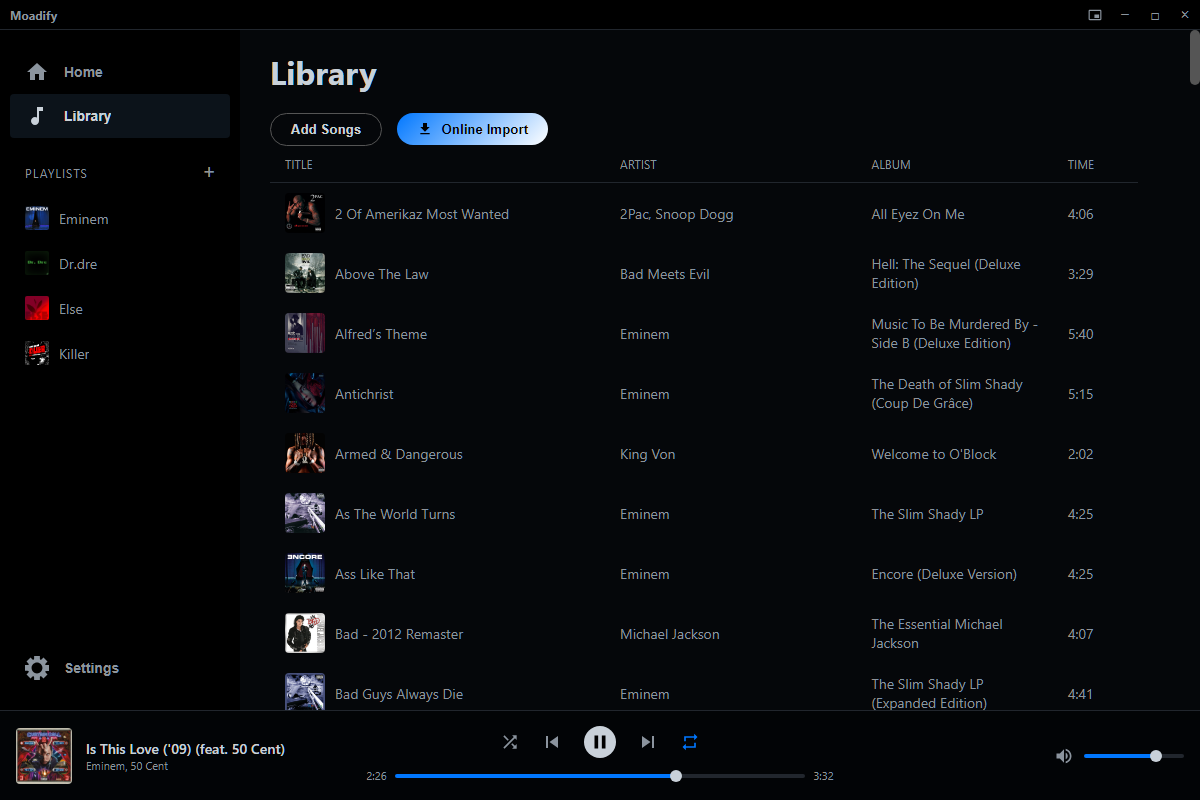
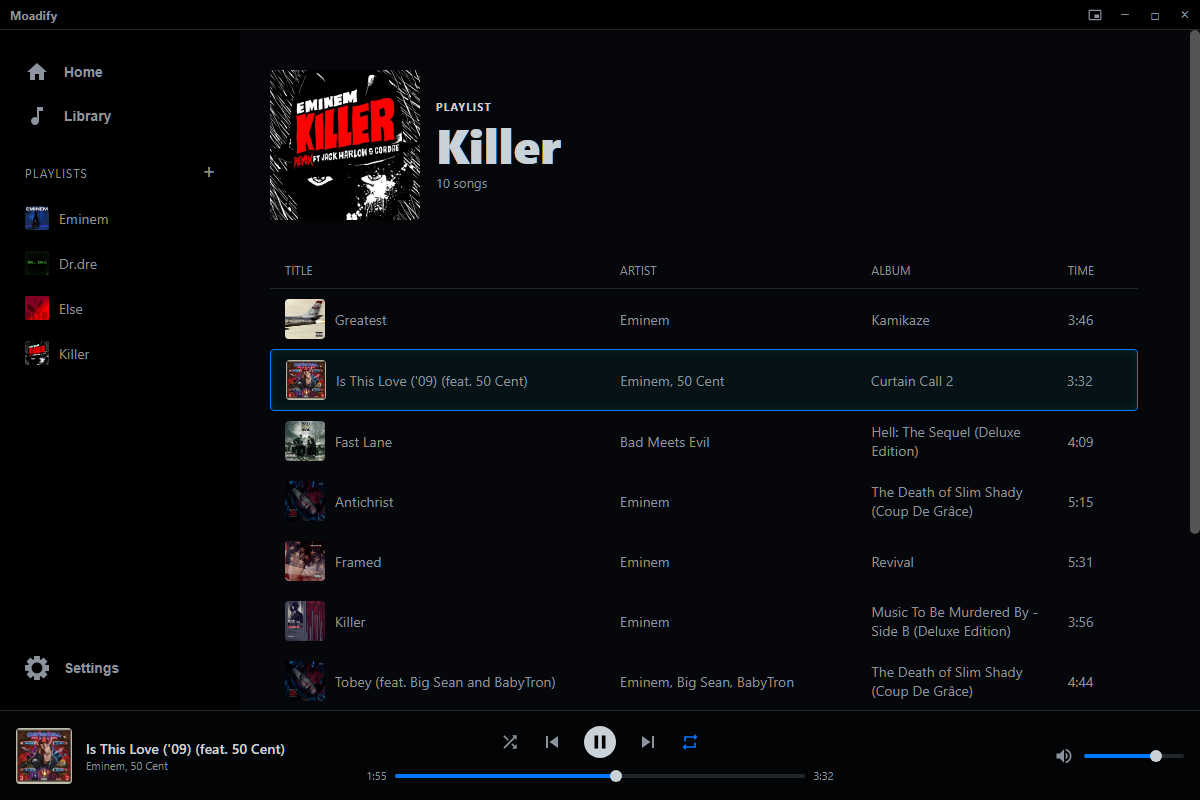
- Offline local music playback (MP3, WAV, FLAC, OGG, AAC)
- Lightweight and low RAM usage (it can work on anything)
- Shows your listening activity on Discord in real time (not perfect tho)
- Includes online importing via spotdown.org (meaning you can import music from your Spotify playlist, or search for tracks and download them)
-
1 . Clone the repository
git clone https://github.com/moade771/Moadify.git -
2 . Move into the project folder
cd Moadify -
3 . Install dependencies
npm install -
4 . Start the app
npm start