Home
This is a very simple example of how to manipulate two fragments with different main layouts.
The main objective of this example is:
- Show "how two" fragments interaction.
- Show "how to" manipulate the "landscape" layout change also combining two fragments.
I'm not separating the fragments in the portrait version, this is something that I'm going to show in some other example. But, I'm distributing the fragments in portrait or landscape so both can be well shown.
You will find two "activity_main" layouts, one in the default folder called "layout" and a second one with the same name in the "layout-land" folder.
I also added the: android:configChanges="orientation"
In the AndroidManifest.xml so the app can detect the orientation change.
On the default portrait layout, I'm going to distribute the two fragments in the same layout, one above the other one.
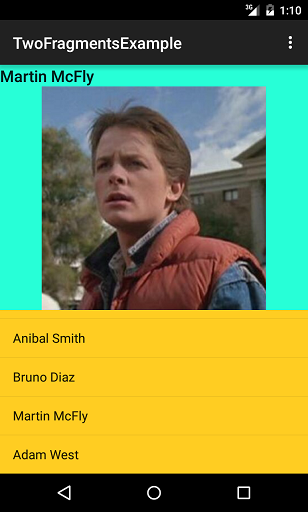
But when you change to landscape, I'm going to distribute in a different way, next to each other:
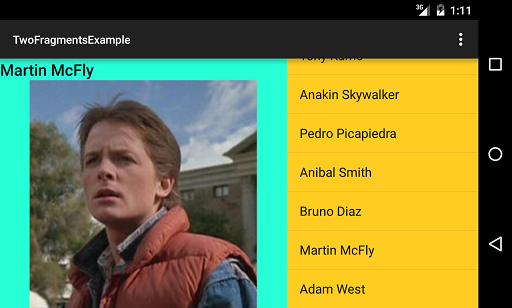
On any case, both fragments will continue working and interacting with each other without any problem.