This is a Weather Application project done under FRT Internship .
PROJECT DEMO LINK : https://dynamicweatherapplication1.azurewebsites.net/
UPDATED PROJECT DEMO lINK : https://weathernews.azurewebsites.net/
Outcomes Of The Project :
- With the help of these application you can check the weather in your city .
- You can click on the "Get Device Location " button to get the weather update of your particular Location.
- You will get the attributes such temprature in celsius , humidity , location and weather conditions.
- This project is Deployed on Microsoft azure so that you can access it anytime .
Tech Used In The Project :
1.For This Project HTML CSS & JavaScript are prerequisite.
2.OpenWeather API is used to get the update of the Weather in you city
URL for the OpenWeather : https://openweathermap.org/current
Demo :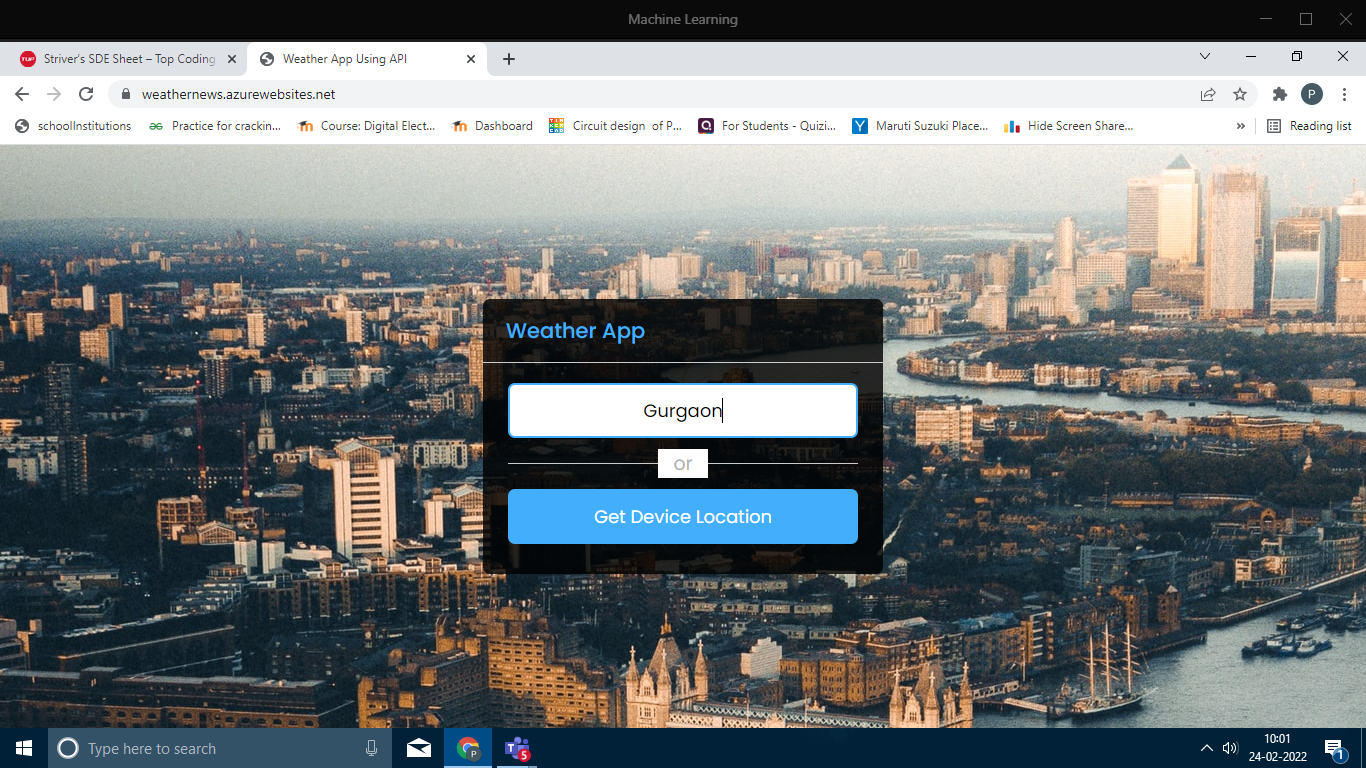
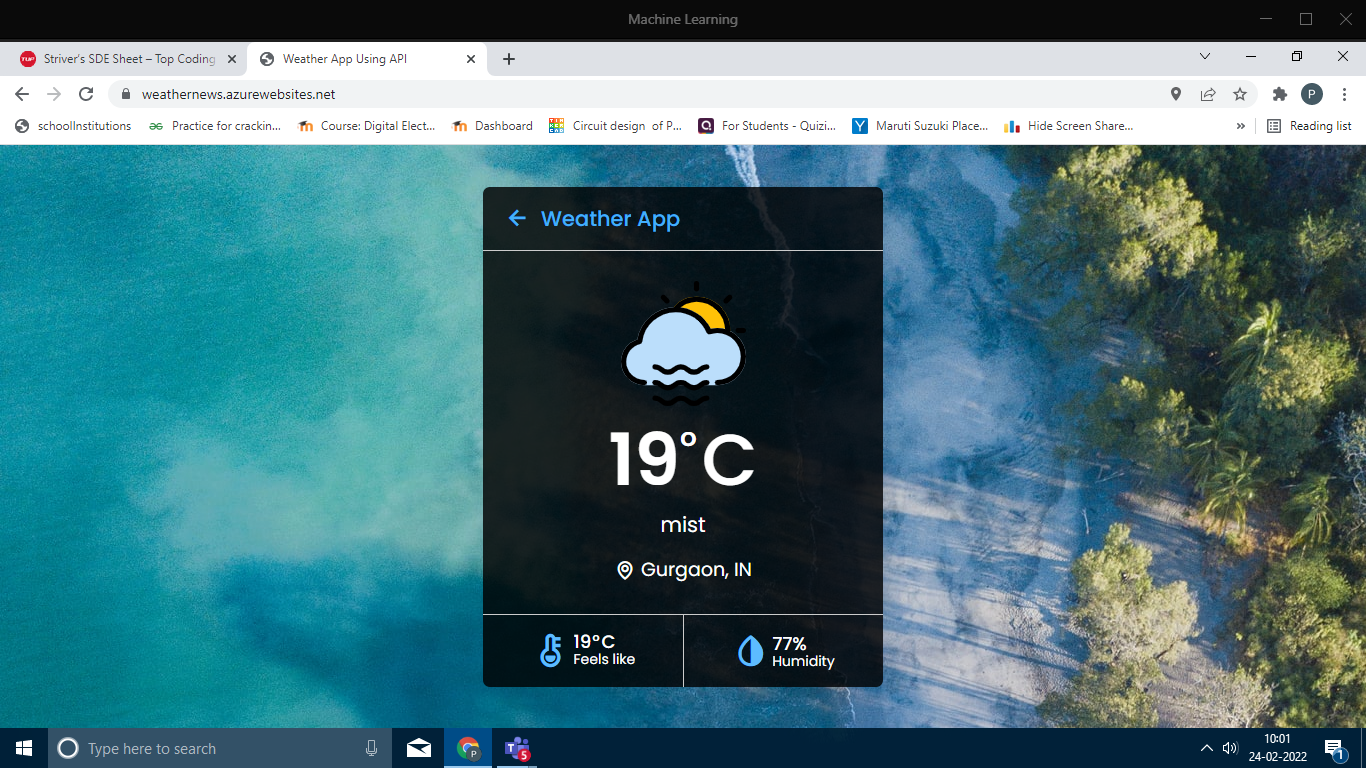
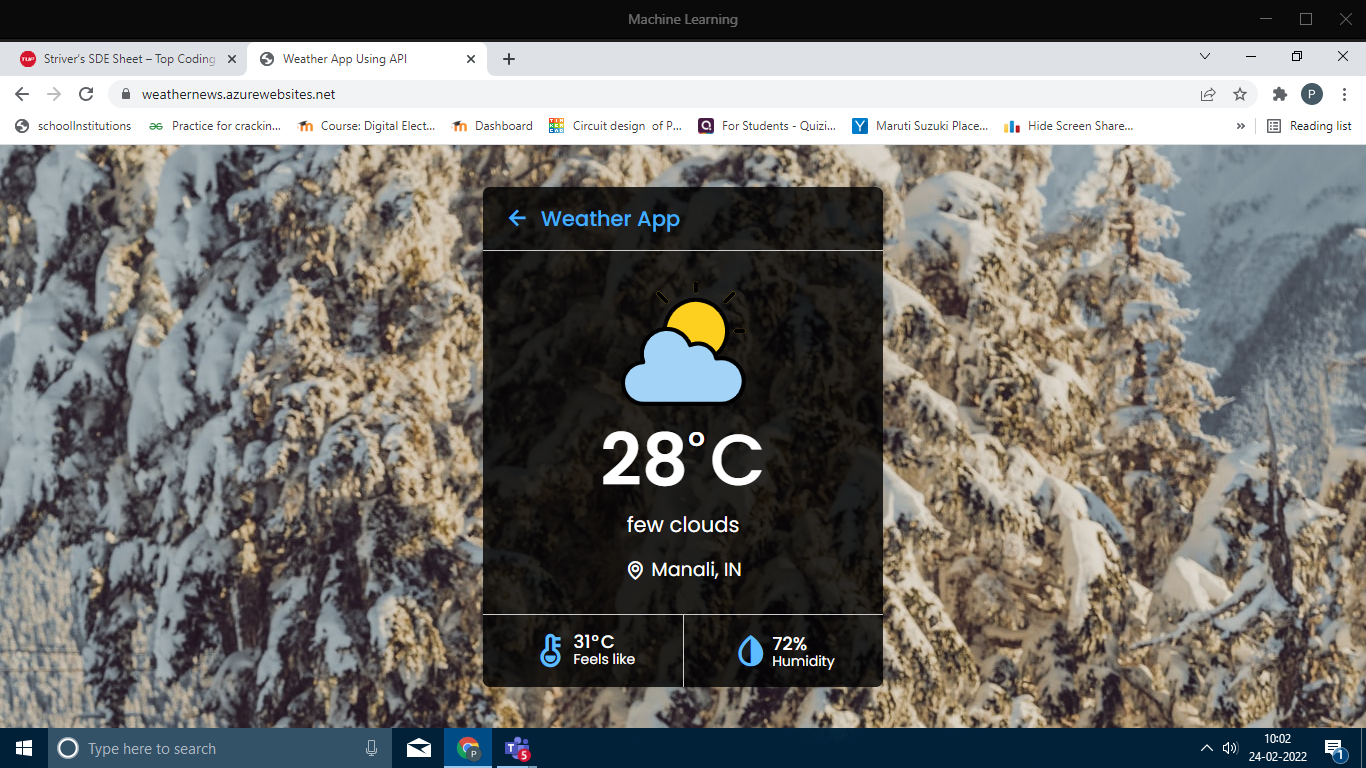
Now Why To get data From API or Why to use API?
ANS : APIs are needed to bring applications together in order to perform a designed function built around sharing data and executing pre-defined processes. They work as the middle man, allowing developers to build new programmatic interactions between the various applications people and businesses use on a daily basis.
AZURE service used :- WEB APP
Explanation :- Azure Web Apps are Microsoft's offering to cloud to host web applications. It allows developers to focus on delivering business values rather than consuming time on Sever updates or OS patches. Interestingly, applications built on Java, PHP, Python or Node. js can also be deployed on web apps.
I have done following steps to finally deployed my project using Azure "Web App" :-
1)First i logged in with my student id into Microsoft Azure using the helpful bot in Azure site.
2)then I clicked on + Create a resource and then Clicked on Web App to create a new Web App resource.
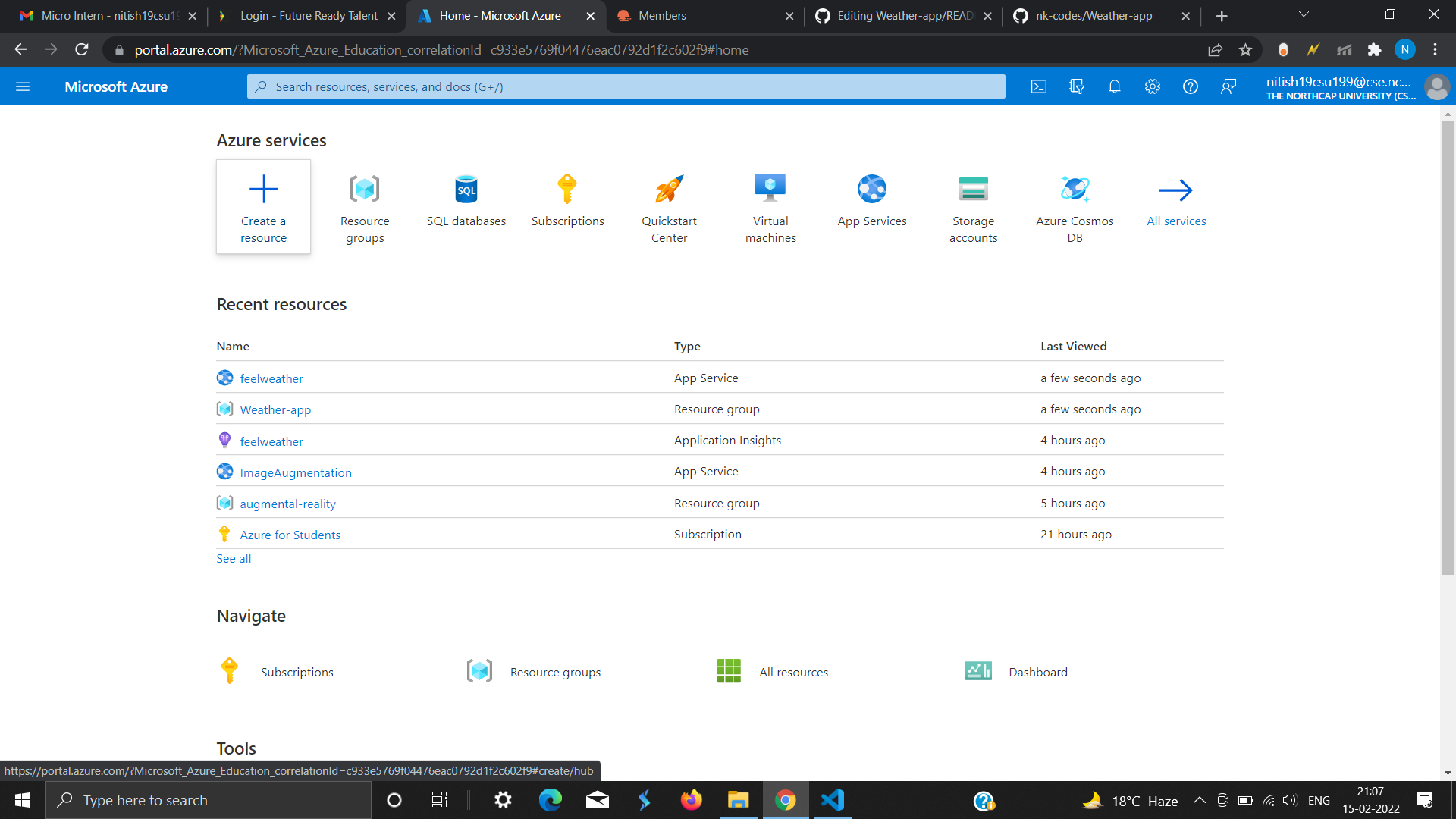
3)Then I named the resource group as "Weather-app" and app service as "feelweather" ,Runtime Task as "ASP.NET V4.8" and done all default .
4)And I clicked on Review + create and finally Review all the details entered and then clicked on Create
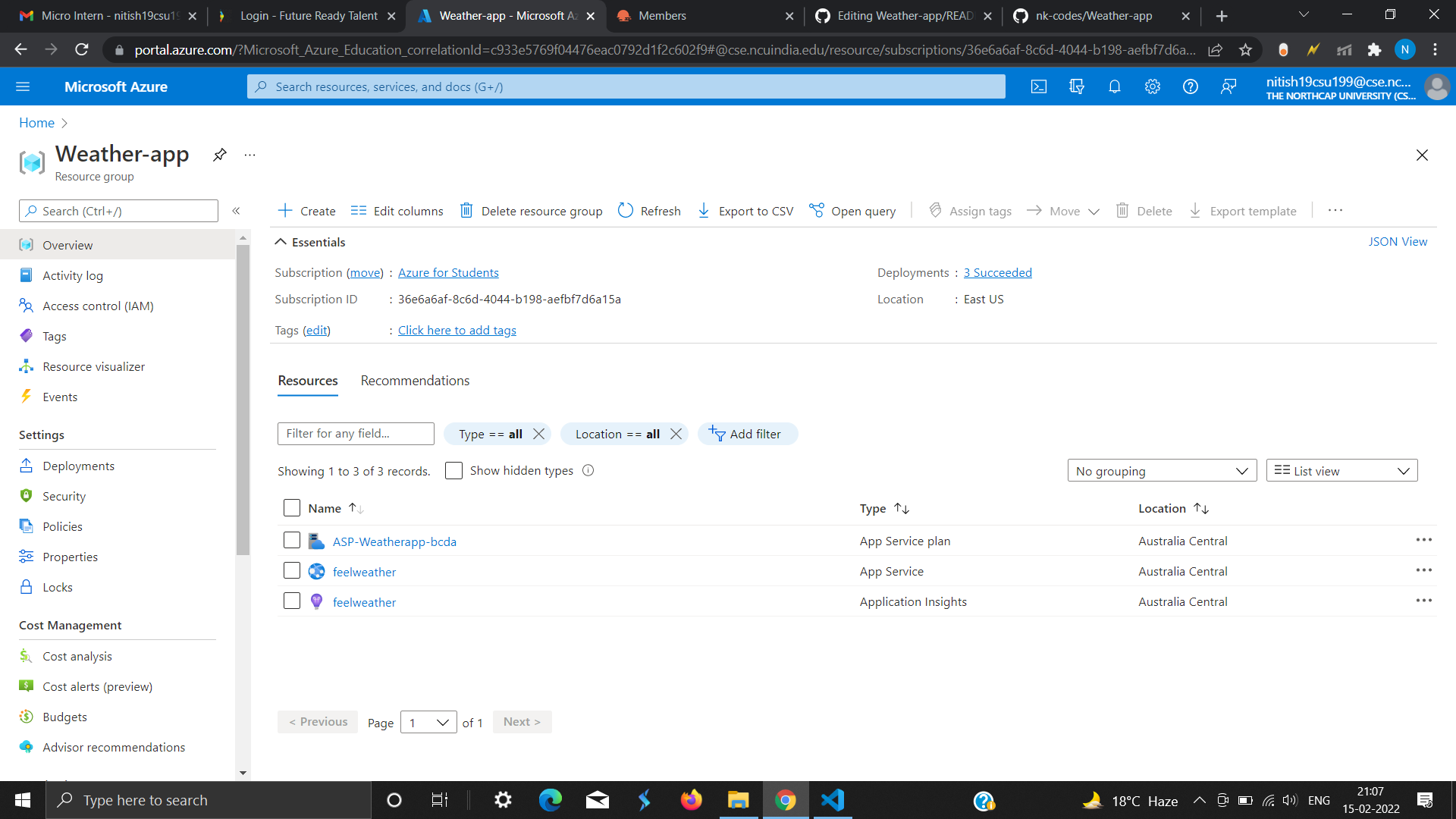
5)After clicking on create it will start deploying the Web App resource.
6)Once deployment is complete the portal will display .
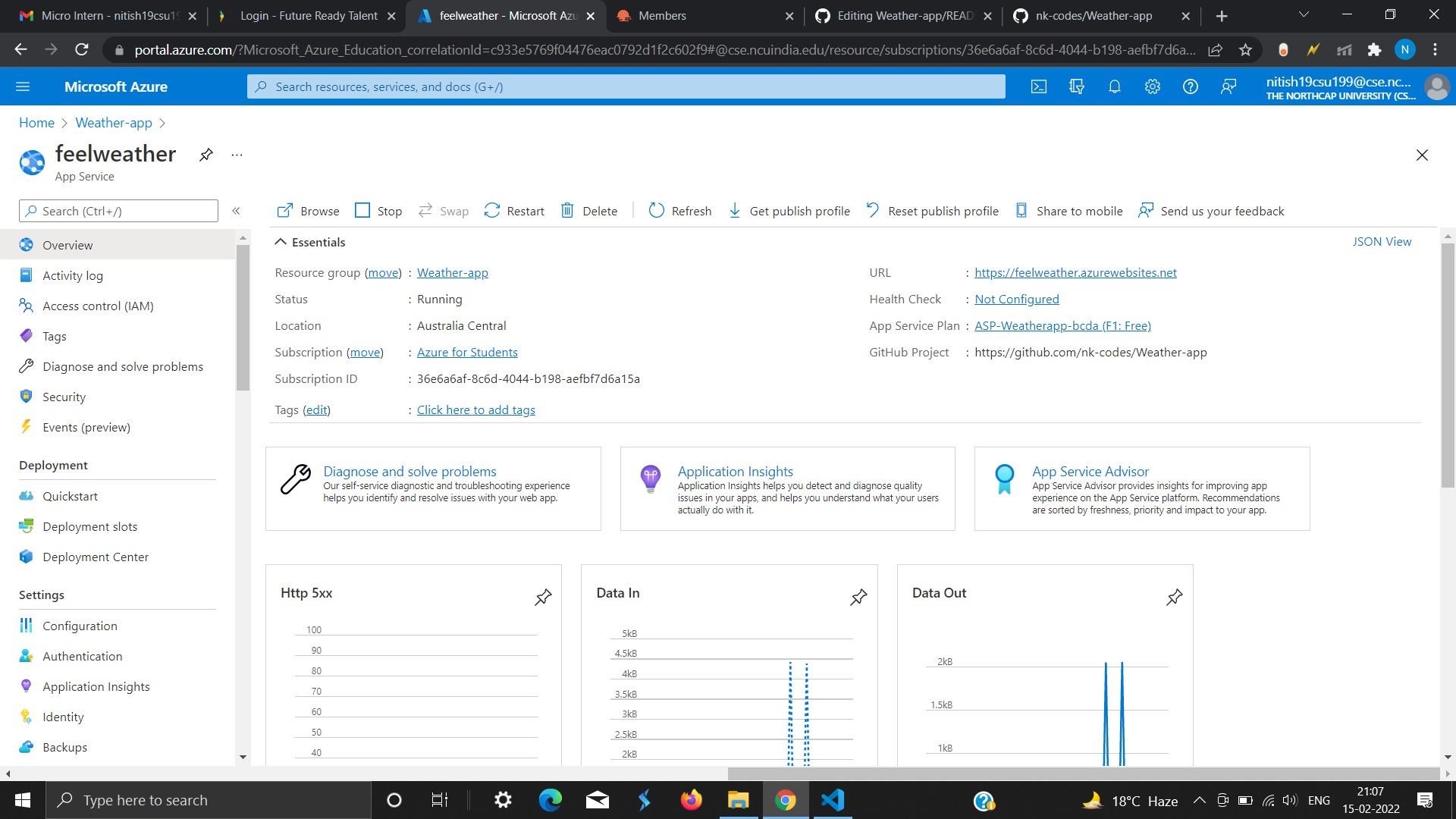
7)Then go to the resource group in which the Web App was created and click on the created Web App.
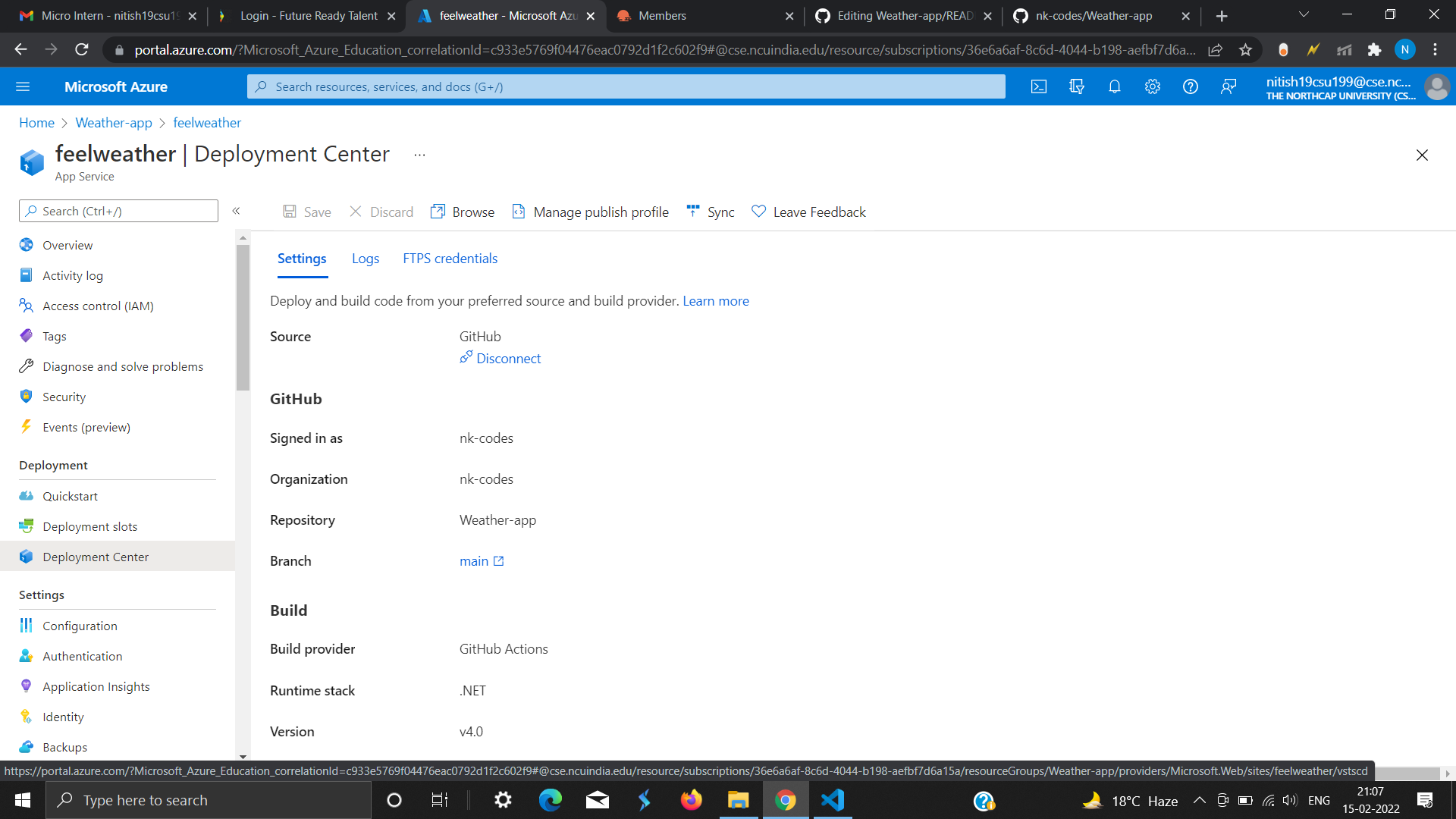
8)Finally, I CLick on Deployment Center and filled the following details and save and click on save and deployment process begin.
9)Now Click on the Url link in the Overview section and hence , its working.
I have done following steps to finally deployed my project using Azure "Web App" :-