⚙️ A multi-platform, modular 3D game engine written in C++ with support for DirectX 11, DirectX 12, Android (OpenGL ES), and Linux (OpenGL).
📚 Built for learning and showcasing 3D engine development — from fundamentals to terrain rendering, animation, and PBR.




📘 Table of Contents
The WoMA3Dengine is a modular, cross-platform 3D graphics engine that showcases modern rendering techniques and engine design through a step-by-step tutorial approach.
- Cross-platform: Windows, Linux, Android
- Graphics APIs: DirectX 9, 11, 12, OpenGL (3.3+), Vulkan (planned)
- Shader Languages: HLSL & GLSL
- Build System: Visual Studio, GCC, Android NDK
- Modular and extensible engine layers using
DX_ENGINE_LEVELandCORE_ENGINE_LEVEL - Separation of rendering pipeline, asset management, and scene logic
- Runtime and editor/debug builds
- Memory leak detection and structured exception handling
- Physically Based Rendering (PBR) using glTF material specs
- Multiple lighting models: Phong, Blinn-Phong, and physically-based
- Dynamic day/night lighting system with real-time sun/moon direction
- Real-time shadows: PCF and shadow maps
- Frustum culling and bounding-box optimization
- Instancing & billboarding
- Screen-space effects: fog, depth-based shading
- Mesh loading via ASSIMP (.obj, .fbx, .dae, .3ds, .blend)
- Texture pipeline with automatic DDS conversion (_DEBUG)
- Cyphered asset loading from packed W3D formats
- LOD generation and selection
- Sky dome, water, terrain heightmap loading
- FBX animation support with skeleton/bone playback
- Multiple animation merging and metadata extraction
- Billboarded particles and vegetation
- Celestial simulation: real sun/moon positioning, METAR-based weather
- Custom camera system (1st-person, 3rd-person, orbit)
- Ray casting / object picking
- AABB and bounding sphere generation
- Full linear algebra library (vectors, matrices, quaternions)
- Modular tutorial progression (89+ stages)
- Logging system to console, VS output, and log file
- Debug render modes (wireframe, UV checker, LOD, normals)
- Editor toolkits planned (map/scene builder)
|
- Left: arrow or a - Right: arrow or d - Front: arrow or w - Back: arrow or s - Look Up: pg. Up - Look Down: pg. Down - Go Up: R (GOD MODE: true) - Go Down: F (GOD MODE: true) |
[F1] Full system info (CPU, GPU, OS, memory, etc.) [F2] Celestial info (Sun, Moon, sunrise/sunset, azimuth) Latitude/Longitude Calculate Sun Rise / Sun Set Moon Distance Sun Geometric elevation Moon Geometric elevation Moon Azimuth [F3] World map with real location [F4] Weather data (METAR, clouds, temperature, humidity) (when network option is: ON) [F5] Game Rendering, Default engine run mode (gameplay / scene view) [F6] Engine setup / configuration screen Try to Change the driver on the fly without the need of close and open the Application. - DirectX 12 - DirectX 11 - DirectX 9 - OPENGL 4 [F11] Switch God Mode (on debug only: flying fast over the terrain) |
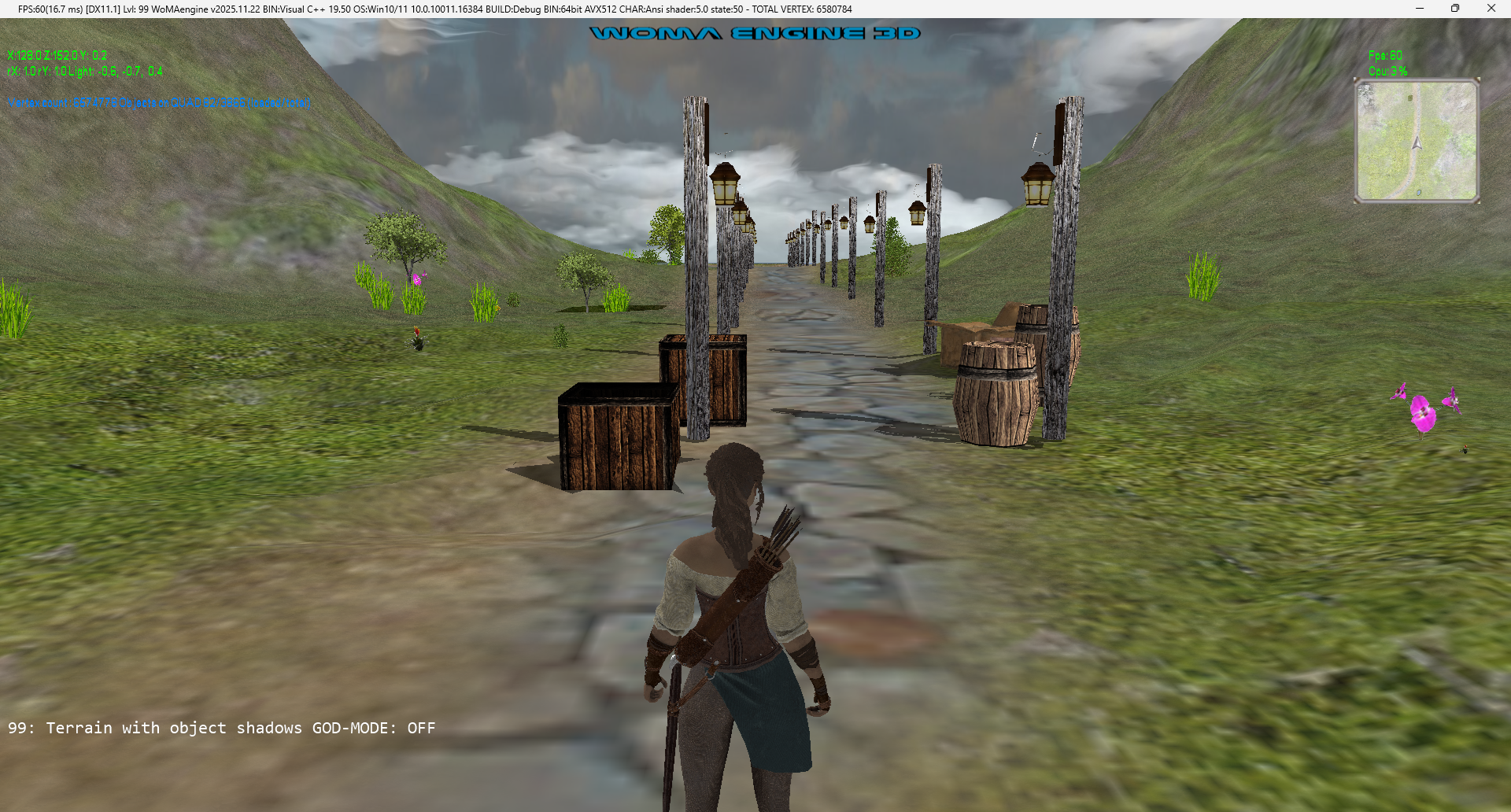
- LEVEL-99: Terrain with object shadows.
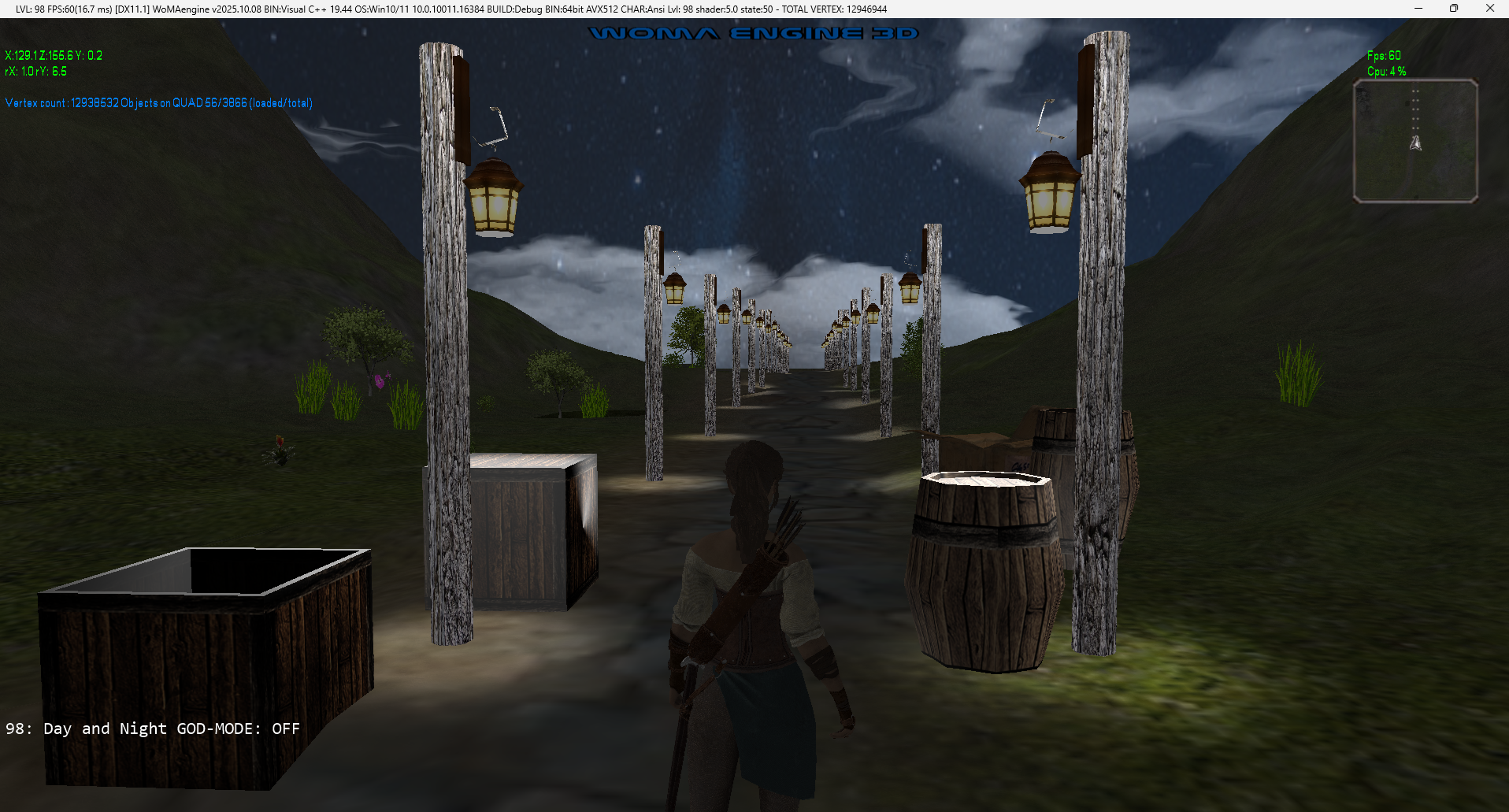
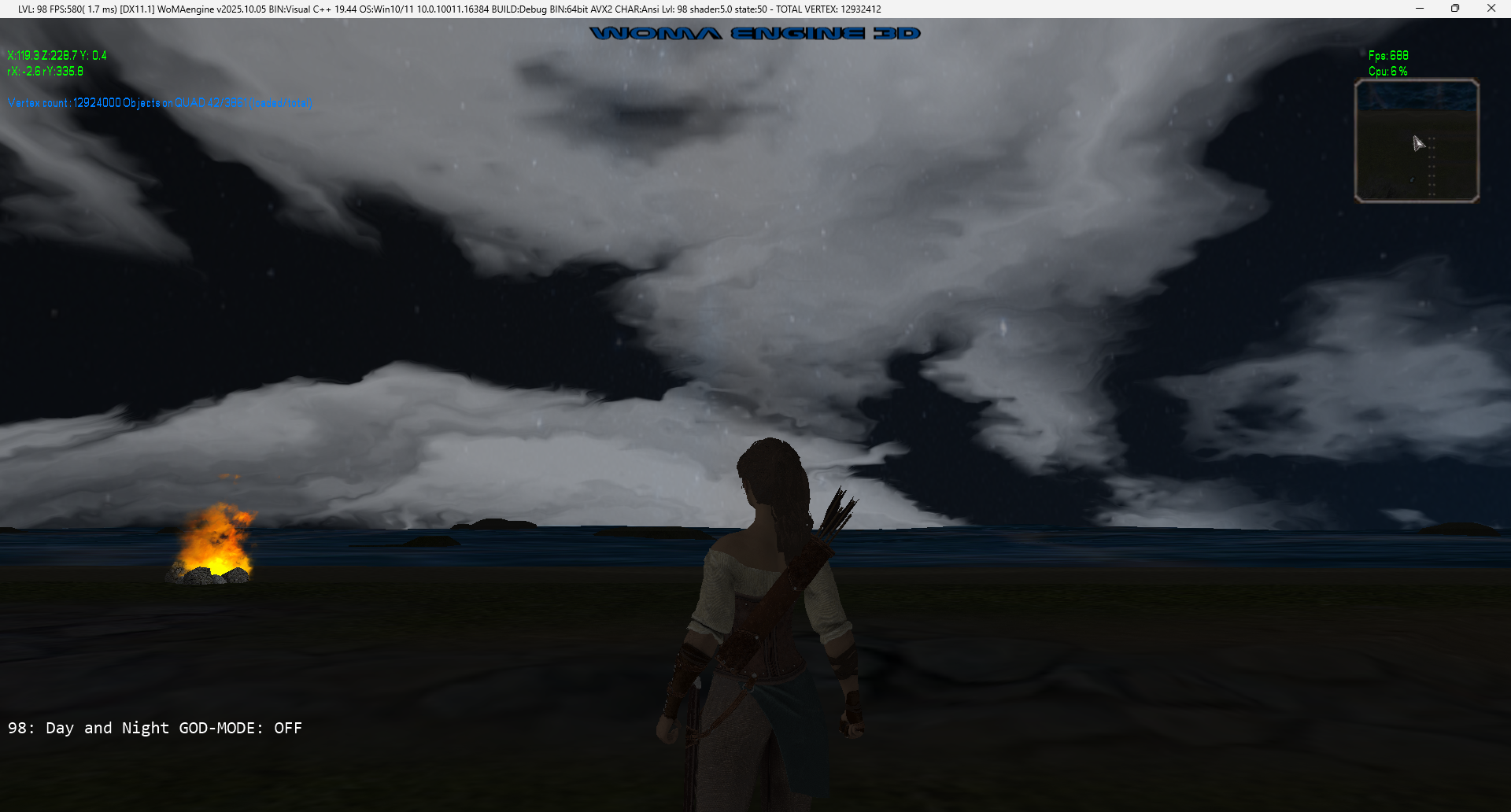
- LEVEL-98: Day and Night
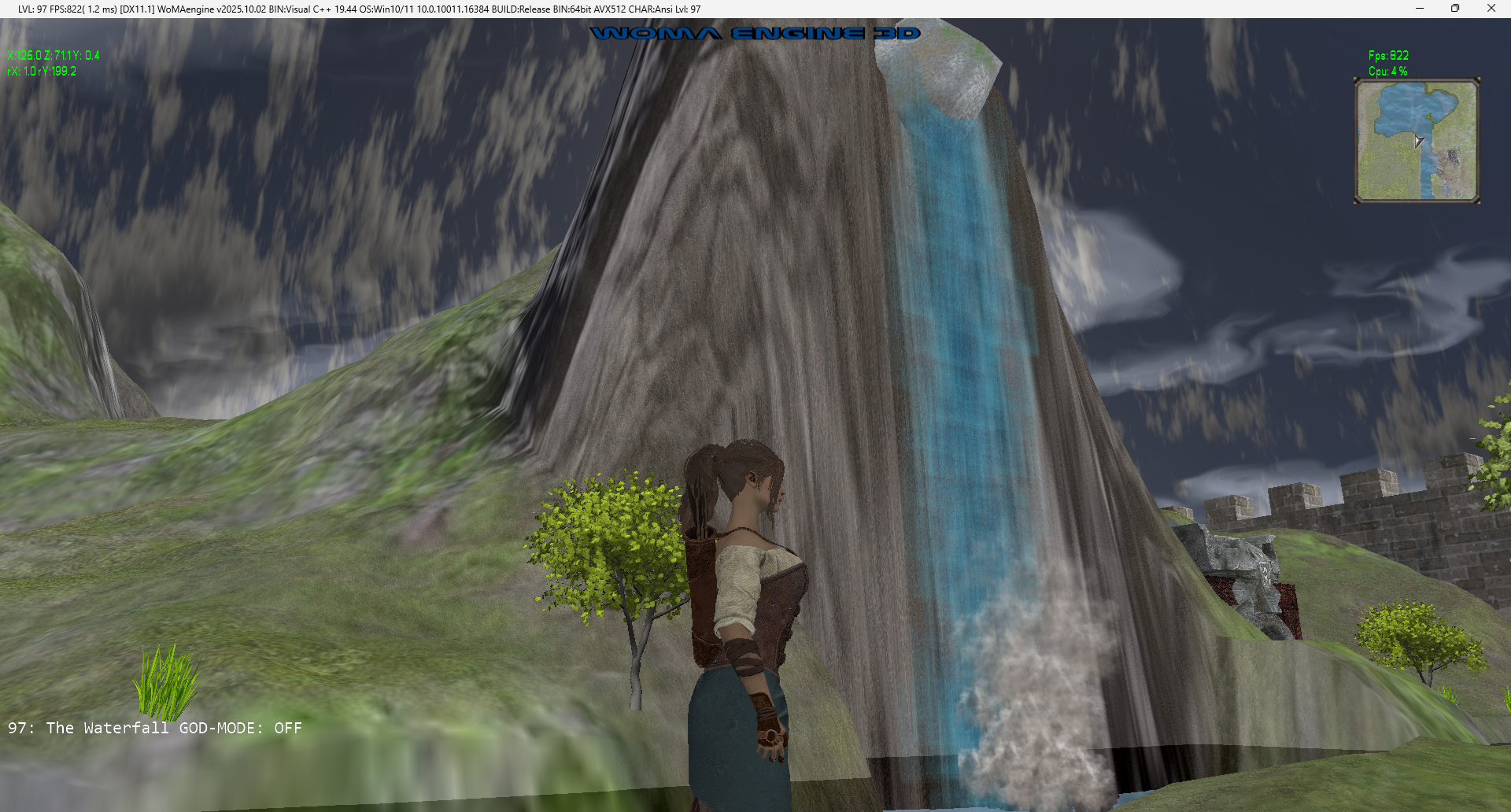
- LEVEL-97: The Waterfall
- The water Waterfall
- The smoke of Waterfall
- The sound of Waterfall
- The Dungeon Gate
- The Sound of ocean waves
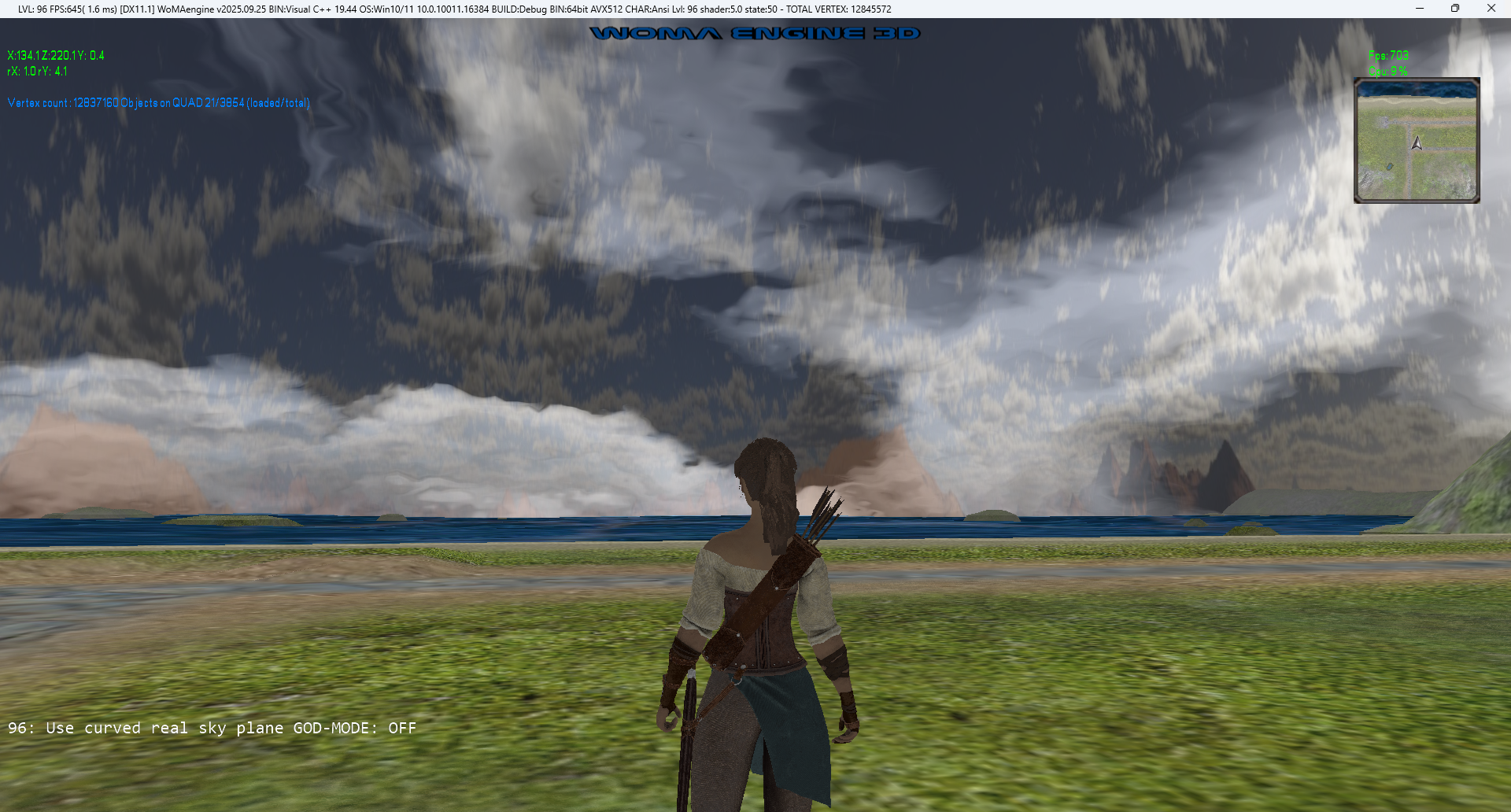
- LEVEL-96: Use curved real sky plane
Level/Sample about how to add an external code from Rastertek.
https://rastertek.com/tertut12.html
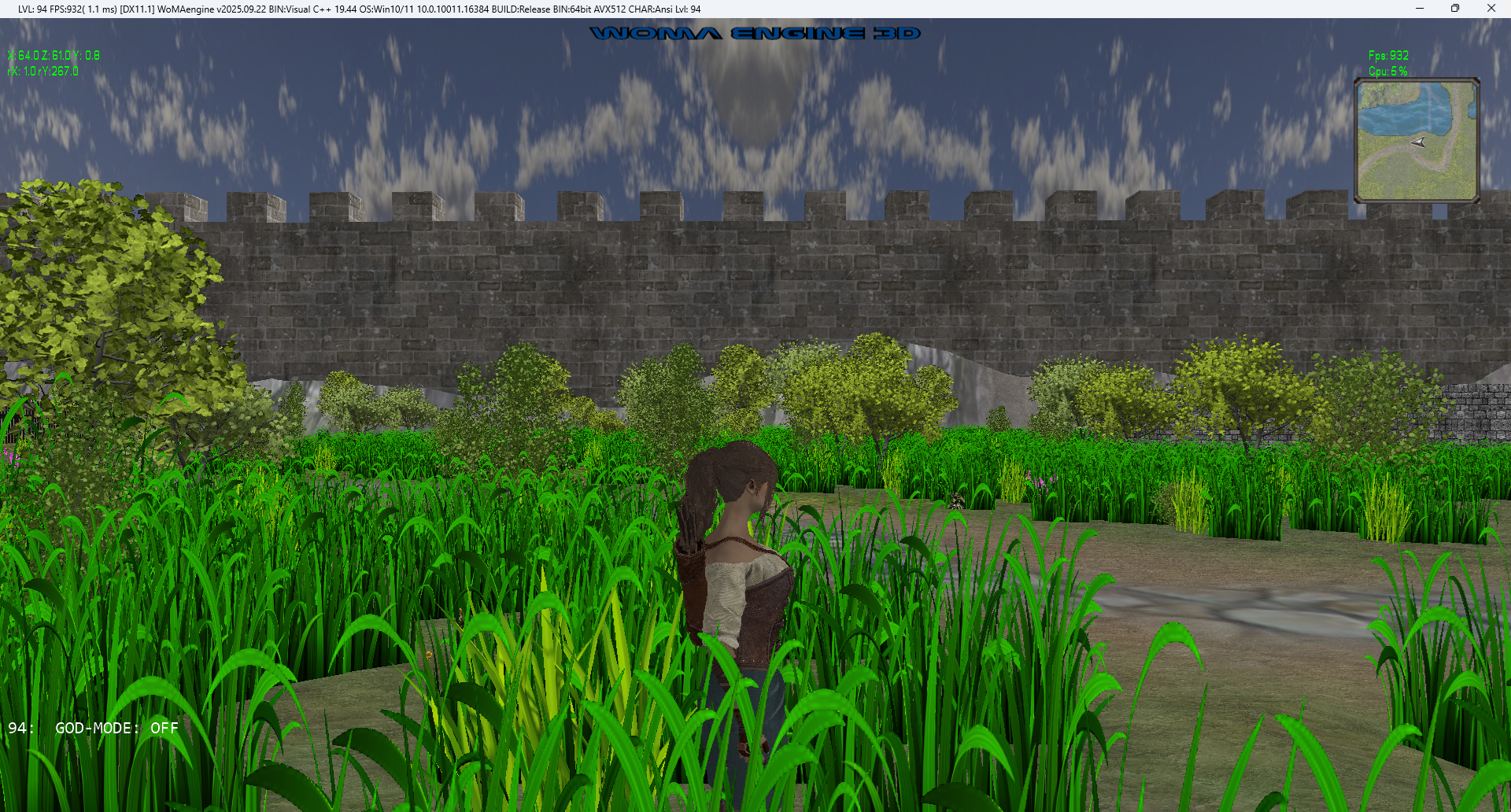
- LEVEL-94: Optimizing Dynamic memory allocation for Billboard vertices - Atlas Texture - Part 2
Improving from 900 FPS to 930 FPS (soon)
- LEVEL-93: Optimizing the Billboard objects render all in 1 obj, using - Atlas Texture - Part 1
Improving from 850 FPS to 900 FPS.
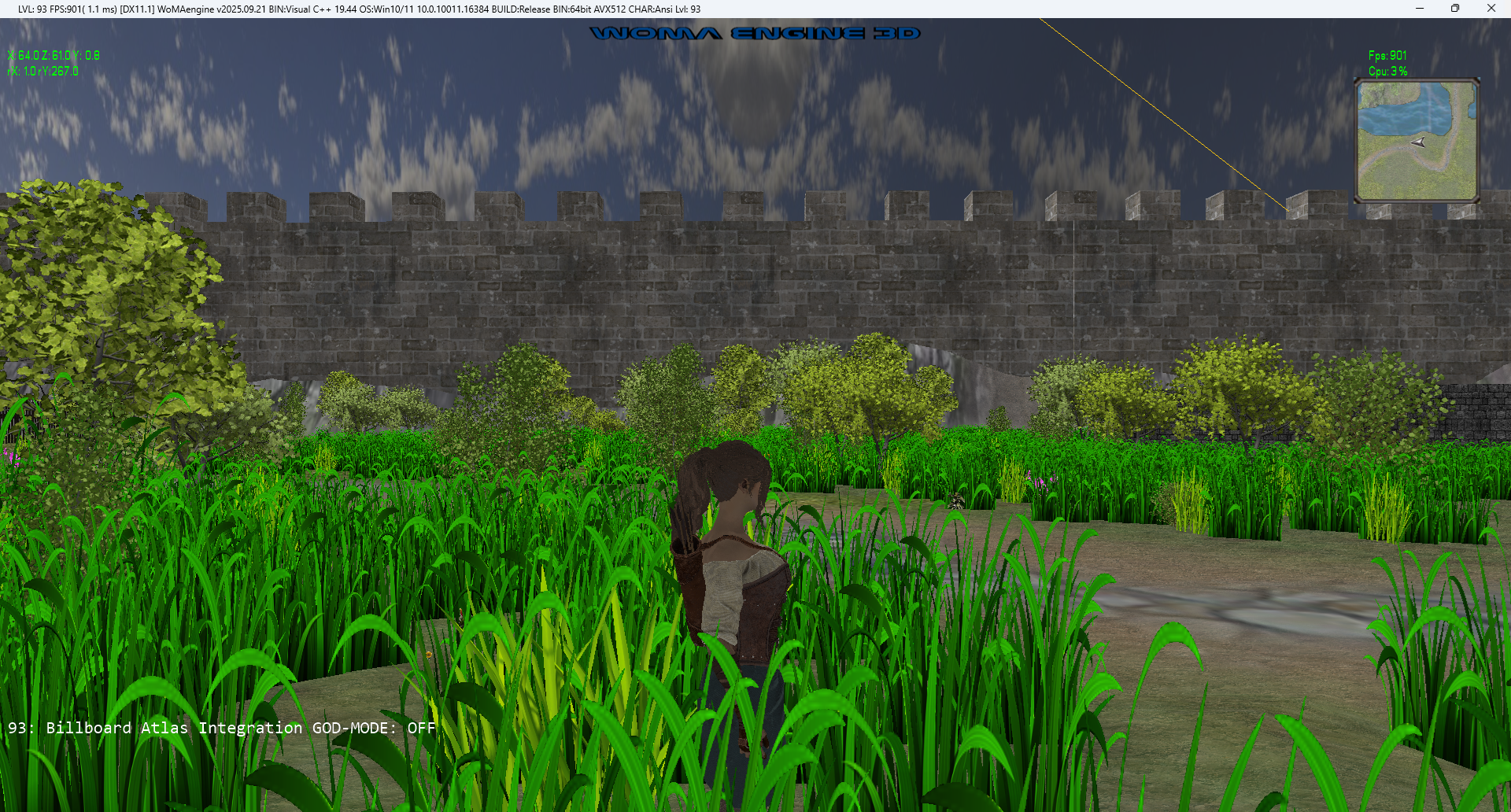
Billboard Atlas (Automatic generated:)

- LEVEL-92: Use from now on the modern: DX11.1
There is a Huge list of improvements
Improving with DX11.1 from 815 FPS to 850 FPS.
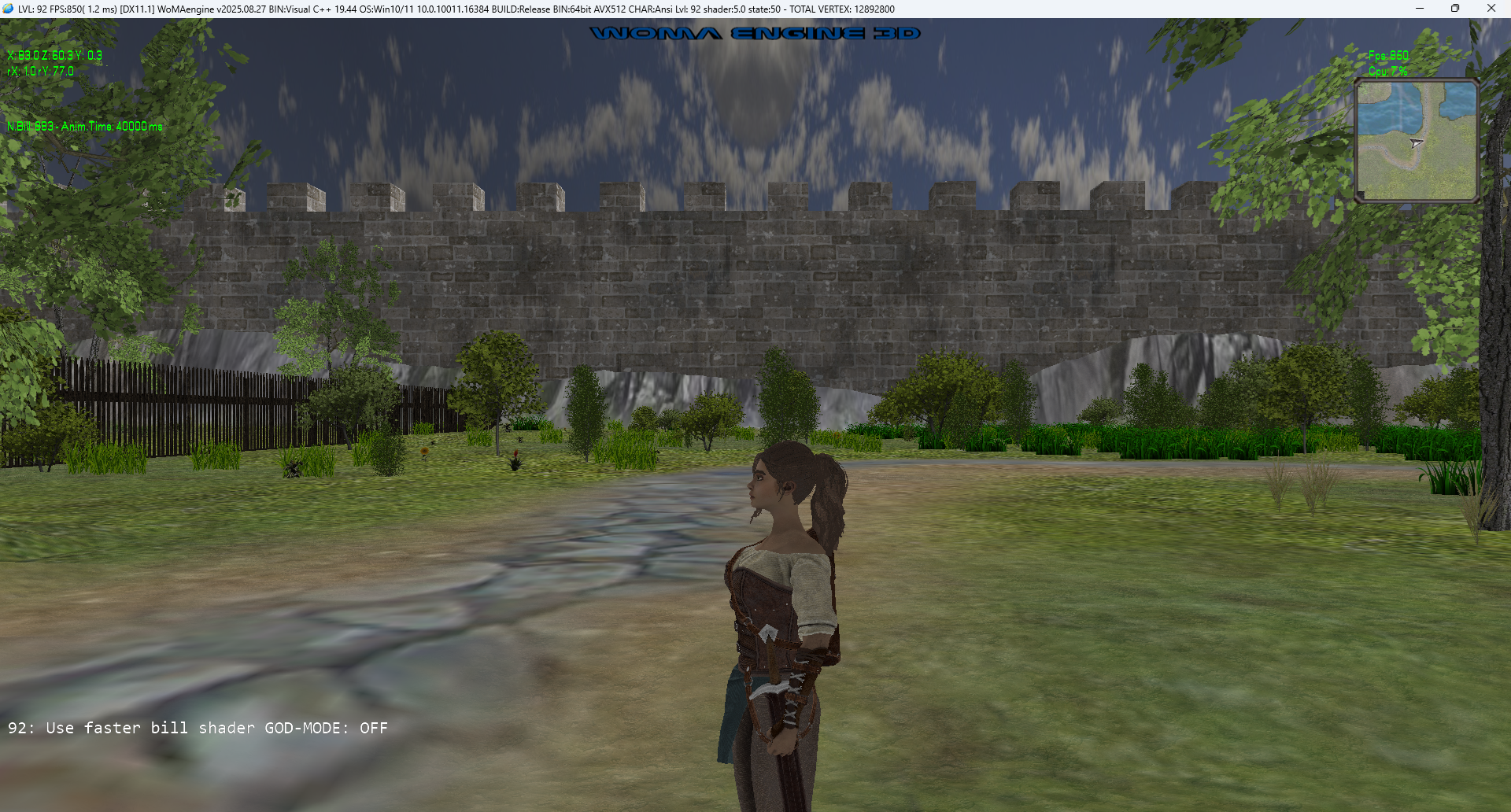
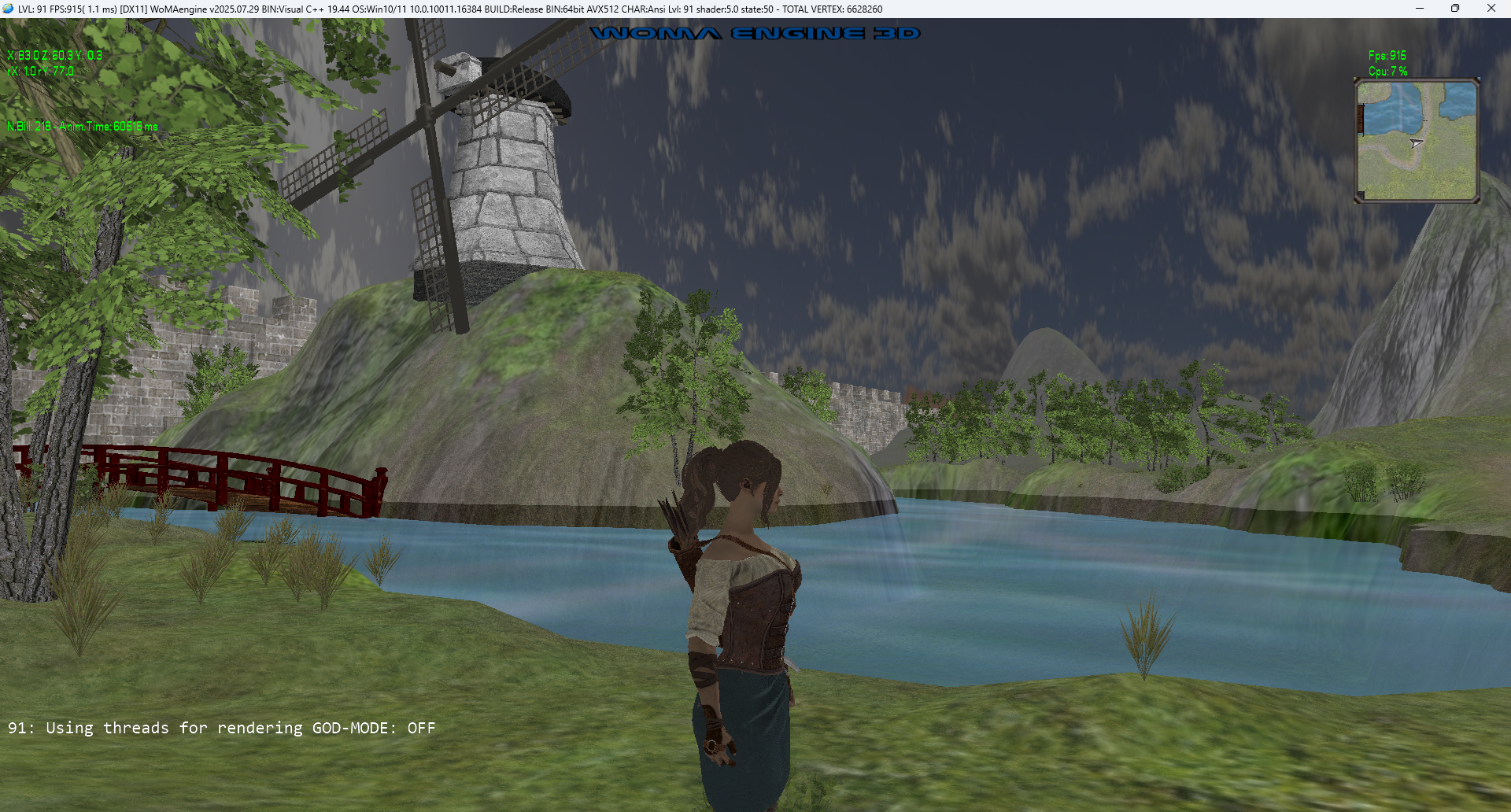
- LEVEL-91: Using threads for rendering
Improving from **760** FPS to **815** FPS.
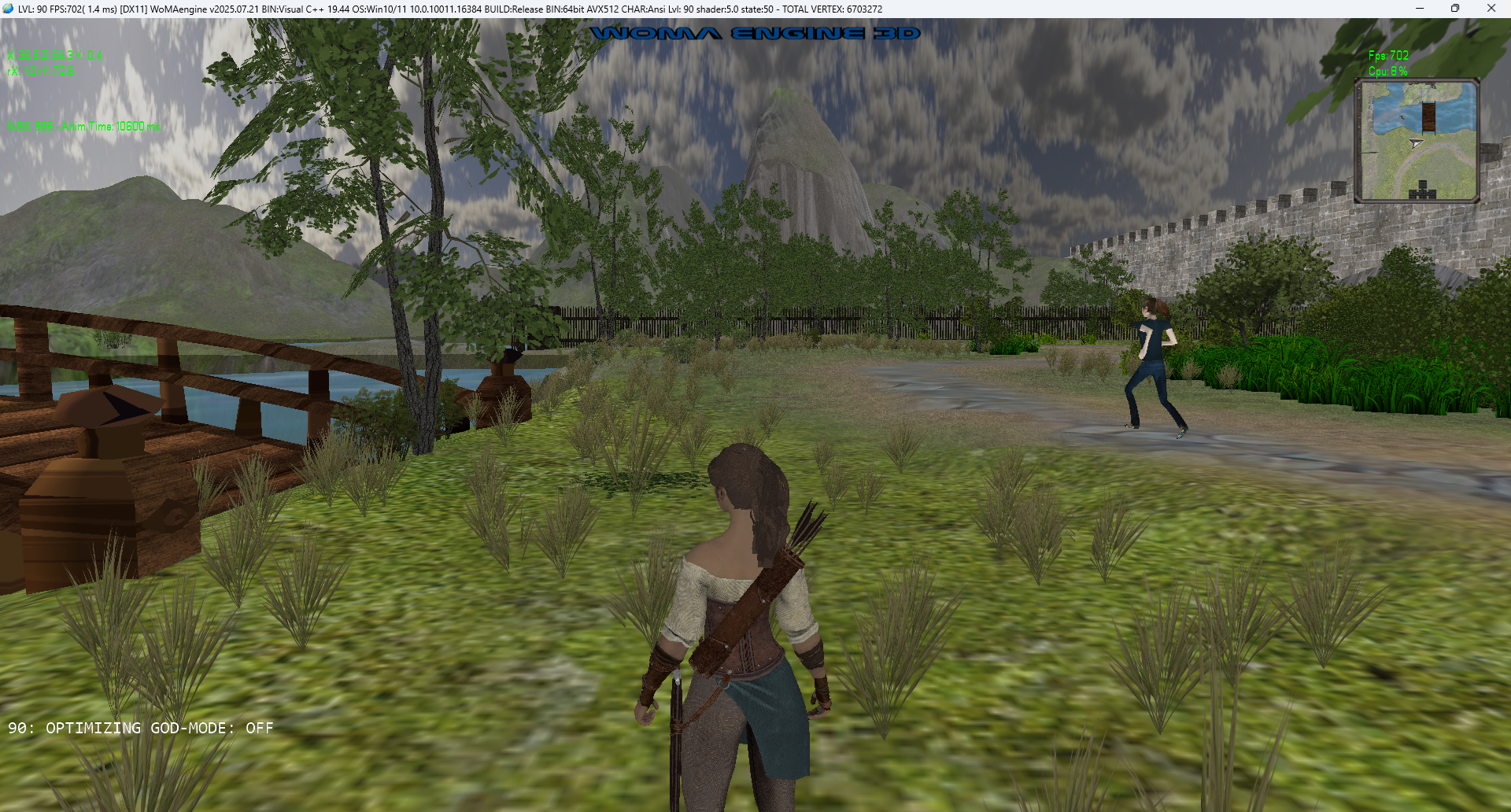
- LEVEL-90: Replacing Billboards with advanced gaming like objects(Low Poly)
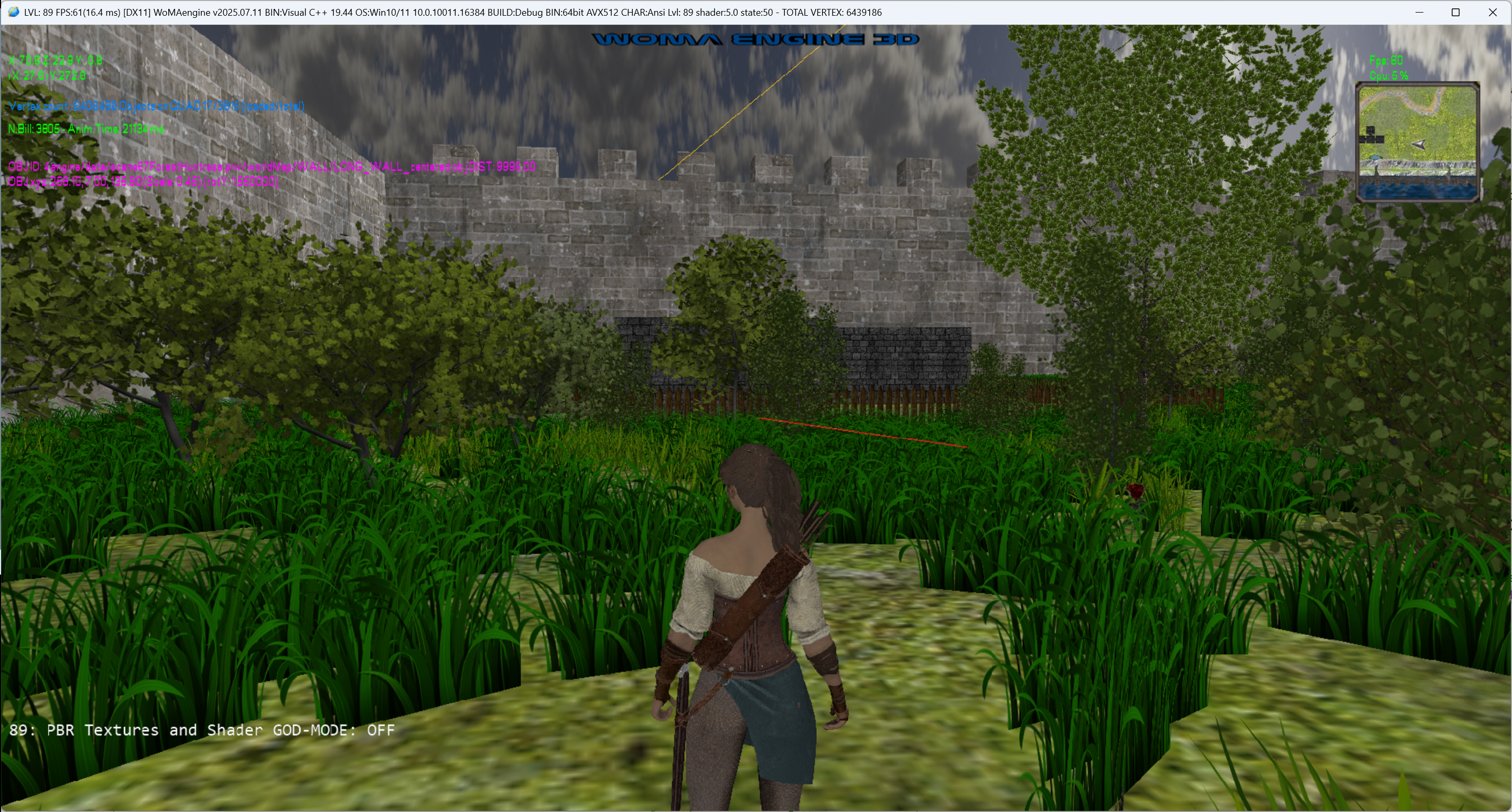
- LEVEL-89: The object Model Map Editor
Editor Keys/Controls:
- Mouse, select the object
- Arrow Keys, move left and right, front and back. (NOTE: use shift to do a minor movements)
- PgUp and PgDown, move up and down. (NOTE: use shift to do a minor movements)
- Numpad-4 and Numpad-6, rotate the object.
- "+" and "-", Scale it.
Then update the "world.xml" with the new positions shown on screen.
NOTE: Use GodMode toggle: F11 to have a better view.
- Mouse, select the object
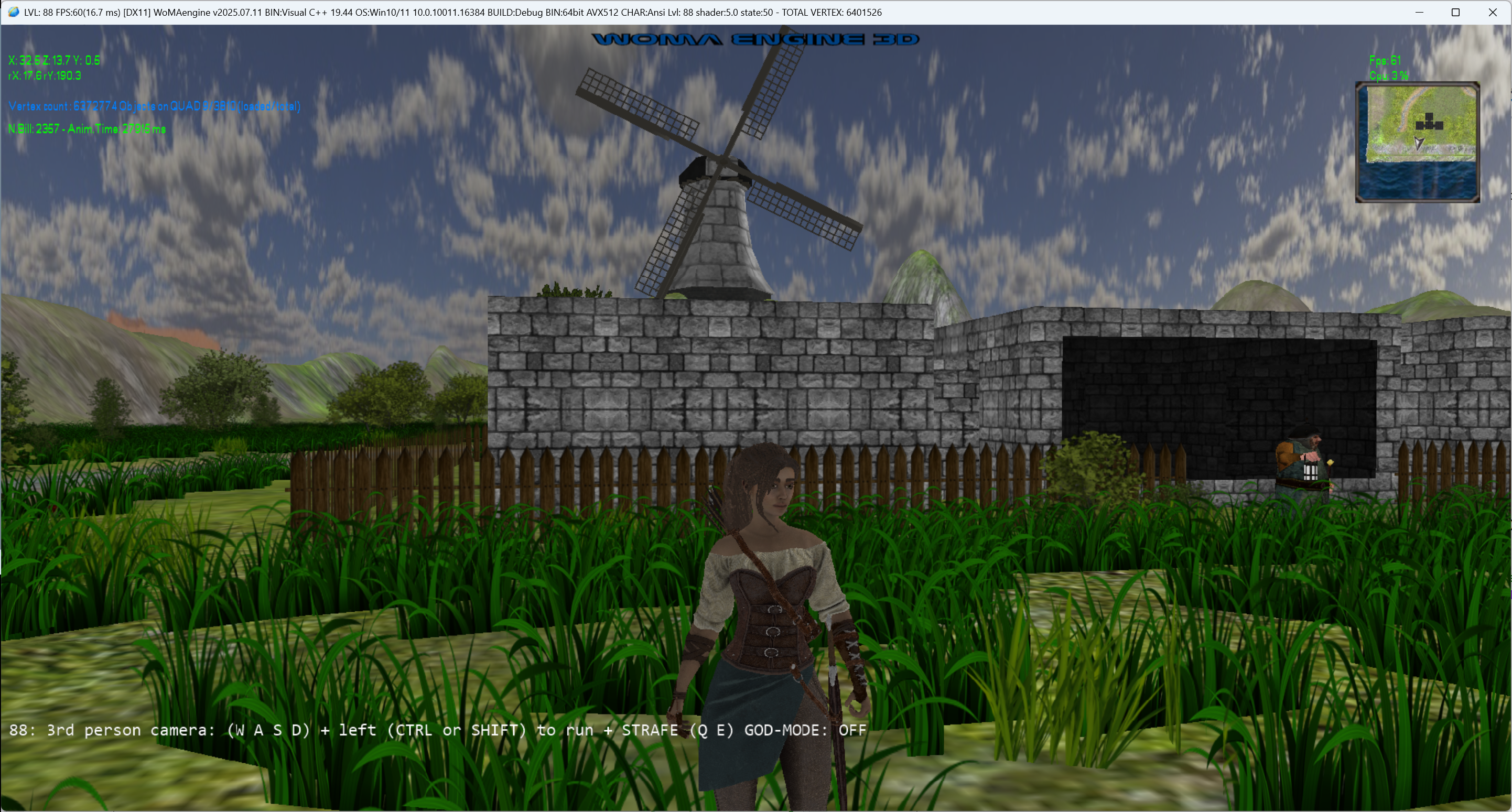
- LEVEL-88: USE_3RD_PERSON_CAMERA
3rd person camera: (W A S D) + left (CTRL or SHIFT) to run + STRAFE (Q E):
Key 1: Draw sword
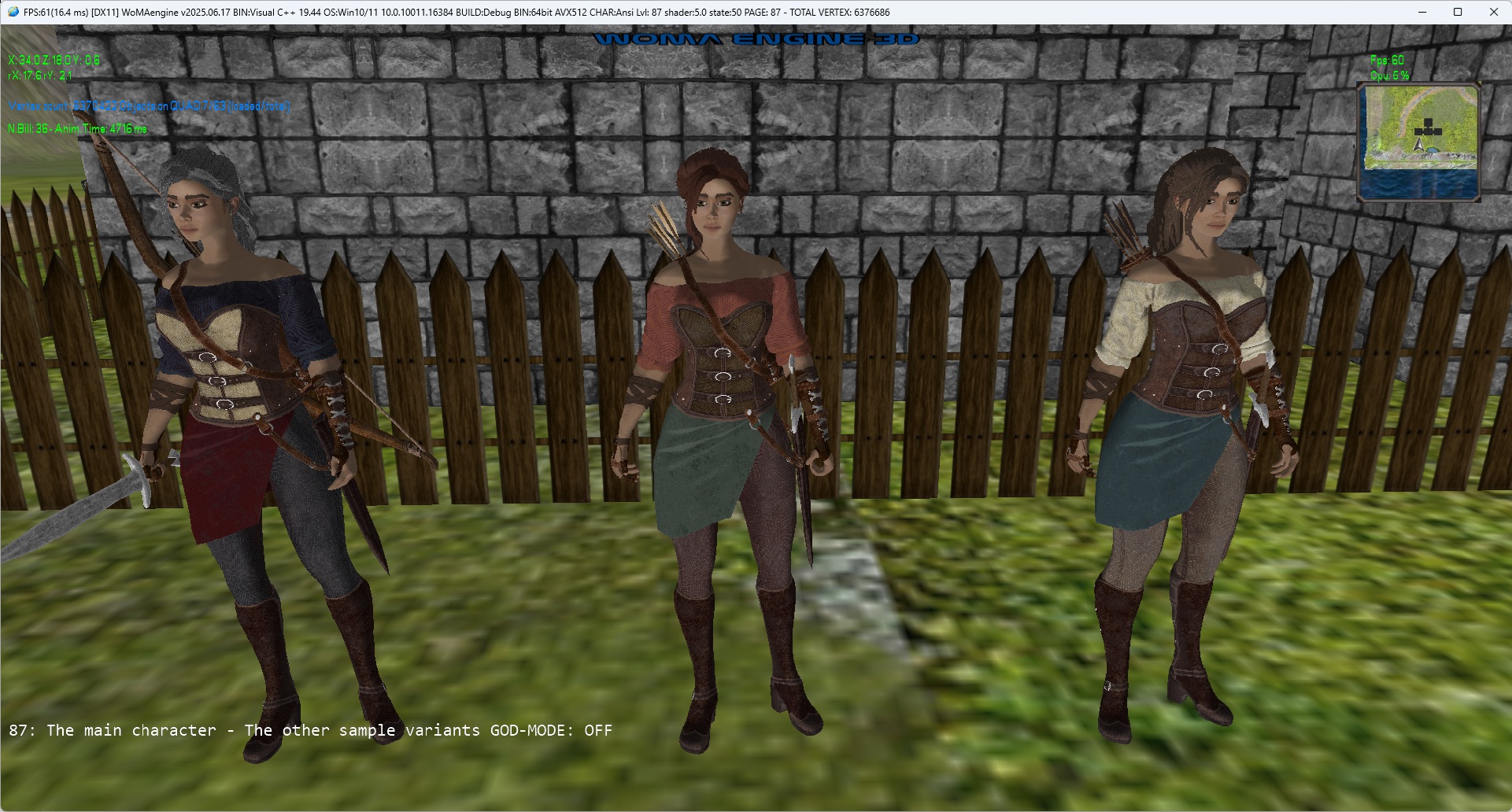
- LEVEL-87: THE MAIN CHARACTER - The other sample variants
Using animation:
- Idle, Idle2, Idle3 for each variant.
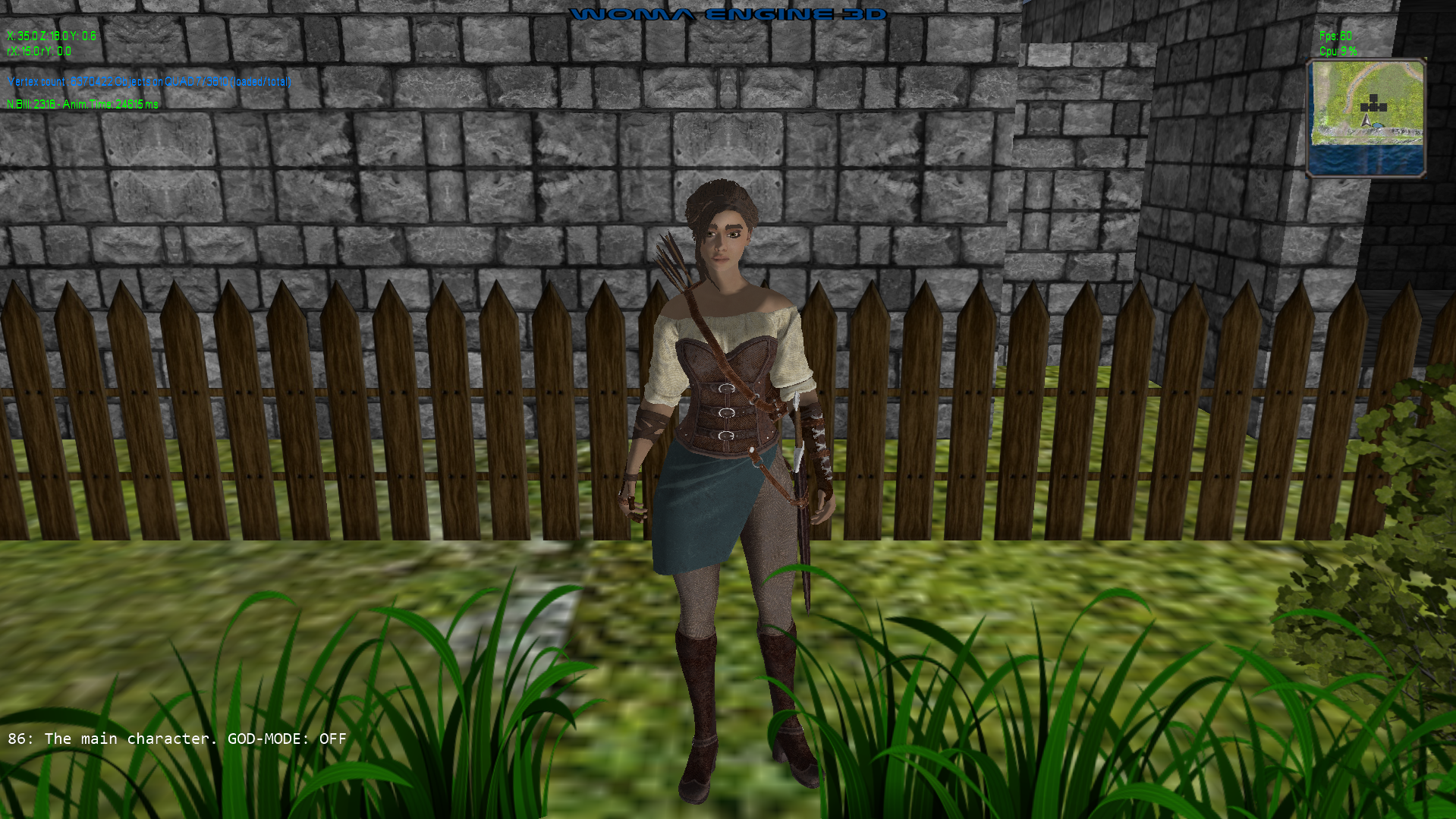
- LEVEL-86: The main character (With idle animation)
Later: (and much more) Multi animation Character: 33- Attack(3)
- Idle(3)
- Walk(3)
- Walk back (3)
- Walk left (3)
- Walk right (3)
- Run (3)
- Death (3)
- Hide weapon (2)
- Draw weapon (2)
- Get hit (2)
- Jump (3)
(Art/Animation Credits: Palasky)
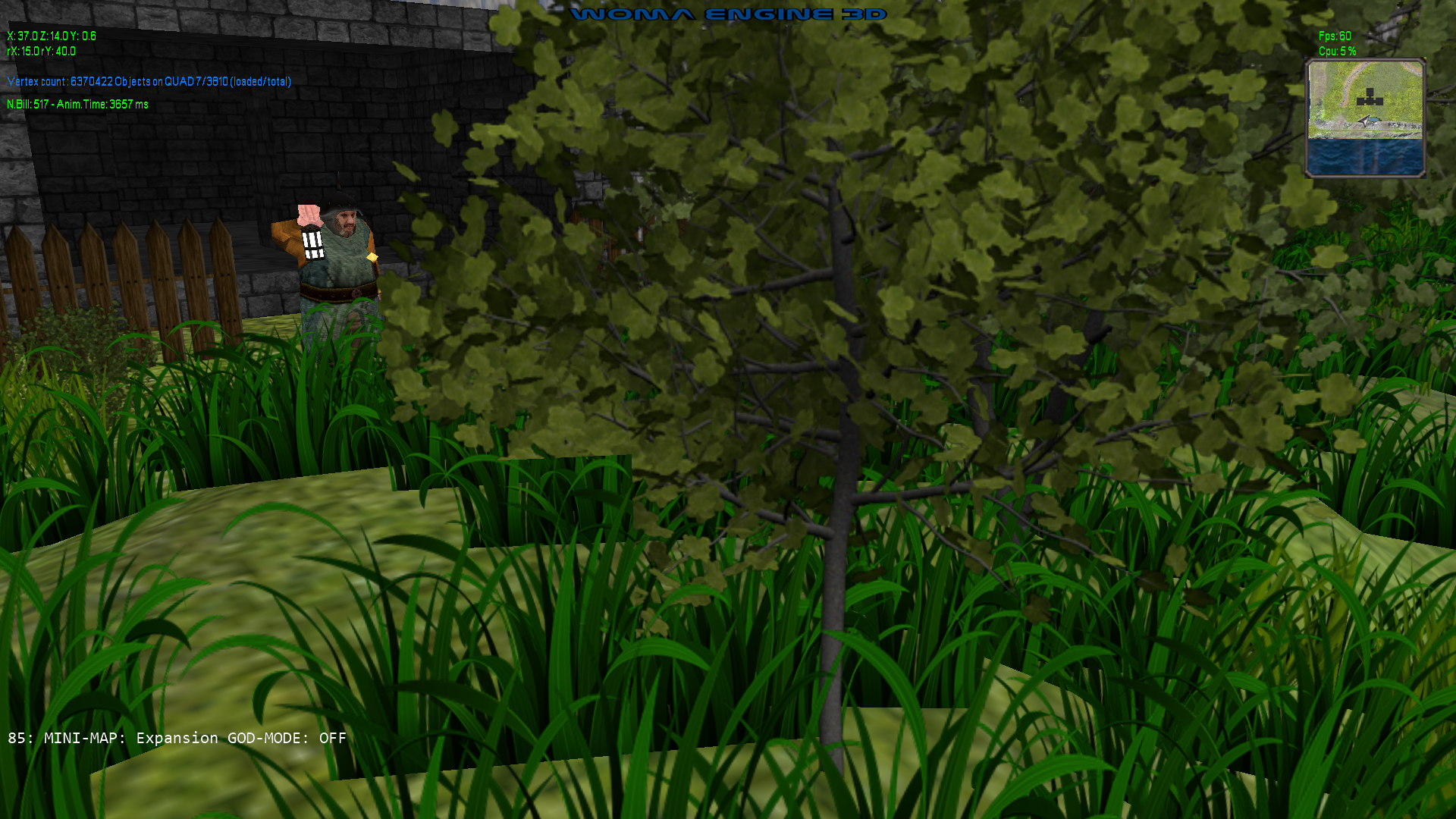
- LEVEL-85: Expand MiniMap
- LEVEL-84: ASSIMP: Animated / walking mesh on the terrain, following a path:
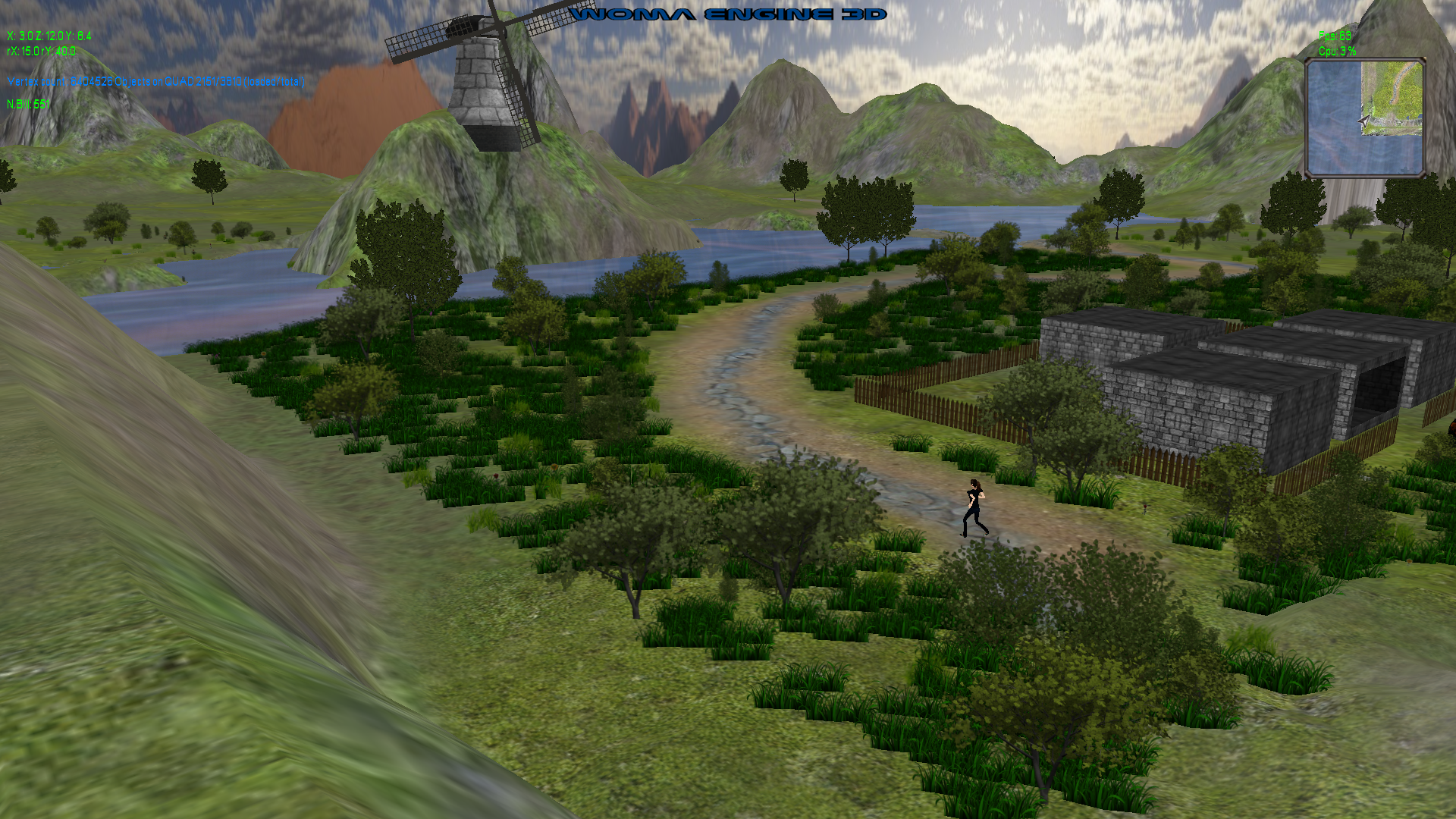
- LEVEL-83: ASSIMP: Update billboard shader:
RELEASE version (1920x1080 Fullscreen) - about 1070 FPS (using AVX2) @target WIN10
RELEASE version (1920x1080 Fullscreen) - about 1321 FPS (using AVX512) @target WIN11
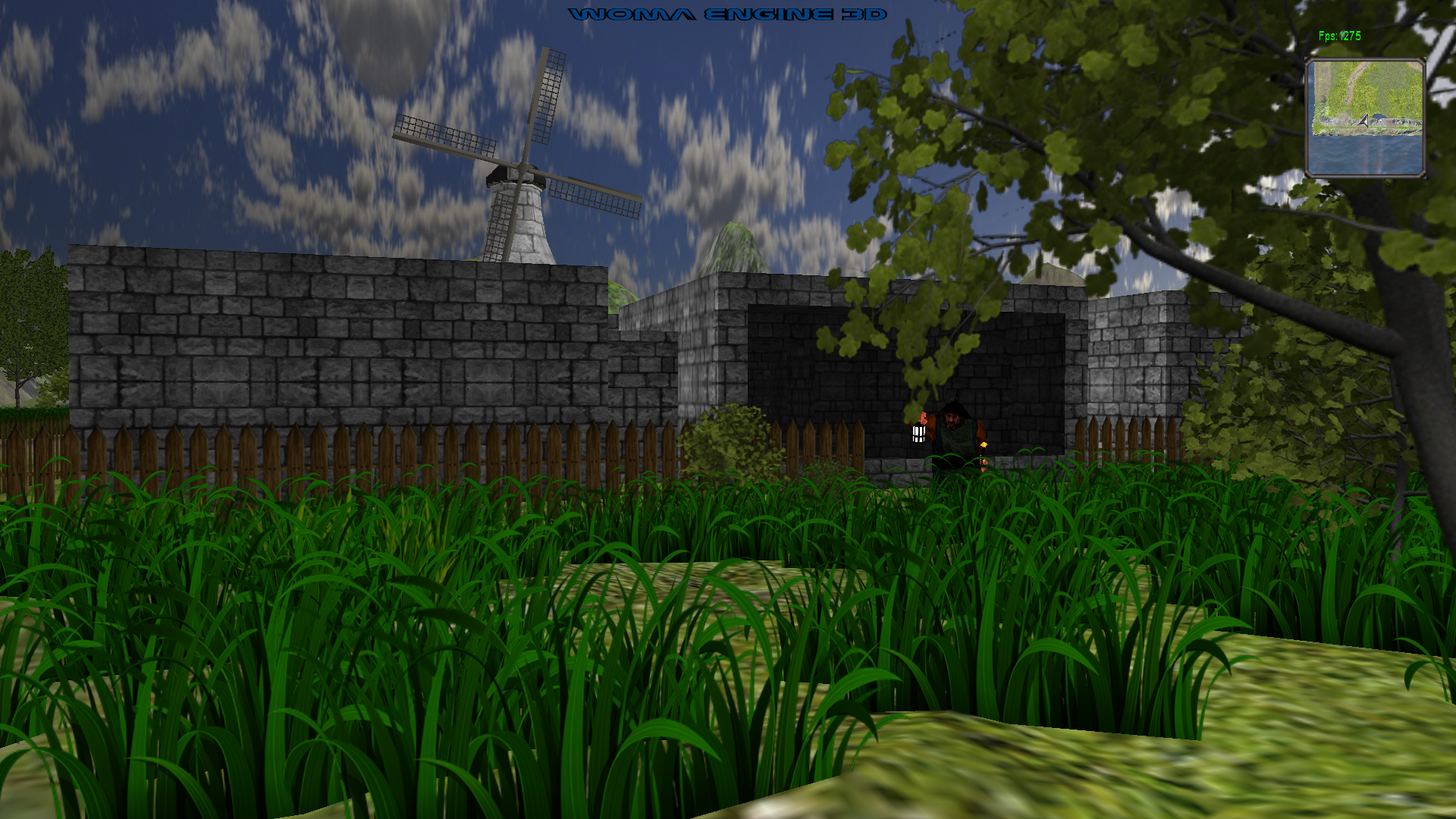
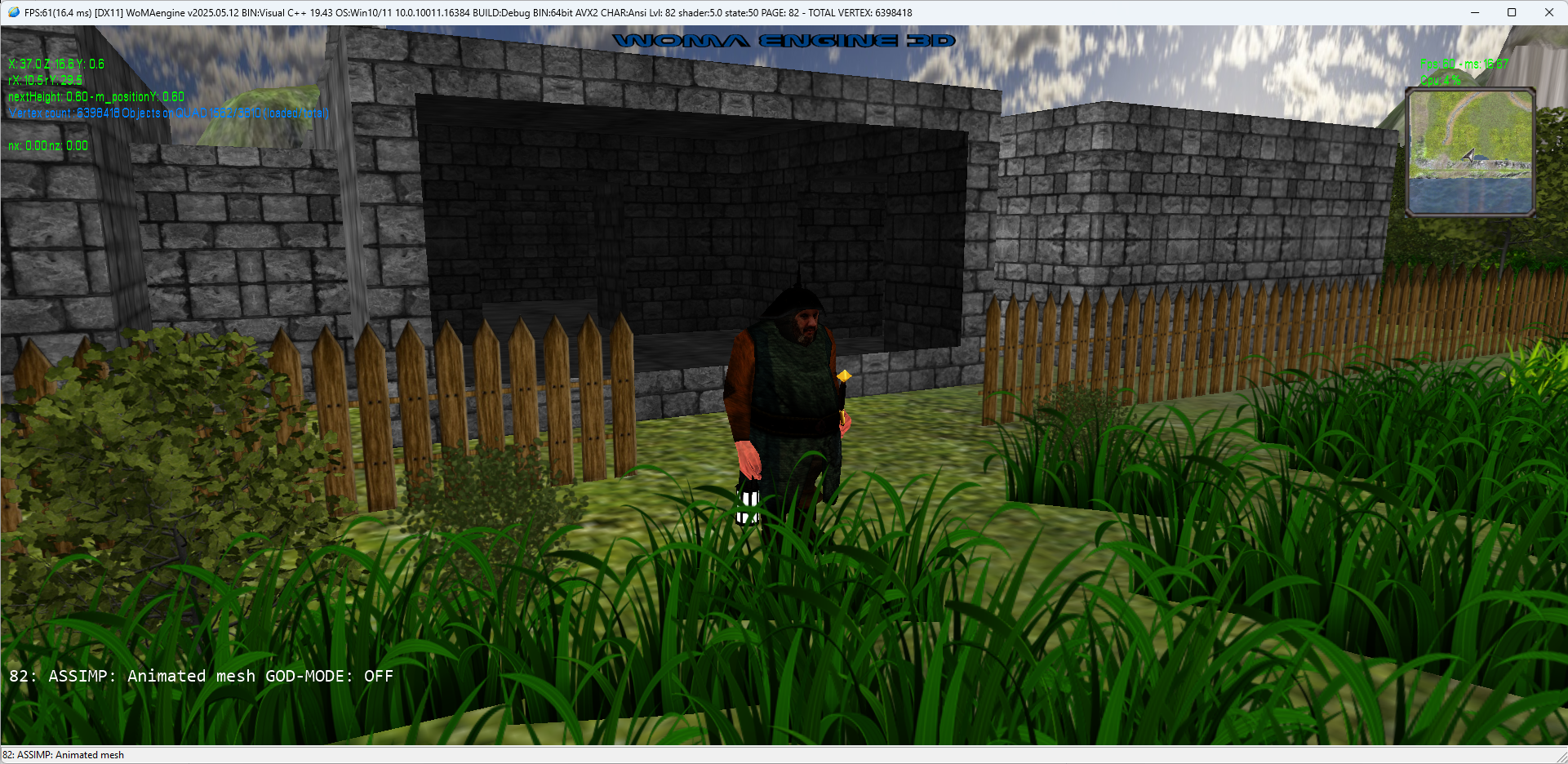
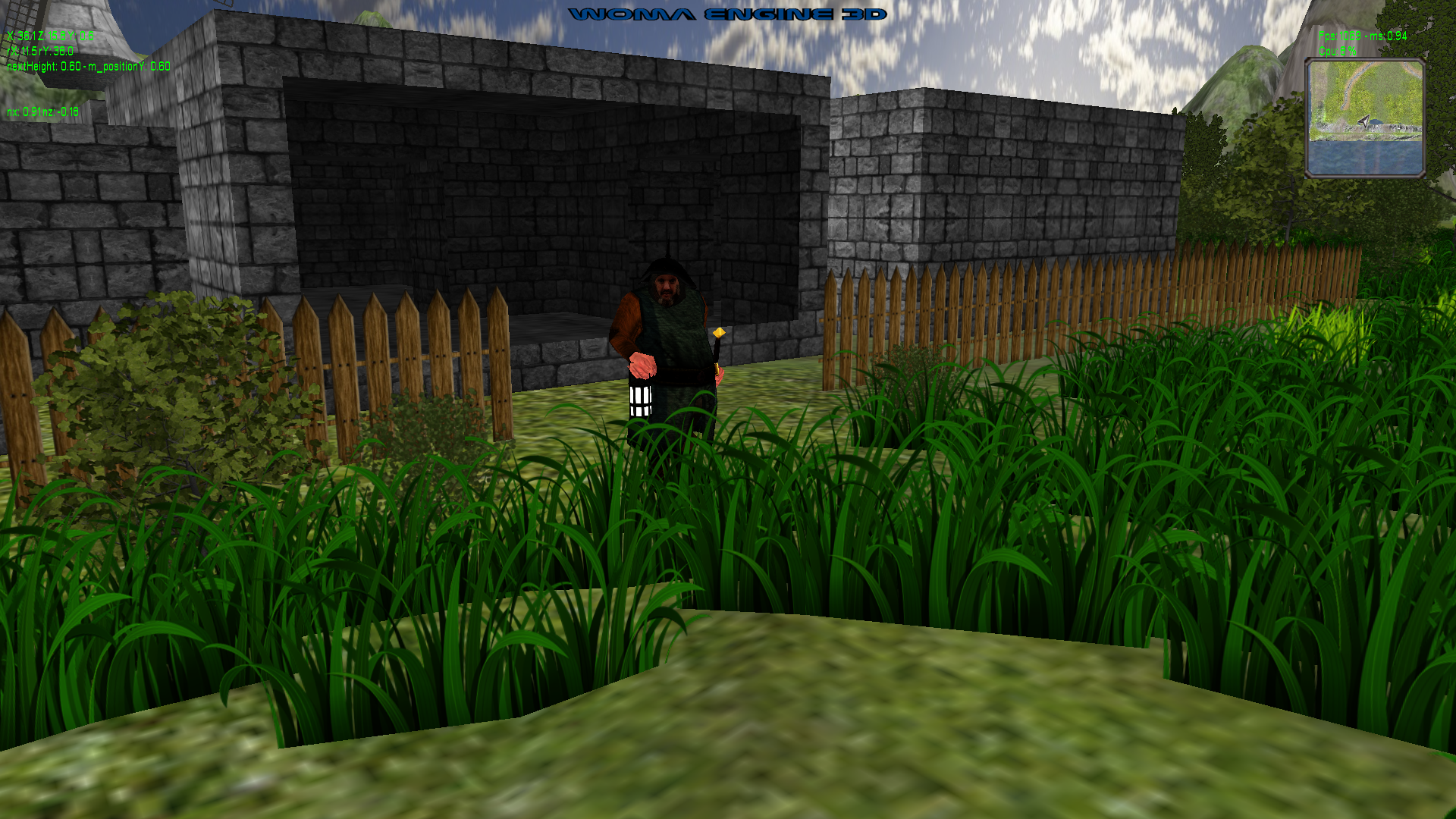
- LEVEL-82: ASSIMP: Loading an animated mesh:
DEBUG version:
RELEASE version - about 1070 FPS (using AVX512):
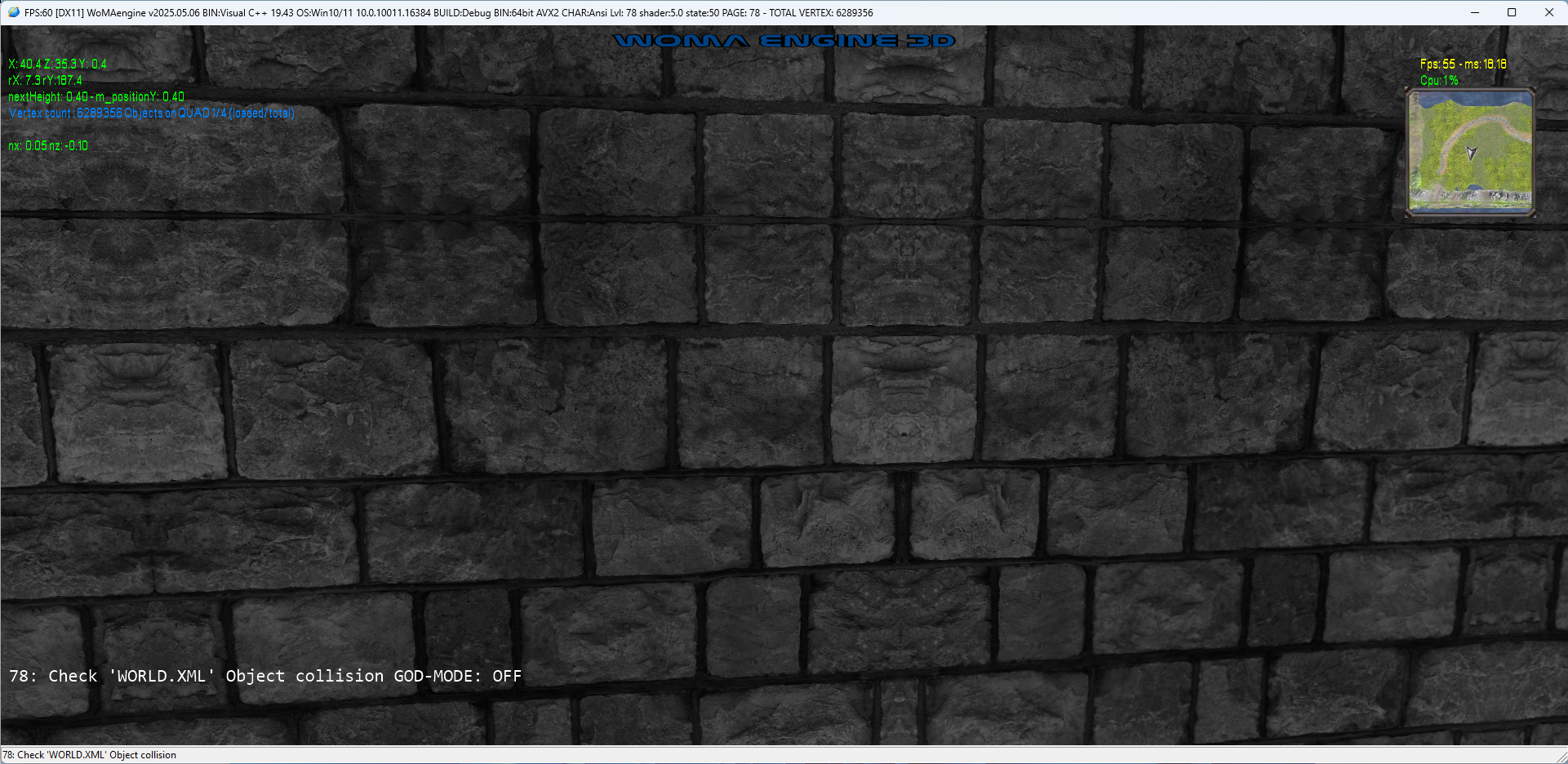
- LEVEL-78: Colision detection with objects
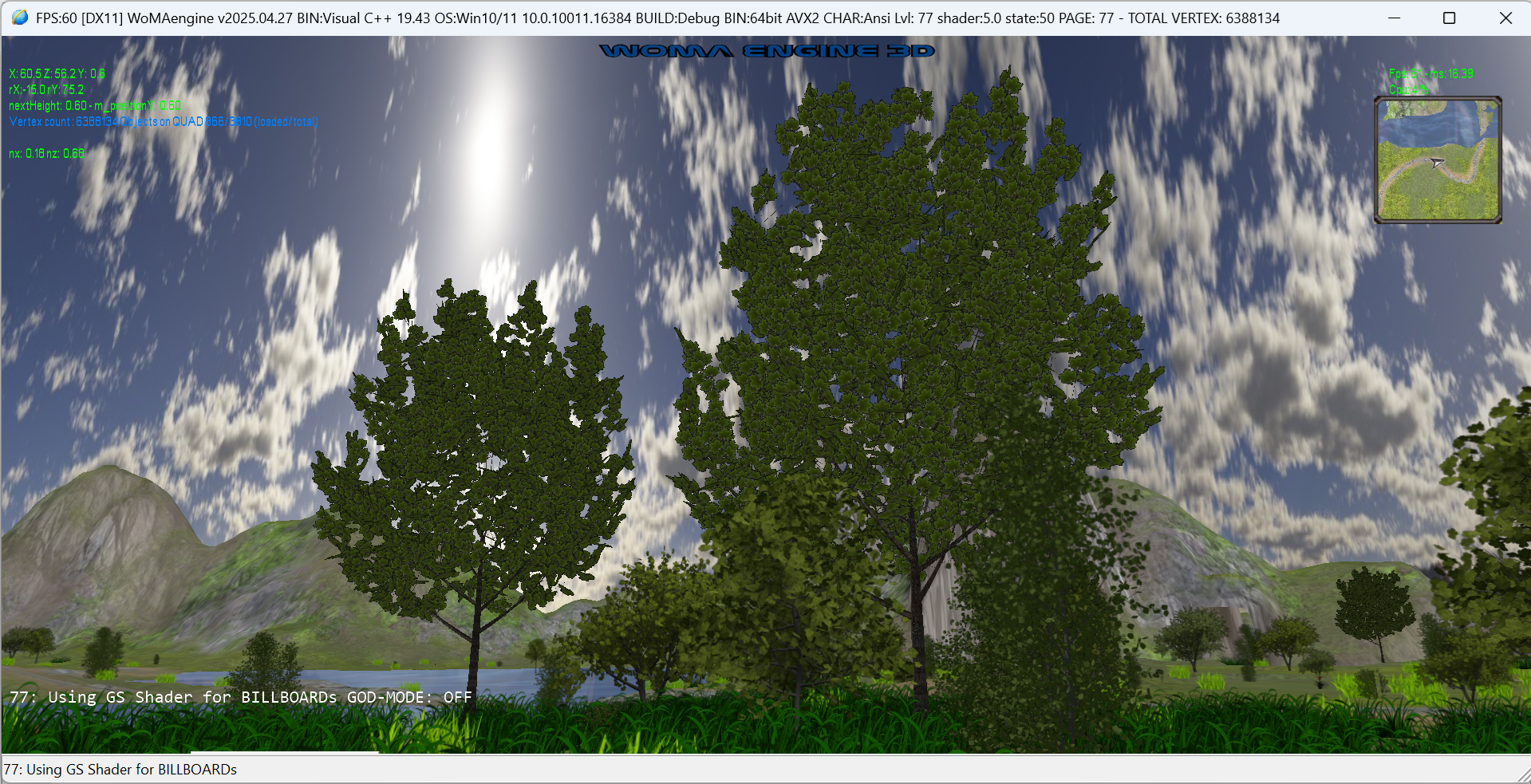
- LEVEL-77: Using instances for TREEs
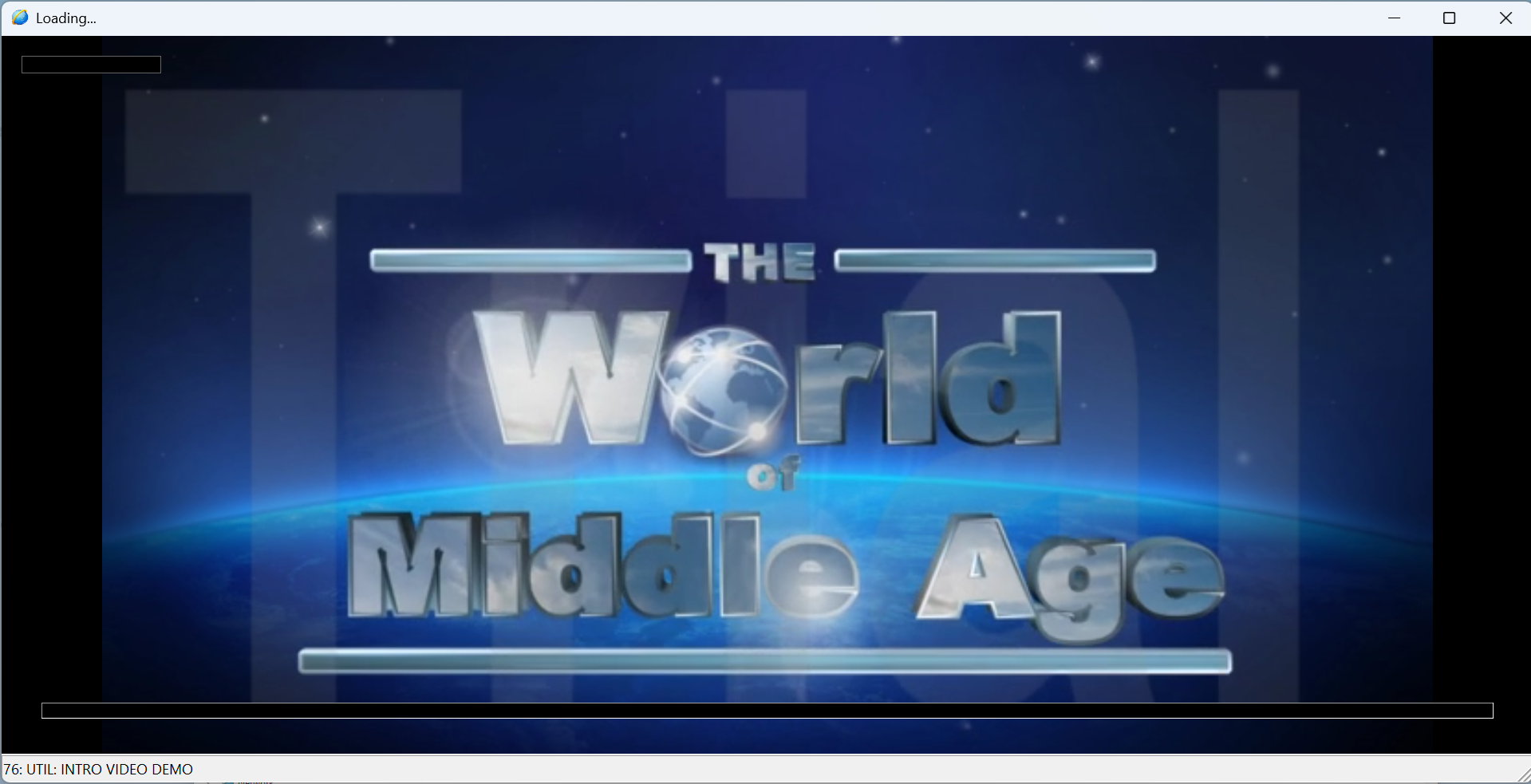
- LEVEL-76: UTIL: INTRO VIDEO DEMO (Play: MP4)
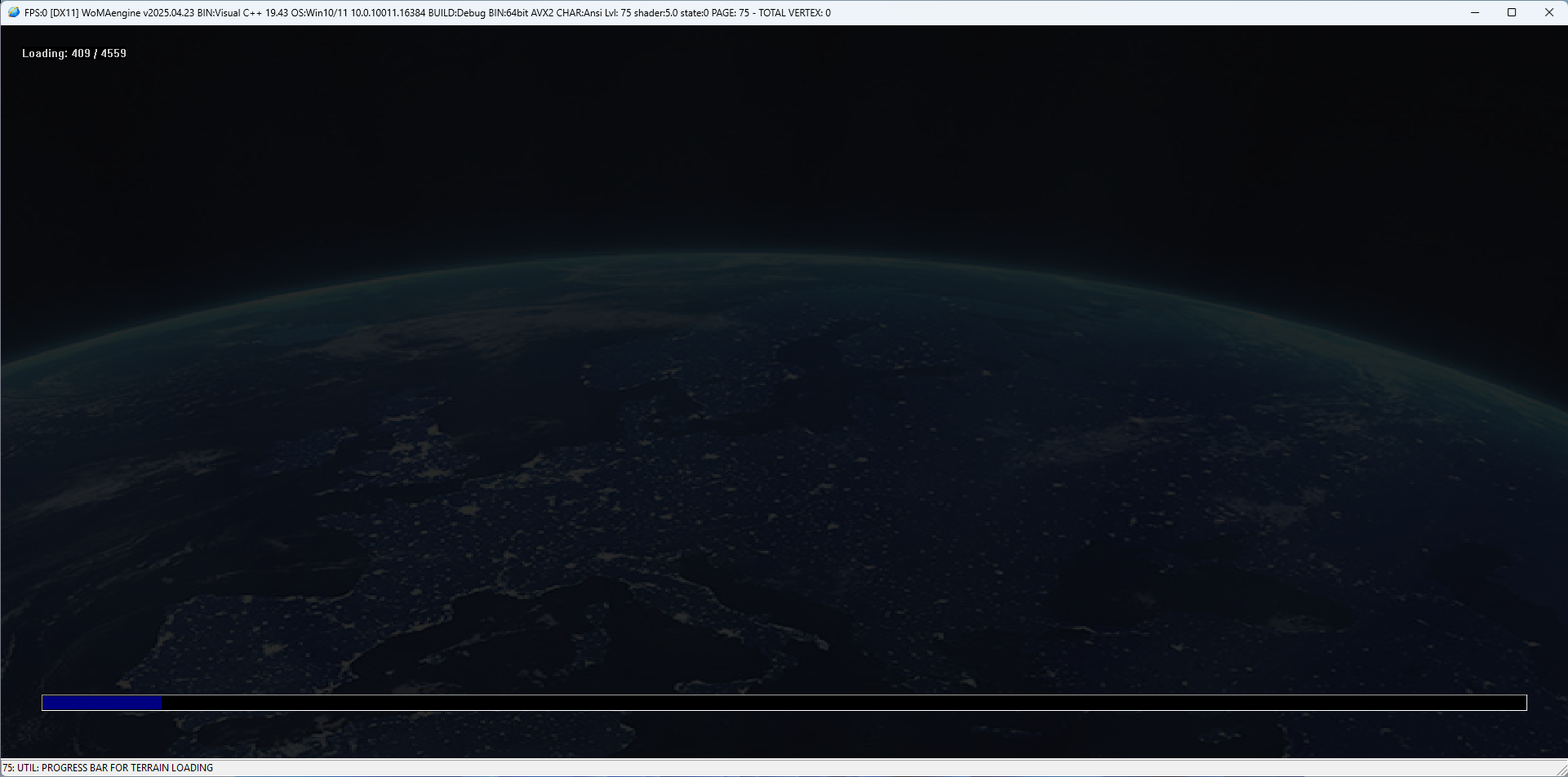
- LEVEL-75: UTIL: PROGRESS BAR FOR TERRAIN LOADING
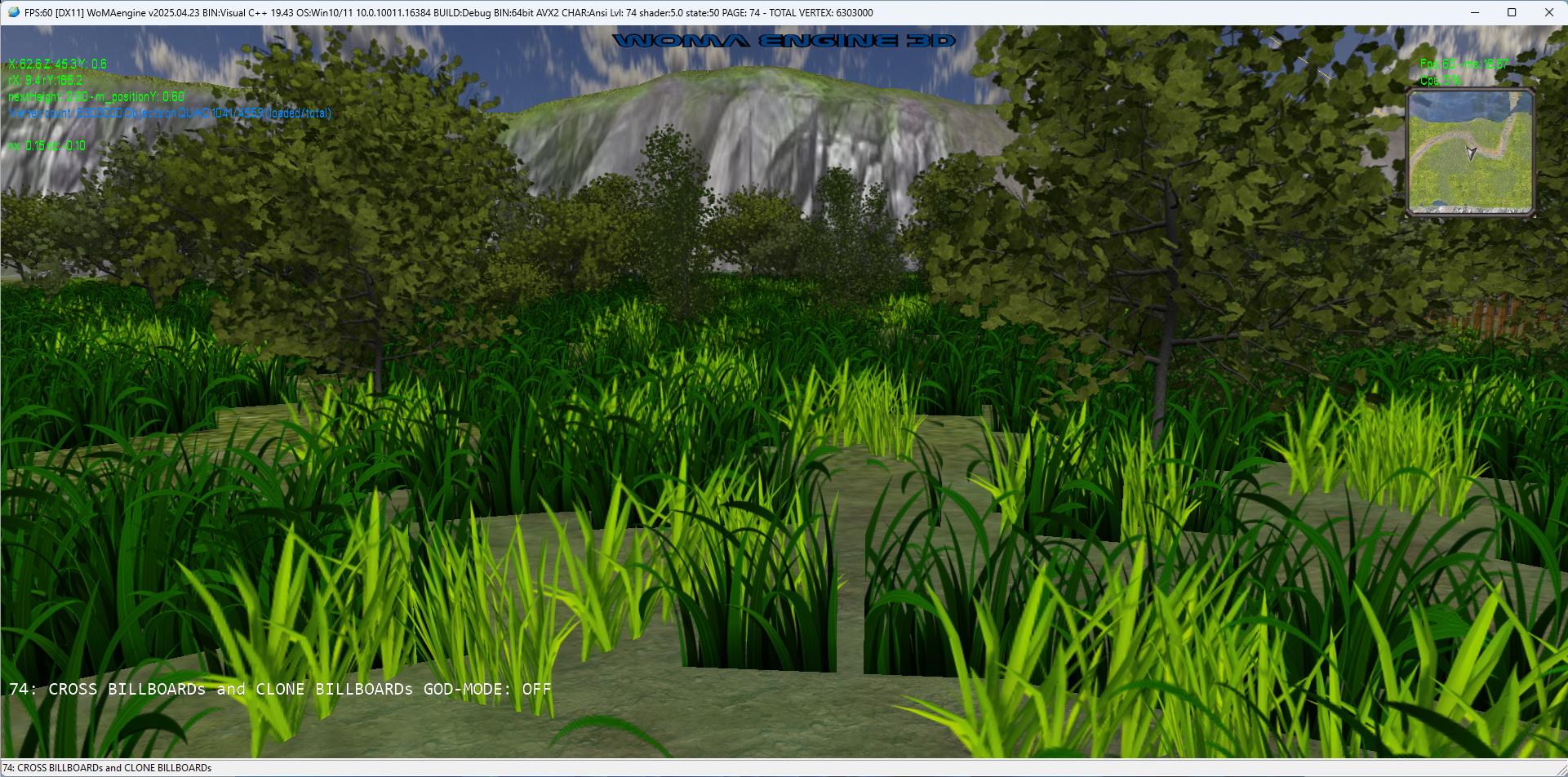
- LEVEL-74: CROSS BILLBOARDs and CLONEs
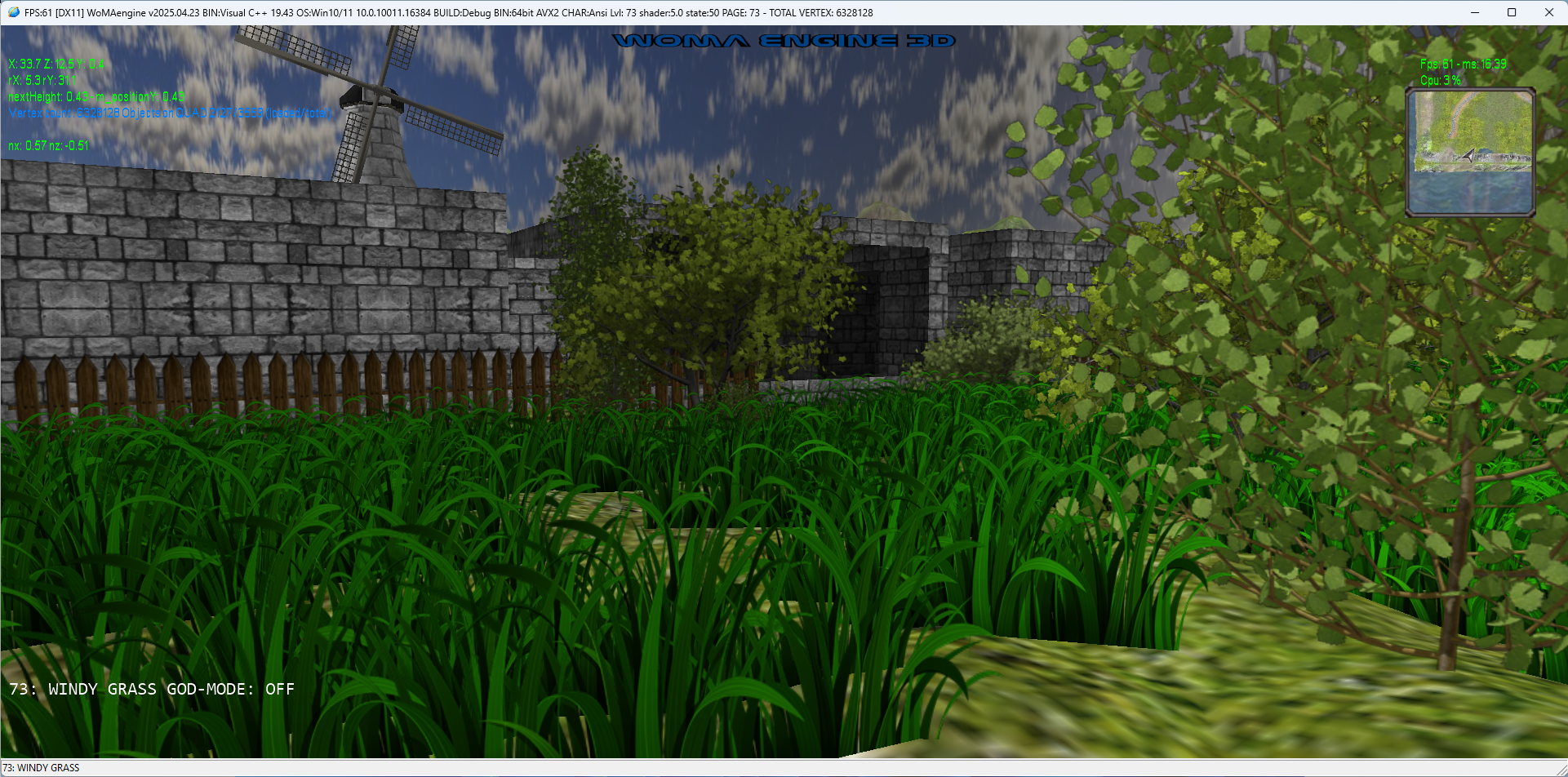
- LEVEL-73: GRASS - TYPE I
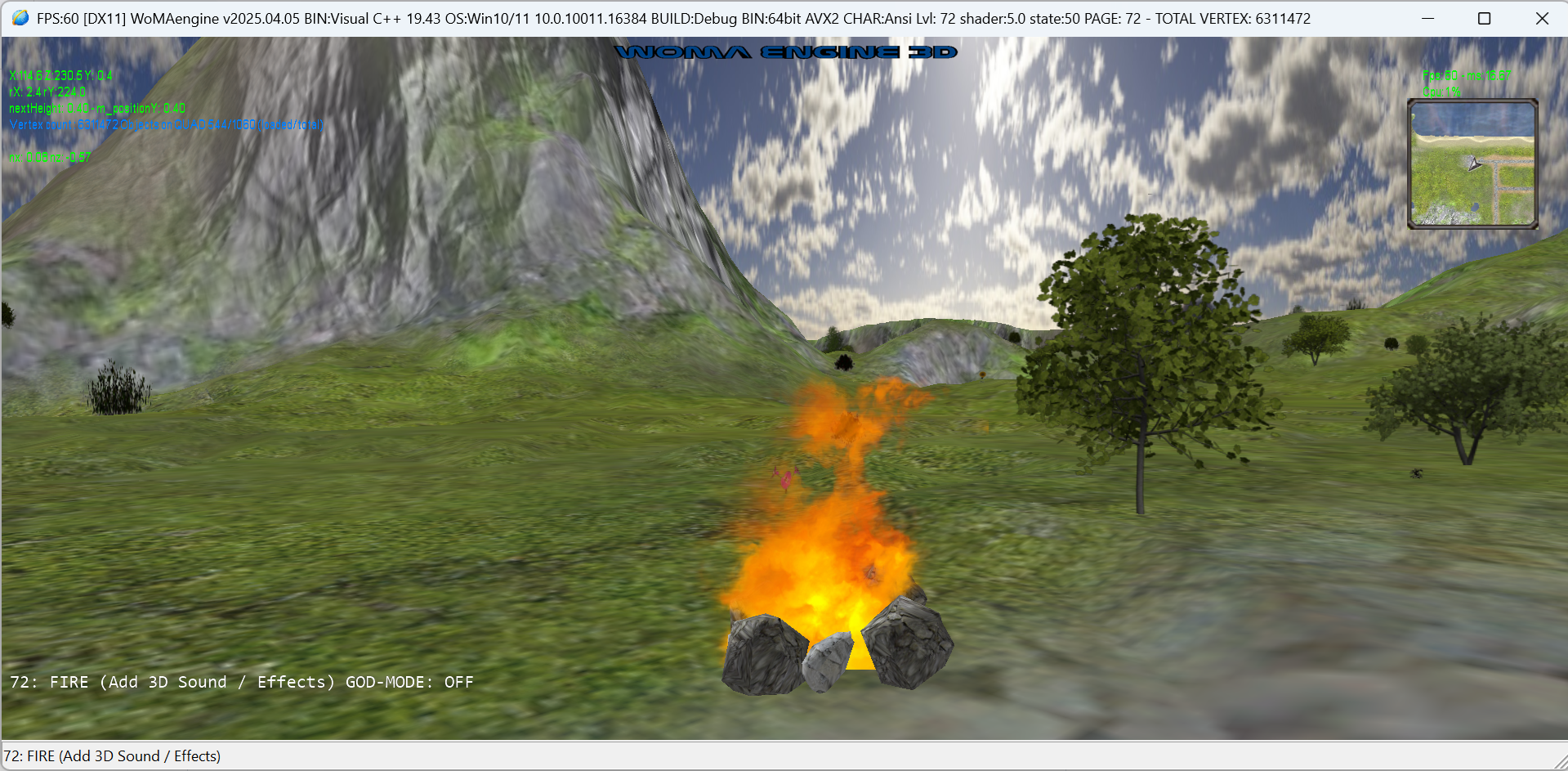
- LEVEL-72: FIRE (Add 3D Sound / Effects.)
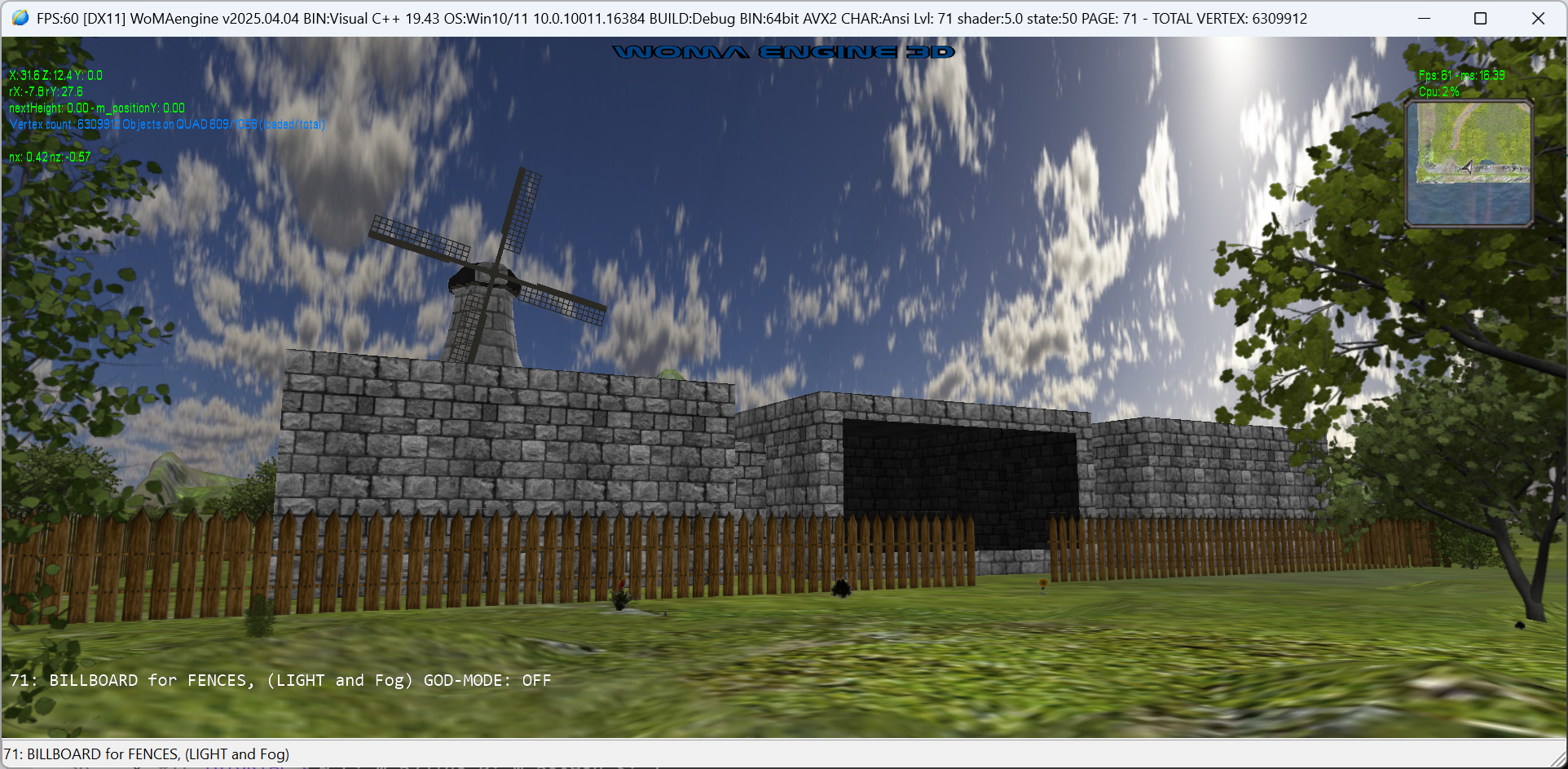
- LEVEL-71: BILLBOARD for FENCES
- LEVEL-70: BILLBOARD for Trees / Flowers
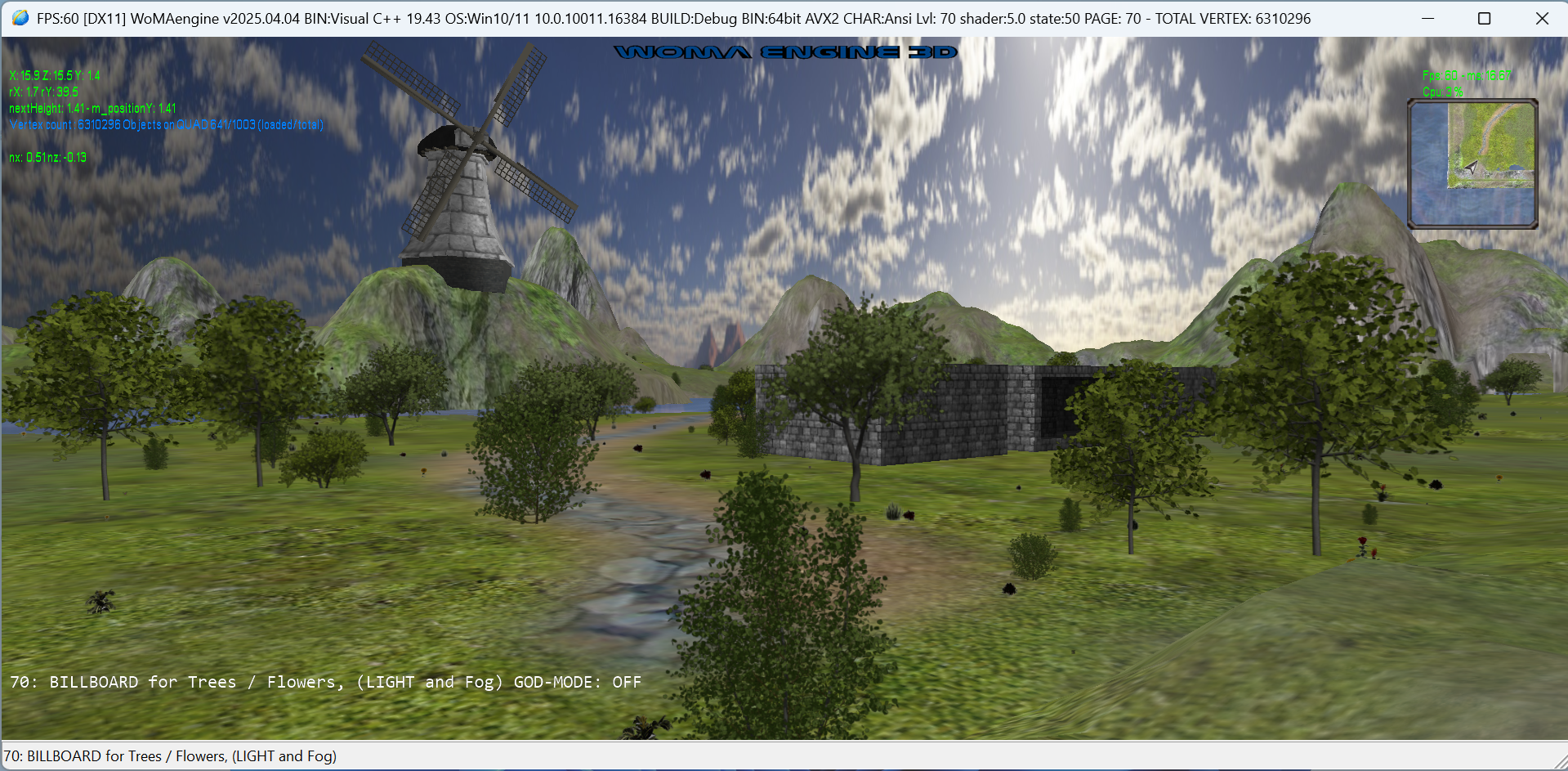
- LEVEL-65: WORLD.XML: TERRAIN: Walking on Terrain.
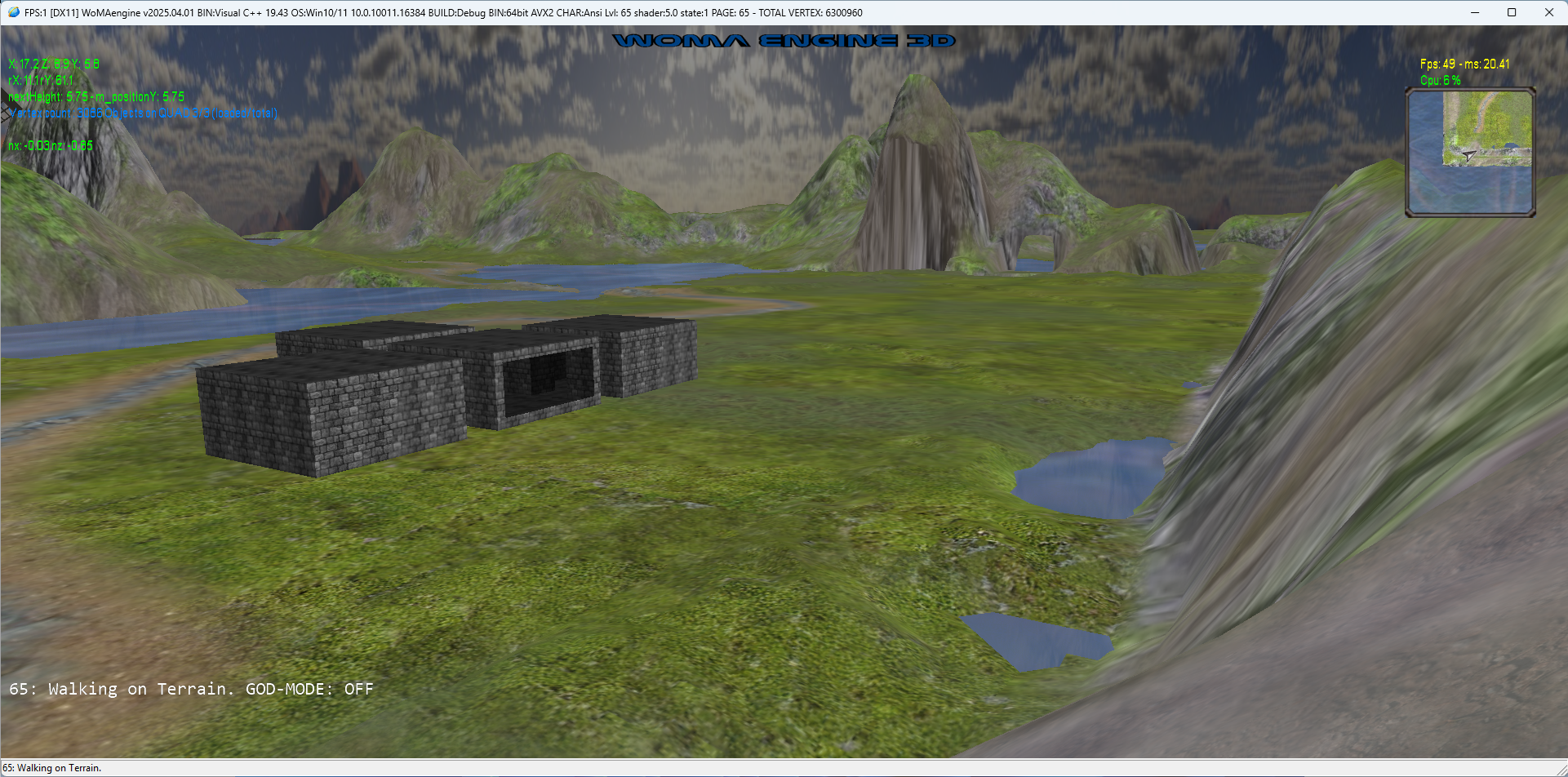
- LEVEL-64: WORLD.XML: TERRAIN: Add a model with 2 pass and add a 3D static animated model
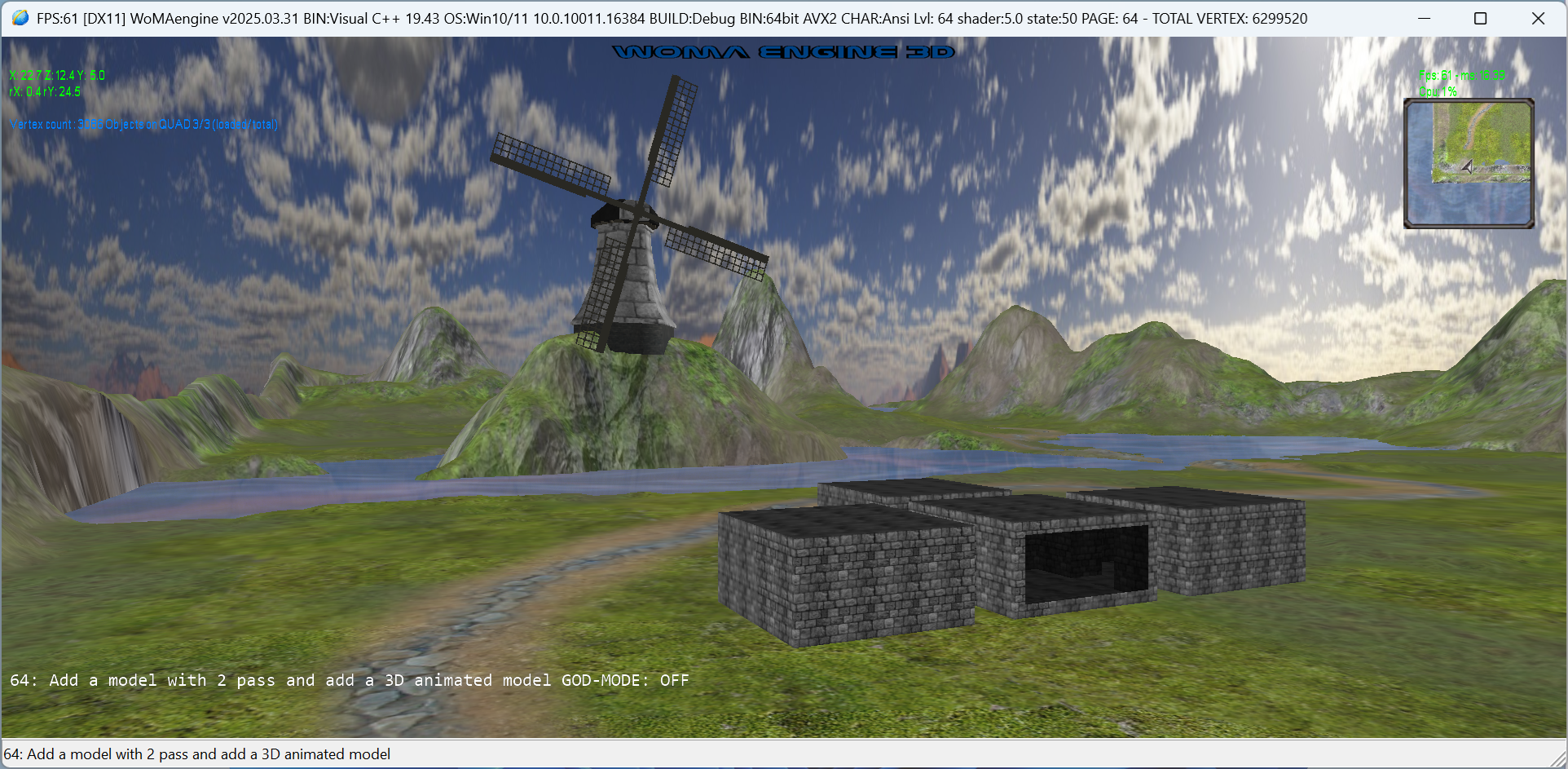
- LEVEL-63: WORLD.XML: TERRAIN: MAIN-MAP and MINI-MAP
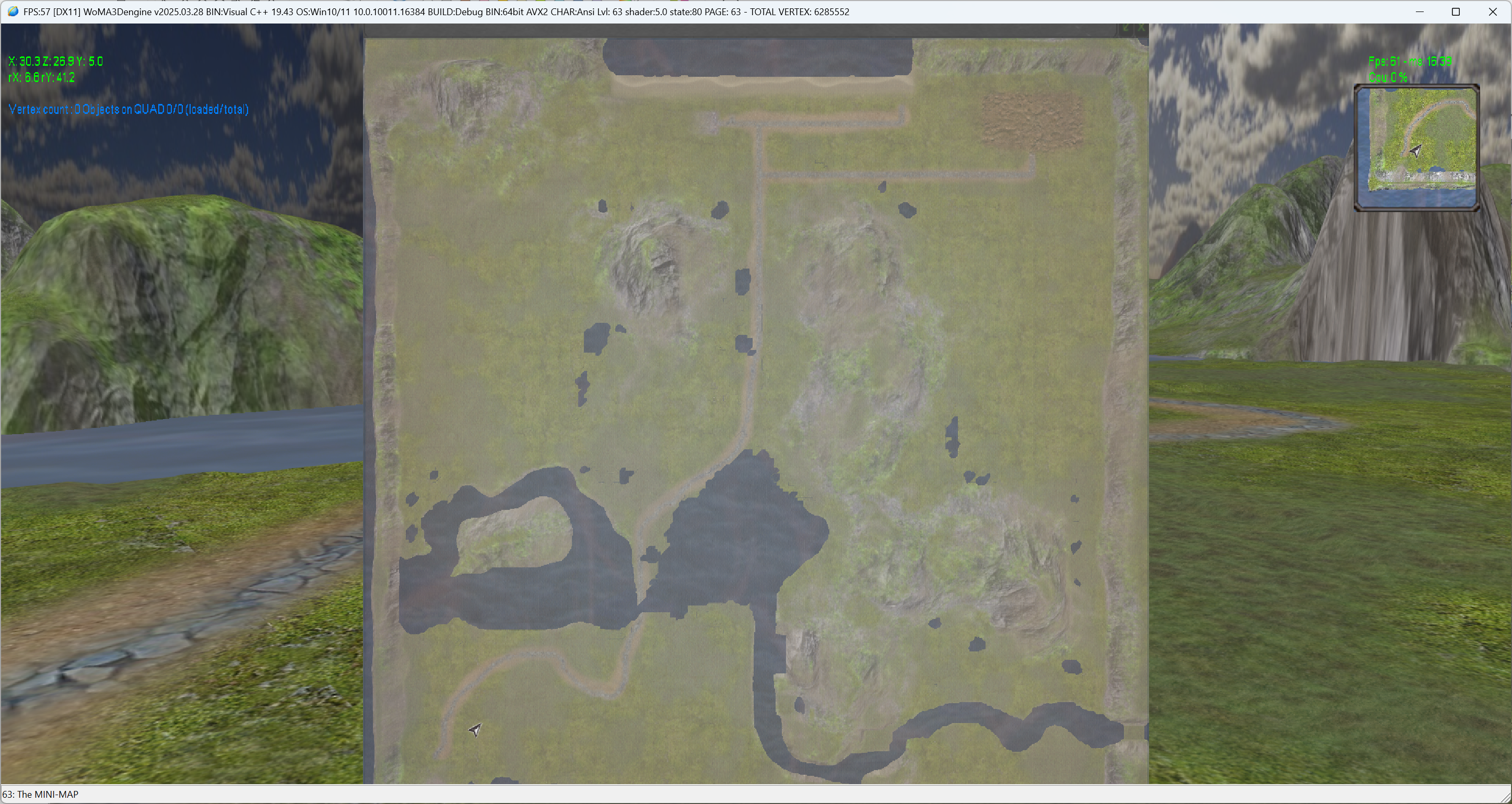
- LEVEL-61: WORLD.XML: TERRAIN: 256x256 MULTI-LAYER DEMO
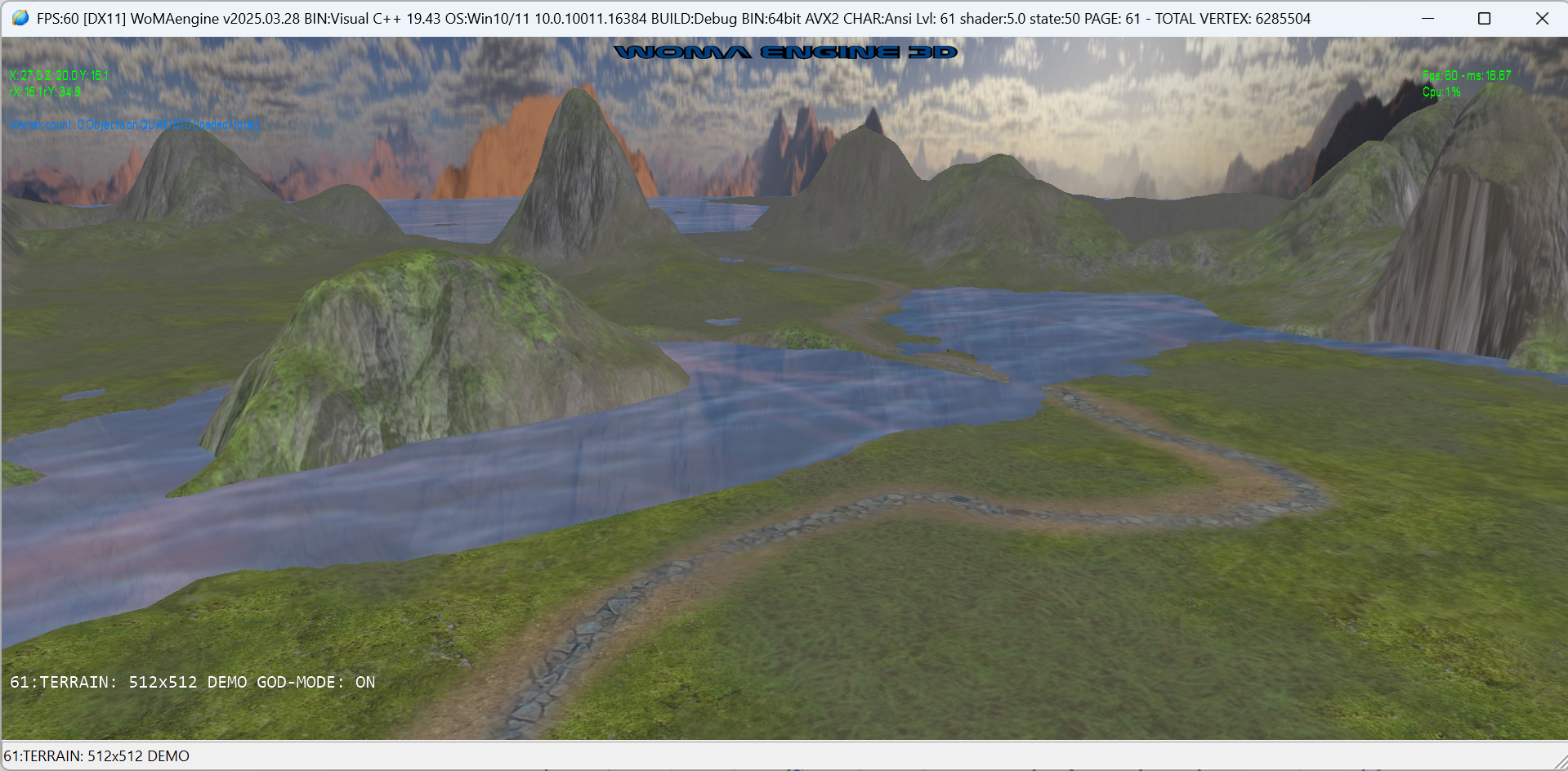
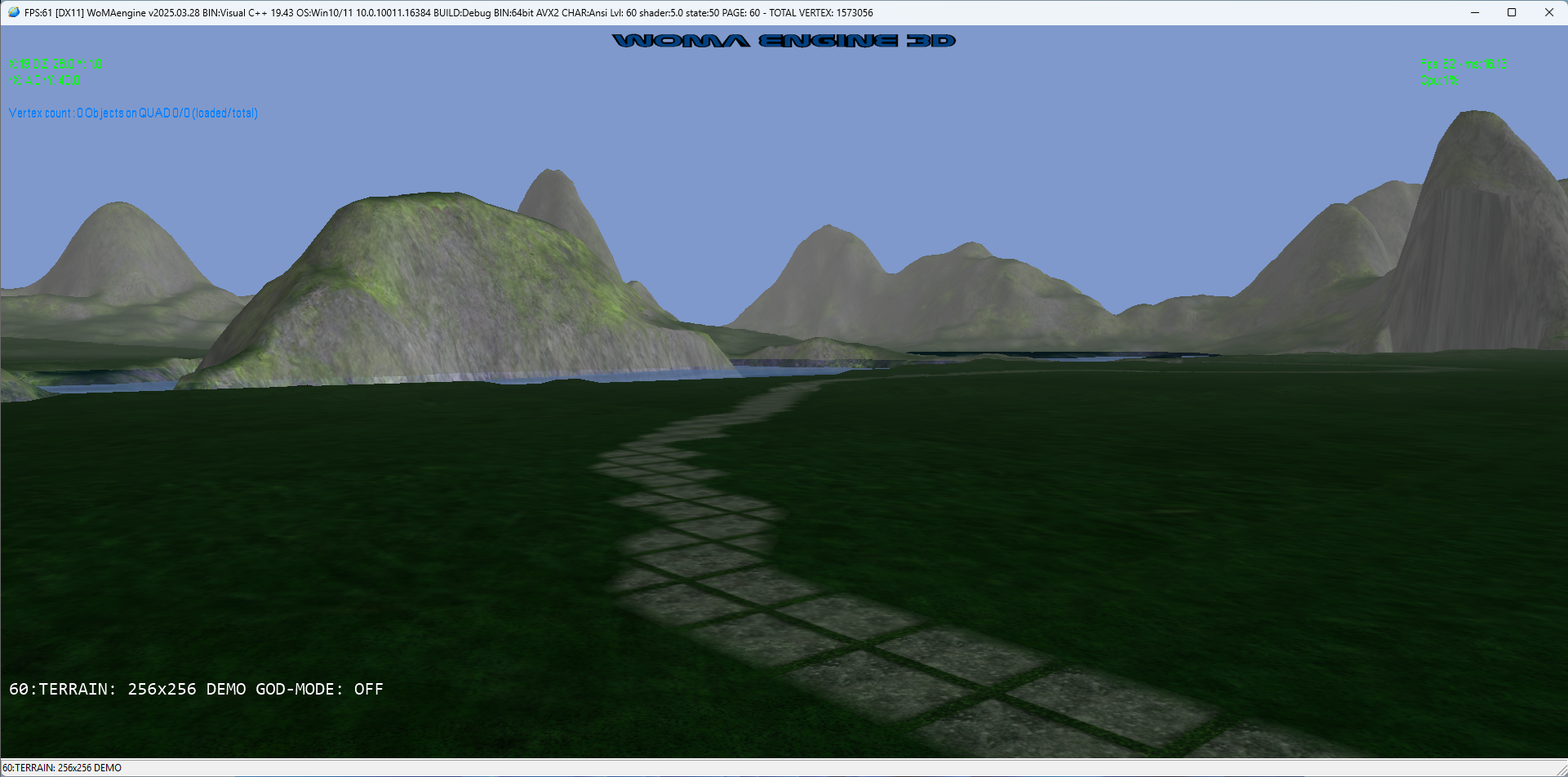
- LEVEL-60: WORLD.XML: TERRAIN: 256x256 MULTI-LAYER DEMO
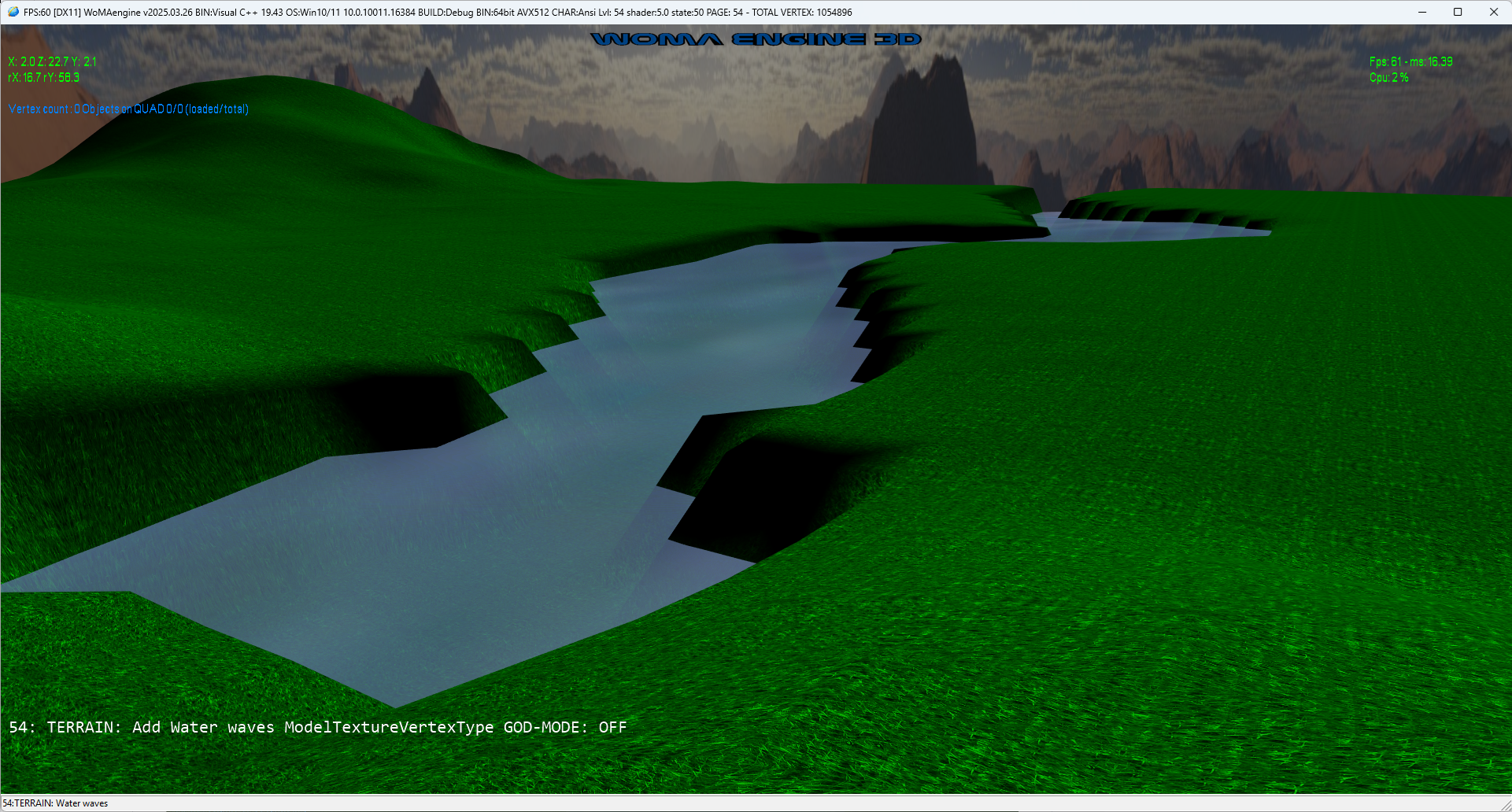
- LEVEL-54: WORLD.XML: TERRAIN: Add Water waves ModelTextureVertexType
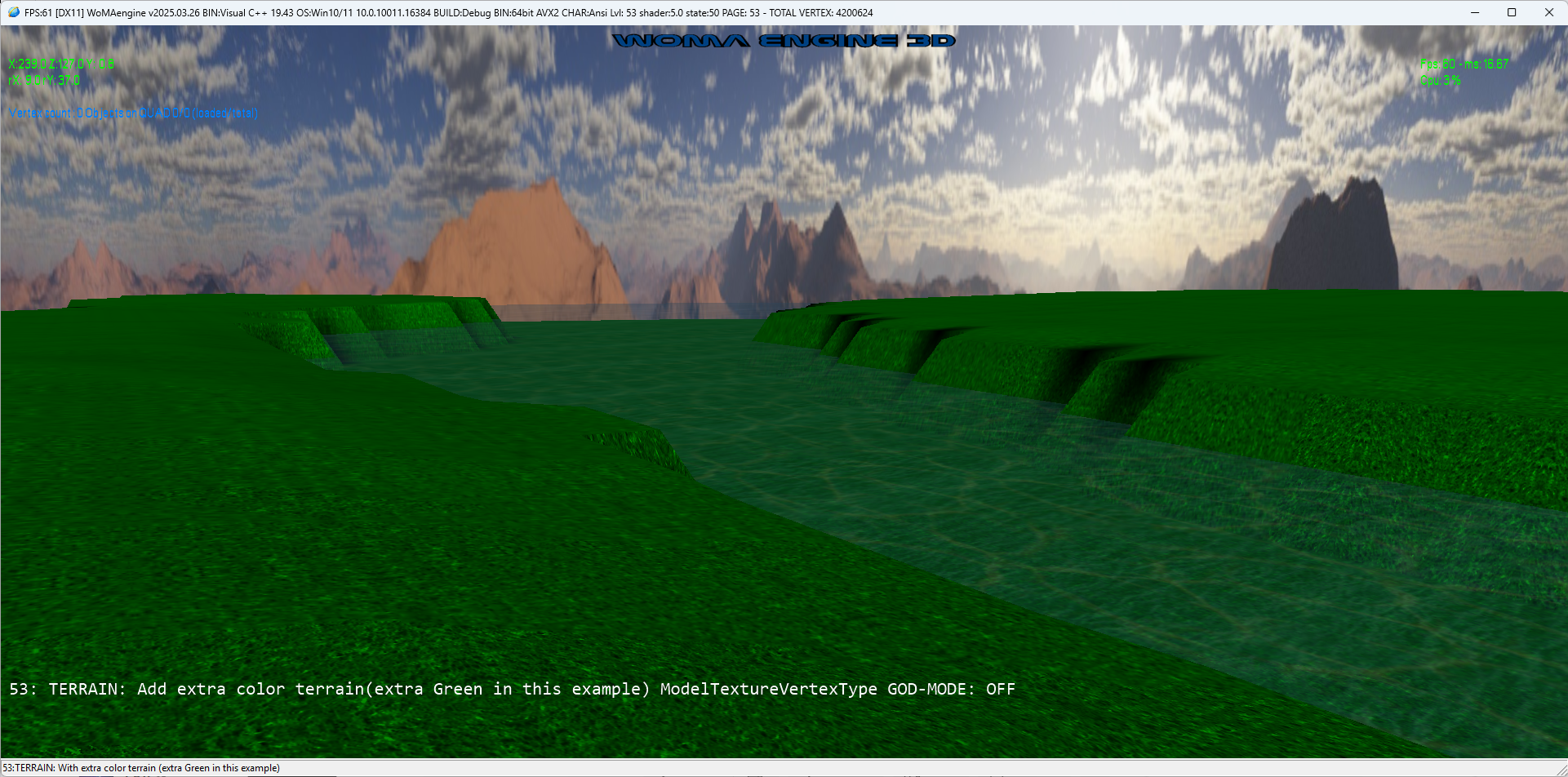
- LEVEL-53: WORLD.XML: TERRAIN: Add extra color terrain(extra Green in this example) ModelTextureVertexType
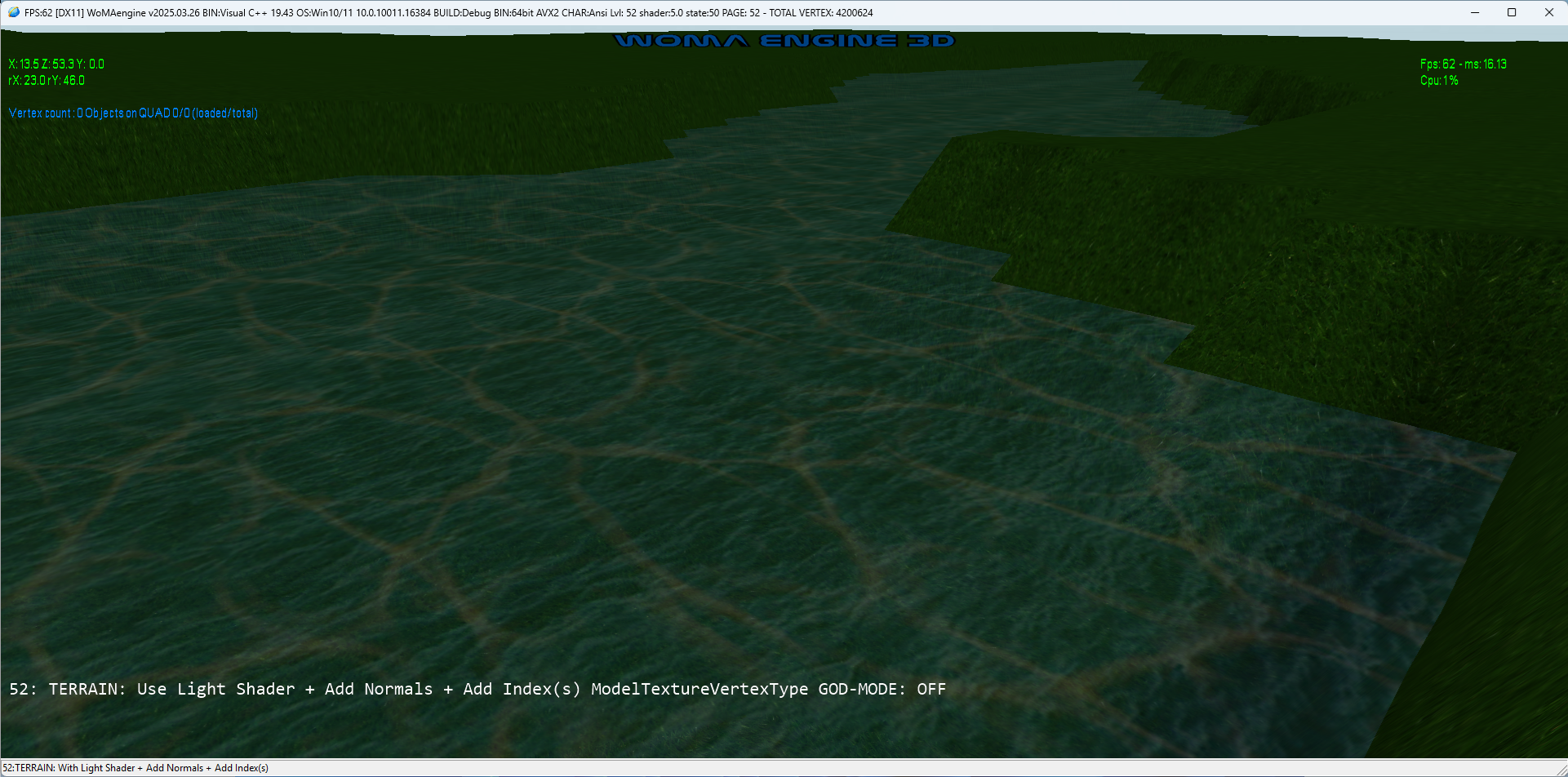
- LEVEL-52: WORLD.XML: TERRAIN: Use Light Shader + Add Normals + Add Index(s) ModelTextureVertexType.
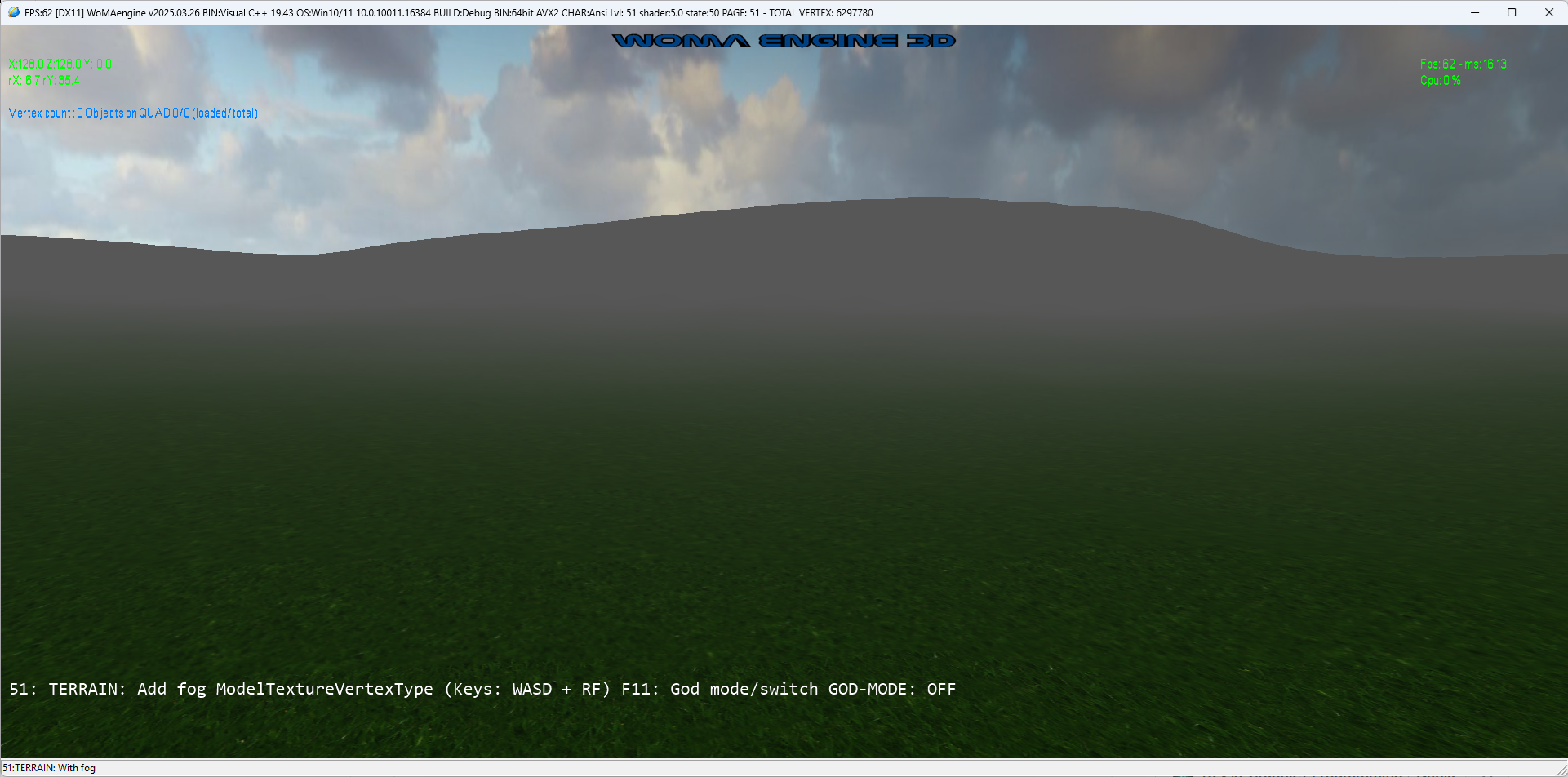
- LEVEL-51: WORLD.XML: Add fog (ModelTextureVertexType).
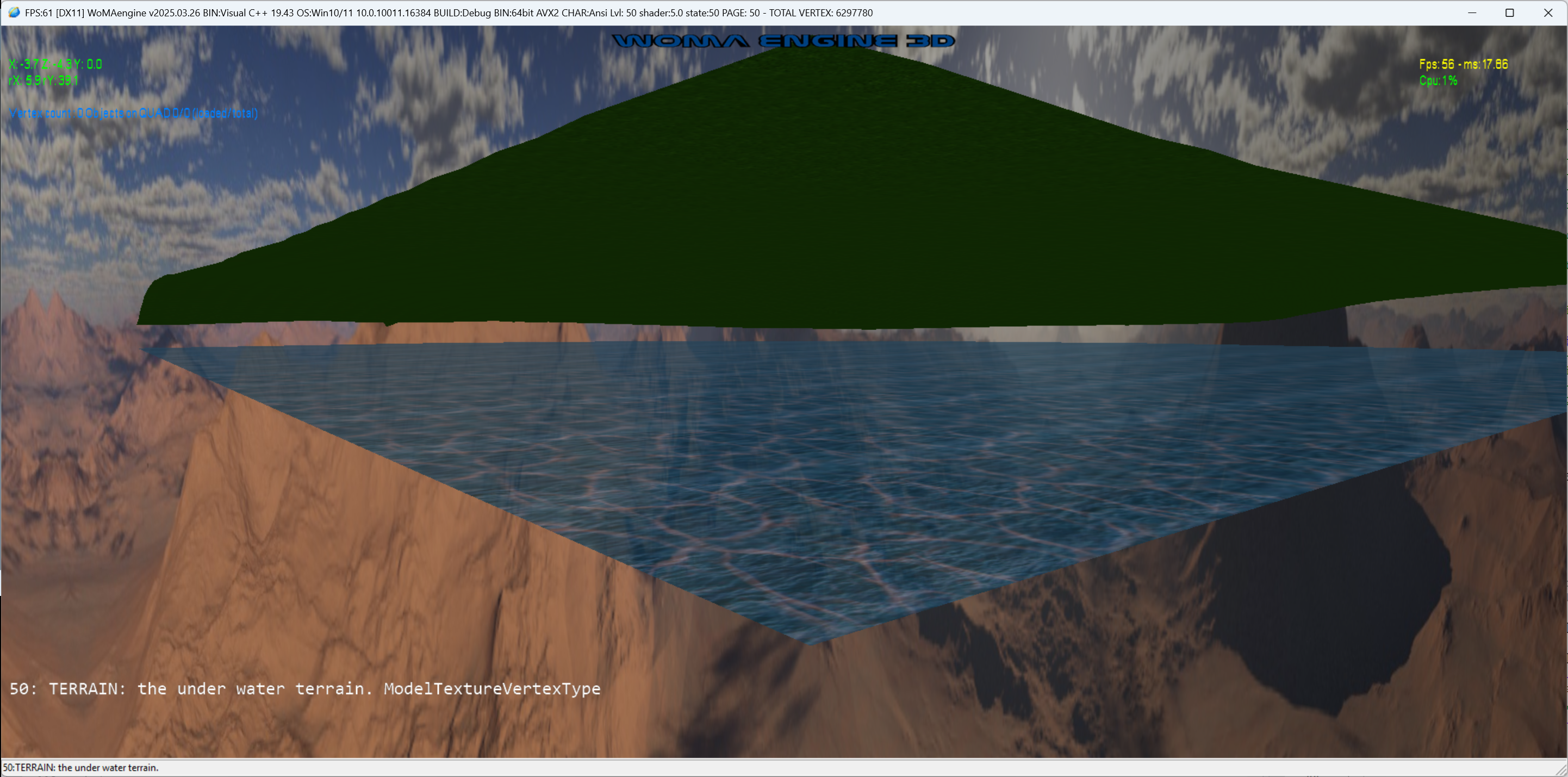
- LEVEL-50: WORLD.XML: The water and terrain above.
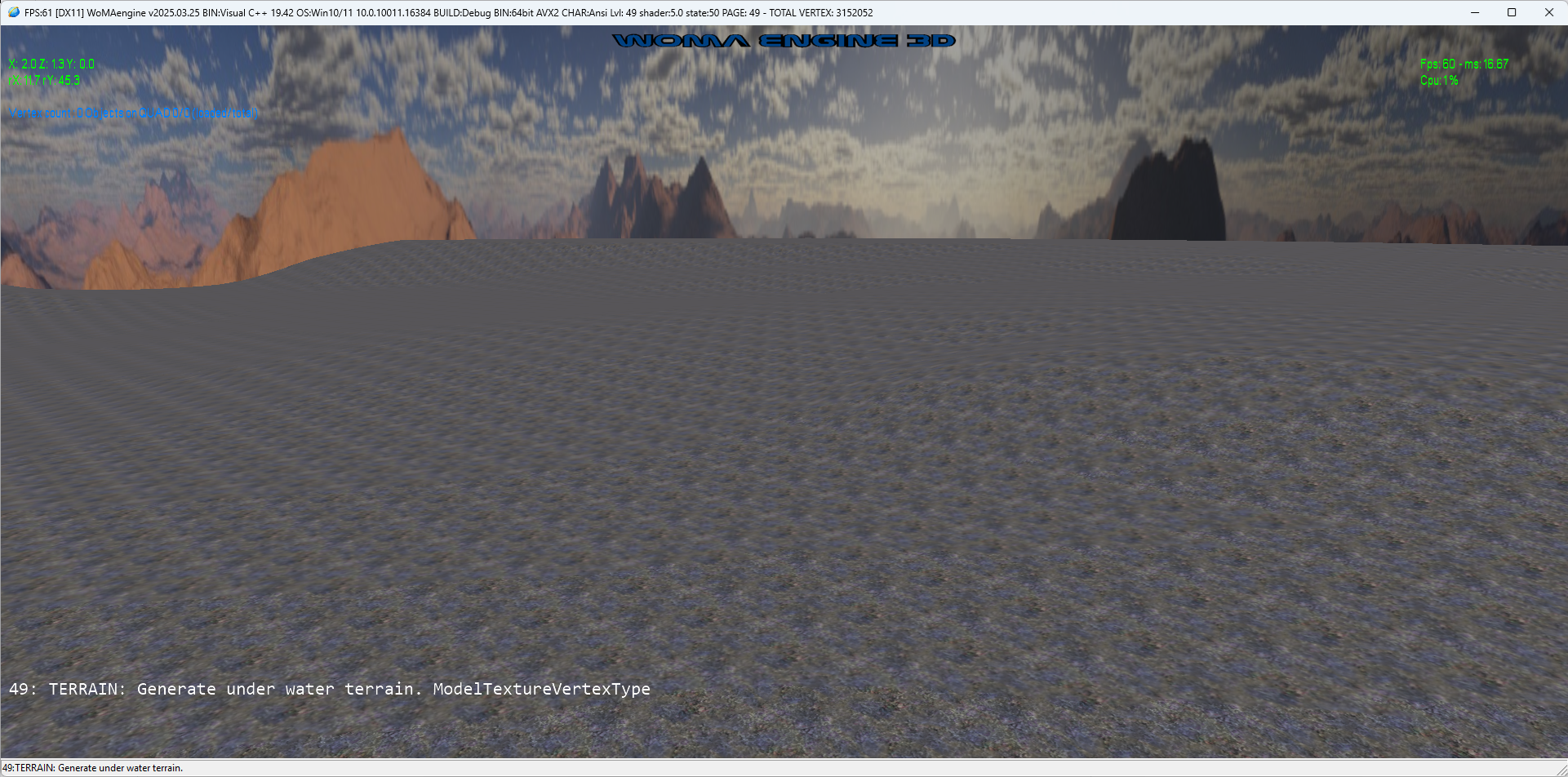
- LEVEL-49: WORLD.XML: Generate under water terrain.
- LEVEL-42: WORLD.XML: load W3D and use SHADOW INSTANCES but now with GPU ROTATION on (BLACK_BISHOPs and BLACK_KNIGHTs)

- LEVEL-41: WORLD.XML: load W3D and use SHADOW INSTANCES
- This is a join of DX40 with DX39 now all together.
- 041ShadowMapInstance.hlsl is equivalent to 036ShadowMap.hlsl but with instances.

- LEVEL-40: WORLD.XML: load W3D and use INSTANCES to clone objects using GPU
- This is a very powerful tool, with less we can do more, using Shader INSTANCES to clone objects into different positions
- 040LightInstance.hlsl is equivalent to 023Light.hlsl but with instances

- LEVEL-39: WORLD.XML: load W3D (the Woma 3D file format) files up to 30x faster than OBJ files in DX LEVEL 38
- Loading the generated files (in DX38) ".W3D" Woma3DFormat. in 0.5 seconds vs 13.5 seconds using the ".OBJ" 3D file format

- LEVEL-38: WORLD.XML: load OBJ 3D file format, save to W3D Woma 3D fast file FORMAT
- Load and Convert the powerfull/simple but slow ".OBJ" format 3D file, into to a super fast native WOMA file format: ".W3D" 20x faster!

- LEVEL-37: WORLD.XML: load OBJ 3D file format, render chess board pieces
- Adding MAIN THREAD and the LOADER THREAD

- LEVEL-36: WORLD.XML: load OBJ 3D file format, render a SHADOW MAP
- Loading an OBJ with SHADOW MAP, using a tecnique called: render to texture

- LEVEL-35: WORLD.XML: load OBJ 3D file format, with BUMP MAP
- Loading an OBJ with BUMP MAP texture

- LEVEL-34: WORLD.XML: load OBJ 3D file format, with SPECULAR and SHININESS
- Adding SPECULAR and SHININESS to OBJ loader and shaders

- LEVEL-33: WORLD.XML: load OBJ 3D file format, the compond, using transparent textures ALFA MAP and ALFA COLOR
- Loading now OBJ with alfa color and alfamap

- LEVEL-32: WORLD.XML: load OBJ 3D file format, the first advanced object, using LIGHT shader
- Loading more complex objects with light, the: OLD HOUSE.

- Loading Multiple Textures in one object

- SceneManager and SceneNode
- QuadTree and Frustum
- World and Objects: Loading objects as a descriptor: World.xml
- Load obj format

Intel/AMD X64 VIDEO:
|
|

Android ARM64/x86 VIDEO:
|
|
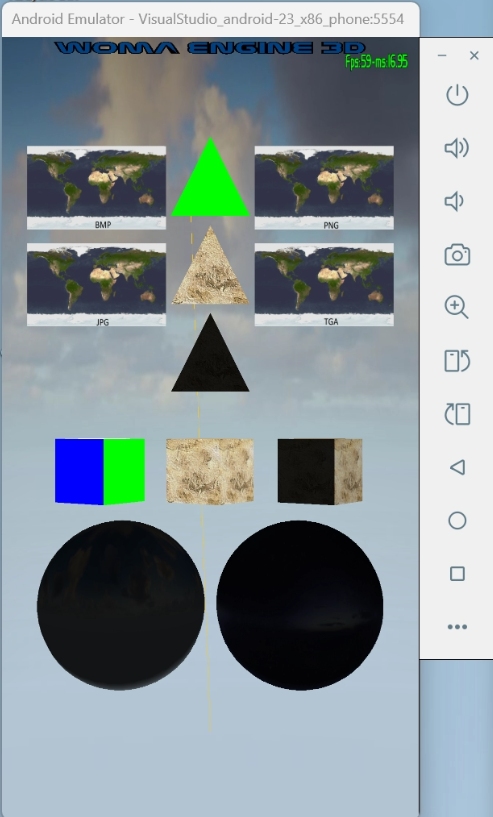
- Adding the fixed camera Sky
- Adding Direct input for DX Drivers
- Allow snapshot file dump using "print screen" key, in any of these image formats:
		- Bmp
		- Png
		- Ico
		- Jpeg
		- Tiff
		- Gif
		- Wmp
		- Dds
| WINDOWS: | LINUX: | ANDROID: |
|
|
|
|

| WINDOWS: | LINUX: | ANDROID: |
|
|
|
|

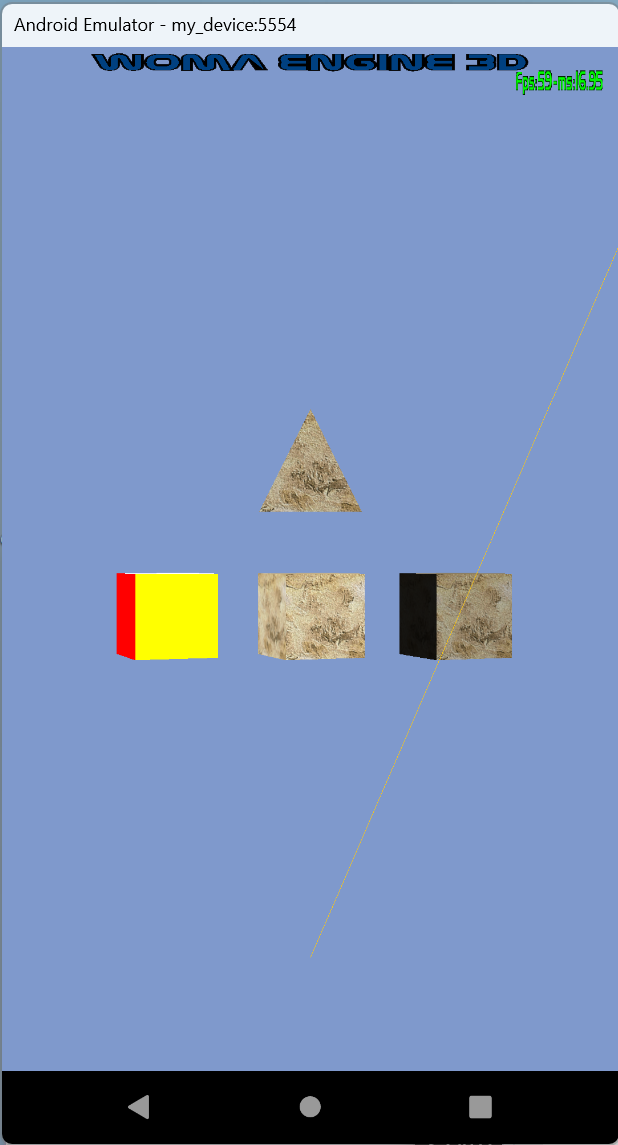
| WINDOWS: | LINUX: | ANDROID: |
|
|
|
|

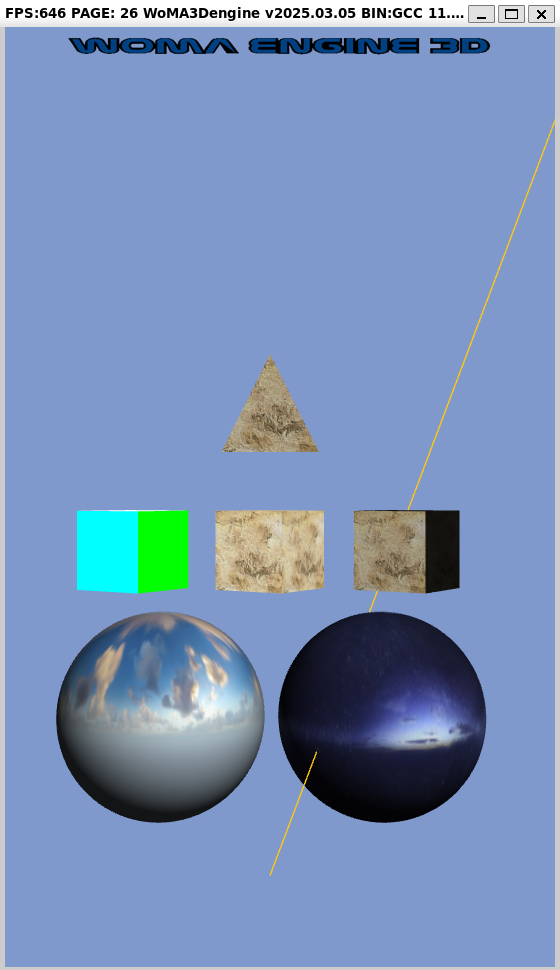
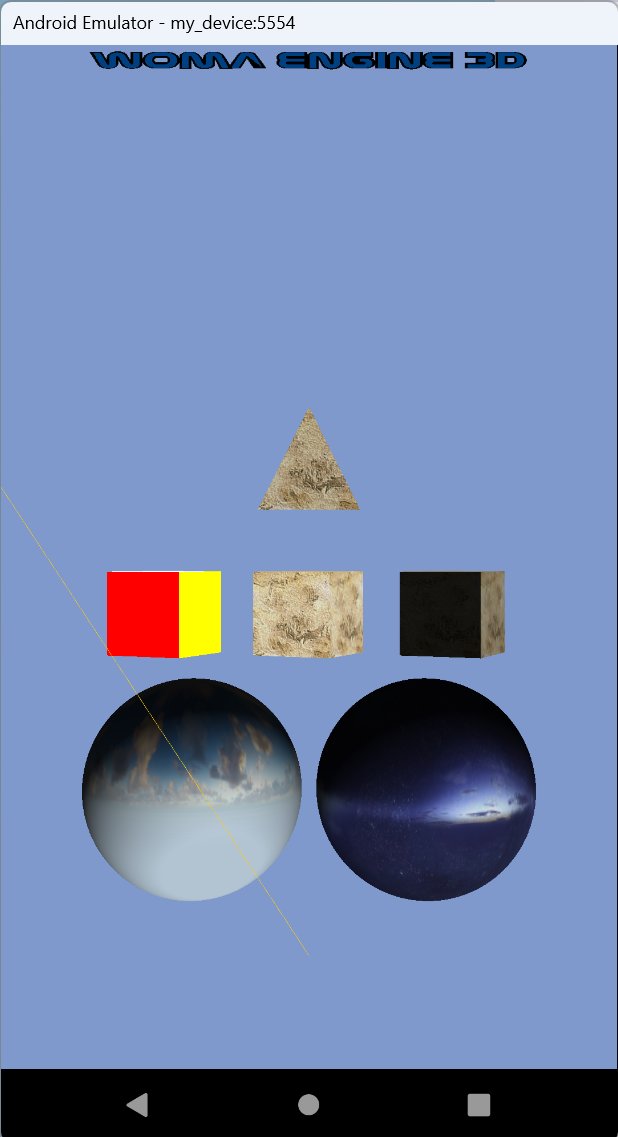
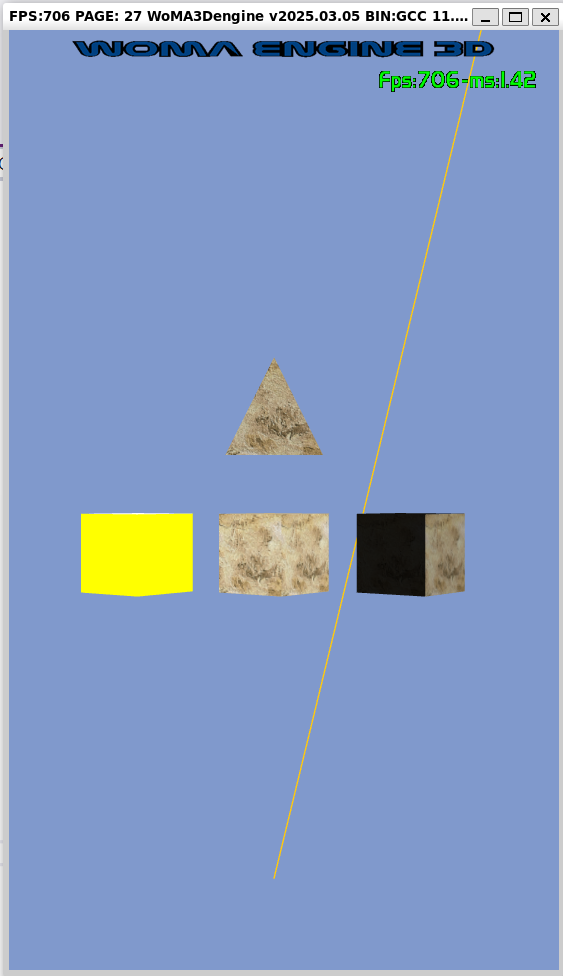
One for each Shader type: (COLOR, TEXTURE and LIGHT Shaders)

| WINDOWS: | LINUX: | ANDROID: |
|
|
|
|

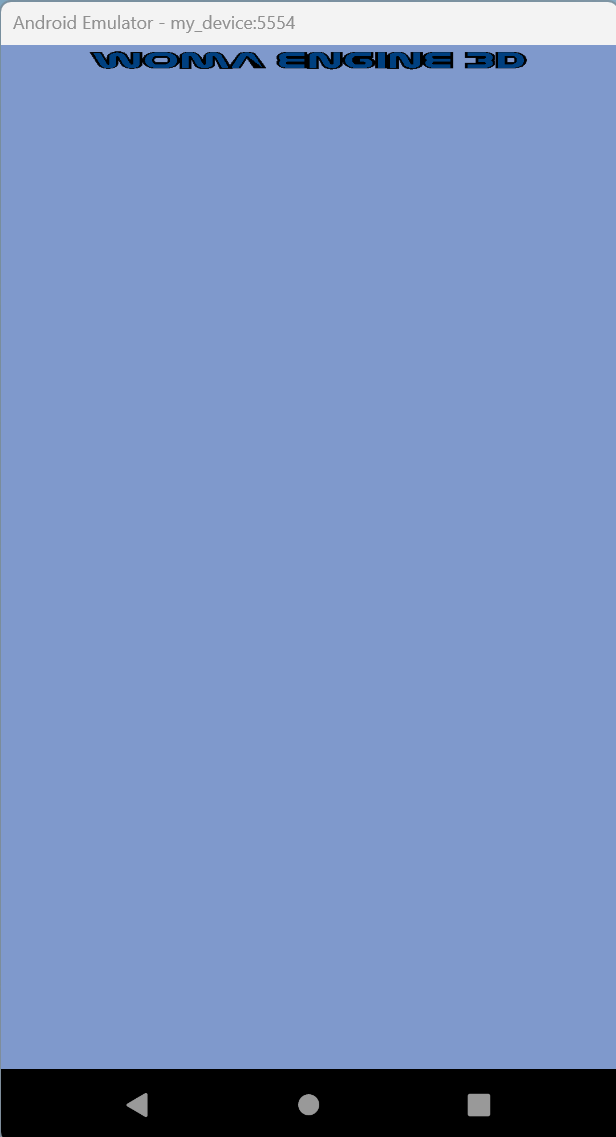
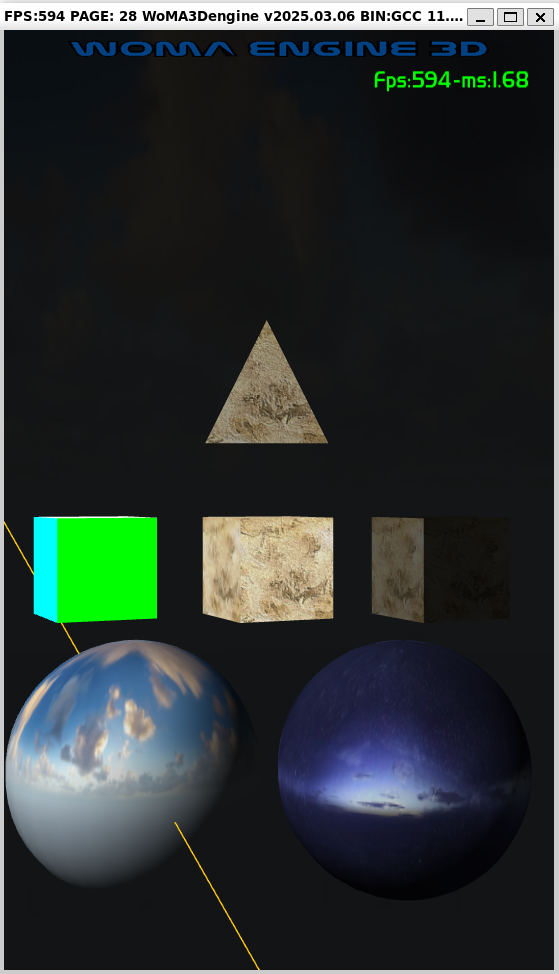
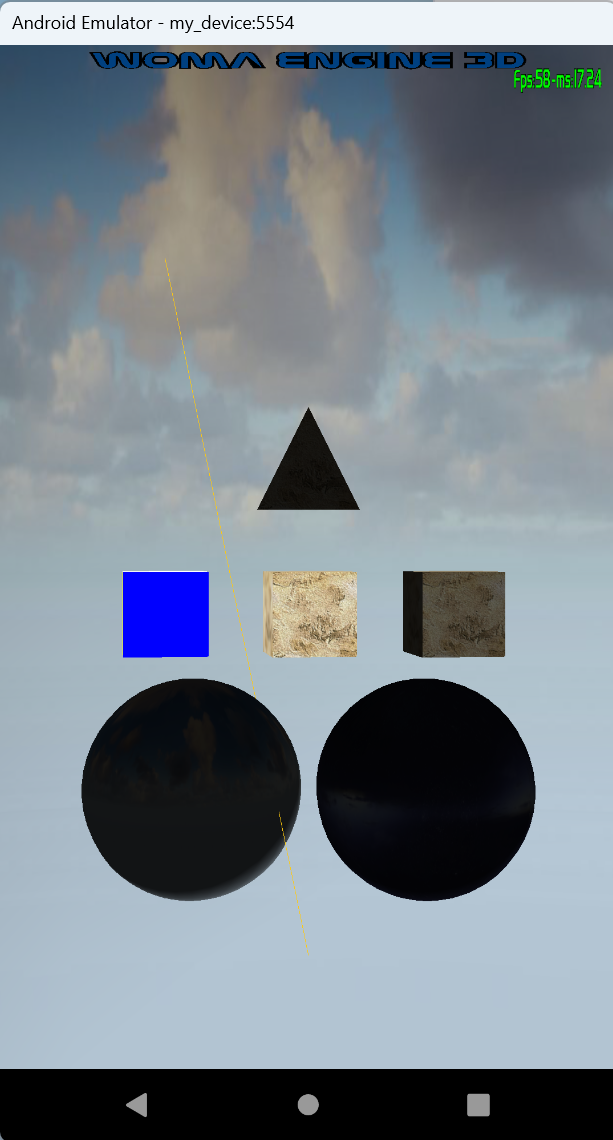
Adding the first light, the Directional light.
| WINDOWS: | LINUX: | ANDROID: |
|
|
|
|

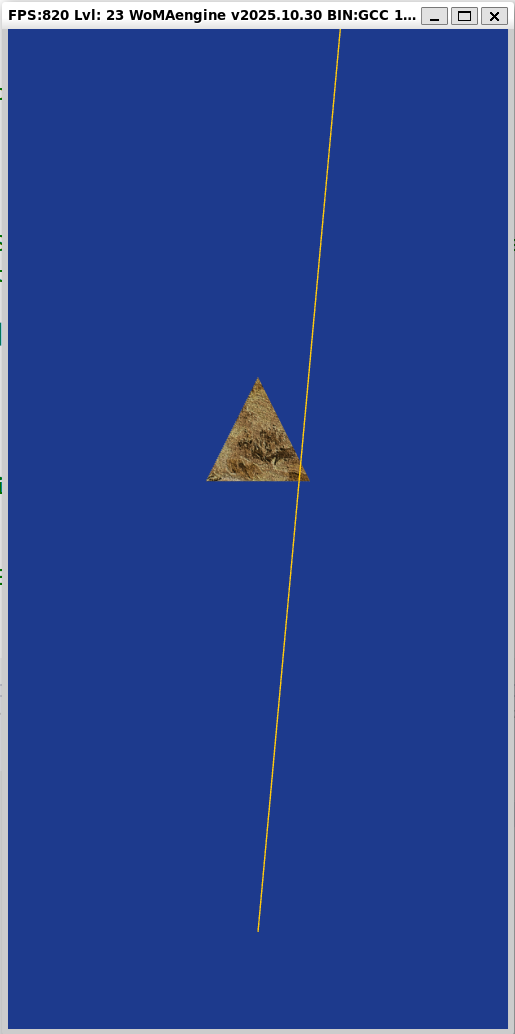

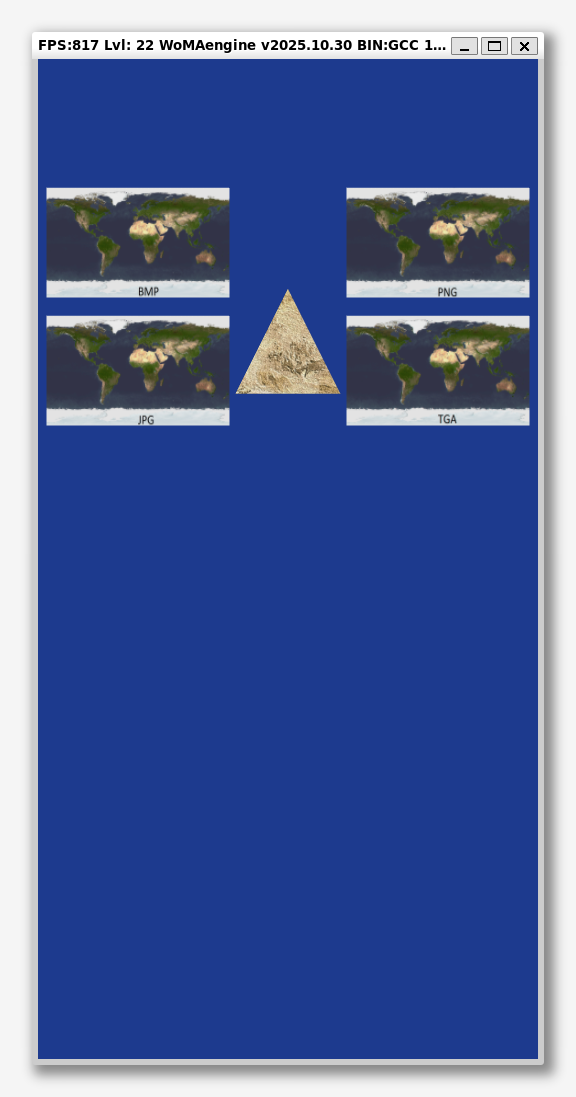
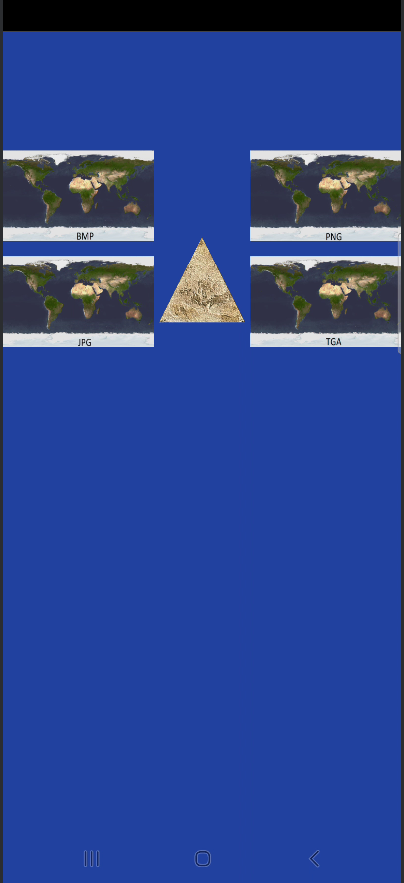
Add third party image readers:
- BMP (WINDOWS, LINUX and ANDROID)
- JPG (WINDOWS, LINUX and ANDROID)
- PNG (WINDOWS, LINUX and ANDROID)
- TIFF (WINDOWS, LINUX and ANDROID)
- DDS (WINDOWS)
- TGA (WINDOWS)
| WINDOWS: | LINUX: | ANDROID: |
|
|
|
|

Introduction to the: Rasterizer State
| WINDOWS: | LINUX: | ANDROID: |
|
|
|
|

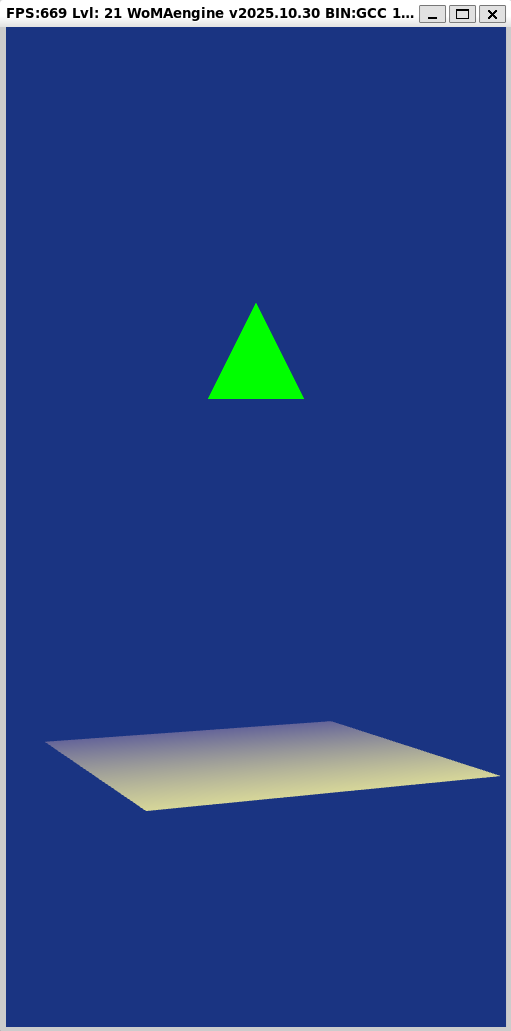
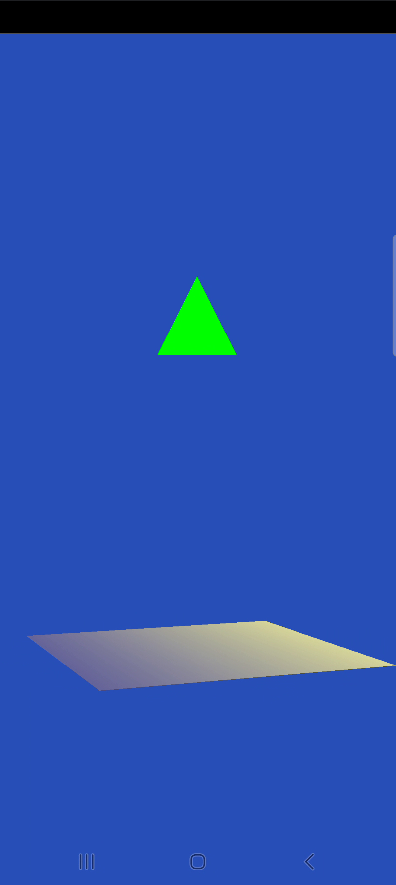
Allow alt+enter swap
And allow user to change the window size

Add Render Engine for "Windows":

METAR and TAF(later)


These calculations will be used later:
- Loading files from engine.pck on RELEASE BUILD (explained later in an advanced chapeter with the installer)
- Calculate SunRise, SunSet
- Calculate Sun altitude angle and azimuth angle
- Moon Phase (based of realime date)
- Calculate Moon Distance
- Calculate moon Elevation, taking into account atmospheric refraction
- calculate Moon Ecliptic Latitude, Ecliptic Longitude and Azimuth
(NOTE: Later will be used to re-create more realistic astro positions)

This will be used on bin release LEVEL 29:
- Create a pack file called engine.pack, which is a zip with the contents of all engine directory.
- Cypher the file with IDEA and call it: engine.pck
- Add the first Math libs for DX and OPENGL
- Add a simple CPU benchmark, to measure the performance improvement

- Adding the OS Paint events
- Allow Load/Save Game System Settings in the settings.xml file.

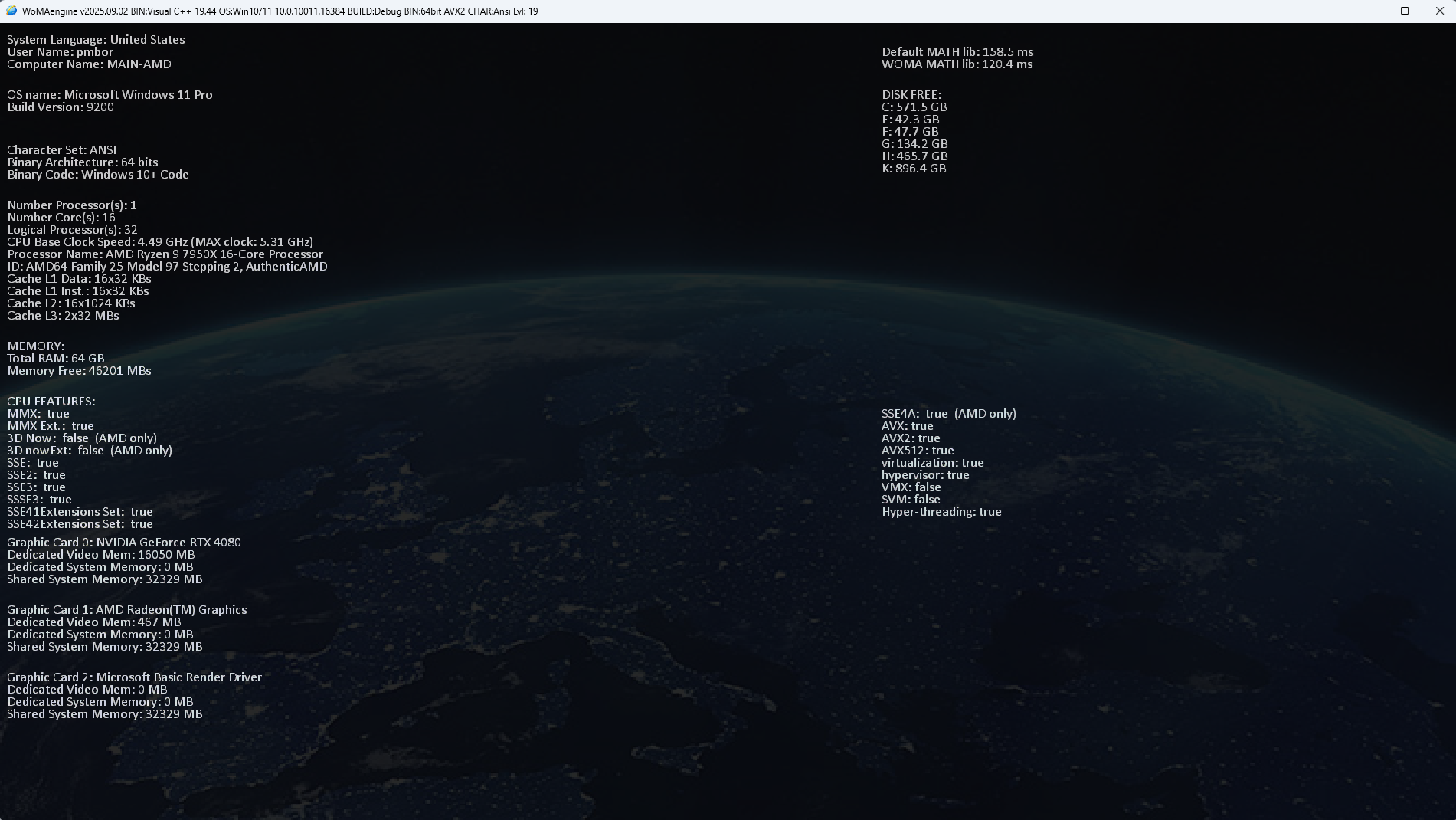
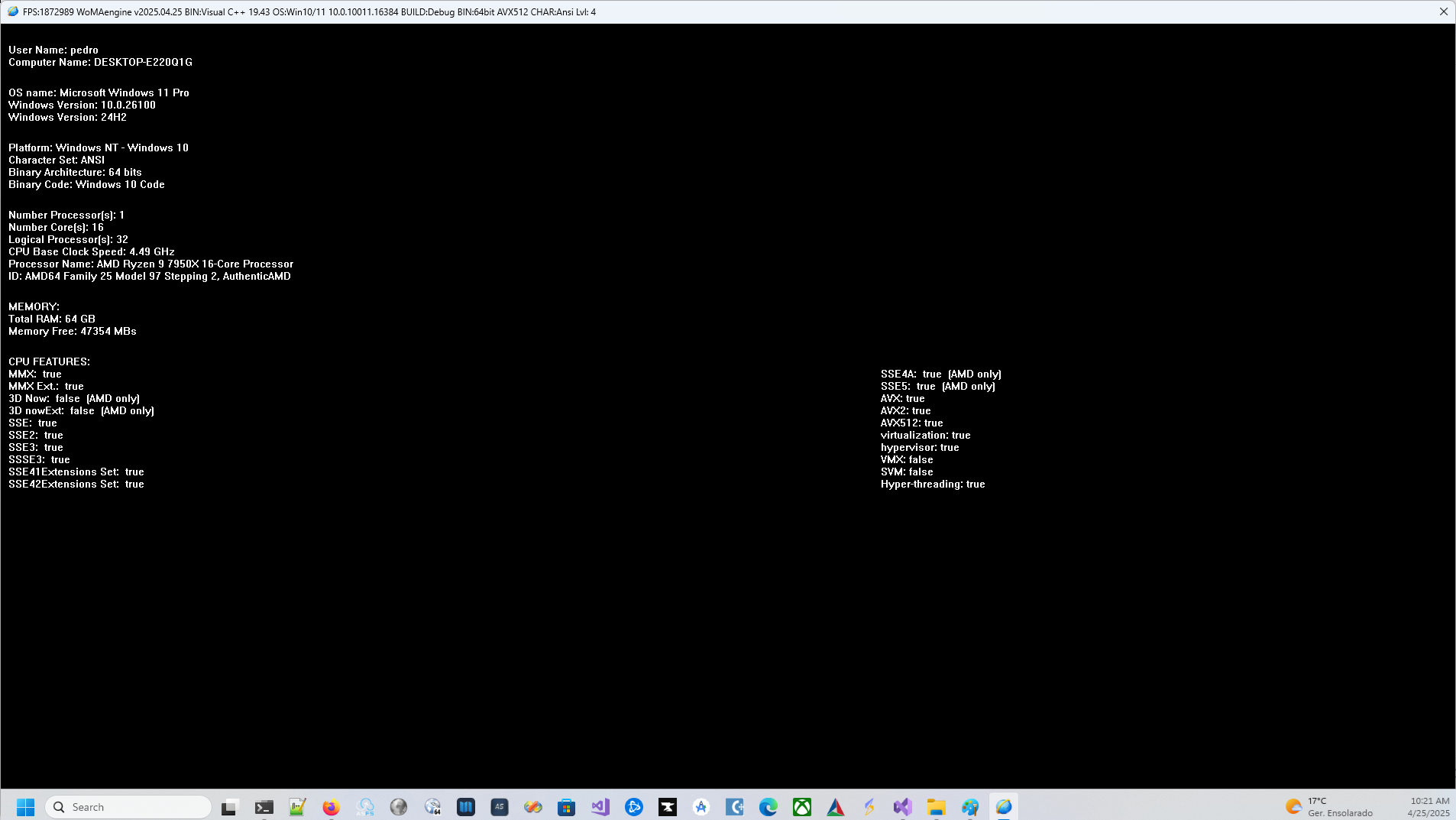
- Adding the first version of SystemManager viewer
- Adding Precision Timer
- Add FPS (Frame per second) calculation
- OS [Keyboard] Manager
- Exception Stack trace viewer in detail for an _DEBUG build
- Exception Stack trace viewer and create the respective Mini Dump report
- Option to Upload the report for an FTP site.

- Create Main OS Window [Window Creation]
- Handle the OS Windows events [Message Loop / WndProc]
- Main Window Paint events [Window Messages]

- User language detection (later automatic translation)
- Log manager, will log on: REPORT.txt, on Visual Studio Console and on Console Window
- Memory leak detector level 1
- OS manager for main OS directories (DEBUG/RELEASE)

- platform.h [Introduction] (Auto detect: all platforms: WINDOWS, LINUX and ANDROID)
- main.cpp [WinMain] (for all platforms: WINDOWS, LINUX and ANDROID)
- Debug Console
- The default settings
- SystemClass (common for all platforms: WINDOWS, LINUX and ANDROID)
- WinSystemClass (for Windows)
- LinuxSystemClass (for Linux)
- AndroidSystemClass (for Android)

📦 WoMA3Dengine v0.901 Installer — July 2025
No need to compile! This zip includes everything pre-packaged:
- 🧰 Downloads the latest source code
- ⚙️ Installs precompiled demo binaries fore DEBUG/RELEASE (from level 000 to 090)
- 🌐 Launch the engine instantly via HTML frontend
C:\WoMA3Dengine\CoreEngine_Tutorials\index.html
Notes:
Use:
Microsoft Visual Studio Community 2022 (64-bit) - Version 17.14.8
For now please just clone all content at (From this path all Platforms will compile using "Visual Studio", Windows, Linux and Android):
C:> git clone --recursive https://github.com/pmborg/WoMA3Dengine.git
Clone to: C:\WoMA3Dengine
Later on I will make path free but for now a few paths are hardcoded there.
cmake-3.31.4
## 🧪 Which Project to Build?
WoMA3Dengine is divided into tutorial levels across three platforms:
Choose the solution depending on your level of interest or tutorial stage:
| Solution | Tutorials | Description |
|---|---|---|
WindowsEngine_000-009-Core.sln |
000–009 | Engine startup, math, debug, sun/moon |
WindowsEngine_019-029-Basic.sln |
019–029 | Texture mapping, camera, models, intro to terrain |
WindowsEngine_030-045-Intermediate.sln |
030–045 | Billboards, instancing, lighting, input |
WindowsEngine_049-089-Terrain.sln |
049–089 | Full terrain system, weather, PBR, animation |
🔹 To explore the latest and most complete version, open and build:
WindowsEngine_049-089-Terrain.sln → CoreEngine_089
To build the Android version using NDK:
ANDROID1_engine_ALL.sln
Android-SDK:
C:\Program Files (x86)\Android\AndroidSDK\25
Android-NDK:
C:\Program Files (x86)\Android\AndroidNDK\android-ndk-r15c
Java:
C:\Java\jdk1.8.0_202
Ant:
C:\Program Files (x86)\Microsoft Visual Studio\2017\Professional\Apps\apache-ant-1.9.3
LINUX_engine_ALL.sln
Check this file for more information about how to setup WSL:
https://github.com/pmborg/WoMA3Dengine/blob/main/HowTo/HowToWSL2/What%20to%20install%20on%20WSL%20LINUX.txt
(This section summarizes all external dependencies used by the engine)
The WoMA3Dengine integrates several external open-source and third-party libraries.
Each component retains its original license, and all attributions are included for transparency and compliance.
📘 Documentation:
- ThirdParty_Licenses.md —
Full list of external libraries, licenses, and copyright notices. - Dependency_Map.md —
Structured overview of where each dependency is used within the engine.
| License Type | Examples | Notes |
|---|---|---|
| 🟢 MIT / BSD | TinyXMLv2, DirectXTex, DirectXTK, Assimp, PPG-master, libcurl | Open & permissive licenses |
| 🟣 LGPL / BSD | OpenAL, ALUT, Vorbis, VorbisFile | Audio codecs and sound engines |
| 🟠 Apache 2.0 / CC BY-SA | GeoLite2PP, MaxMindDB | IP geolocation libraries |
| 🟡 Educational / Tutorial | Rastertek text fonts | Based on Rastertek DirectX tutorials |
🧾 These dependencies enable features such as:
- Asset importing (Assimp, PPG)
- Advanced PBR rendering (PPG + DirectXTK)
- 3D sound (OpenAL + Vorbis)
- XML parsing (TinyXMLv2)
- Network data (libcurl)
- Geolocation services (GeoLite2PP, MaxMindDB)
End of README — see /ThirdParty for full details.
The WoMA3Dengine project includes in-depth technical documentation for developers and contributors.
| 📄 Document | Description |
|---|---|
| ThirdParty_Licenses.md | Complete overview of all third-party libraries, their licenses, and legal attributions. |
| Dependency_Map.md | Visual map of engine dependencies by module, including internal utilities and cross-platform relations. |
| INSTALL_ALL_FROM_SCRATCH.md | Step-by-step installation and build environment setup guide. |
📁 All files are located under /ThirdParty and /HowTo.
© 2012–2025 Pedro Borges — WoMA3Dengine. All rights reserved. Open-source components remain property of their respective authors under their stated licenses.