


Install
django-connected:pip install django-connected
Add
connected_accountstoINSTALLED_APPS:INSTALLED_APPS = ( ... 'connected_accounts', 'connected_accounts.providers', ... )Sync database (requires south>=1.0.1 if you are using Django 1.6.x):
python manage.py migrate
(Please click on thumbnails for bigger images)
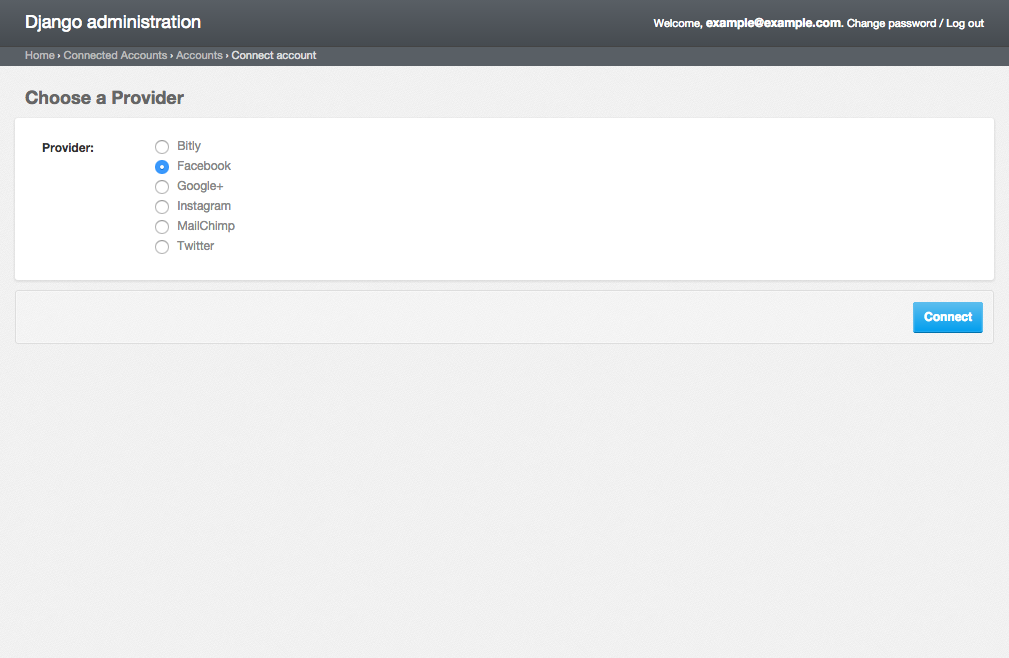
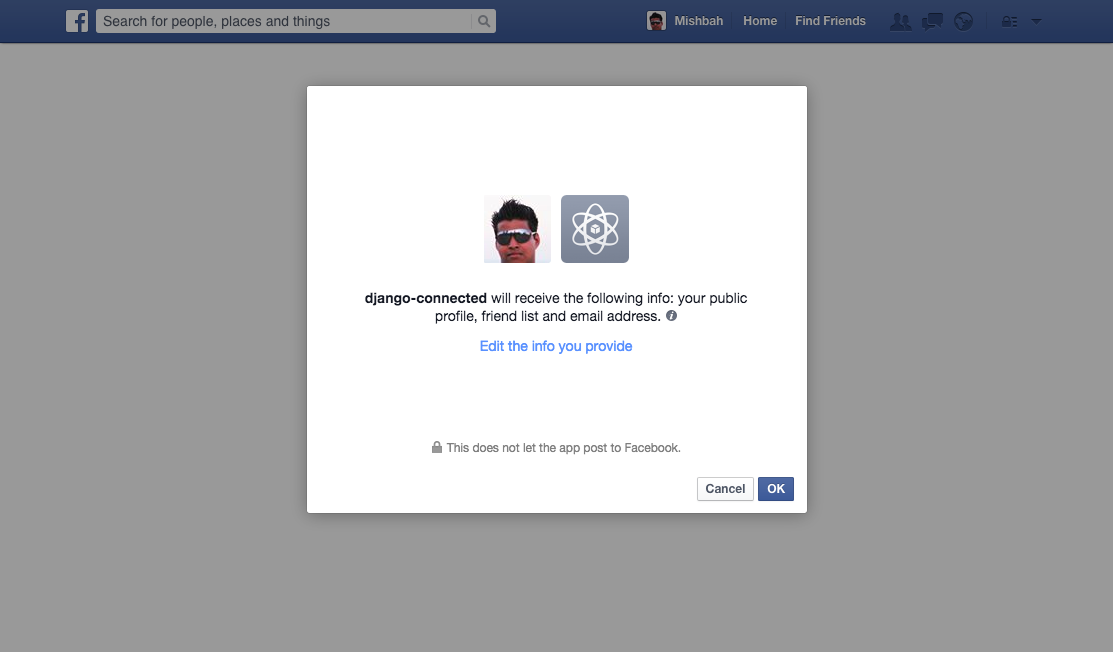

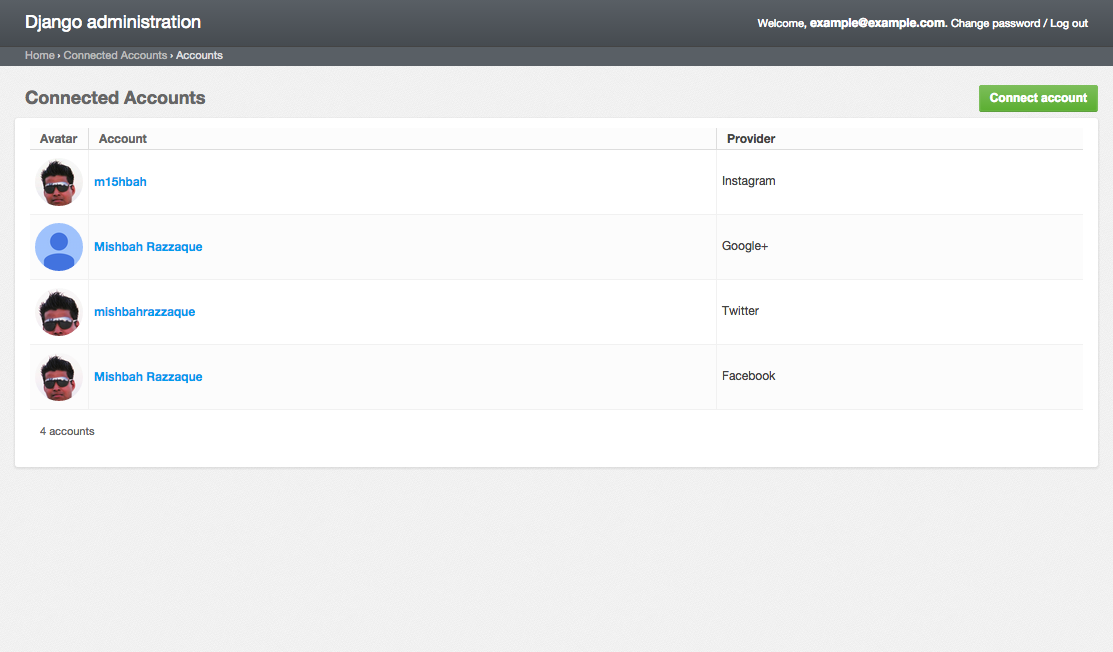

- Bitly (OAuth2)
- Disqus (OAuth2)
- Facebook (OAuth2)
- Google (OAuth2)
- Instagram (OAuth2)
- Mailchimp (OAuth2)
- Twitter (OAuth)
- more... (coming soon)
Most providers require you to sign up for a so called API client or app, containing a client ID and API secret.
When creating the OAuth app on the side of the provider pay special attention to the callback URL (sometimes also referred to as redirect URL).
Use a callback URL of the form:
http://example.com/admin/connected_accounts/account/callback/<provider_name>/
Register your OAuth2 app here: http://disqus.com/api/applications/
CONNECTED_ACCOUNTS_DISQUS_CONSUMER_KEY = '<disqus_client_id>'
CONNECTED_ACCOUNTS_DISQUS_CONSUMER_SECRET = '<disqus_client_secret>'
By default, read and write scope is enabled
CONNECTED_ACCOUNTS_DISQUS_SCOPE = ['read', 'write', ]
The available permissions for the scope value are read, write, email, and admin.
A key and secret key can be obtained by creating an app at https://developers.facebook.com/apps
CONNECTED_ACCOUNTS_FACEBOOK_CONSUMER_KEY = '<facebook_consumer_key>'
CONNECTED_ACCOUNTS_FACEBOOK_CONSUMER_SECRET = '<facebook_consumer_secret>'
By default, email, public_profile and user_friends is enabled, apps using other permissions require review by Facebook:
CONNECTED_ACCOUNTS_FACEBOOK_SCOPE = ['email', 'public_profile', 'user_friends']
Use FACEBOOK_AUTH_PARAMS to pass along other parameters to the Facebook API:
CONNECTED_ACCOUNTS_FACEBOOK_AUTH_PARAMS = {'auth_type': 'reauthenticate'}
The Google provider is OAuth2 based. Create a google app to obtain a key and secret through the developer console https://console.developers.google.com/
CONNECTED_ACCOUNTS_GOOGLE_CONSUMER_KEY = '<google_client_id>'
CONNECTED_ACCOUNTS_GOOGLE_CONSUMER_SECRET = '<google_client_secret>'
By default, profile and email scope is enabled:
CONNECTED_ACCOUNTS_GOOGLE_SCOPE = ['profile', 'email']
By default Offline Access request is enabled:
CONNECTED_ACCOUNTS_GOOGLE_AUTH_PARAMS = {'access_type': 'offline'}
See https://developers.google.com/identity/protocols/OAuth2WebServer#offline for more information.
You can register an app on Twitter via https://apps.twitter.com/app/new
CONNECTED_ACCOUNTS_TWITTER_CONSUMER_KEY = '<twitter_consumer_key>'
CONNECTED_ACCOUNTS_TWITTER_CONSUMER_SECRET = '<twitter_consumer_secret>'
Register your OAuth app here: https://instagram.com/developer/clients/register/
CONNECTED_ACCOUNTS_INSTAGRAM_CONSUMER_KEY = '<instagram_client_id>'
CONNECTED_ACCOUNTS_INSTAGRAM_CONSUMER_SECRET = '<instagram_client_secret>'
By defining one (or many) AccountField on a custom model you can take advantage of connected accounts in your custom applications.
You need to define a AccountField on the model you would like to use:
from django.db import models
from connected_accounts.fields import AccountField

class MyModel(models.Model):
    account = AccountField('twitter')

    [...]
The AccountField takes a string as first argument which will be used to limit choices for accounts available for the given field.
To provide admin support for a model with a AccountField in your application’s admin, you need to use the mixin ConnectedAccountAdminMixin along with the ModelAdmin. Note that the ConnectedAccountAdminMixin must precede the ModelAdmin in the class definition:
from django.contrib import admin
from connected_accounts.admin import ConnectedAccountAdminMixin

from myapp.models import MyModel


class MyModelAdmin(ConnectedAccountAdminMixin, admin.ModelAdmin):
    pass

admin.site.register(MyModel, MyModelAdmin)
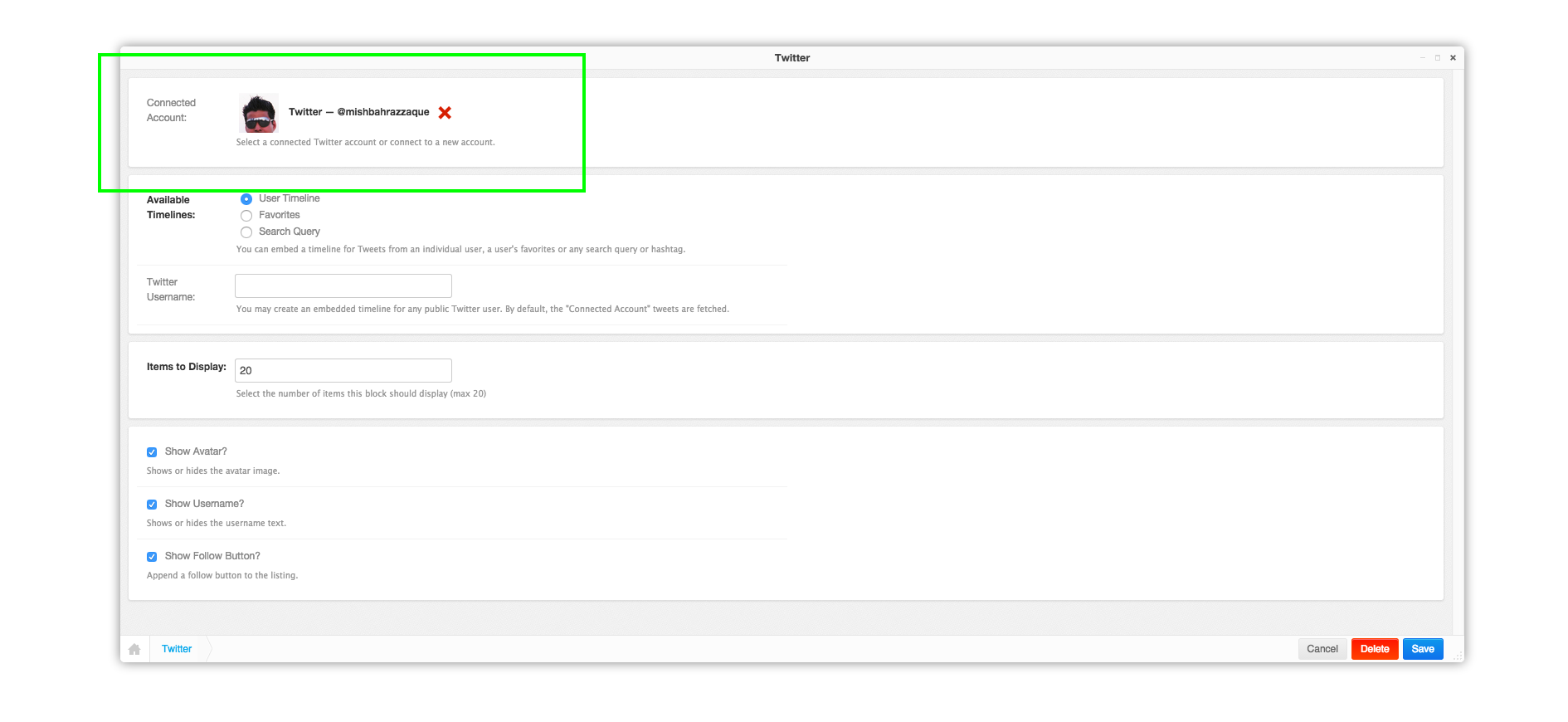
- https://github.com/mishbahr/djangocms-disqus - Disqus intergration for your django-cms powered site with options for Single Sign-On (SSO), lazy loading, analytics and more.
- https://github.com/mishbahr/djangocms-twitter2 — The easiest way to display tweets for your
django-cmspowered site, using the latest Twitter 1.1 API. It's a great option for embedding tweets on your site without third-party widgets. - https://github.com/mishbahr/djangocms-instagram — A simple but versatile Instagram plugin for your django-cms powered sites.