
🔴 Live Link - Or checkout short demo video below
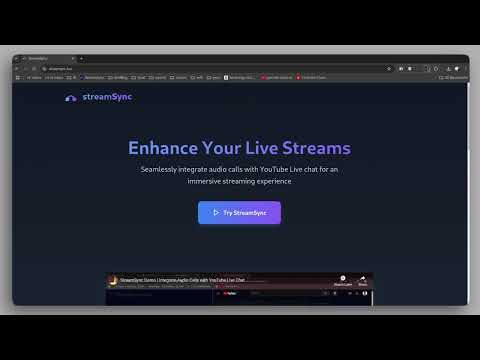
StreamSync is a tool designed for creators and their audience, offering a more interactive alternative to traditional super chats limited to text messages. With StreamSync, users can send super chats, but with a unique twist: if the creator is interested, they can directly speak with the audience member through our extension.
The StreamSync Chrome Extension is now available on the Chrome Web Store: https://chromewebstore.google.com/detail/streamsync/ppjkekdbgjemggkeicnfochciccdhkhk
Note: The extension currently doesn't function as expected as the server is currently down.
Ensure you have the following installed:
- Node.js
- Docker and Docker Compose
- Clone the Repository:
git clone https://github.com/rohitsx/streamSync.git
cd streamSync-
Configure Client/Server Environment: Update the
.envfile with your environment variables. -
Run Docker-Compose:
docker compose up -dTo test the project as a Chrome extension:
- Build the Client:
cd client
npm run build- Install the Extension:
- Open Chrome and navigate to
chrome://extensions/. - Enable "Developer mode" in the top right corner.
- Click "Load unpacked" and select the
distfolder generated by the build command.
- Keep the Server Running: Ensure the server is running for full functionality.
This work is licensed under a Creative Commons Attribution-NonCommercial 4.0 International License.