

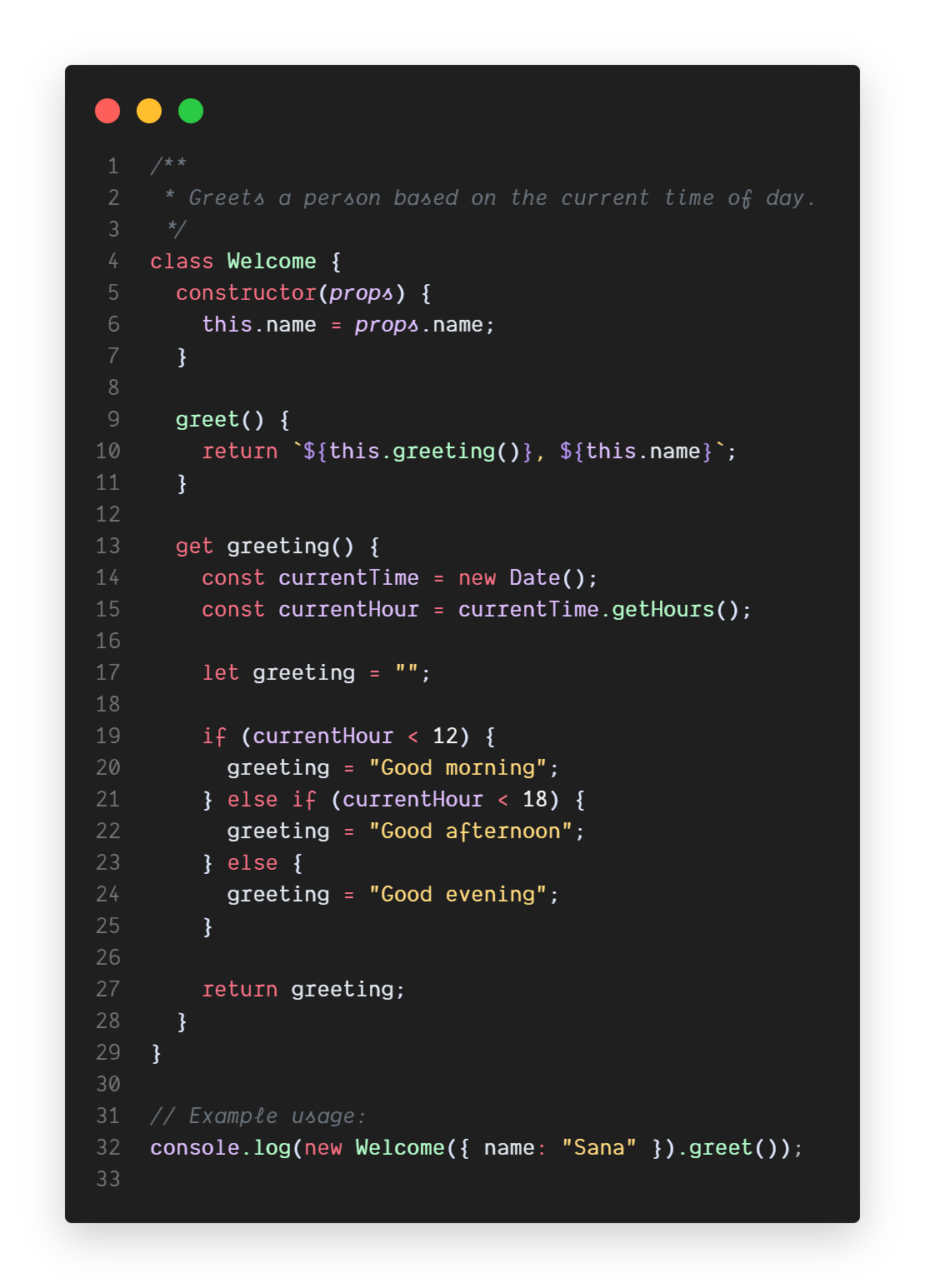
- Install theme from the Marketplace
- Go to
File > Preferences > Color Theme - Select
Sana Theme
-
Notifications
You must be signed in to change notification settings - Fork 0
A dark theme for Visual Studio Code
sana-team/sana-theme
Folders and files
| Name | Name | Last commit message | Last commit date | |
|---|---|---|---|---|
Repository files navigation
About
A dark theme for Visual Studio Code
Topics
Resources
Stars
Watchers
Forks
Releases
No releases published
Packages 0
No packages published