

The Blue Night Theme by ksya

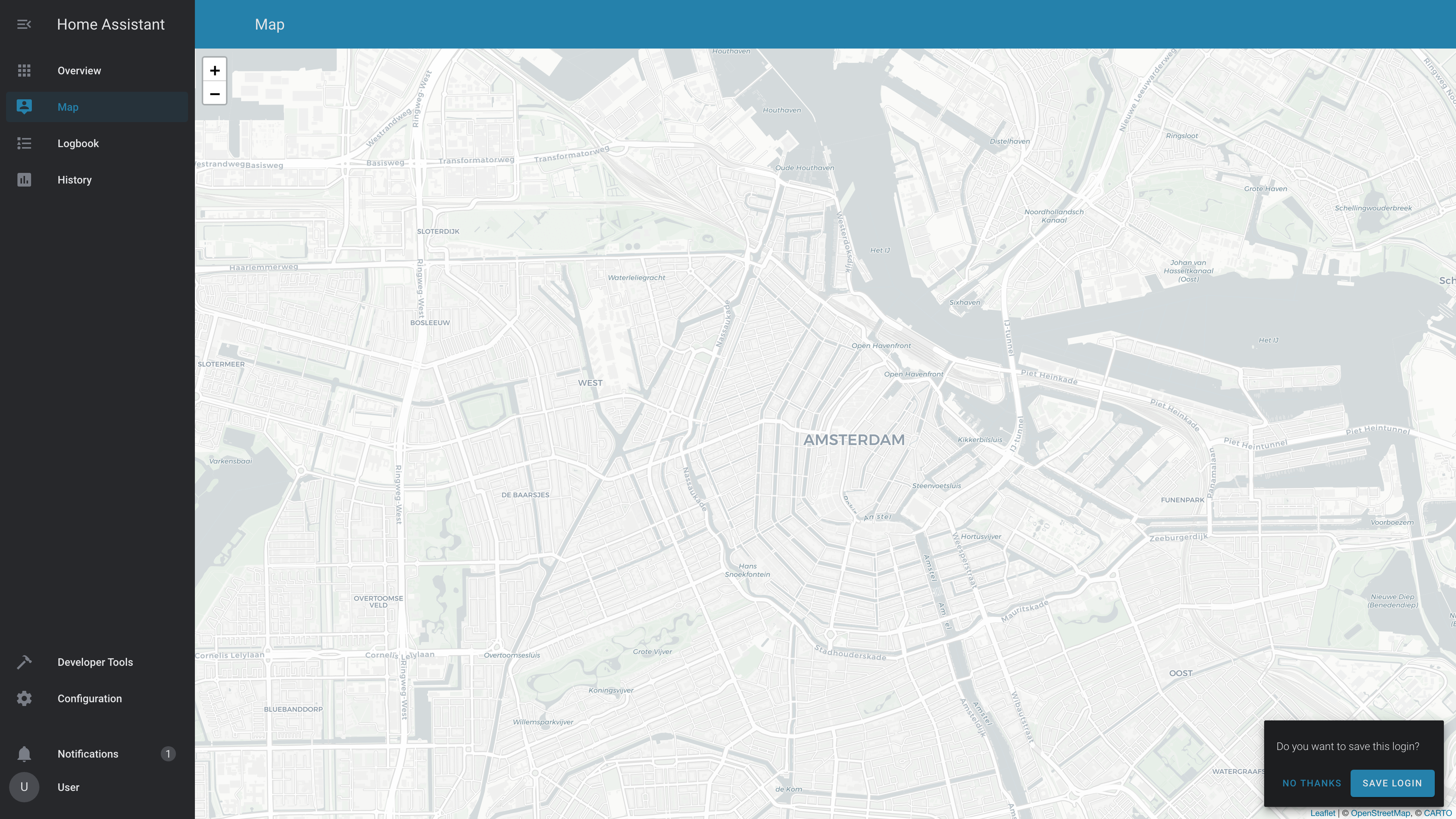
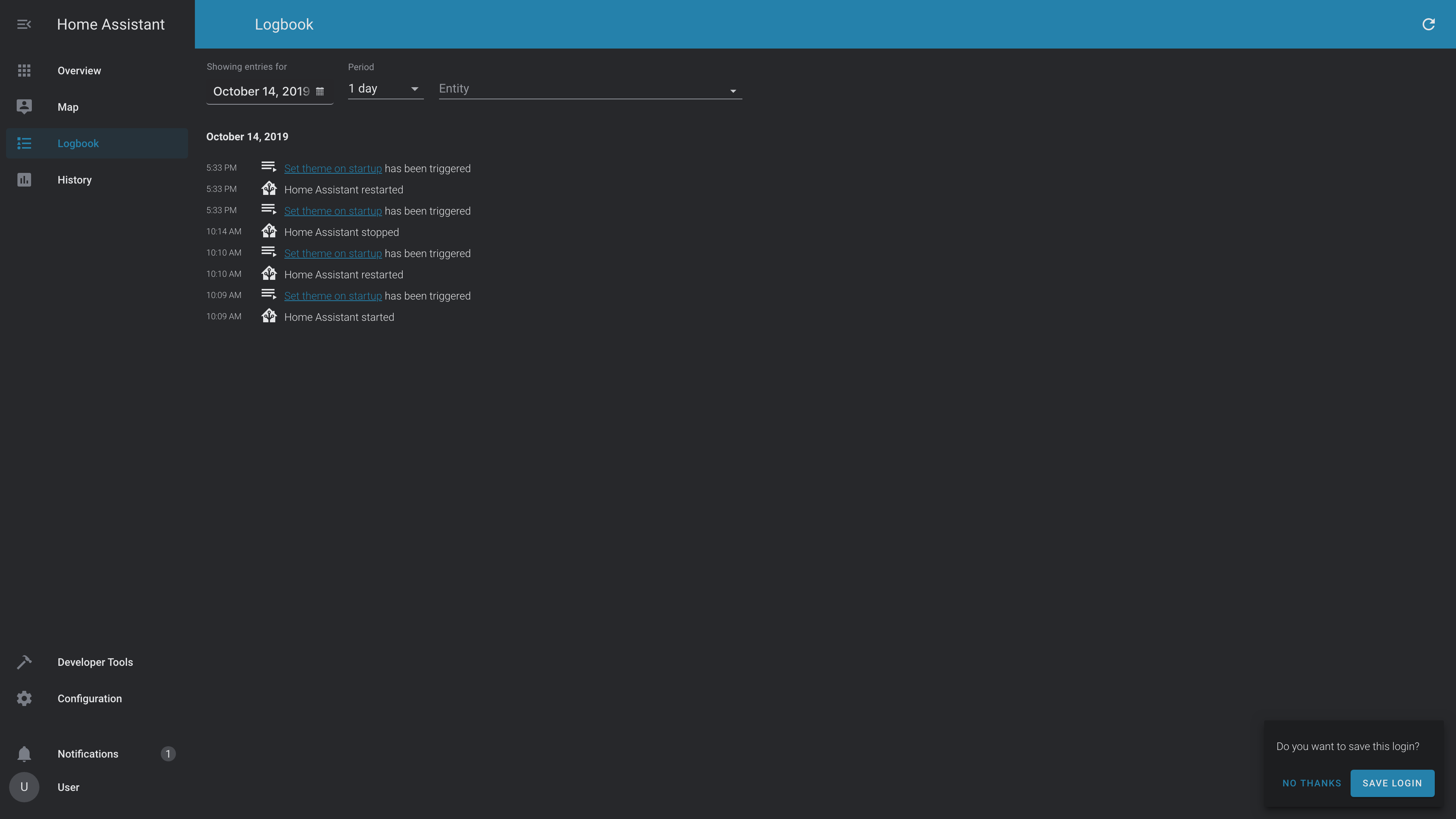
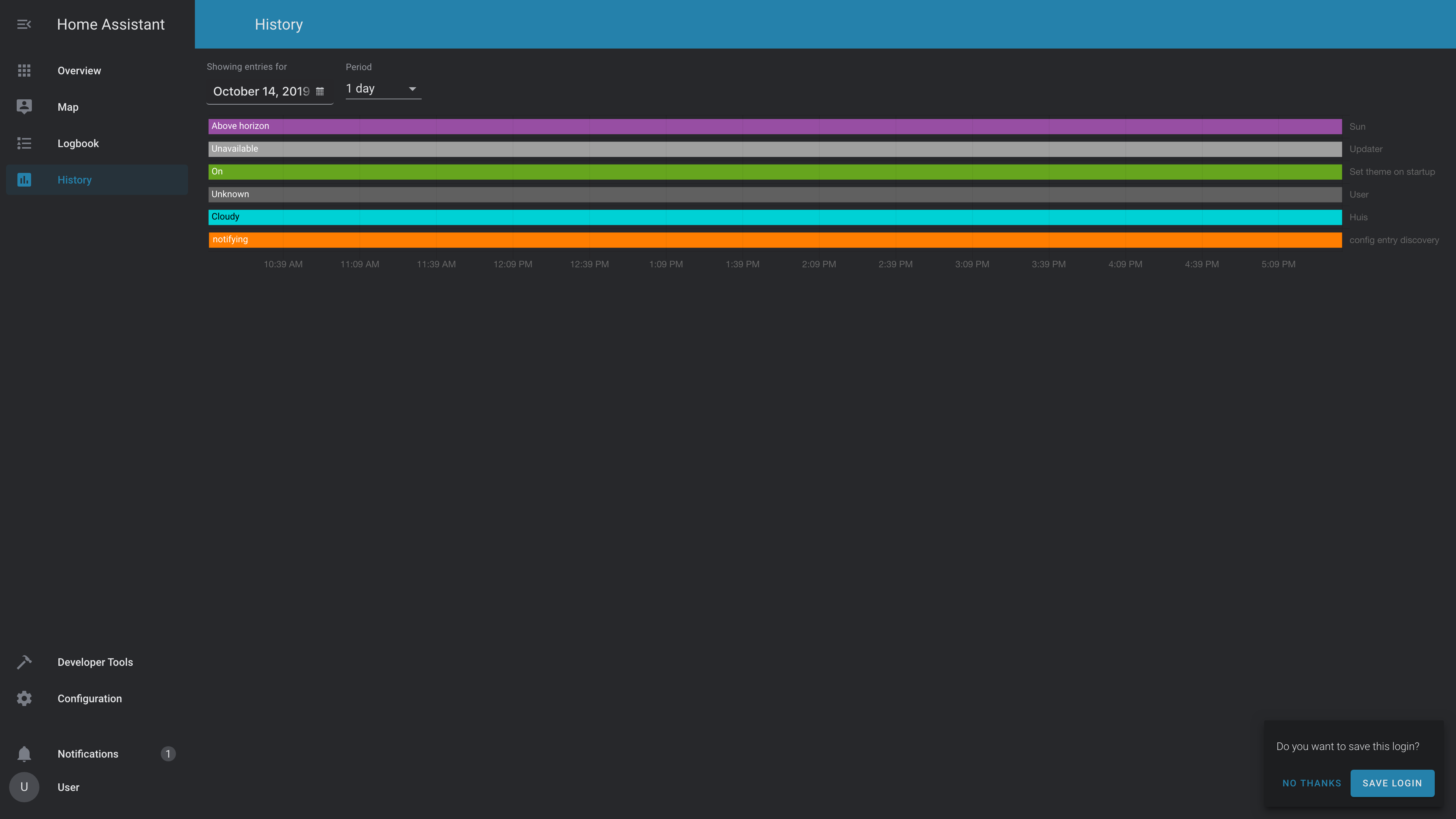
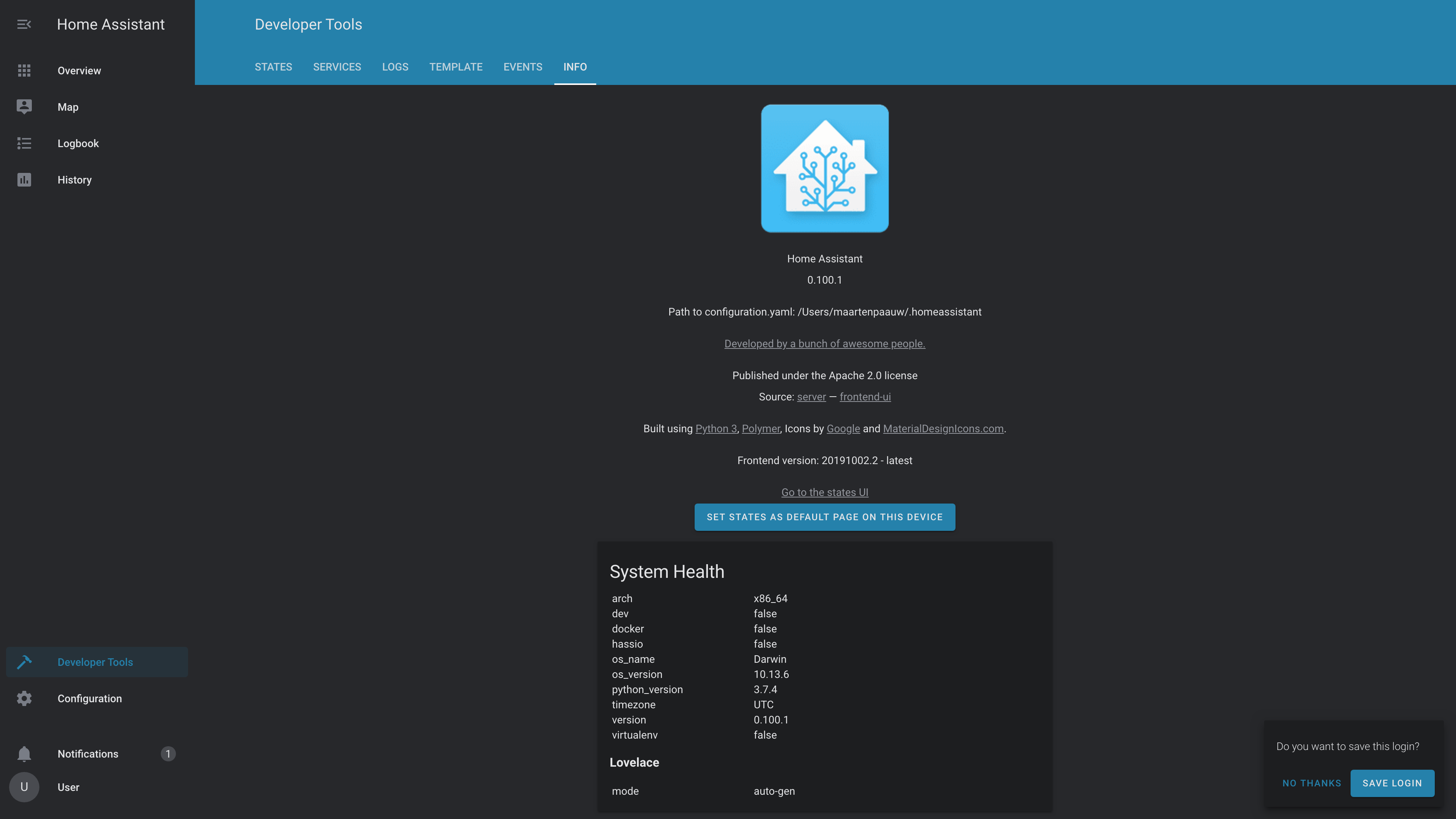
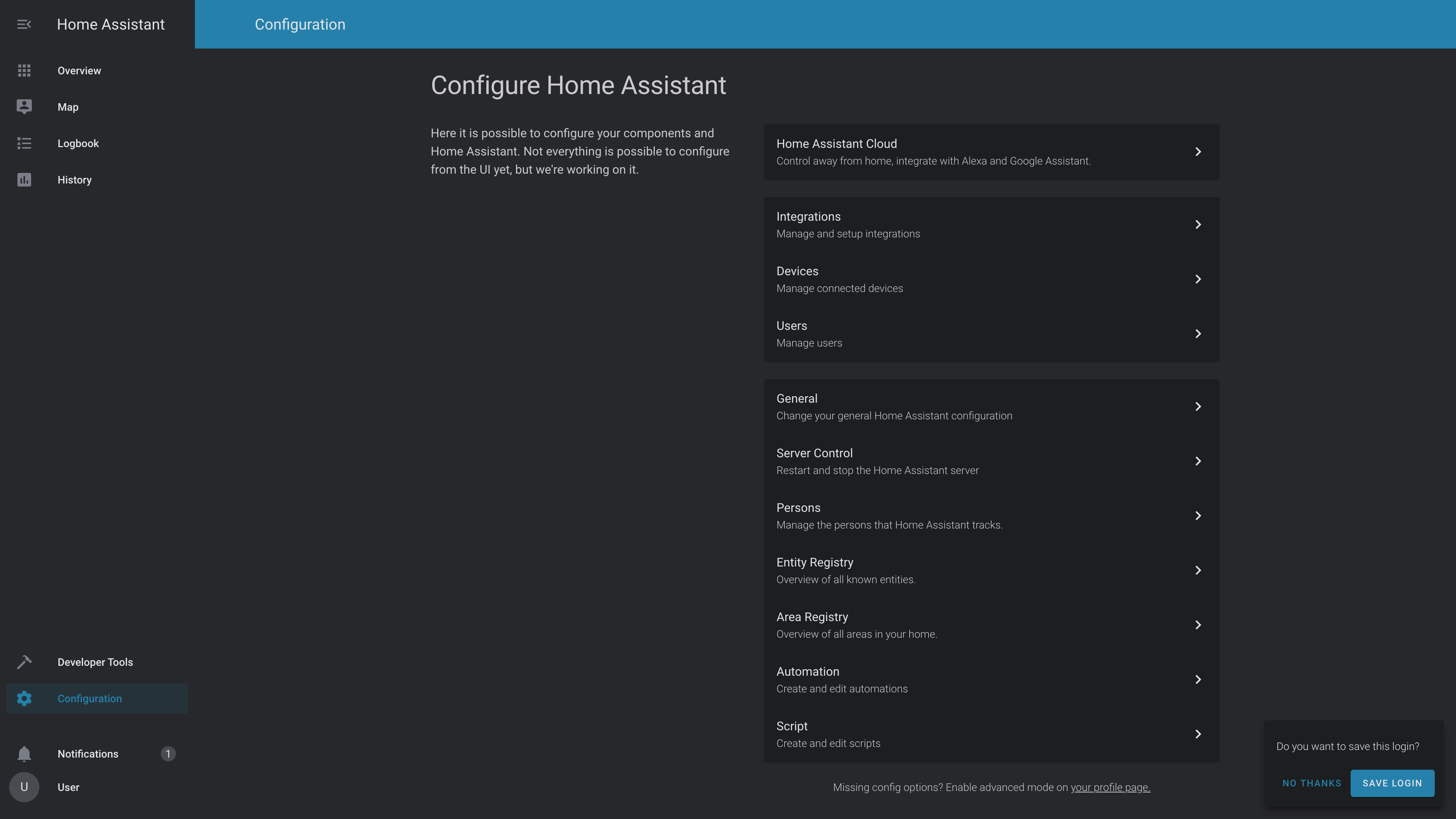
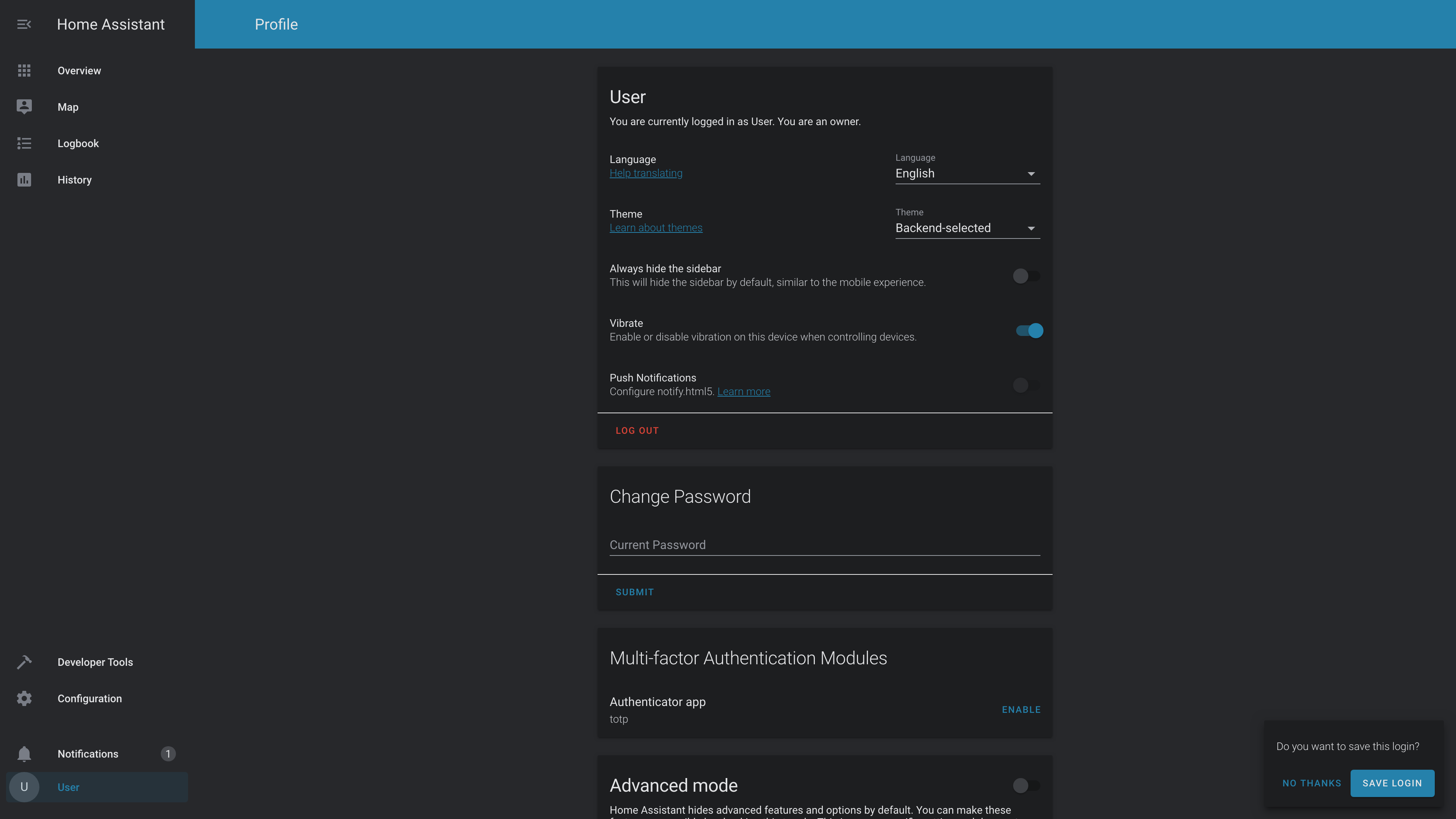
Add the following code to your configuration.yaml file (reboot required).
frontend:
  ... # your configuration.
  themes: !include_dir_merge_named themes
... # your configuration.- Go to the Community Store.
- Search for
Blue Night. - Navigate to
Blue Nighttheme. - Press
Install. Go to services and trigger thefrontend.reload_themesservice.
Clone this repository in your existing (or create it) themes/ folder.
cd themes/
git clone https://github.com/home-assistant-community-themes/blue-night.git
Or using submodules:
cd themes/
git submodule add https://github.com/home-assistant-community-themes/blue-night.git