I think more tuning is possible. If you have some advice, please tell me!
Chainerimplementation- Subsequent stages
- Image viewer on web browsers. (
Flaskandflask-socketioare needed)
- FLIC
- LPS
- Python 2.7
- Chainer 1.9.1
- OpenCV 2.4.8
- Flask 0.11.1
- Flask_SocketIO 2.4
- Python 3.5
- Chainer 1.9.1
- OpenCV 3.1.0
- Flask 0.10.1
- Flask_SocketIO 2.2
- Python 2.7
- Chainer 1.9.1
- OpenCV 3.1.0
- Flask 0.11.1
- Flask_SocketIO 2.5
First, download FLIC FULL and FLIC PLUS to some directory, and set the path to settings.json.
And also fix CASCADE_PATHS to detect faces for your environment.
To start training, please execute the following command.
./scripts/train.py --stage 0
For subsequent stage training, --joint_idx argument is needed.
./scripts/train.py --stage 1 --joint_idx 0
./scripts/train.py --stage 1 --joint_idx 1
./scripts/train.py --stage 2 --joint_idx 0  # and so on
--resume argument is also supported.
To check current training state, please open http://localhost:8889/ (port number can be changed by settings.json).
The error rate graph and visualized images can be seen.
If you want to use GPU, please set GPU parameter in settings.json to a positive number.
Execute the following command, and open http://localhost:8889/.
./scripts/use_model.py
Settings is common with training (settings.json).
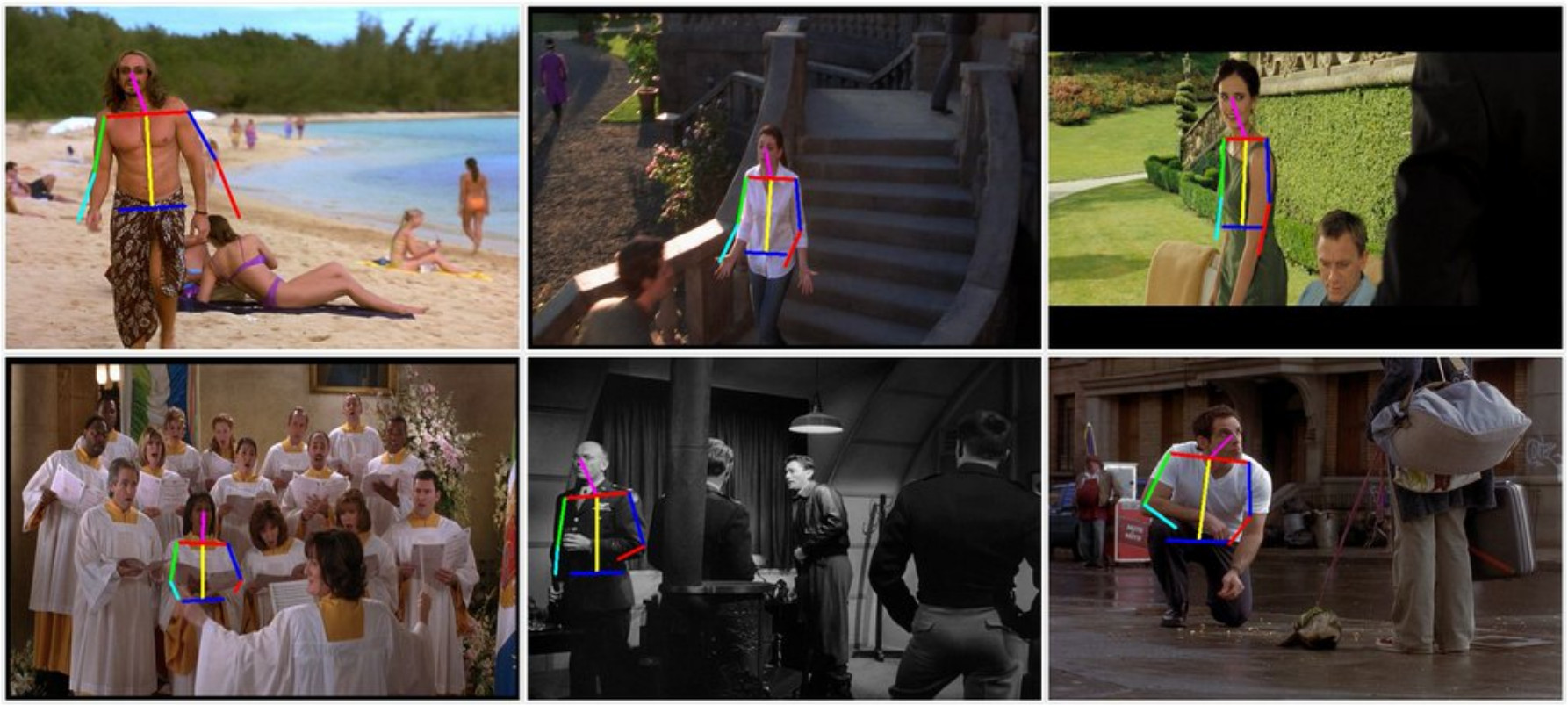
Subsequent stages are training now.
This project uses Python threading or multiprocessing package and it can be configured by ASYNC_MODE in settings.json.
On Linux process mode is better due to the speed, but on Windows only thread mode is valid.
- Tune training parameters (learning rate, bounding box sigma and so on).
- Replace
multiprocess.QueueandEventtothreading's ones on thethreadmode.