Python script for downloading all tracks from a traktrain.com url. It functions as a TrakTrain downloader to mp3.
Similar functionality to defunct scrapeTrainV2 but written in Python. (I wrote this from scratch as I don't have any experience with Ruby).
You can either clone this repo and run the application using the main.py file.
If you chose to use this method then run:
pip install -r requirements.txtAnd make sure to swap out all the commands in this document with python main.py instead of `pyscrapetrain.
OR
Install the pip package, using this command:
pip install pyscrapetrainFeel free to use the built in terminal interface to download tracks from a single URL / artist name:
pyscrapetrain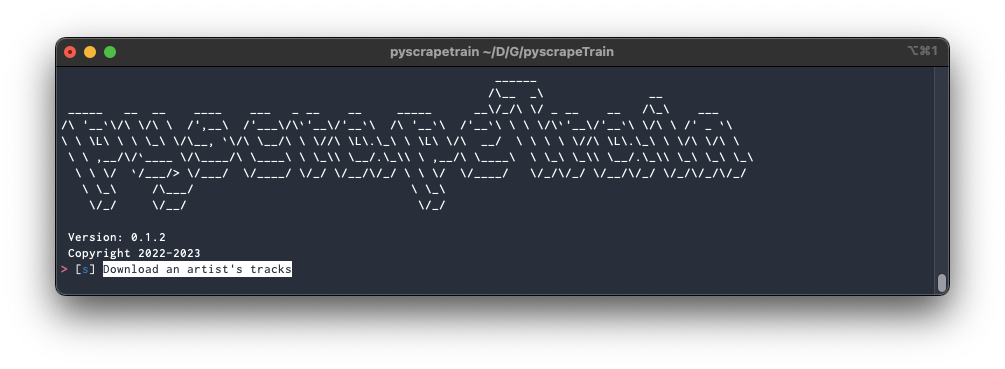
pyscrapetrain <traktrain url or artist name>For example:
pyscrapetrain https://traktrain.com/brknglssOR
pyscrapetrain brknglssTracks are downloaded to a pyscrapeTrain/artist folder in your home directory.
To change download folder use the -d flag:
pyscrapetrain <traktrain-url> -d /path/to/folderWhich will create a pyscrapeTrain/artist folder under the path specified.
For example:
pyscrapetrain https://traktrain.com/waifu -d /Users/user/DocumentsWill create the following folder /Users/user/Documents/pyscrapeTrain/waifu.
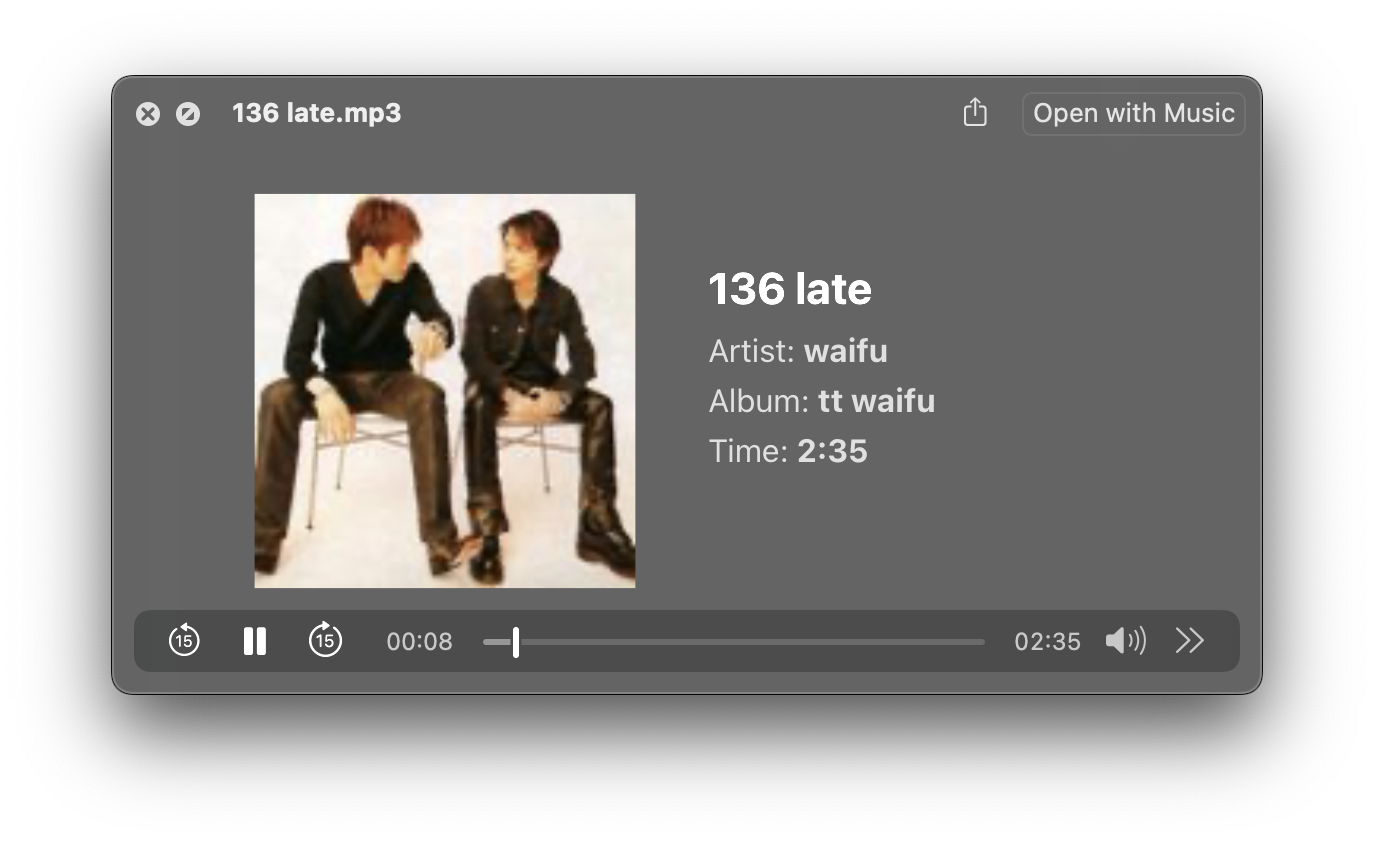
You might want to listen to the playlist of tracks you just downloaded so the script supports a custom album ID3 tag to allow you to sort in your media library.
Use the -a tag to assign a custom album name.
For example:
pyscrapetrain https://traktrain.com/waifu -a "tt waifu"Which gives:
If you want to scrape multiple traktrain pages then you can point a .txt file with each url you want to scrape on a new line.
For this use-case simply specify the filepath instead of a url.
For example:
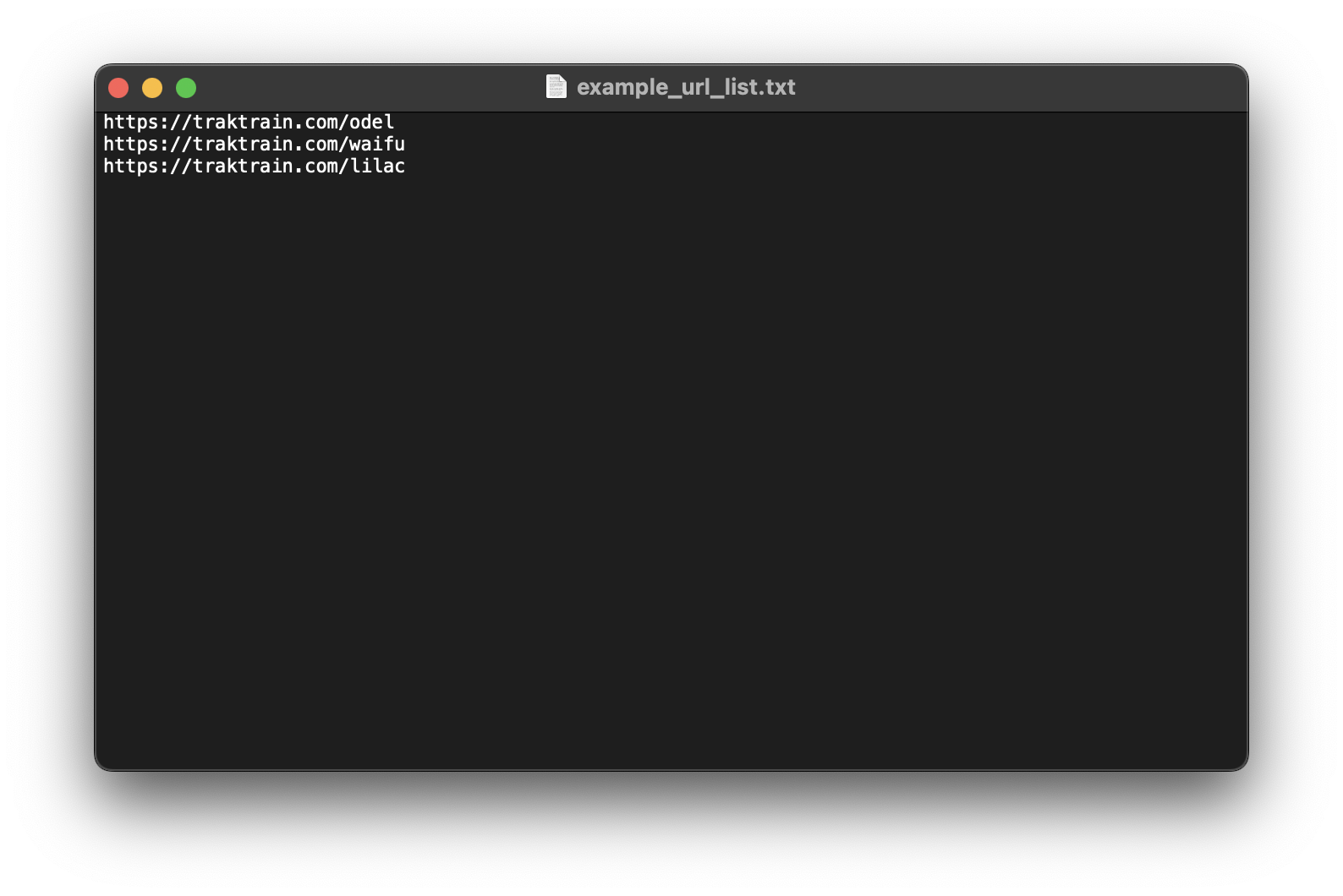
pyscrapetrain example_url_list.txtExample list of urls: