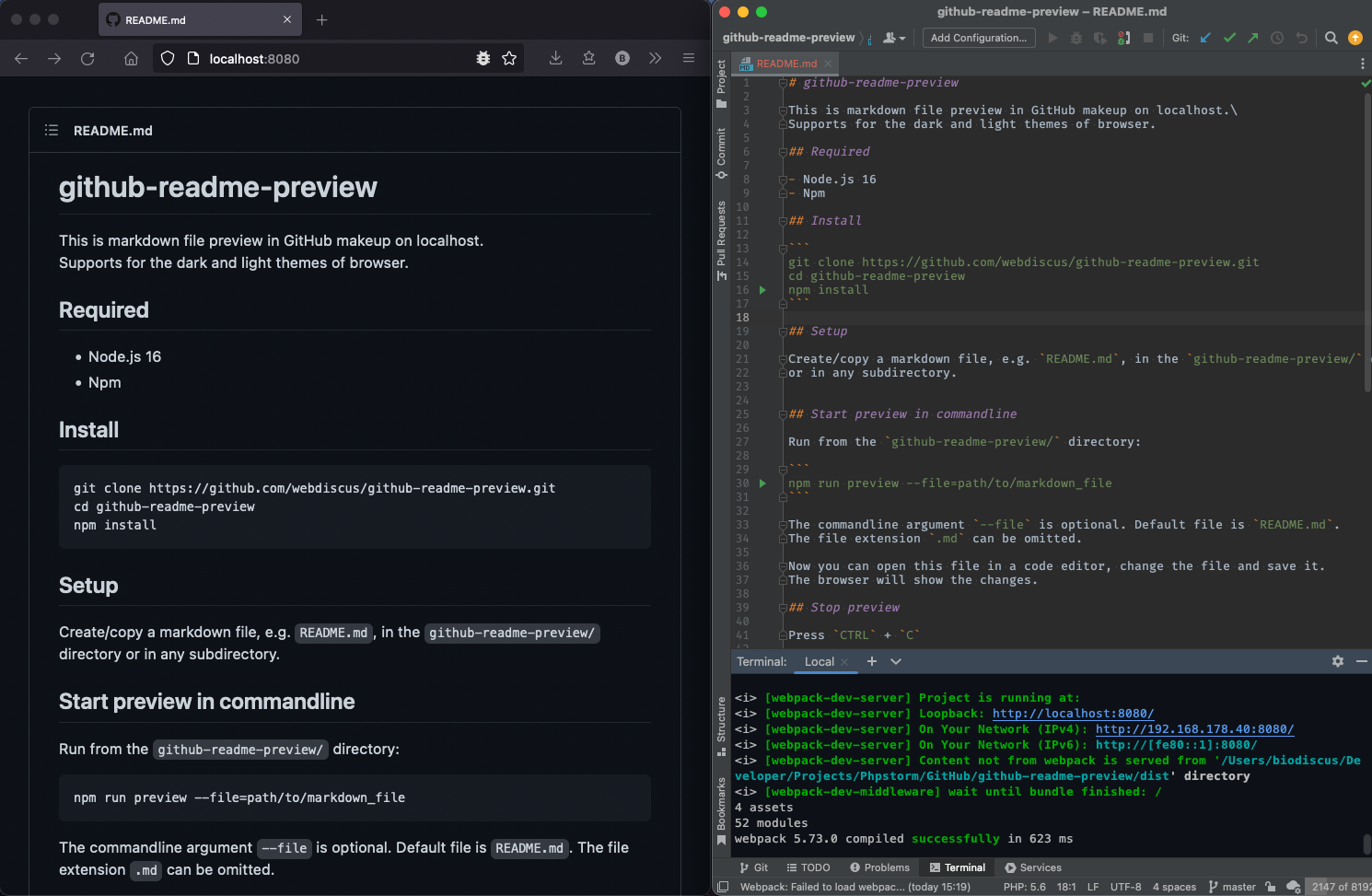
This is markdown file preview in GitHub makeup on localhost.
Supports for the dark and light themes of browser.
- Node.js 16
- Npm
git clone https://github.com/webdiscus/github-readme-preview.git
cd github-readme-preview
npm install
Create/copy a markdown file, e.g. README.md, in the github-readme-preview/ directory
or in any subdirectory.
Run from the github-readme-preview/ directory:
npm start --file=path/to/markdown_file
The commandline argument --file is optional. Default file is README.md.
The file extension .md can be omitted.
Now you can open this file in a code editor, change the file and save it. The browser will show the changes.
Press CTRL + C
Preview the ./README.md file:
npm start
Preview the ./CHANGELOG.md file:
npm start --file=CHANGELOG
Preview the ./docs/myMarkdownFile.md file:
npm start --file=docs/myMarkdownFile
Preview a file with absolute path, like /absolute/path/to/README.md:
npm start --file=/absolute/path/to/README
Open the browser settings and change browser theme to dark or light.
For example, in Firefox, open the address about:preferences.
On the settings site go to General > Language and Appearence > Web site appearence.
Then select theme: Light or Dark.
HTML
<!-- Comment -->
<div class="container">
  <p>Paragraph</p>
</div>
JavaScript
const arr = [1, 2, 'banana'];Relative image path is not supported, use URL, e.g.:
