English | 中文
Welcome to Weshop_UI_1.0.0! This software is an open-source solution derived from WeShop.AI, which specialize in generating images using AI. We've extracted some business/professional functionalities, removed proprietary elements, and are gradually releasing parts of our services to the public. Our goal is to foster innovation and collaboration in AI-powered image creation while maintaining our core business offerings. WeShop UI features multi-task management, and a simple and user-friendly interface, perfect for beginners.
This project is an open-source solution that brings functionalities of WeShop.AI to your local operation. Weshop_UI_1.0.0 leverages Stable Diffusion Webui as its core inference engine, enabling you to deploy WeShop.AI functionalities locally and generate high-quality AI images without internet or cloud reliance.
- 2024.07 We officially launched WeShop UI
Currently, we've open sourced web and Electron frontend, changes made for Automatic1111 Stable Diffusion Webui. Our plan regarding key functionalities is listed below:
-
Keep upgrading Webui with the latest one on https://github.com/AUTOMATIC1111/stable-diffusion-webui
-
Open source the front end part of this project
-
Refactor and open source the backend part of this project. This project uses compiled executables currently.
-
Support ComfyUI simultaneously.
-
Support multiple-GPU inference scheduling.
-
Gradually adapt workflows/features from WeShop.AI
-
More functions to come and feel free to leave you feedbacks!
- Task Manegement
- Permanent Records: All execution records will be saved for future reference.

- Task Editing: Supports re-editing and re-execution of the same task, allowing multiple edits to improve results by adjusting parameters.
- Task Re-Naming: Allows tasks to be re-named for quick search and management.

- Permanent Records: All execution records will be saved for future reference.
- Async UI Design
- Concurrent Editing: Allows tasks to be modified simultaneously while other tasks are being executed.
- Better and Accurate Mask Area Editing Tools
- SegmentAnything: Provides intuitive editing capabilities including subject selection, clothing/appreal selection, invert selection like Photoshop and brush tools.
- Upload Mask Image: Supports uploading customized mask images for more precise segmentation.

- Save Favorite Photos Feature
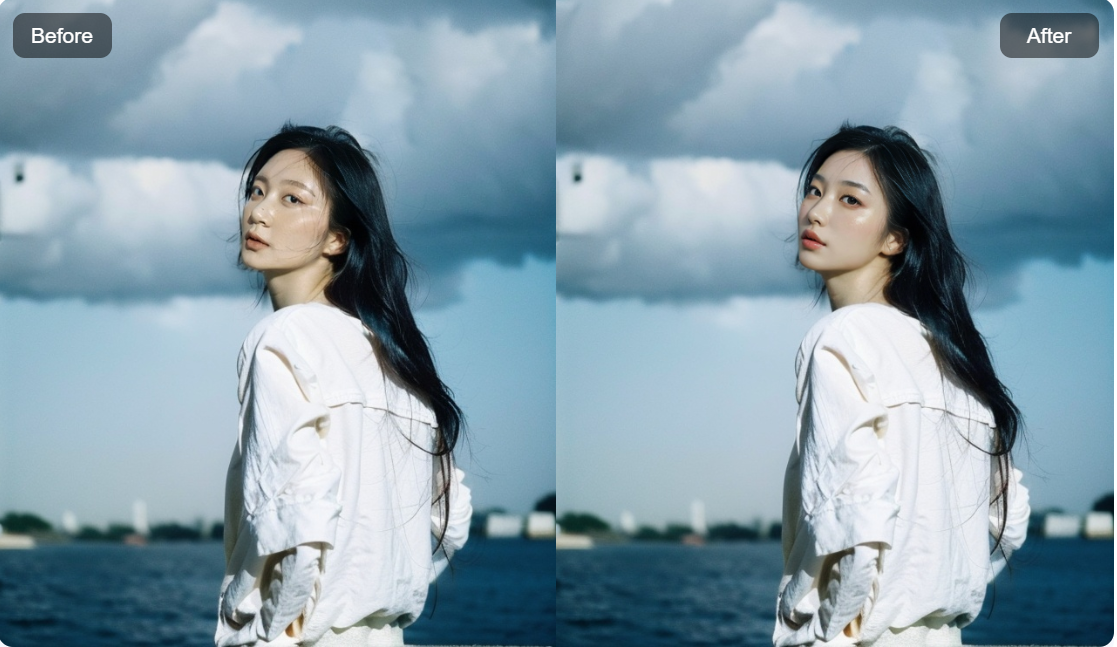
- Save and Star: Allow users to save their best cases, ensuring easy access to the images you love most for future usage. We also allow you to quickly view before-and-after
images and their execution records.

- Save and Star: Allow users to save their best cases, ensuring easy access to the images you love most for future usage. We also allow you to quickly view before-and-after
images and their execution records.
- Task Creation in Batches
- Parameter Combinations: Support creating tasks in batches based on various parameter combinations. WeShop UI will be able to execute those selections in orders automatically.

- Parameter Combinations: Support creating tasks in batches based on various parameter combinations. WeShop UI will be able to execute those selections in orders automatically.
- Download Images
- One-click download: Offers a single-click download for both full-size images and 4K images.

- One-click download: Offers a single-click download for both full-size images and 4K images.
- PSD Download
- Post-processing Refinement: One-click download of PSD files including original image, mask, and generated images for Photoshop refinement.

- Post-processing Refinement: One-click download of PSD files including original image, mask, and generated images for Photoshop refinement.
- Inference Engine
- Foundational Technology: Based on AUTOMATIC1111/stable-diffusion-webui, updating with the latest version and better and easier experience the new features


Click the "Start" button on the bottom right to launch the tool. Depending on the computer's specification, it takes some time to launch.


This website will pop up after the software is launched. Select the type of task desired to be executed. Currently, functionalities include text-to-image (txt2img) and image-to-image (img2img).

Select desired parameters for image generations.


Further refine generations by selecting desired ControlNet and AfterDetailer parameters. Click the "Generate" button on bottom right to start generation process.

Resulting images will shortly be displayed after generation process is finished. Click "Edit again" button on the top right to adjust parameters or generate again.
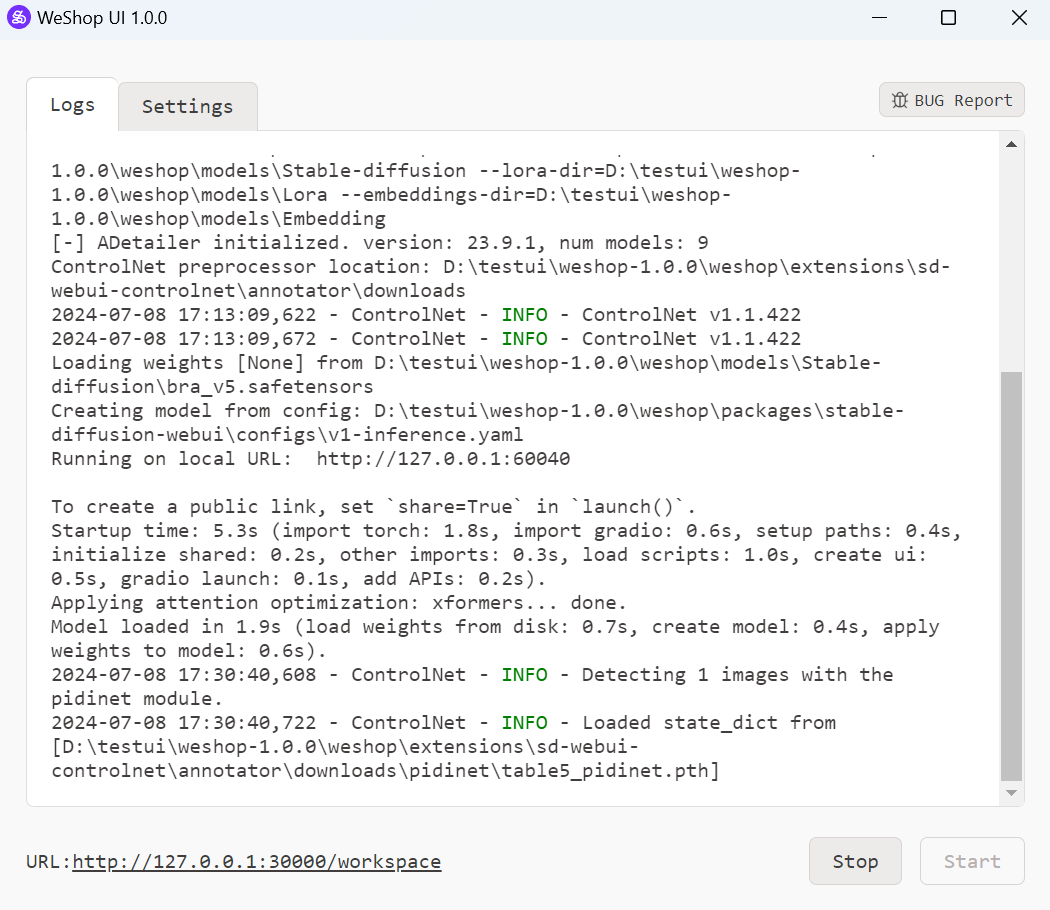
For any bugs encountered, click the "BUG Report" button, then bug info will be sent. Alternatively, you can send feedback from our Github page https://github.com/weshopai/WeShop-UI
-
Windows 7 or above system
-
8GB VRAM Nvidia GPU
-
16GB RAM
You can download WeShop UI 1.0.0 from the following sources:
Huggingface: https://huggingface.co/WeShopAI/WeShop_UI_1.0.0
Steam: in progress
Unzip weshop-1.0.0.zip and weshop-model-pack.zip
Replace weshop/models with weshop-model-pack/models
Replace weshop/extensions/sd-webui-controlnet/models with weshop-model-pack/extensions/sd-webui-controlnet/models
Replace weshop/extensions/sd-webui-controlnet/annotator/downloads with weshop-model-pack/extensions/sd-webui-controlnet/annotator/downloads
Click weshop.exe to launch
For Steam users, find Weshop_AI in the market, then directly launch the software from Steam.




This project makes use of the following open-source projects:
https://github.com/sgreben/http-file-server : A file server to store necessary local files created
https://github.com/pierrre/imageserver : A file server dedicated to store image files created
https://github.com/facebookresearch/segment-anything : Segment uploaded images to create masks
https://github.com/sczhou/CodeFormer : Upscale images