Skip to content

Theme for Micro Editor inspired by Dracula and Monokai.

Notifications You must be signed in to change notification settings

yonhaime/afterglow

Folders and files

NameName
Last commit message
Last commit date

Latest commit


History

4 Commits


Repository files navigation

Afterglow

Theme for Micro Editor
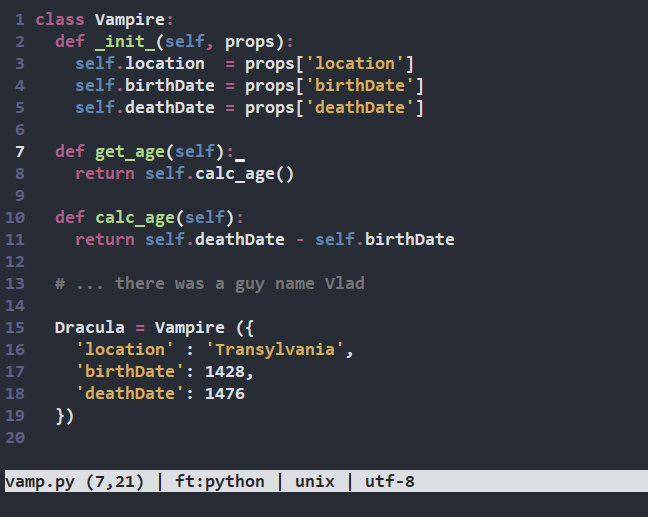
alt text

Install using Git

If you are a git user, you can install the theme and keep up to date by cloning the repo:

$ git clone https://github.com/yonhaime/afterglow.git

Install manually

Download using the GitHub .zip download option and unzip them.

Activating theme

  1. Place afterglow.micro into ~/.config/micro/colorschemes (create the folder if it doesn't exist). config.fish).
  2. Start a new instance of Micro, if the theme isn't available, press Ctrl+E to bring up the command prompt, type in set colorscheme afterglow and execute (press Enter).

About

Theme for Micro Editor inspired by Dracula and Monokai.

Topics

Resources

Stars

Watchers

Forks

Releases

No releases published

Packages

No packages published