Add images to github wiki
-
Create a location to keep the images
-
in the repo, create a new file called: github-tutorial/wiki_images/README.md
-
add the text: 'This folder contains images for the wiki' and commit new file
-

-
drag files into the folder github-tutorial/wiki_images
-
copy/paste the url of the images
This is convenient to save images of screenshot
- Click on "issues"
- Create a new issue called "wiki images"
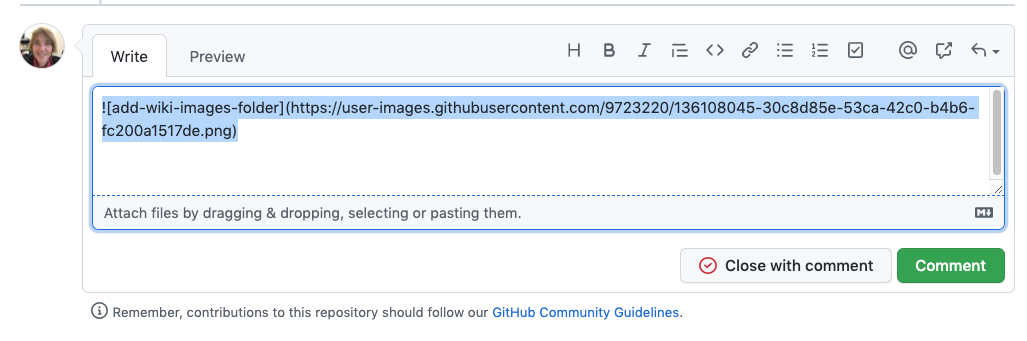
- Use comment to add images:
- (1) drag images in comment
- (2) copy/paste the link
- (3) click preview to see the image preview